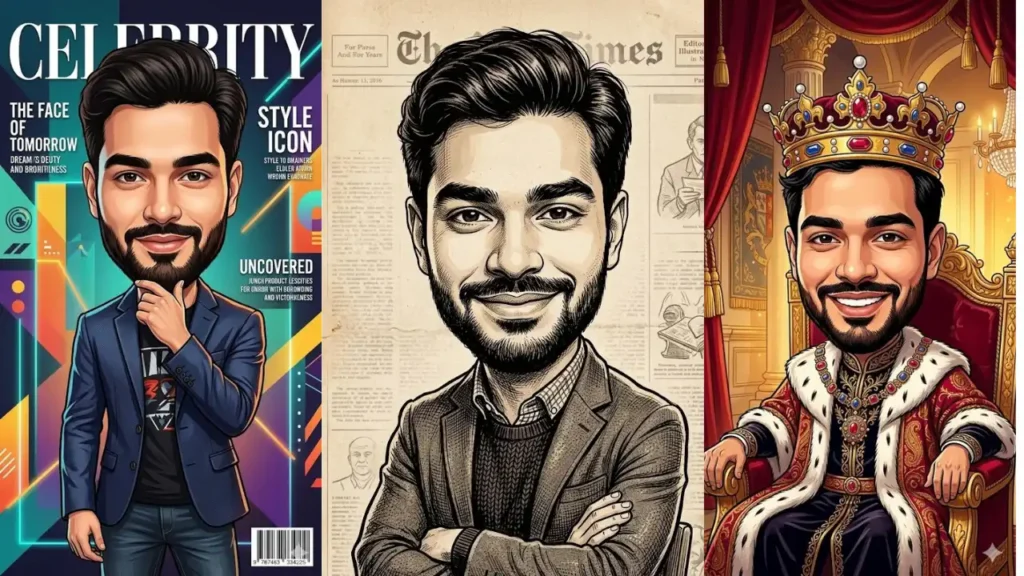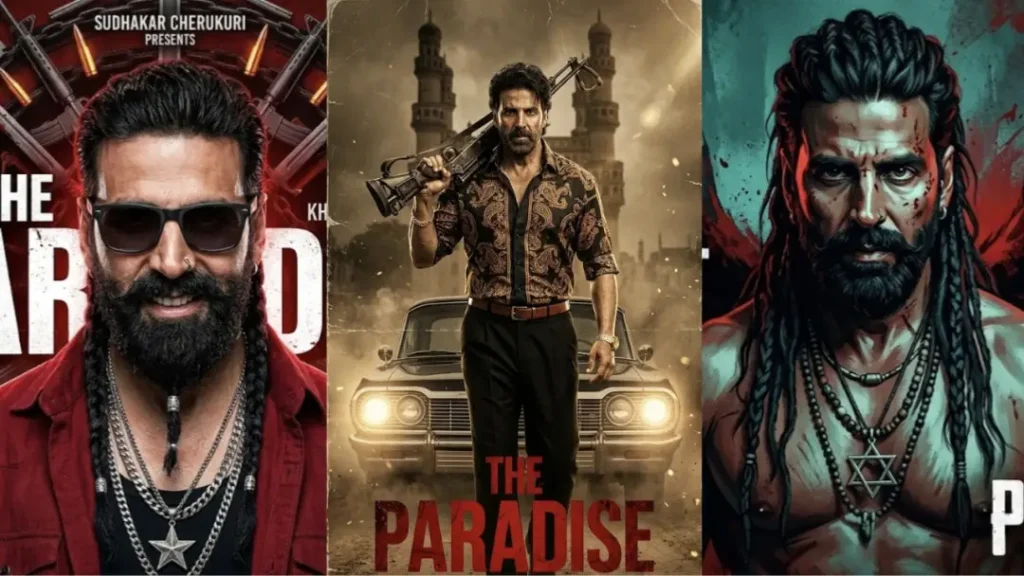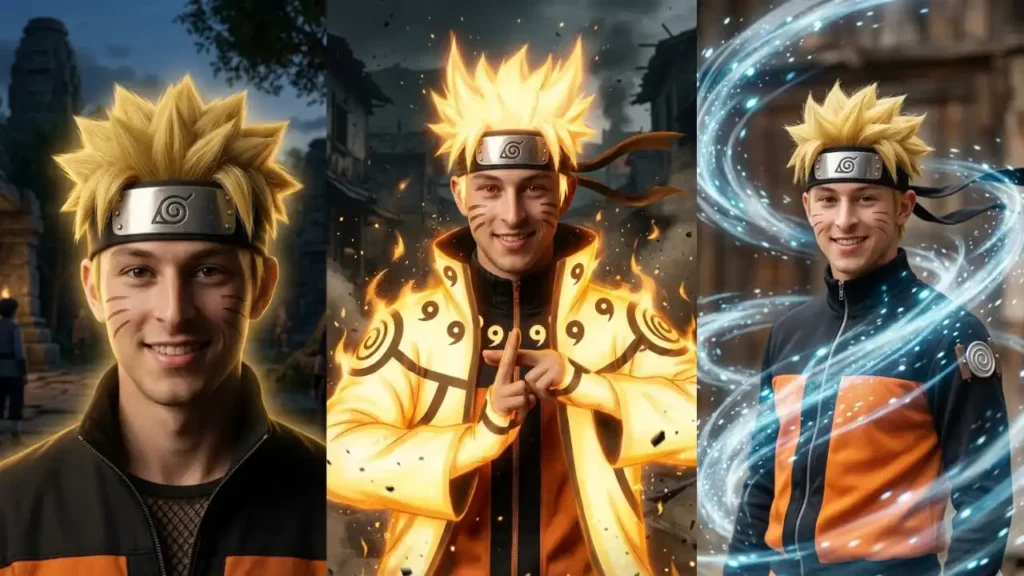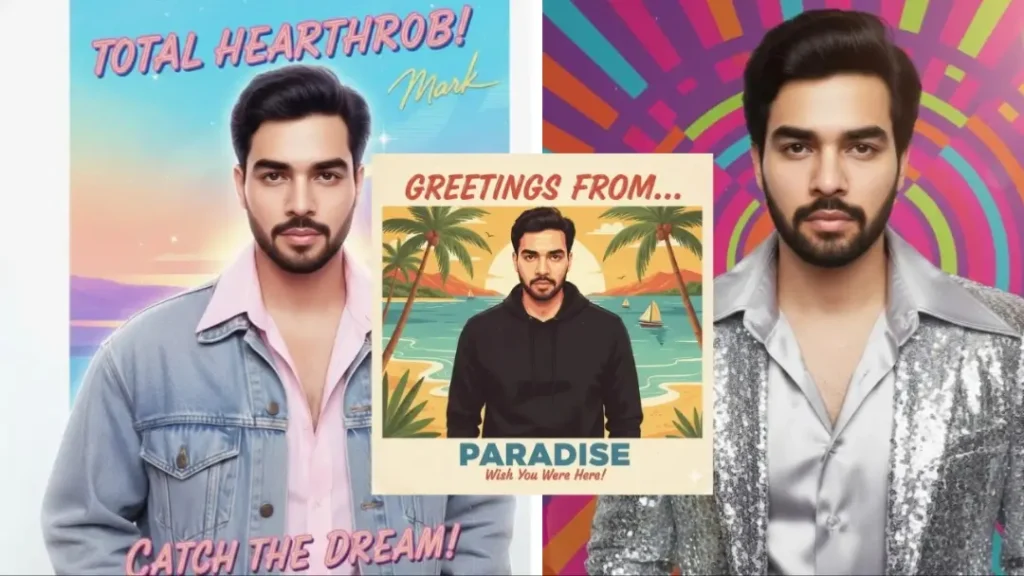
Retro portraits never go out of style. From cinematic black and white film looks to colorful 80s magazine aesthetics, vintage photography has a timeless charm that instantly makes any portrait feel artistic and premium.
With Gemini AI image generation, you no longer need professional studios, expensive props, or complex editing software to achieve these classic styles.
The prompts below are carefully designed to transform modern photos into authentic retro masterpieces while keeping your real identity intact using precise face preservation instructions.
Whether you want a nostalgic Polaroid vibe, a rugged 90s grunge look, or an elegant Old Hollywood portrait, these prompts help you create scroll stopping visuals in just a few clicks.
1. Vintage Film Noir Hero
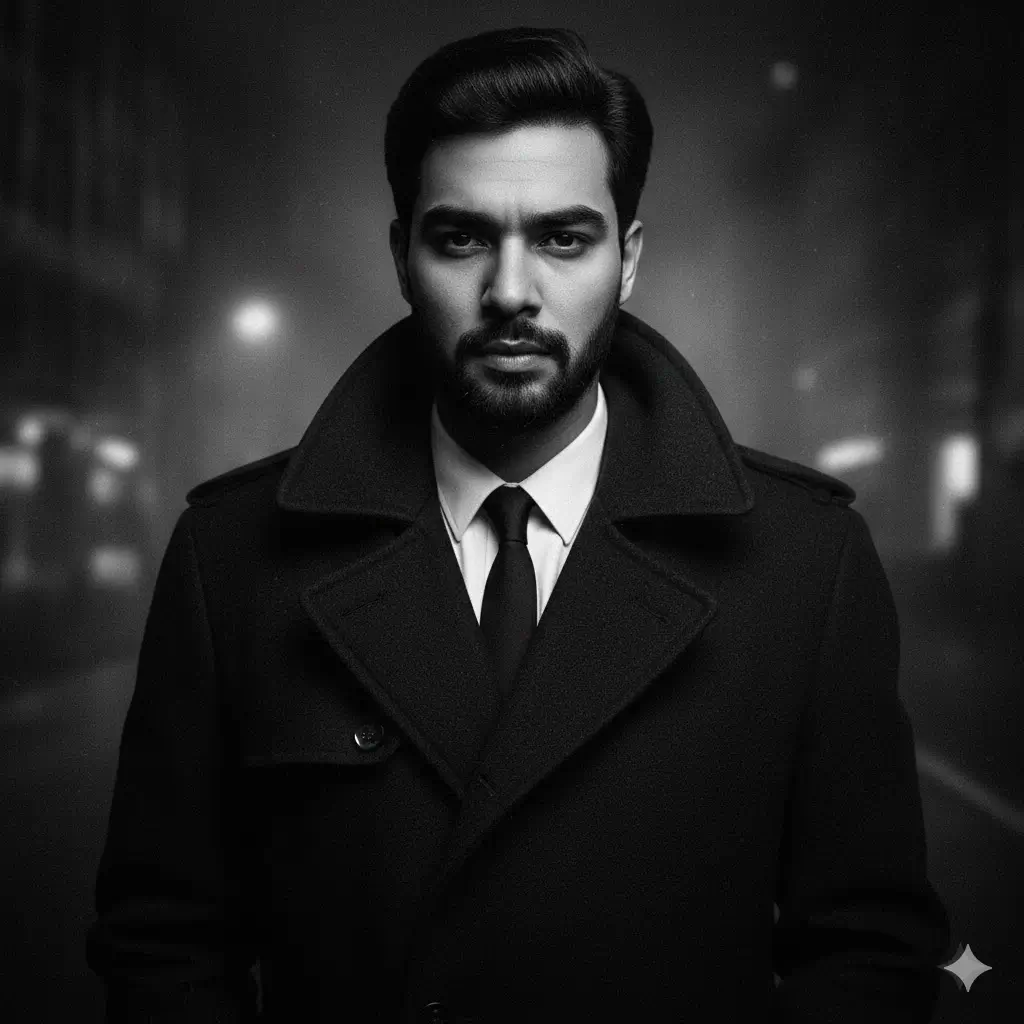
Transform my uploaded photo into a dramatic retro film-noir portrait. Maintain my exact facial structure — IMPORTANT – FACE LOCK (ABSOLUTE). Create deep shadows, soft grain, and contrasty black-and-white tones from 1950s crime cinema. Style my outfit like a classic trench coat or suit, with a moody expression and smokey atmosphere. Add subtle spotlighting and a blurred city backdrop. Preserve realism and fine texture. Aspect Ratio: 9:16.
2. Classic 70s Warm-Tone Portrait
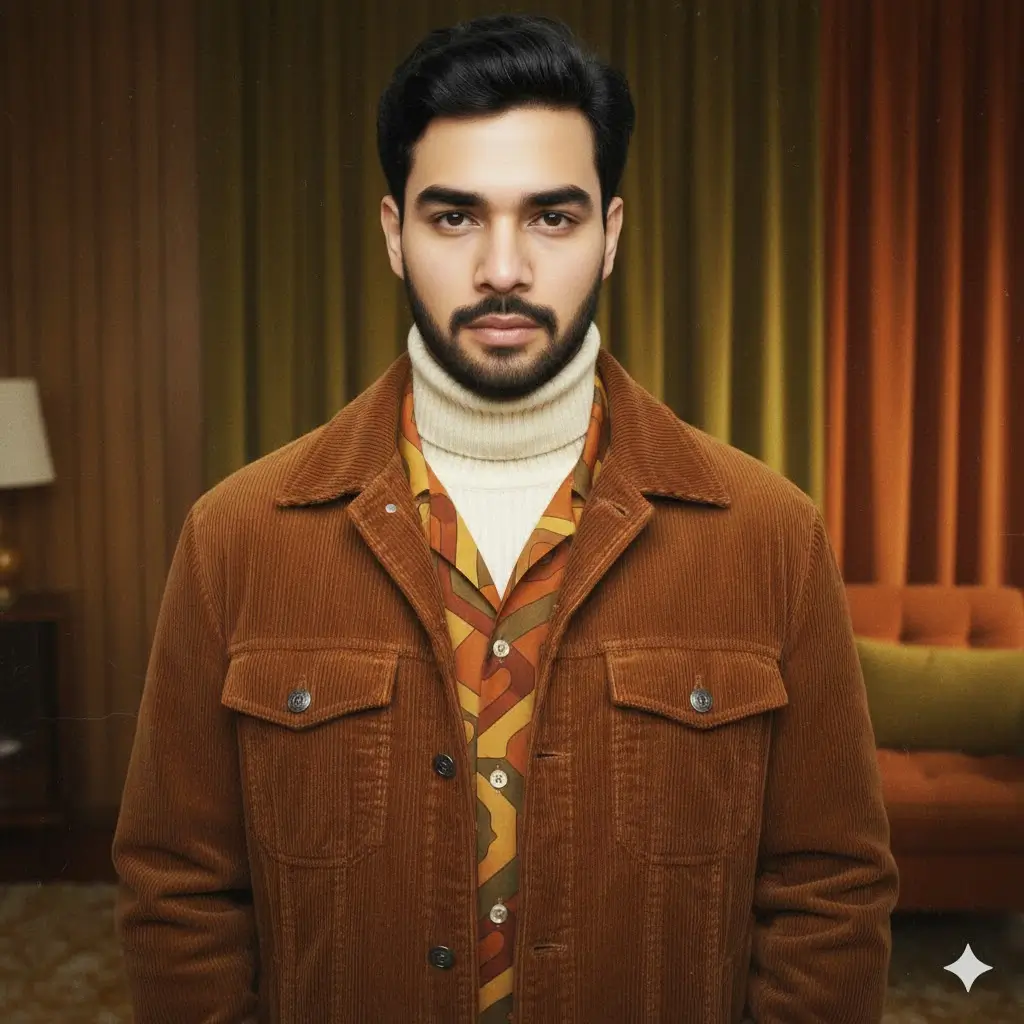
Turn my photo into a soft, warm-toned 1970s retro portrait. IMPORTANT – FACE LOCK (ABSOLUTE). Use golden hues, subtle vignette, and film grain. Add a vintage living-room background or textured studio curtain. Enhance natural skin glow, long shadows, and matte texture for realism. Outfit should match 70s fashion—brown corduroy jacket, patterned shirt, or casual turtleneck. Keep everything warm, nostalgic, and natural. Aspect Ratio: 9:16.
3. 90s Grunge Retro Portrait
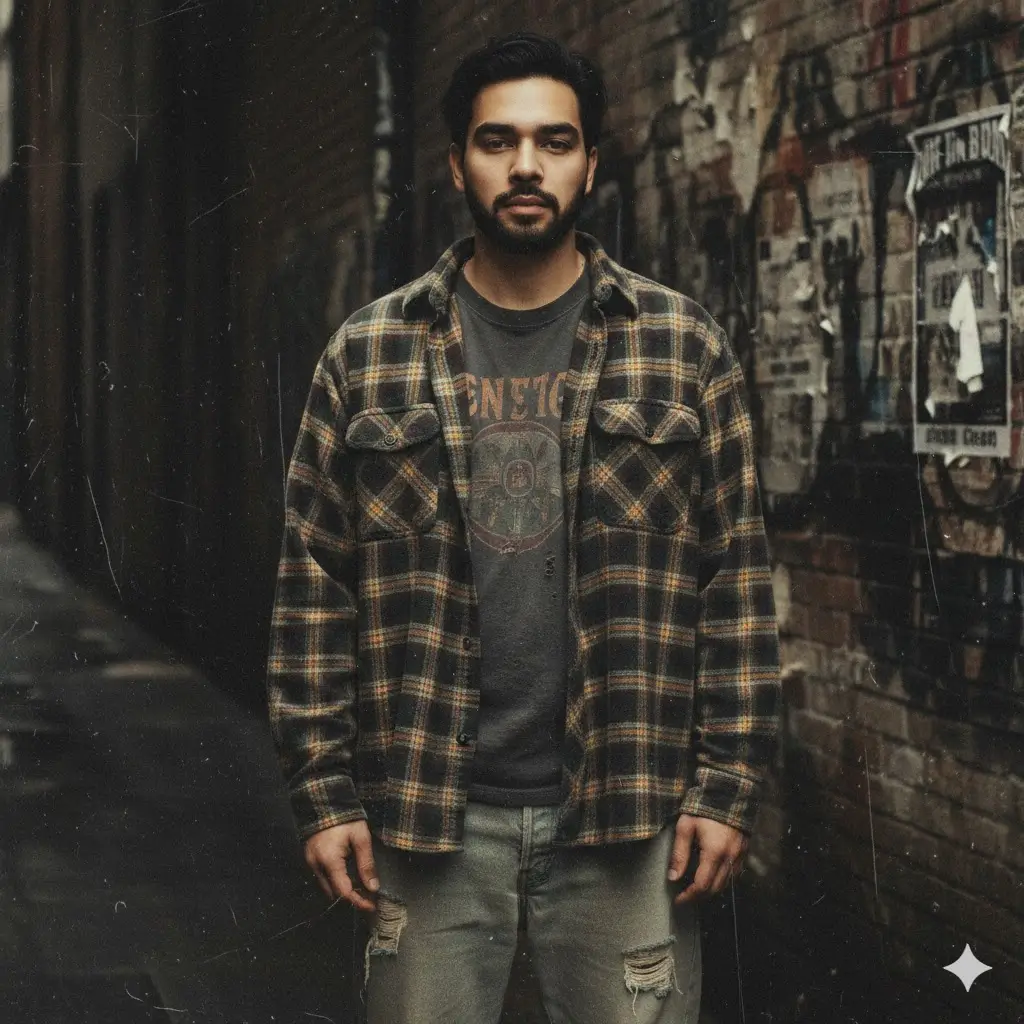
Transform my uploaded picture into a 1990s grunge-inspired retro portrait. IMPORTANT – FACE LOCK (ABSOLUTE). Add muted colors, gritty textures, film scratches, and a slightly desaturated tone. Outfit should match 90s fashion—plaid shirts, oversized jackets, or band tees. Background can feature old walls, street textures, or dim indoor lighting. Keep the portrait expressive and raw, reminiscent of 90s underground culture. Aspect Ratio: 9:16.
4. Vintage Oil-Painted Retro Portrait
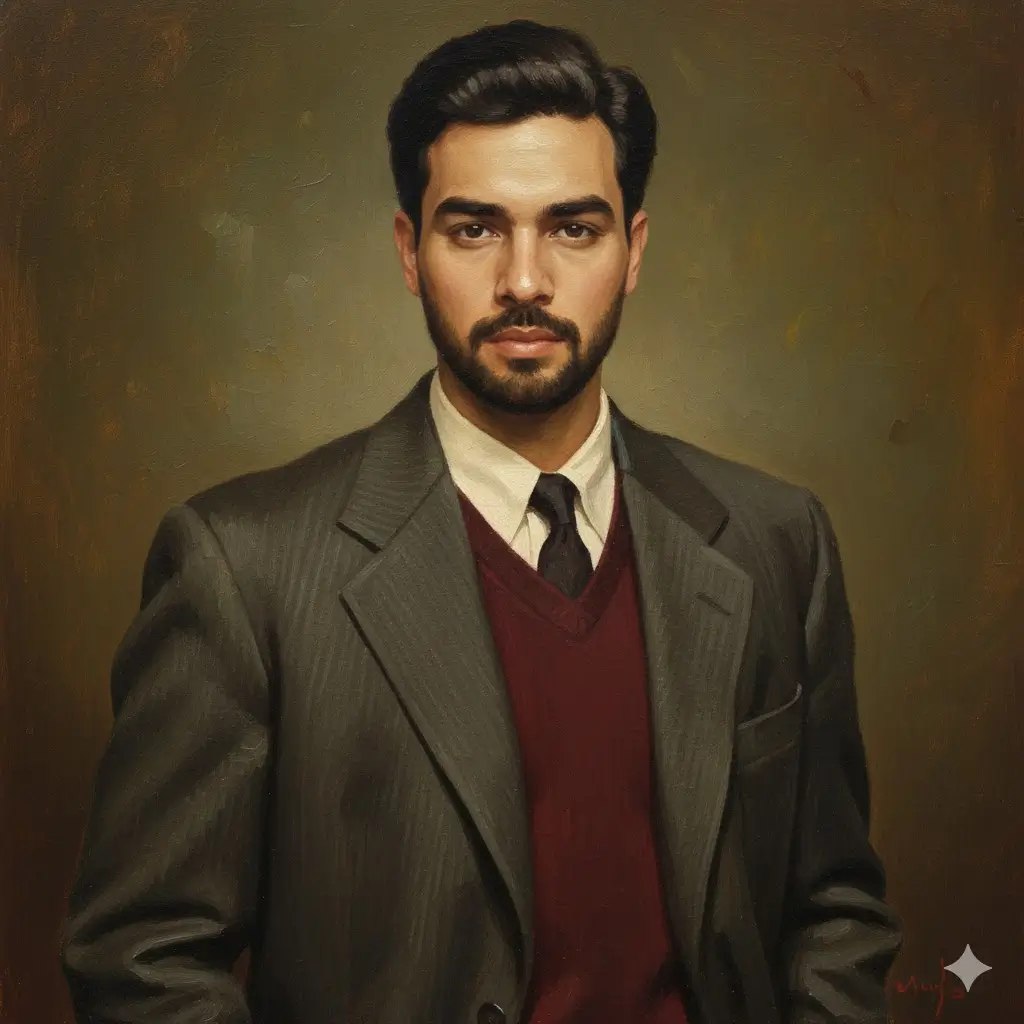
Turn my photo into a 1950s-inspired oil-painted portrait while keeping my face identical — IMPORTANT – FACE LOCK (ABSOLUTE). Add canvas texture, classical brush strokes, warm lighting, and soft shadows. Clothing should feel formal or semi-formal, like a vintage blazer or sweater. The background can be a muted studio backdrop with rich tones. Maintain realistic proportions and retro elegance. Aspect Ratio: 9:16.
5. Old-Hollywood Retro Gentleman
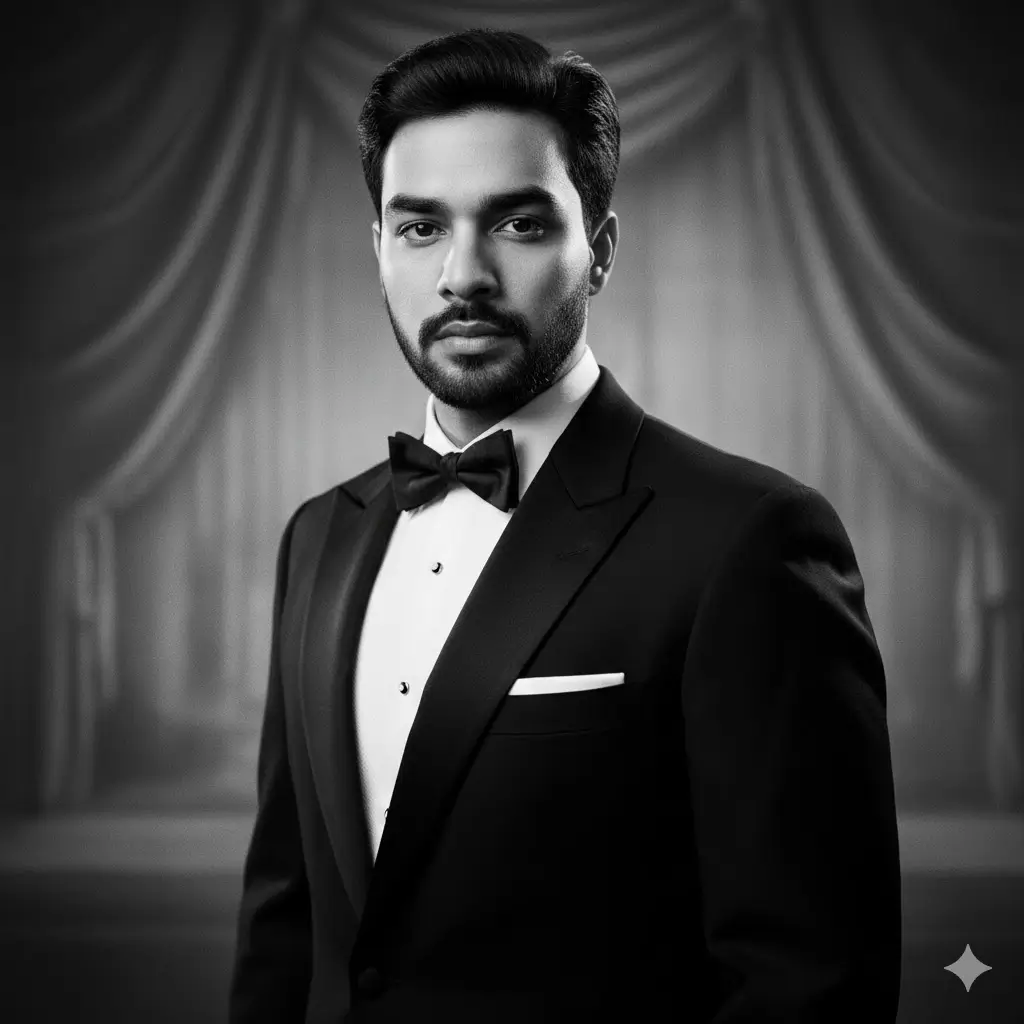
Create an Old-Hollywood 1930s retro portrait using my image. IMPORTANT – FACE LOCK (ABSOLUTE). Add dramatic studio lighting, sharp tuxedo or suit styling, and silver-toned black-and-white film. Include soft glow around highlights and classic portrait posing. Background should be a blurred vintage studio backdrop. Keep the aesthetic elegant, cinematic, and timeless. Aspect Ratio: 9:16.
6. Retro Barbershop Poster Boy
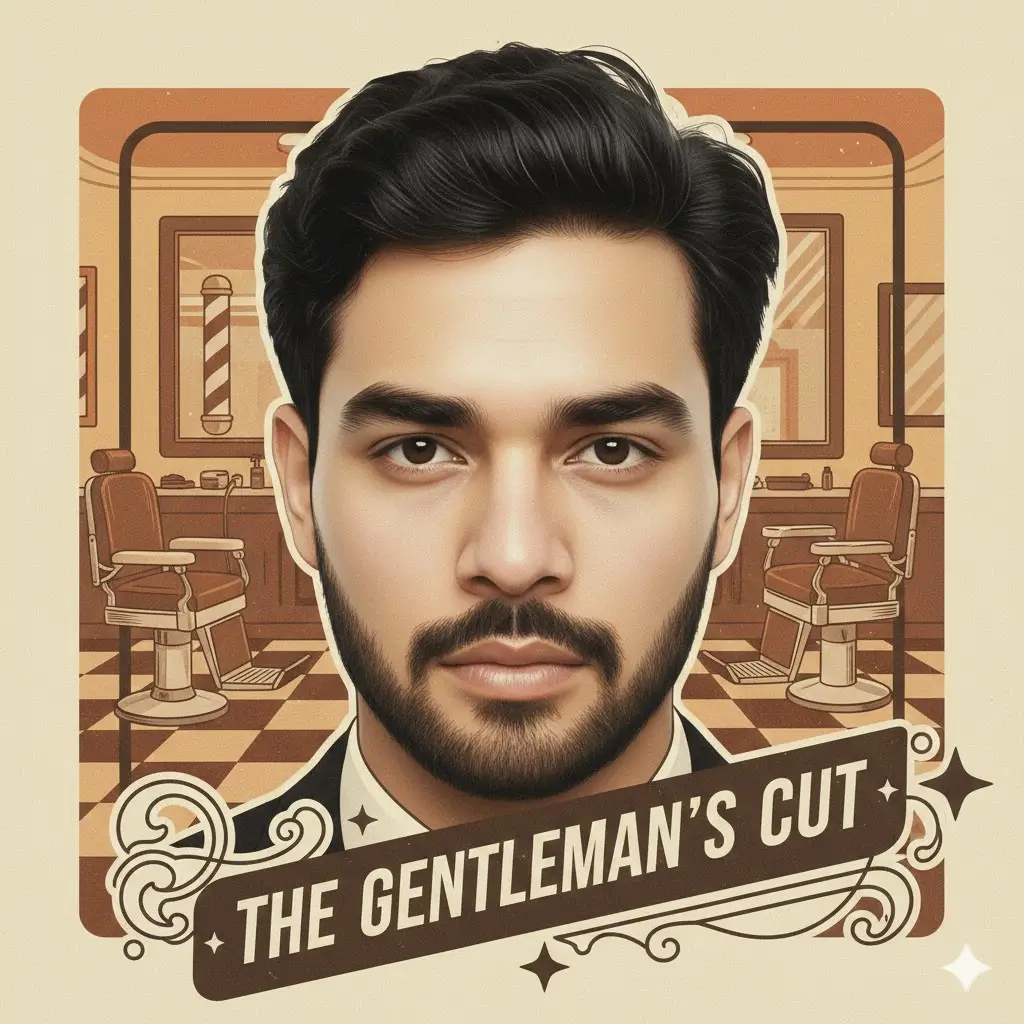
Transform my image to look like a 1960s barbershop advertisement portrait. IMPORTANT – FACE LOCK (ABSOLUTE). Use warm retro tones, crisp edging, and bold vintage graphic accents. Add classic hairstyle shine, neat grooming, and subtle grain for authenticity. Background can include muted barbershop props or simple poster textures. Maintain a clean, masculine retro aesthetic. Aspect Ratio: 9:16.
7. 70s Studio Flash Portrait
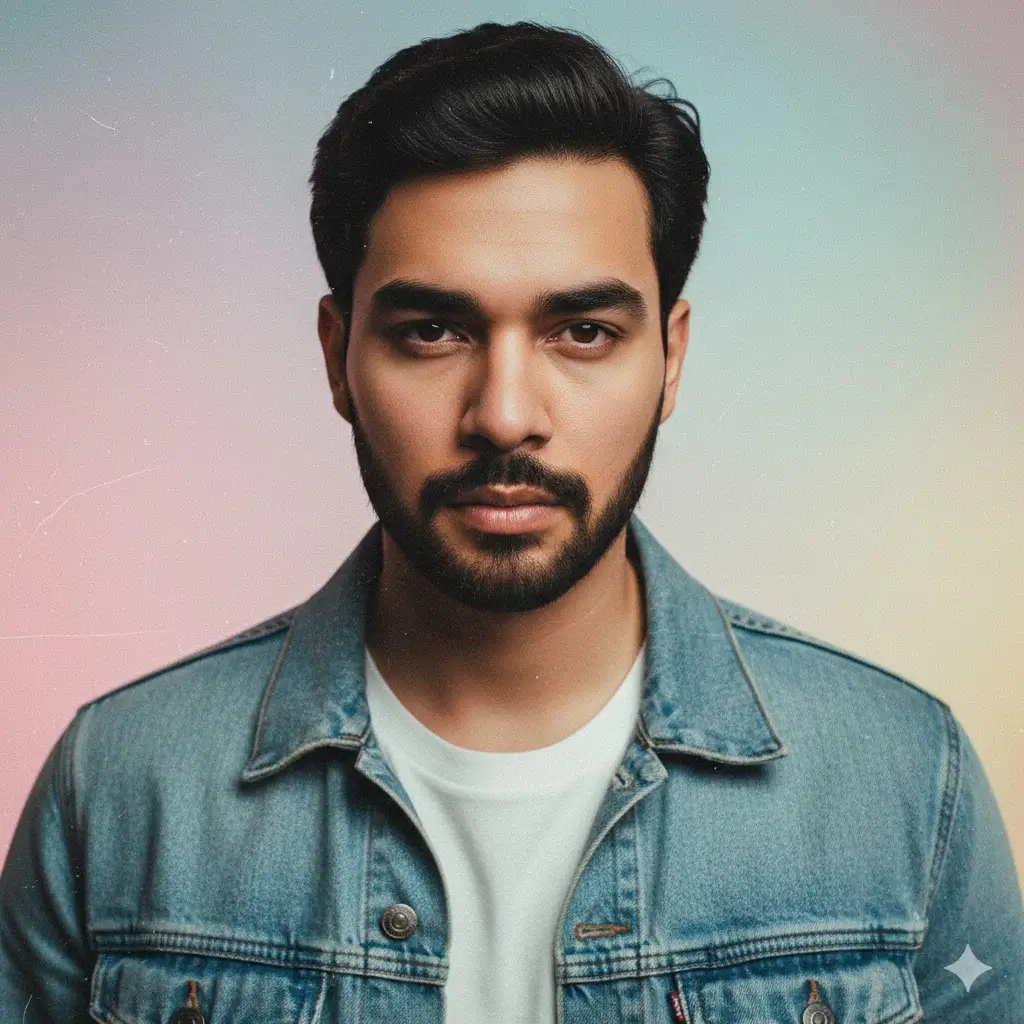
Convert my photo into a high-contrast 1970s studio-flash retro portrait. IMPORTANT – FACE LOCK (ABSOLUTE). Add bright front-facing flash, pastel background colors, and heavy grain. Outfit should be simple—denim jacket, plain tee, or vintage shirt. Maintain realism with accurate shadows and soft focus edges. Give the overall mood a nostalgic studio vibe. Aspect Ratio: 9:16.
8. Retro Teen Idol Poster
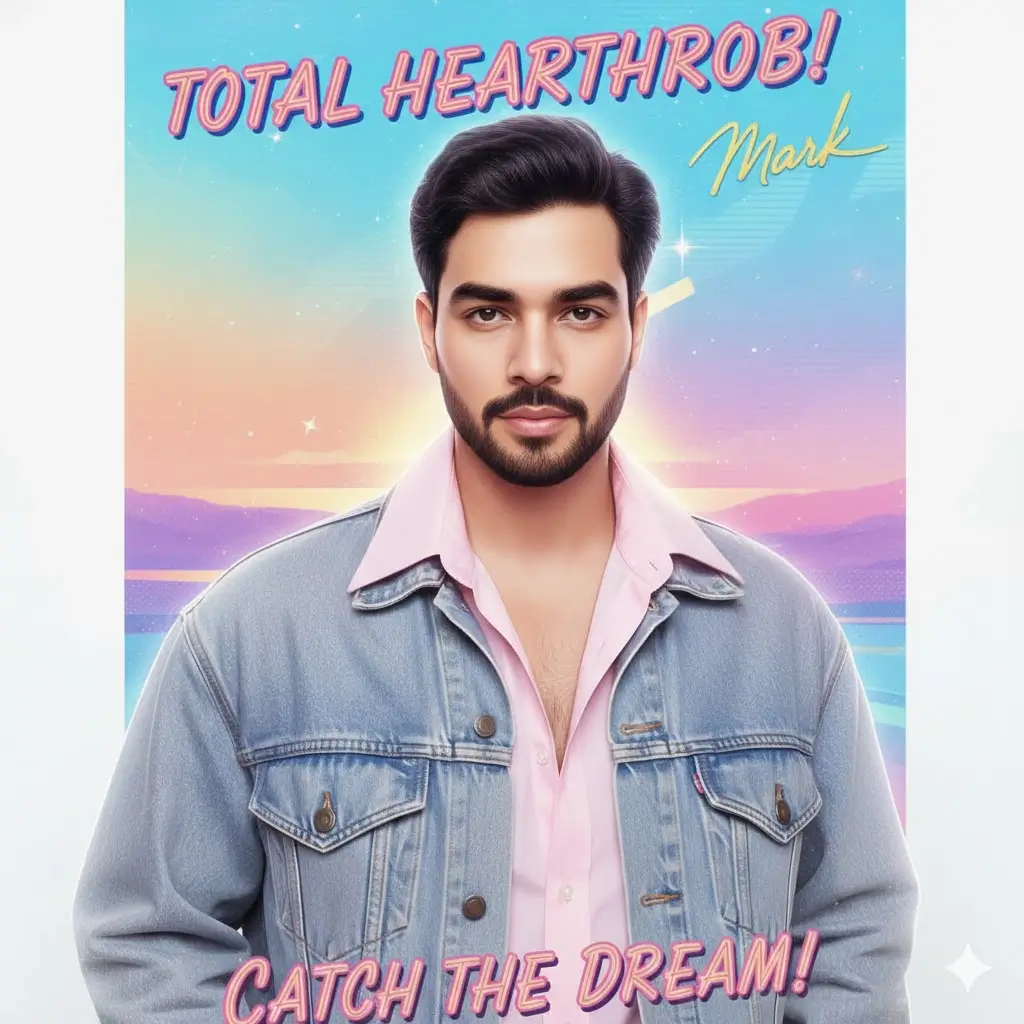
Turn my image into a 1980s teen idol retro poster. IMPORTANT – FACE LOCK (ABSOLUTE). Add soft glow, high-saturation pastels, stylized highlights, and retro handwritten-style typography. Outfit should include denim jackets or loose shirts. Make the background dreamy with gradient colors. Maintain nostalgic charm and youthful star energy. Aspect Ratio: 9:16.
9. 90s VHS Tape Retro Portrait
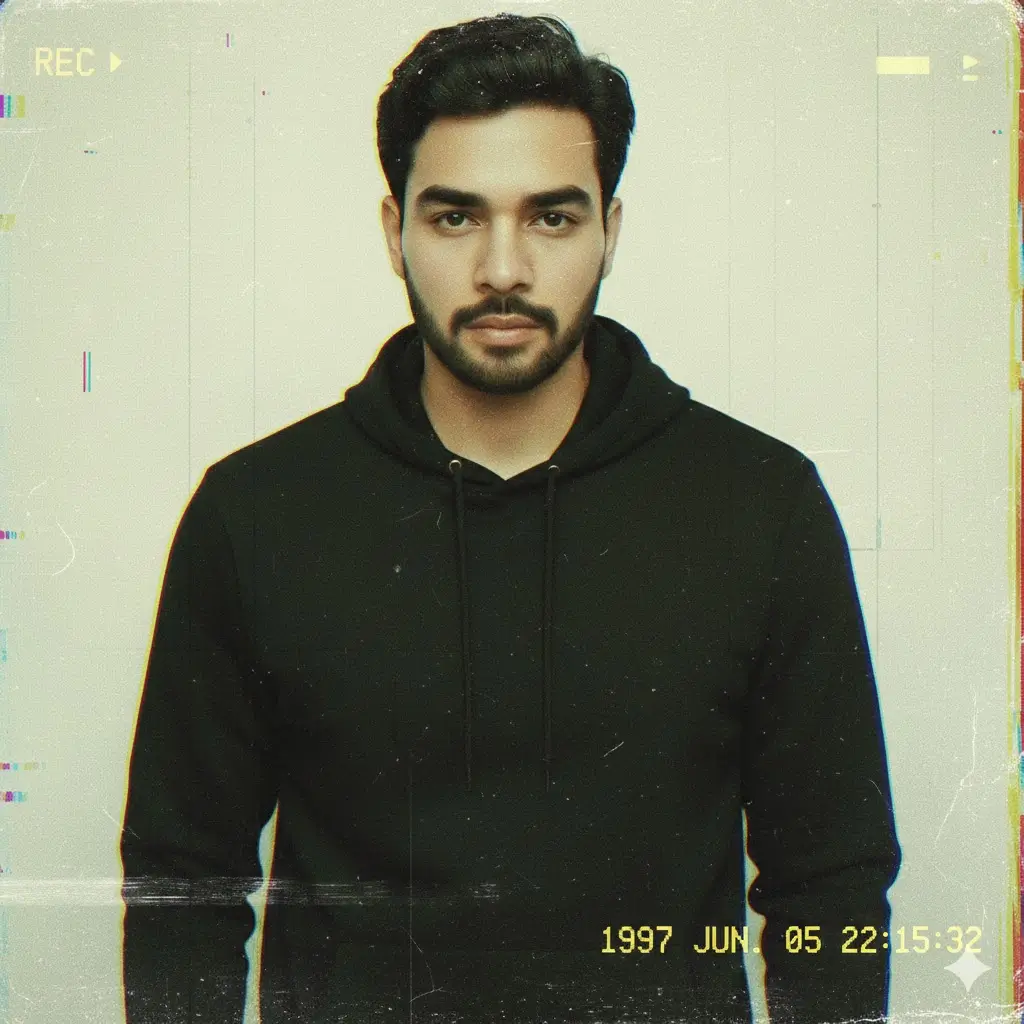
Transform my image into a 1990s VHS-tape styled portrait. IMPORTANT – FACE LOCK (ABSOLUTE). Add timestamp overlays, noise, chromatic distortion, and old-tape artifacts. Color palette should appear faded and slightly greenish. Outfit and background can stay casual. Create the vibe of a nostalgic home-video frame. Aspect Ratio: 9:16.
10. Vintage Motorcycle Poster Look
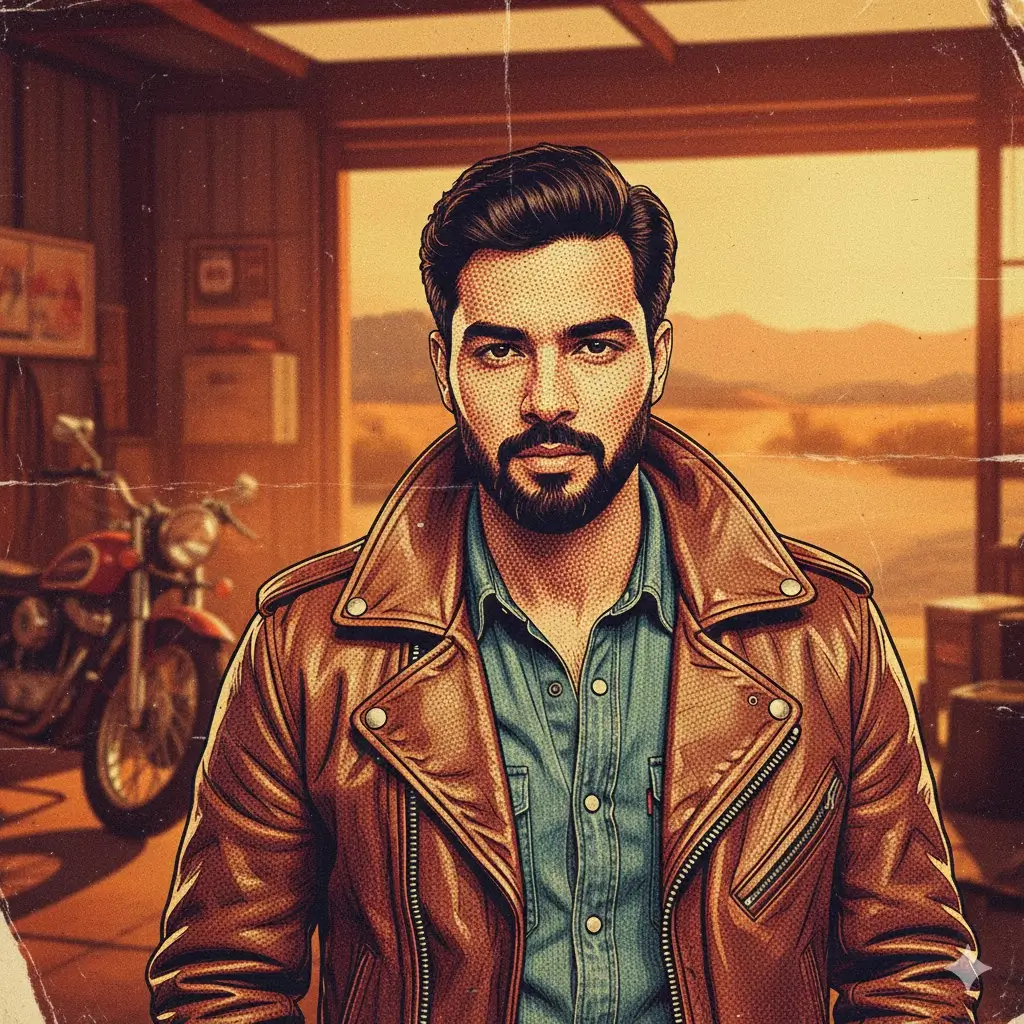
Turn my photo into a rugged 70s motorcycle poster-style retro portrait. IMPORTANT – FACE LOCK (ABSOLUTE). Use warm gritty tones, poster texture, and bold vintage shading. Outfit can include leather jackets or denim. Background may feature blurred garages or warm outdoor tones. Maintain authentic retro masculinity. Aspect Ratio: 9:16.
11. 60s Retro Travel Postcard Portrait
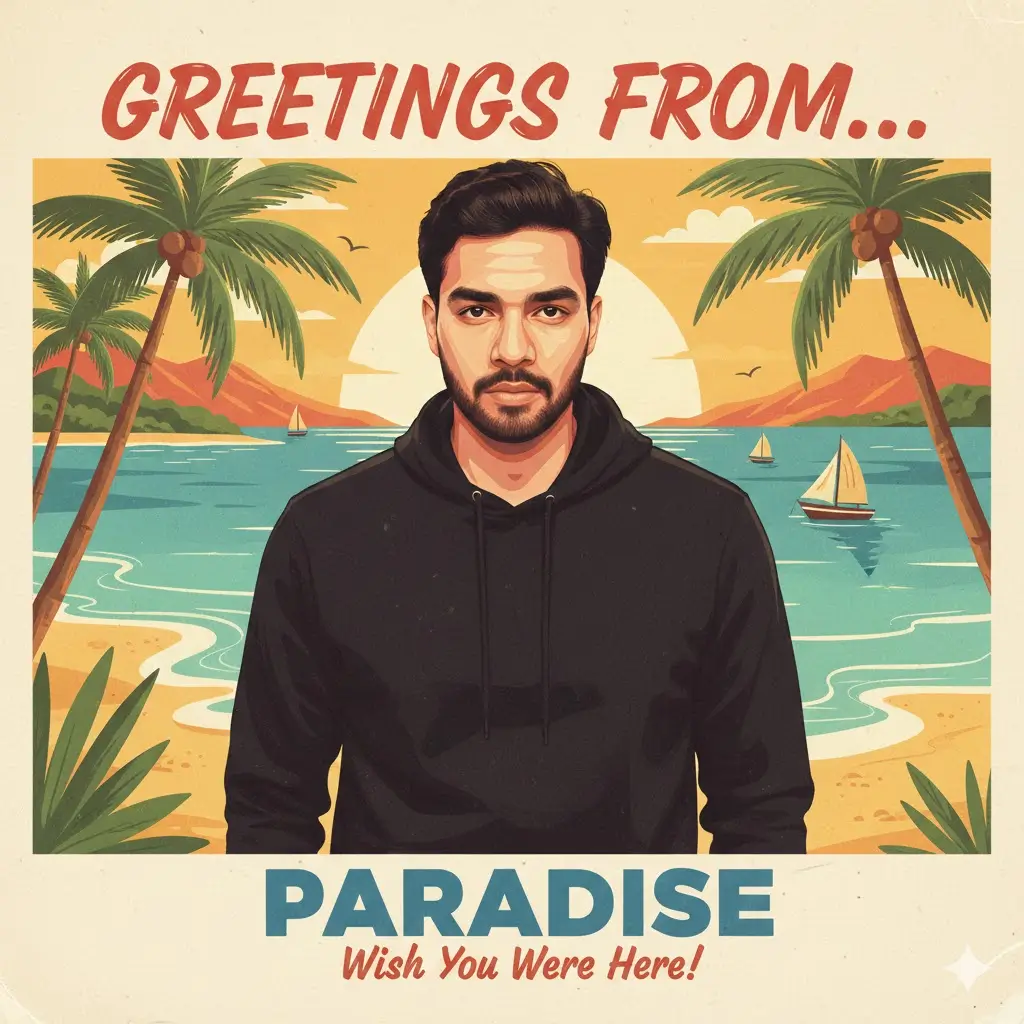
Convert my image into a 1960s travel postcard styled portrait. IMPORTANT – FACE LOCK (ABSOLUTE). Add soft warm colors, stylized shadows, postcard borders, and retro typography. Background can mimic beaches, cities, or scenic landscapes in vintage tones. Keep the mood cheerful and nostalgic. Aspect Ratio: 9:16.
12. Retro Studio Portrait With Flash Bloom
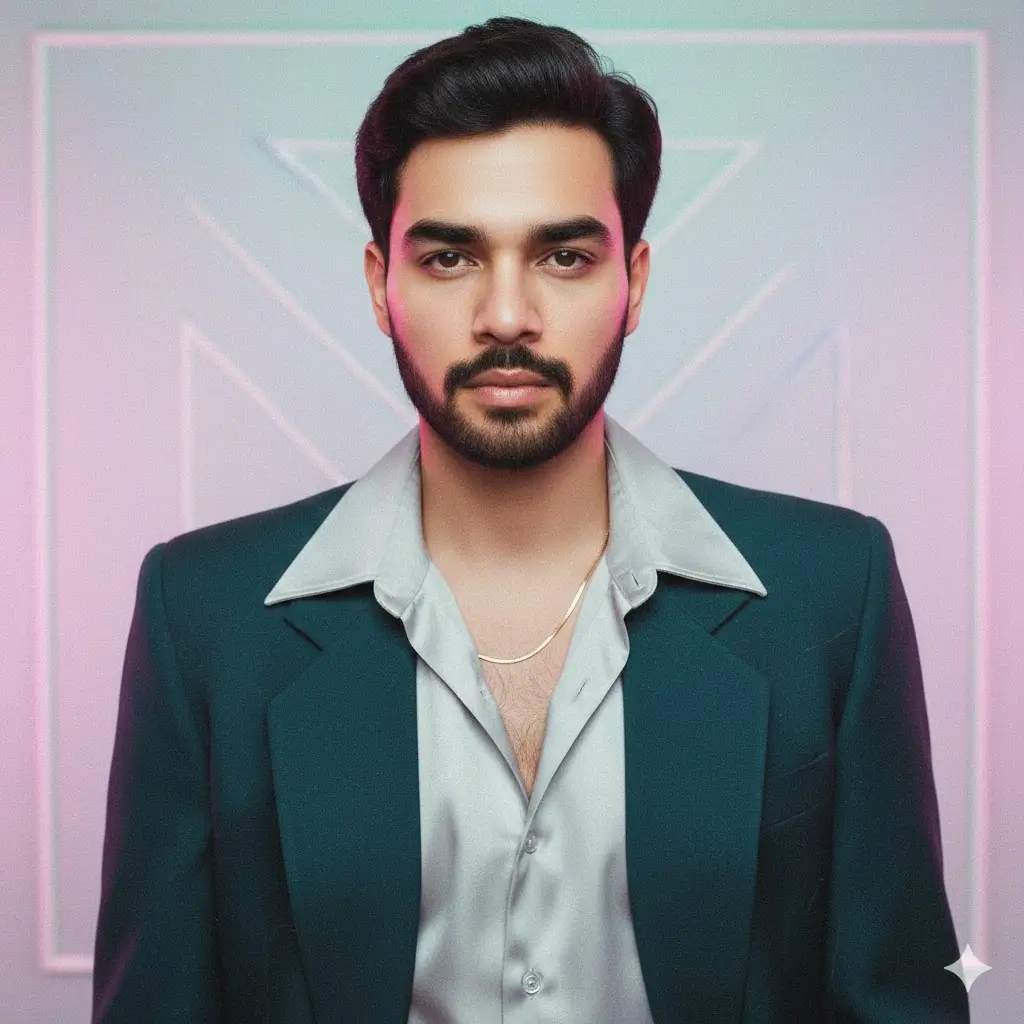
Transform my uploaded image into a 1980s flash-bloom retro portrait. IMPORTANT – FACE LOCK (ABSOLUTE). Add overexposed highlights, pastel studio background, and visible film texture. Outfit can be casual or semi-formal. Keep facial details sharp but lighting soft. Aspect Ratio: 9:16.
13. Old Newspaper Portrait Feature
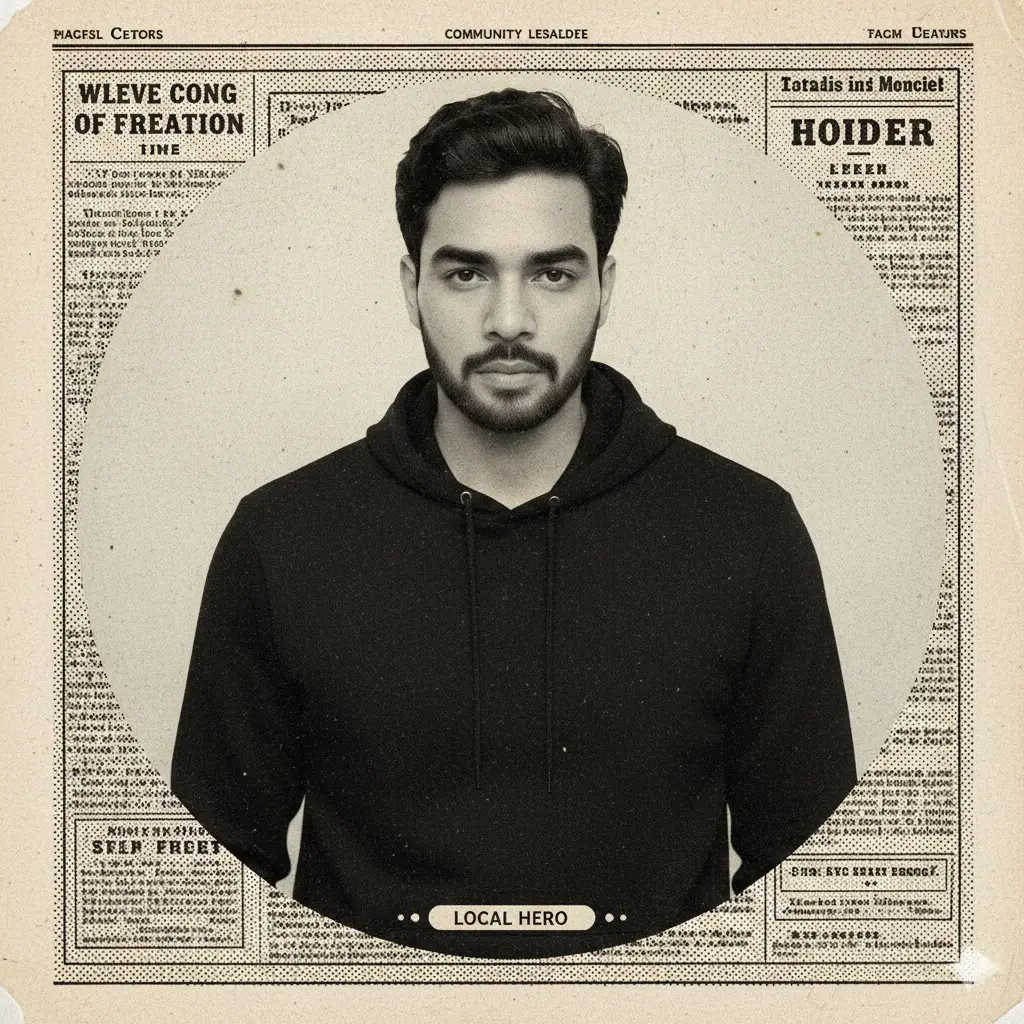
Turn my image into a 1950s newspaper portrait-style feature. IMPORTANT – FACE LOCK (ABSOLUTE). Use monochrome, high contrast, printed-paper texture, and vintage halftone shading. Background should be plain or blurred. Add a subtle old newspaper layout feel around the portrait. Keep the vibe historic and formal. Aspect Ratio: 9:16.
14. Retro Military Portrait Style
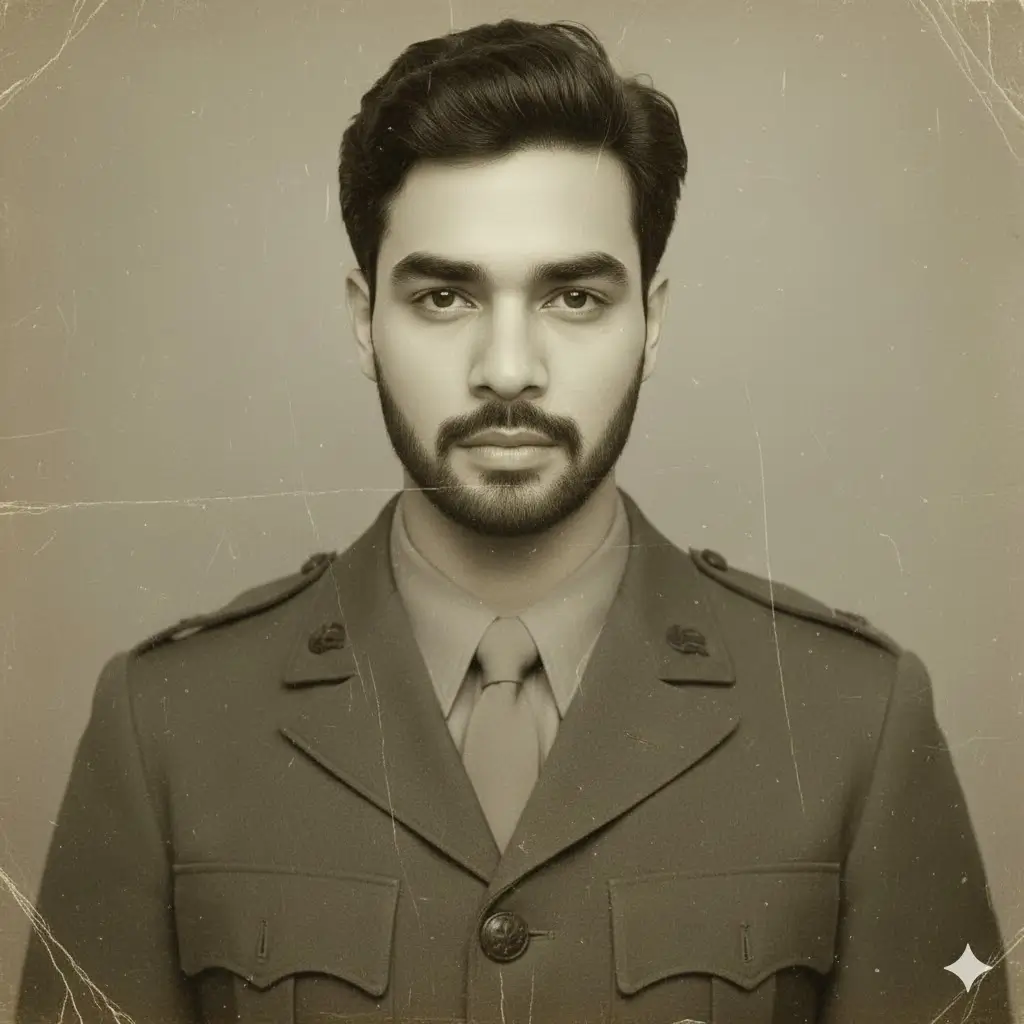
Convert my photo into a 1940s retro military portrait. IMPORTANT – FACE LOCK (ABSOLUTE). Add olive drab tones, old photograph texture, slight scratches, and faded lighting. Outfit should mimic vintage uniforms without insignia. Background must be simple and classic. Maintain realism and honor the retro style. Aspect Ratio: 9:16.
15. 70s Disco Portrait Boy
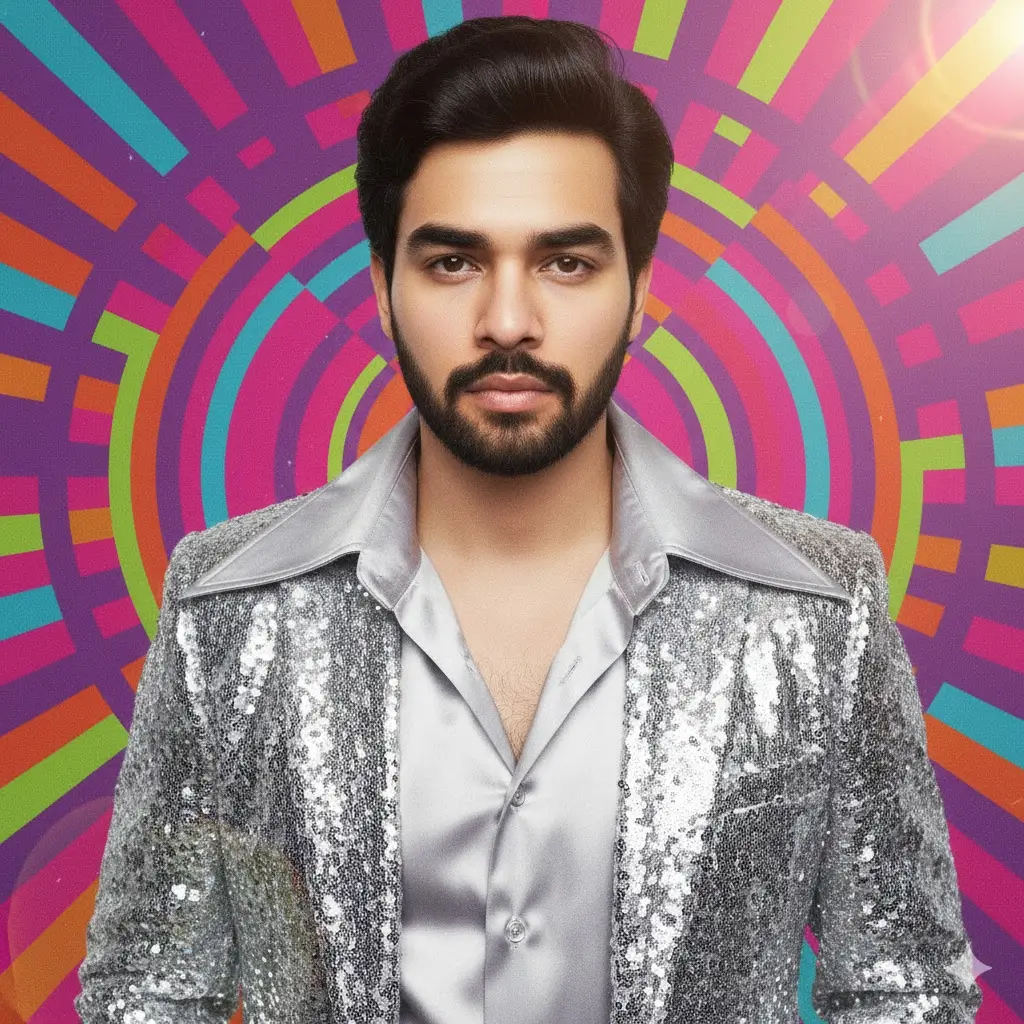
Transform my uploaded image into a fun 1970s disco-inspired retro portrait. IMPORTANT – FACE LOCK (ABSOLUTE). Add colorful lighting, vibrant gradients, film grain, and soft lens flare. Outfit may include patterned shirts or shiny jackets. Background can include abstract disco textures. Keep it energetic and nostalgic. Aspect Ratio: 9:16.
How To Use These Gemini Prompts
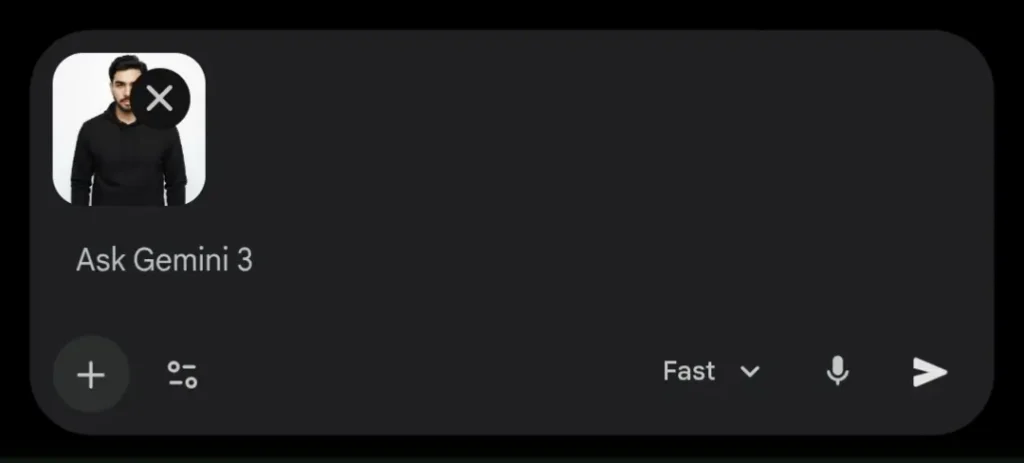
Using these retro portrait prompts is simple and beginner friendly. First, open Gemini AI or any supported AI image generation platform that allows image uploads. Upload your clear front facing photo with good lighting for the best results.
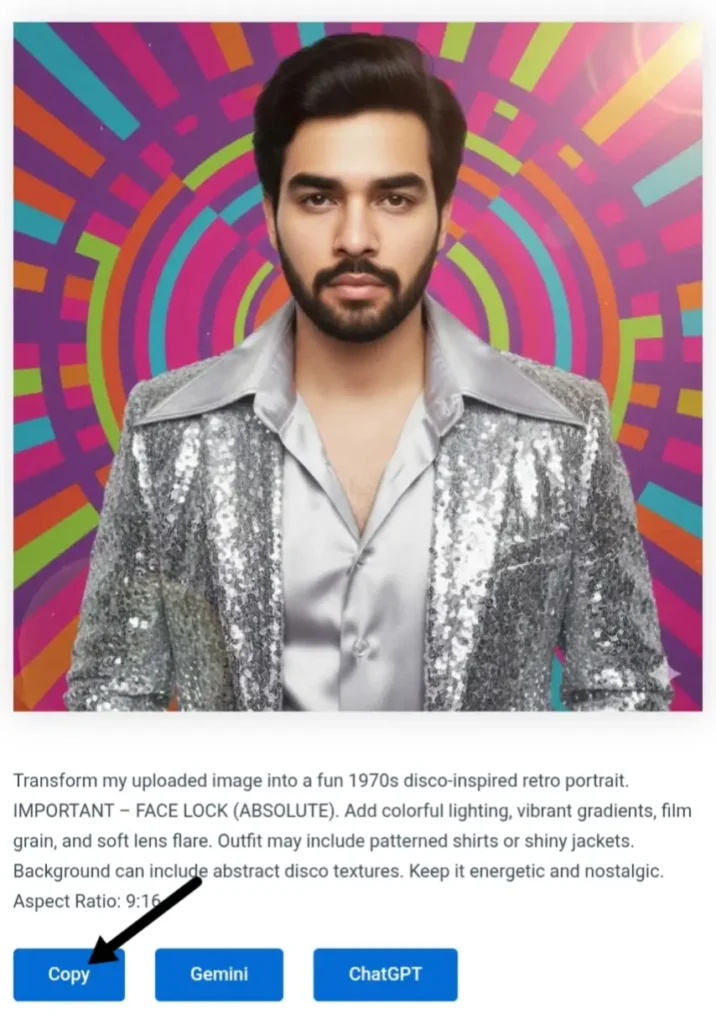
Copy any prompt from the list and paste it directly into Gemini’s image generation box. Make sure the uploaded photo stays attached so the AI can follow the FACE LOCK (ABSOLUTE) instruction properly. Generate the image and review the result.
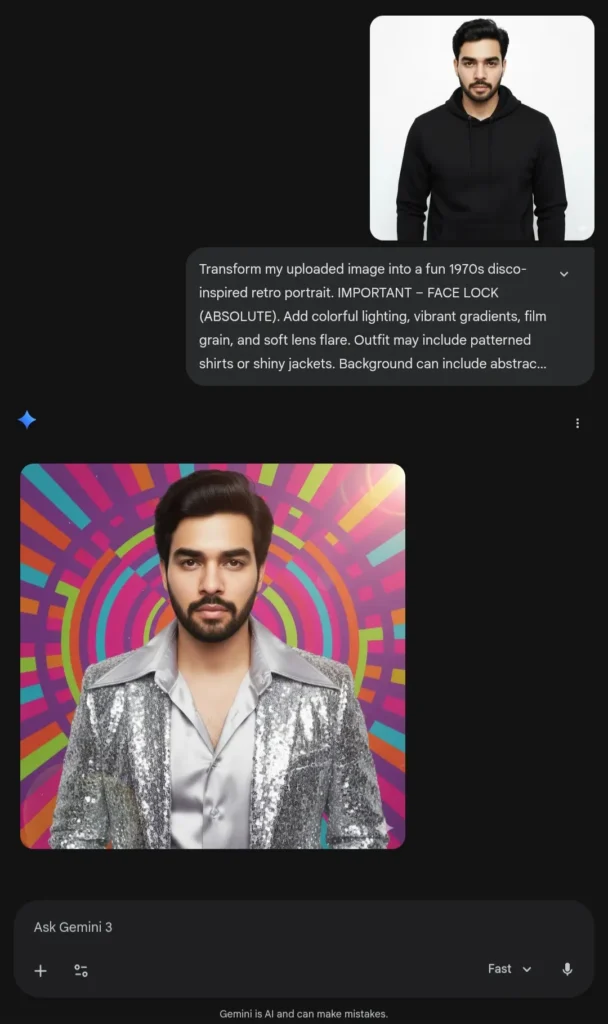
If needed, regenerate once or twice to refine lighting, outfit details, or background mood. You can also slightly adjust expressions or tones while keeping the main prompt structure unchanged
For Best Results:
- Use Gemini AI Pro Model (Nano Banana Pro)
- Use at least half body image instead of just face, so that Gemini can better understand your anatomy.
- Try the same prompt in 2-3 new chats to get better version.
Retro portraits combine nostalgia with modern creativity, making them perfect for social media profiles, reels, personal branding, or artistic collections.
These Gemini prompts are crafted to deliver consistent, realistic, and high quality results without complicated editing skills. Simply upload your photo, copy a prompt, and let AI recreate a timeless vintage aesthetic around your personality.
Experiment with different eras and styles to discover which retro version of yourself stands out the most.
FAQs
Can i use these prompts in ChatGPT?
Not only Gemini AI, these prompts can be used in any AI image generator including ChatGPT.
About The Author