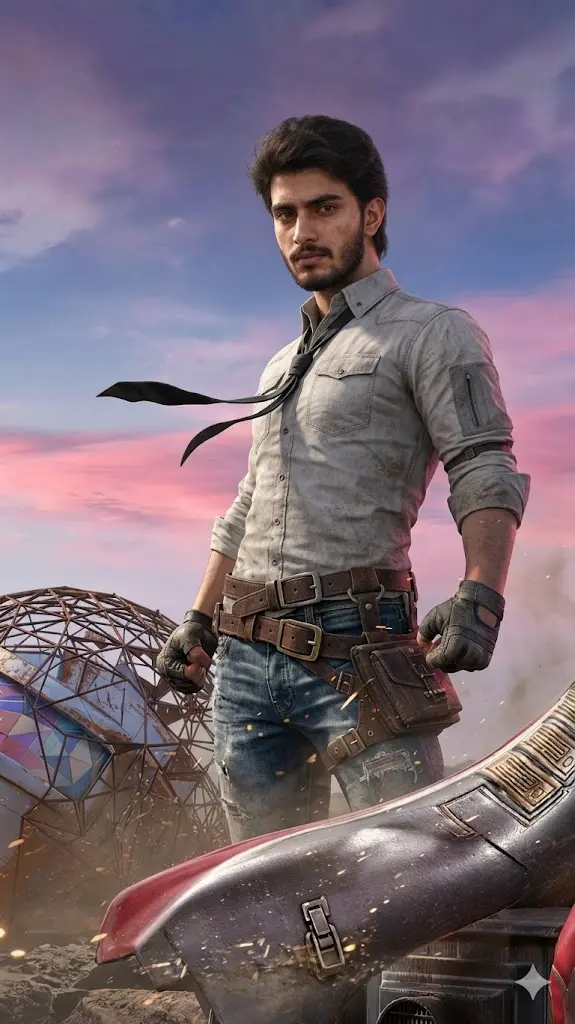
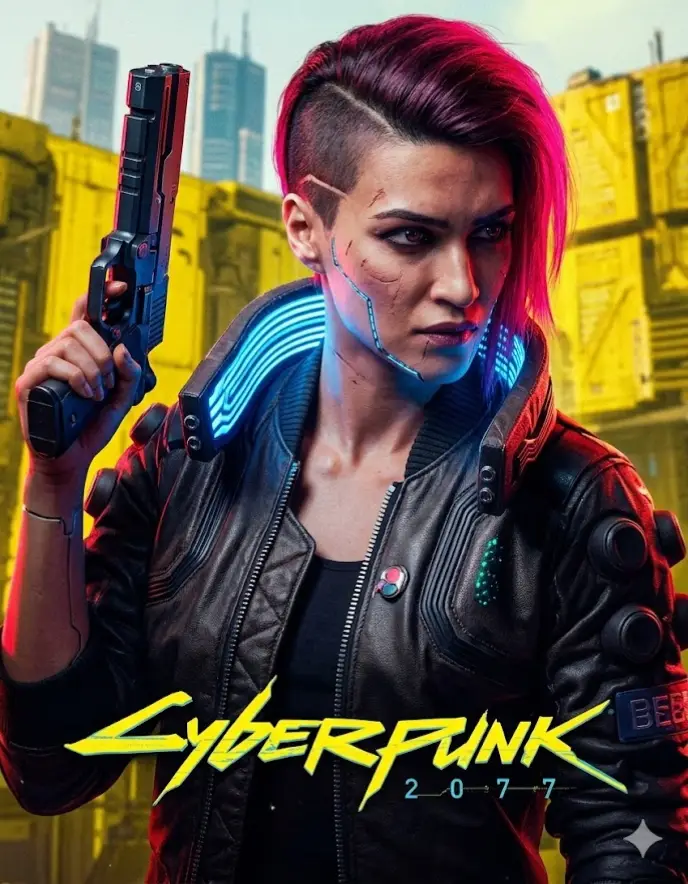
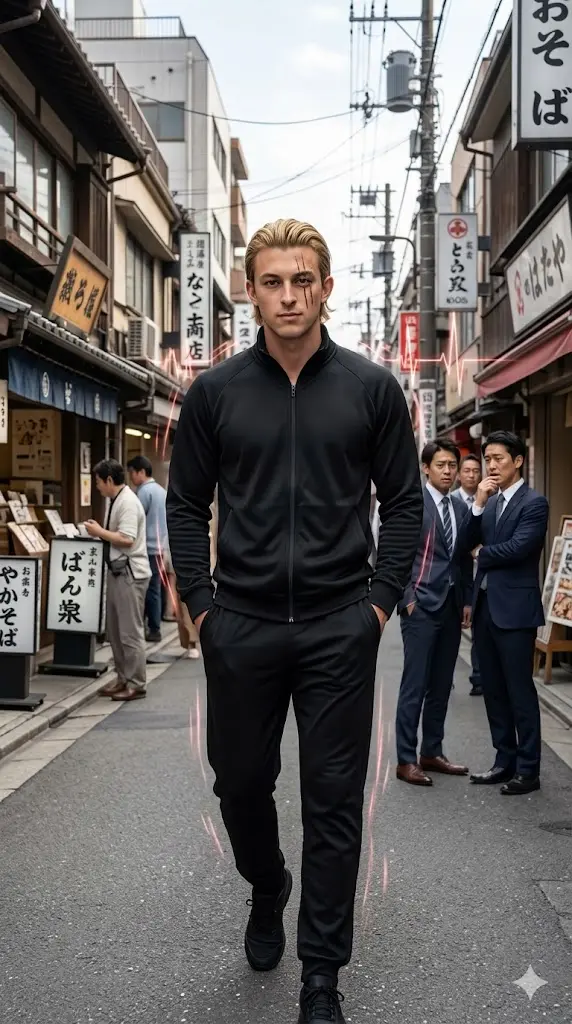
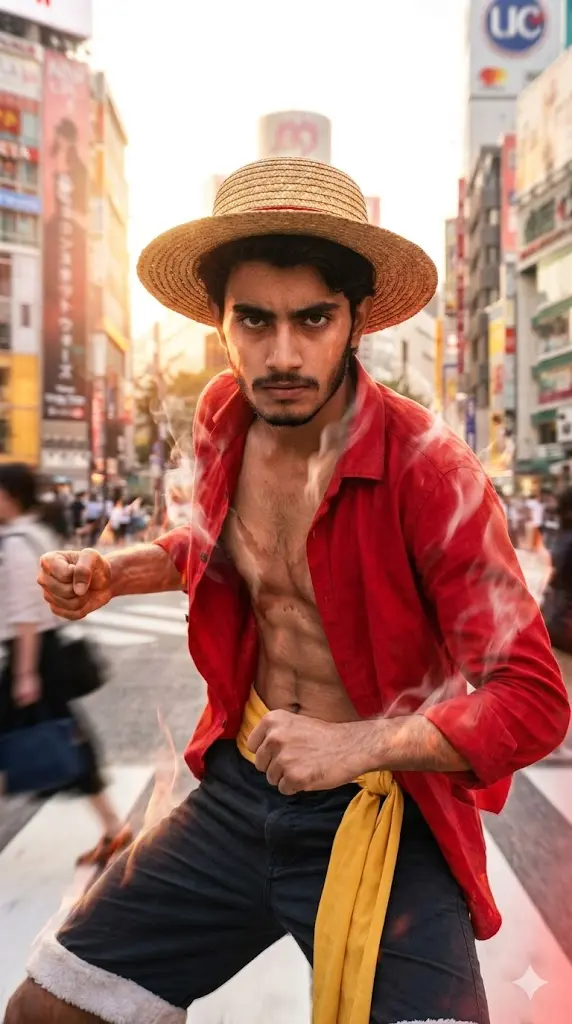
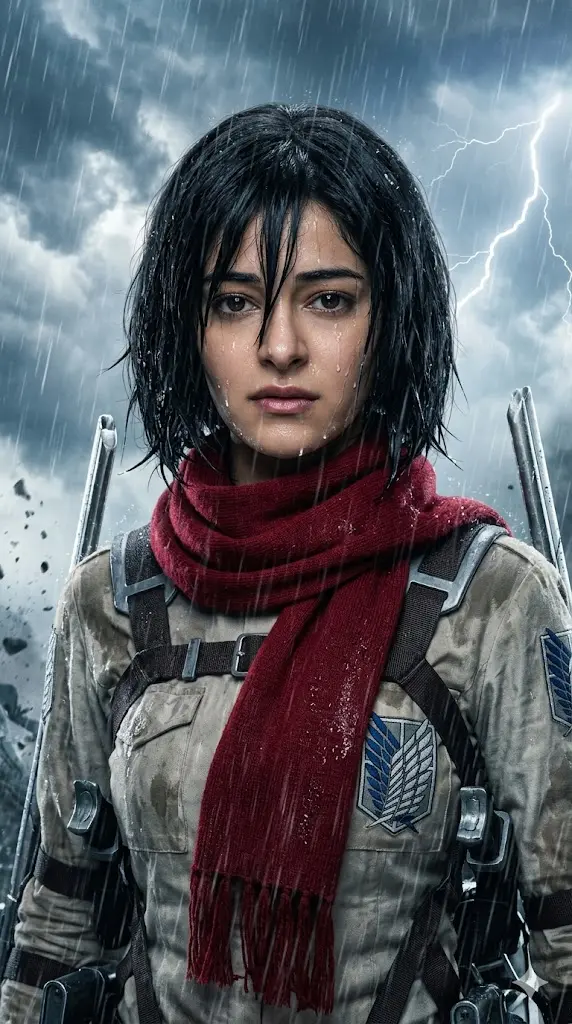
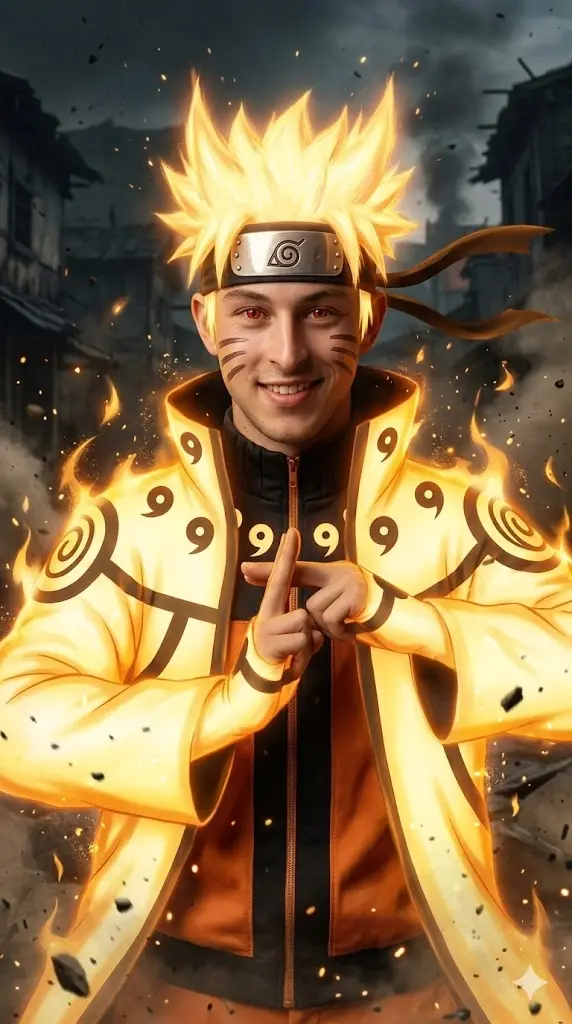
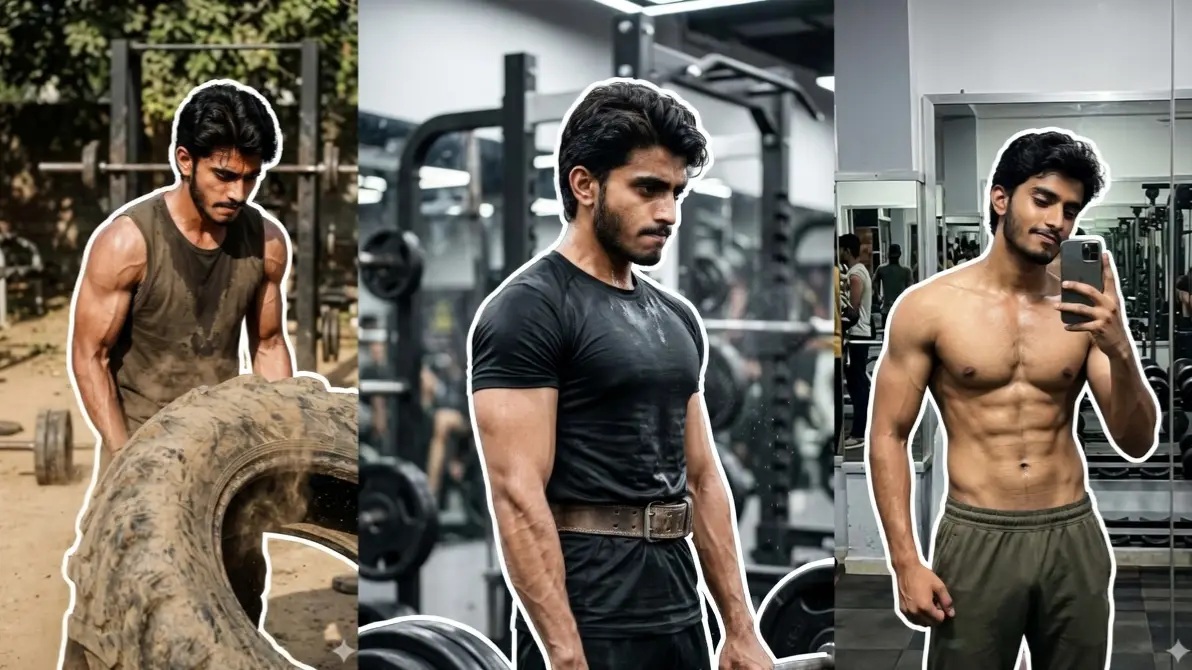
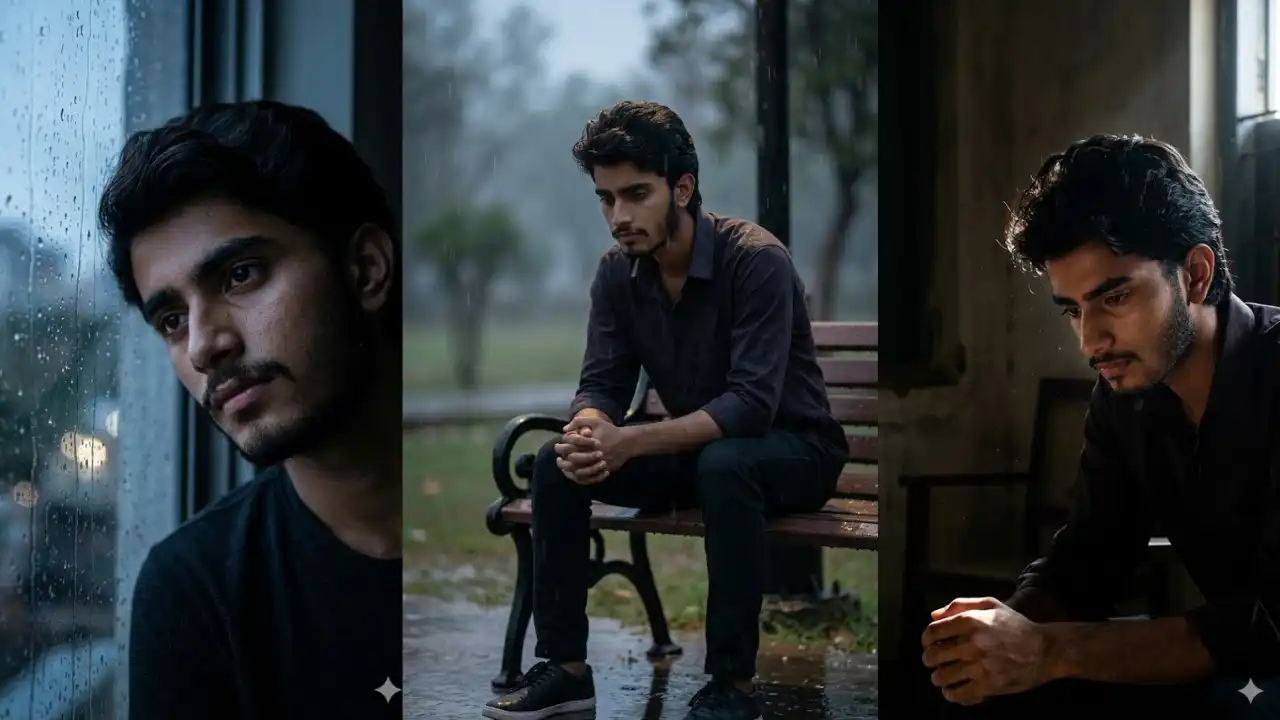
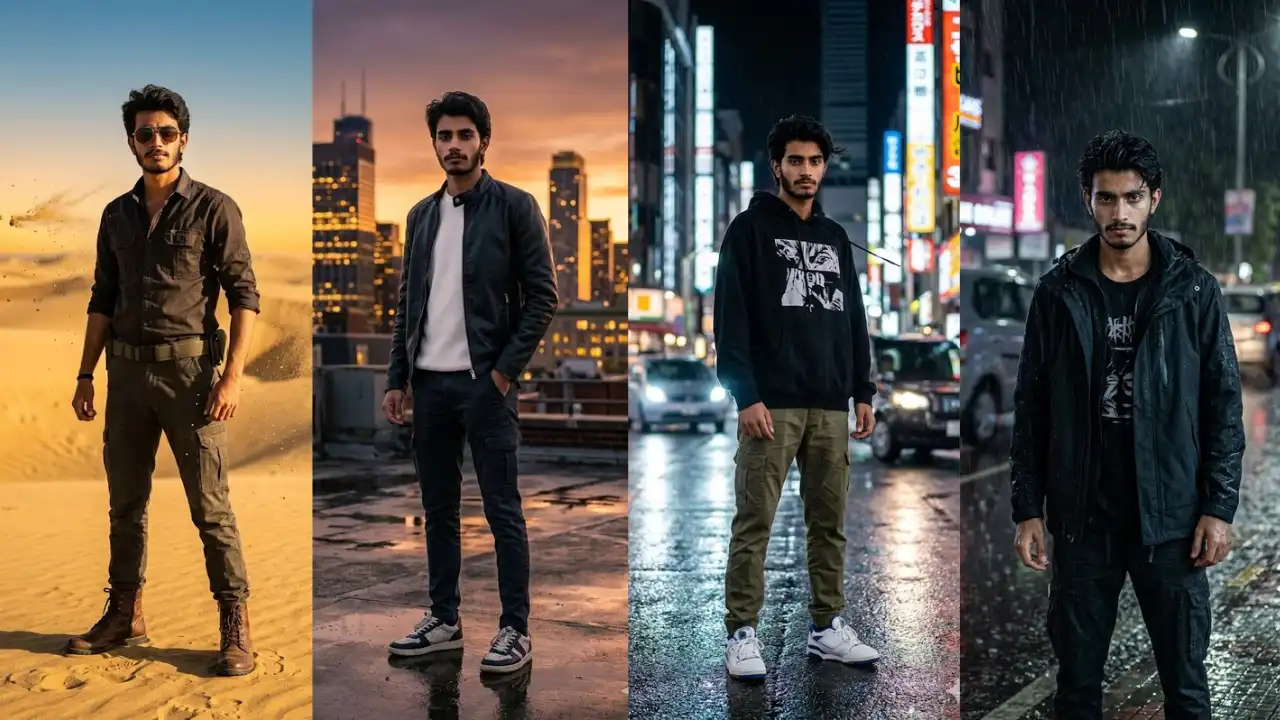
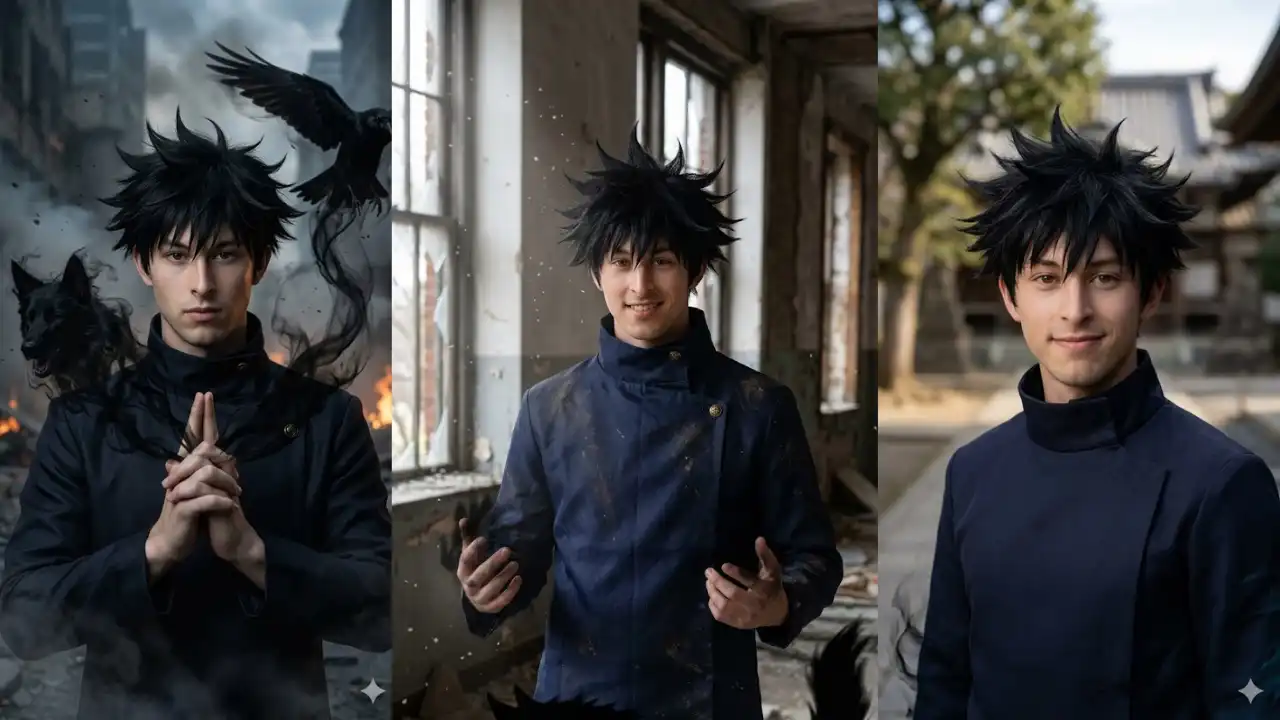
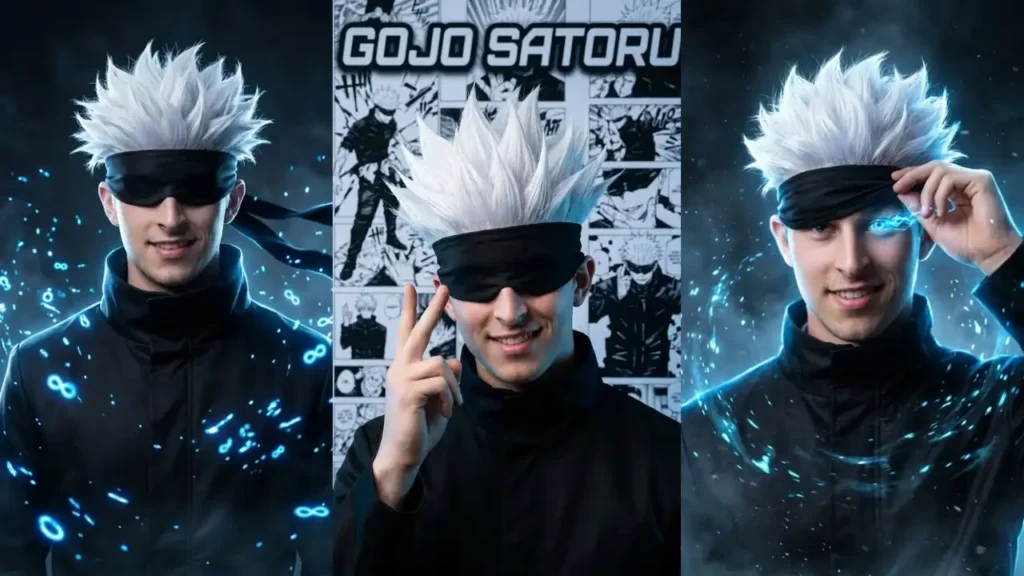
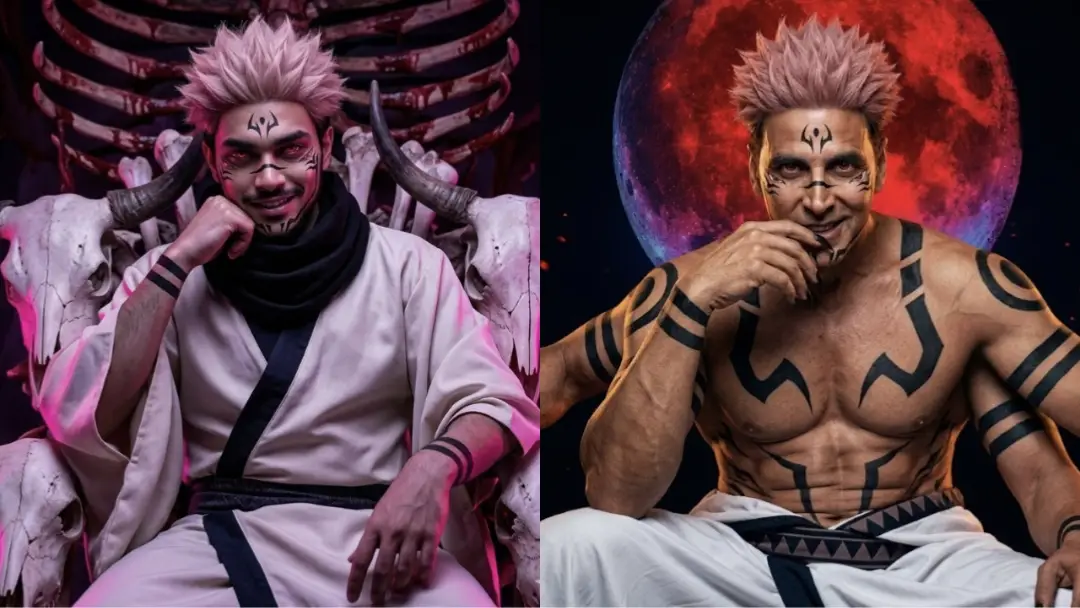
One Of The Biggest Collections Of Copy Paste Gemini AI Photo Prompts

Useful Guides

How To Use These Gemini Prompts?

All prompts on this site are ready to use and using them is quite simple. Just follow these steps:

  1. Copy any prompt
  2. Go to Gemini AI
  3. Upload your photo/selfie
  4. Paste the copied prompt
  5. Hit enter

Wait for few seconds and your desired image will be ready with your own facial features.

  • Do not use blurry or low-quality images for input.
  • Avoid photos where your face is partially hidden by sunglasses, shadows, or masks.
  • Do not remove important instructions that preserves facial identity from the prompts.
  • Heavy filters, edited images, or incorrect prompt changes can lead to unrealistic or distorted outputs.
  • Always use a clear, front-facing photo with good lighting.

  • Natural light works best for realistic results.

  • Make sure your full face is visible and the image quality is high.

  • Copy and paste the prompt exactly as provided.

  • You can also try different prompts to explore multiple styles and get better variations.

  • Use multiple chats with same prompt but different input image for multiple variations
  • The best results come from simple and clean photos.

  • Use images where your face is clearly visible, well-lit, and facing the camera.

  • Avoid complex backgrounds or group photos. A natural expression works better than exaggerated poses.

  • The clearer your input photo, the more realistic and detailed your final image will be.

  • If your output looks distorted, try using a higher quality photo with better lighting.

  • If the face does not match properly, ensure you did not remove the FACE LOCK instruction.

  • If the image looks too artificial, avoid using filtered or edited photos.

  • Small adjustments like changing the input image or reusing the prompt correctly can significantly improve the final result.