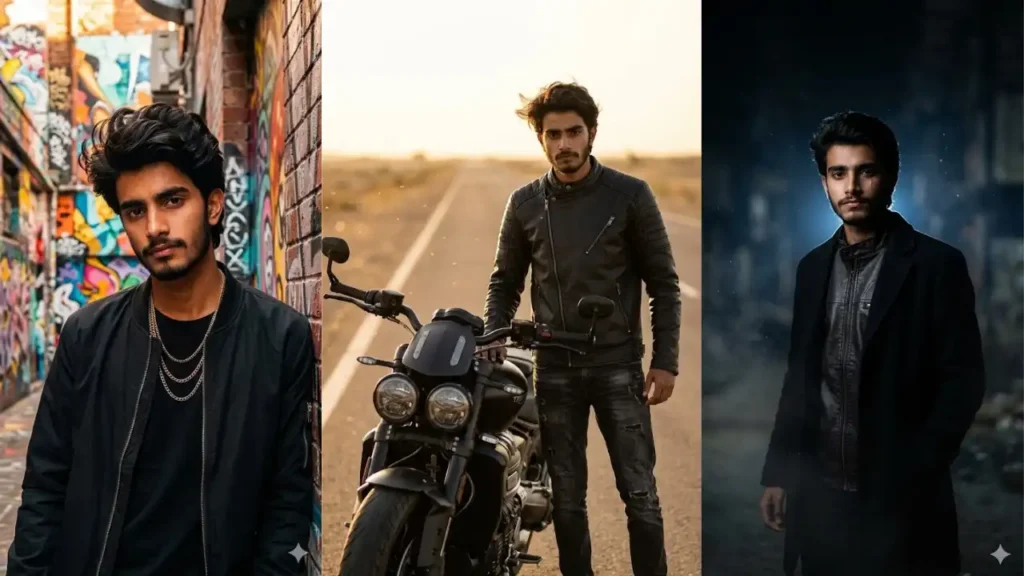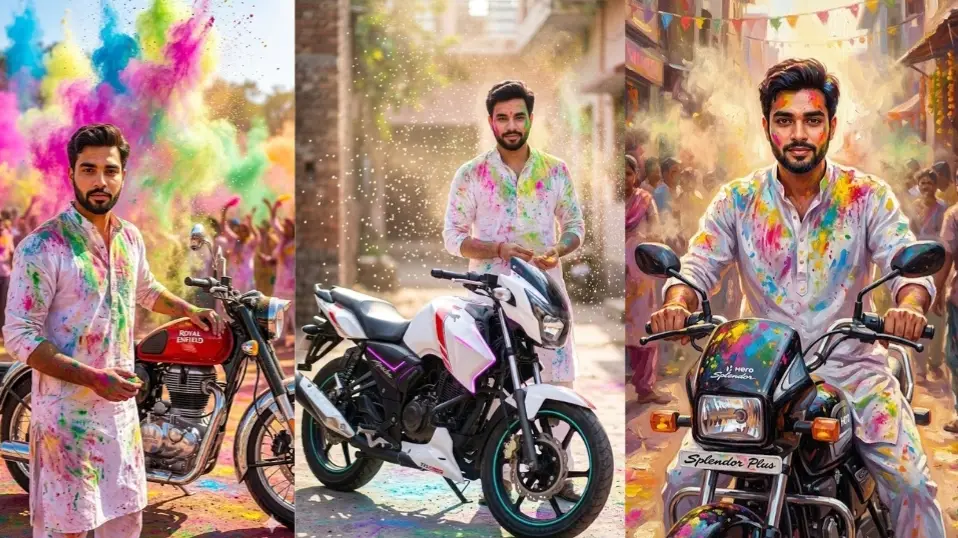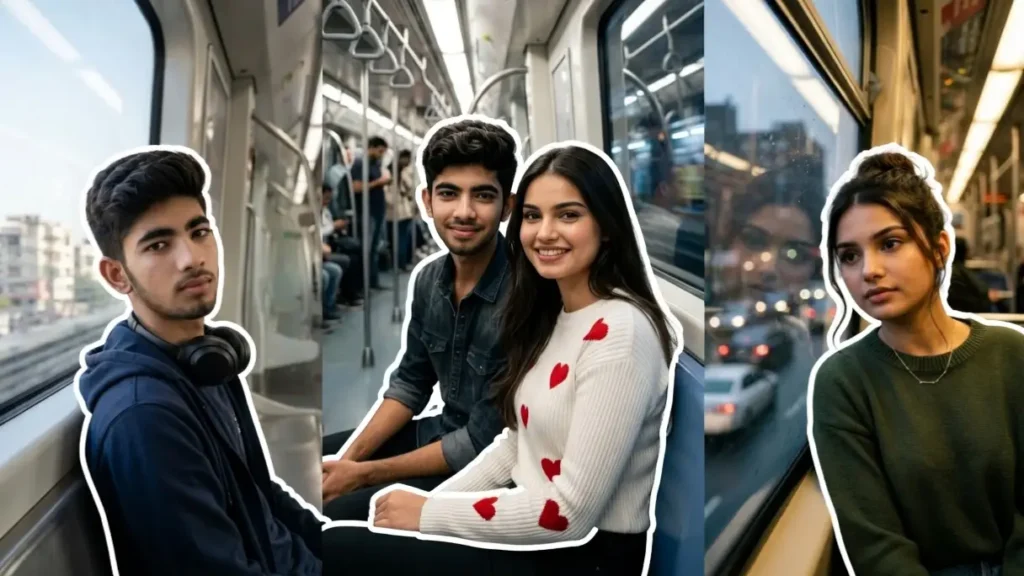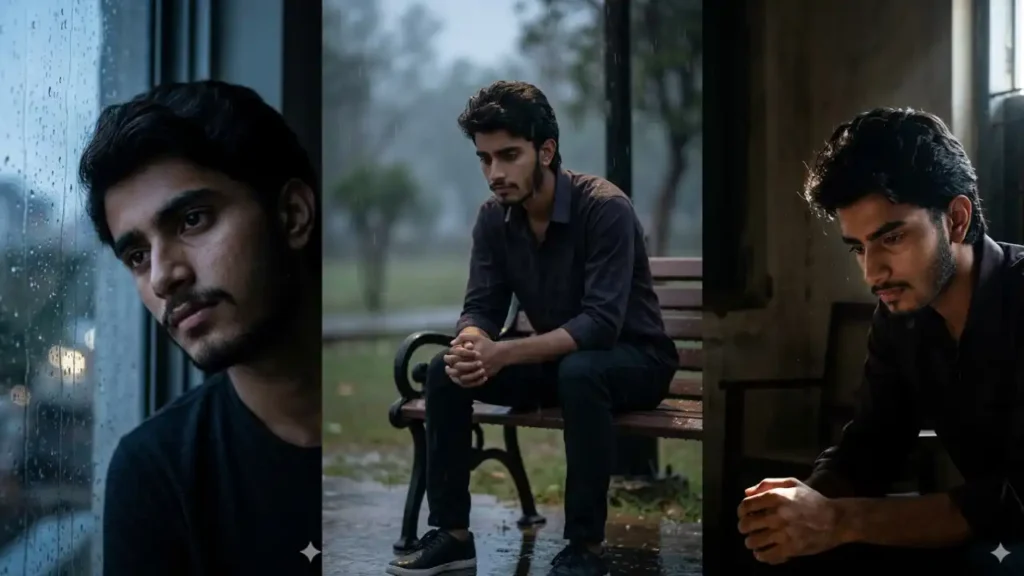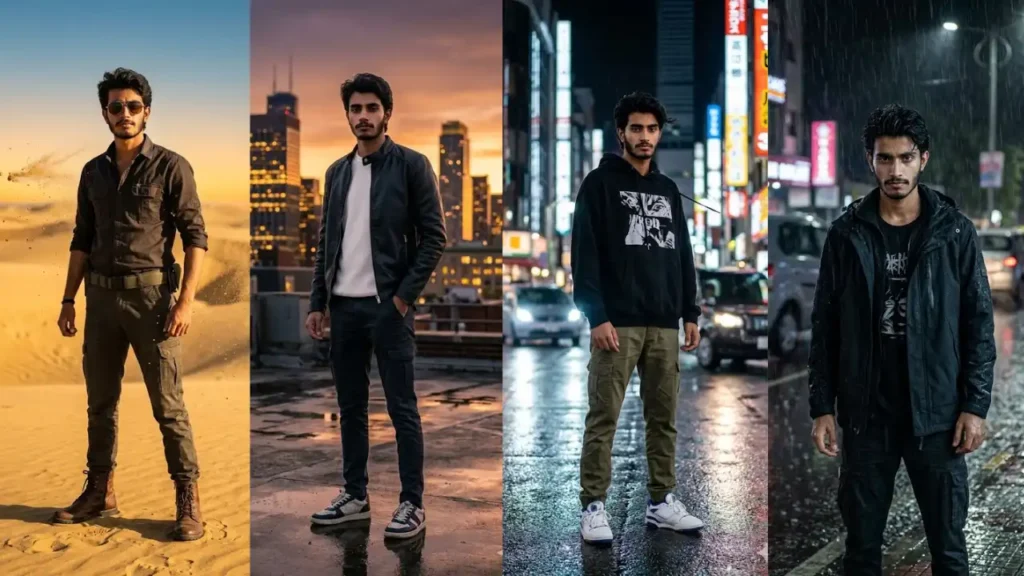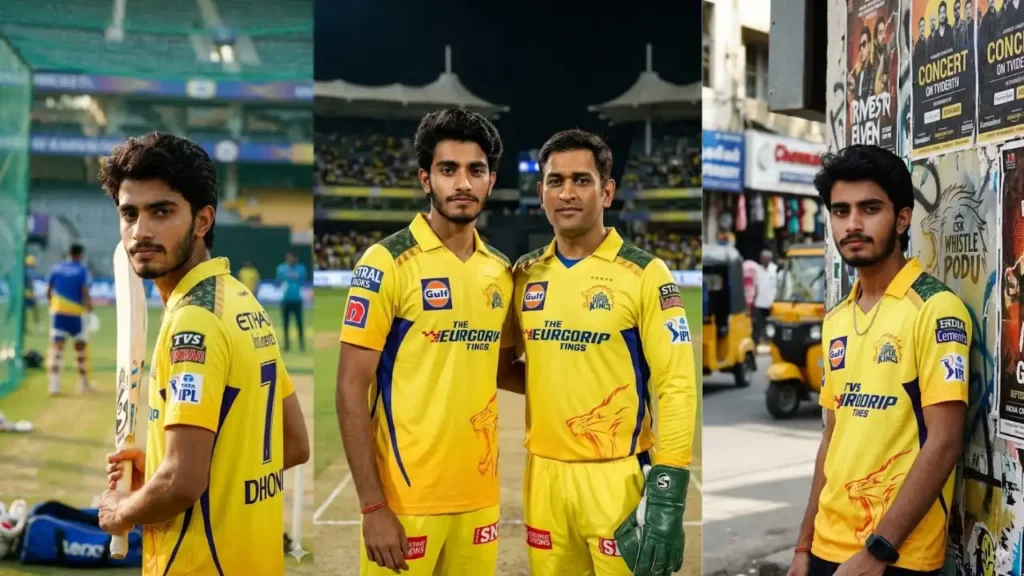
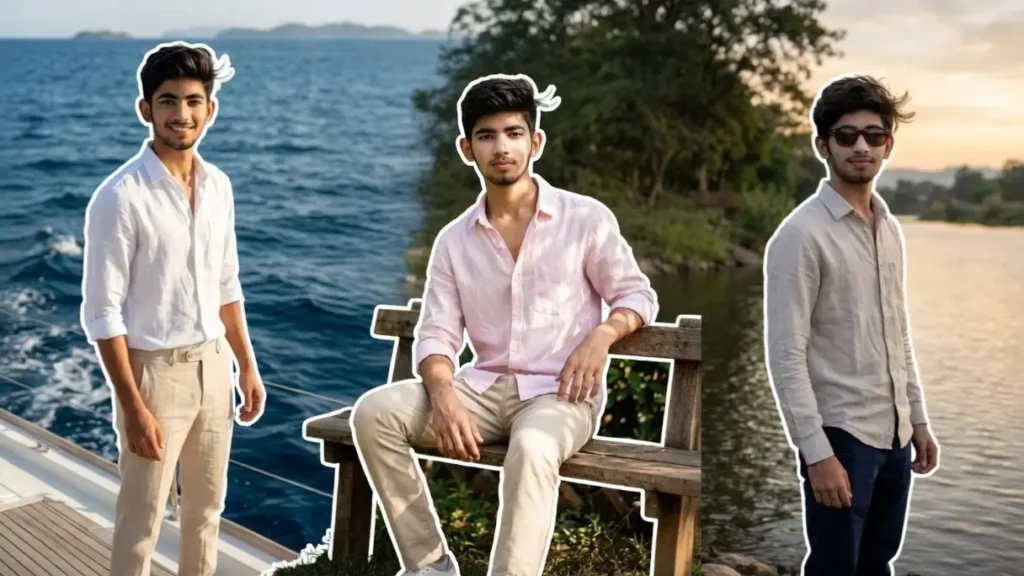
Your Instagram profile is the first thing people notice and in today’s trend-driven world, a simple selfie isn’t always enough to stand out.
That’s where Gemini AI comes in. With the right prompts, you can transform your normal photo into a high-end, cinematic Instagram portrait that looks like it was shot by a professional photographer in luxury locations.
These prompts are specially designed to keep your real face intact while upgrading everything else: your outfit, background, lighting, and overall vibe. Whether you want a yacht lifestyle look, a street-style attitude shot, or a calm aesthetic garden portrait, these prompt
1. Yacht Luxury Boy Portrait
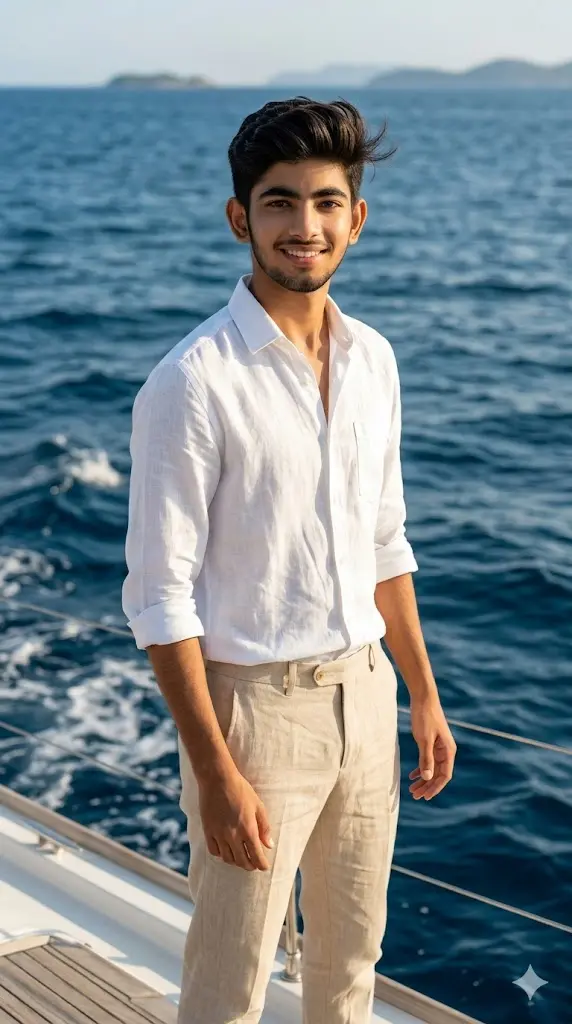
Maintain the exact facial identity of the uploaded user photo and transform the user into a hyper-realistic cinematic portrait standing confidently on a luxury yacht in the middle of a deep blue ocean. The user wears a premium white linen shirt with beige tailored pants, reflecting a rich and stylish personality. Natural sunlight shines brightly, creating soft highlights on the face and reflections on the water. Wind gently moves the hair and shirt for a dynamic look. The yacht deck, ocean waves, and distant horizon create a luxurious background. The user looks calmly toward the camera with confidence. Ultra-realistic textures, cinematic depth, and high-end lifestyle photography. Aspect ratio 9:16.
 Copy
Copy Edit
Edit2. Roadside Attitude Street Portrait
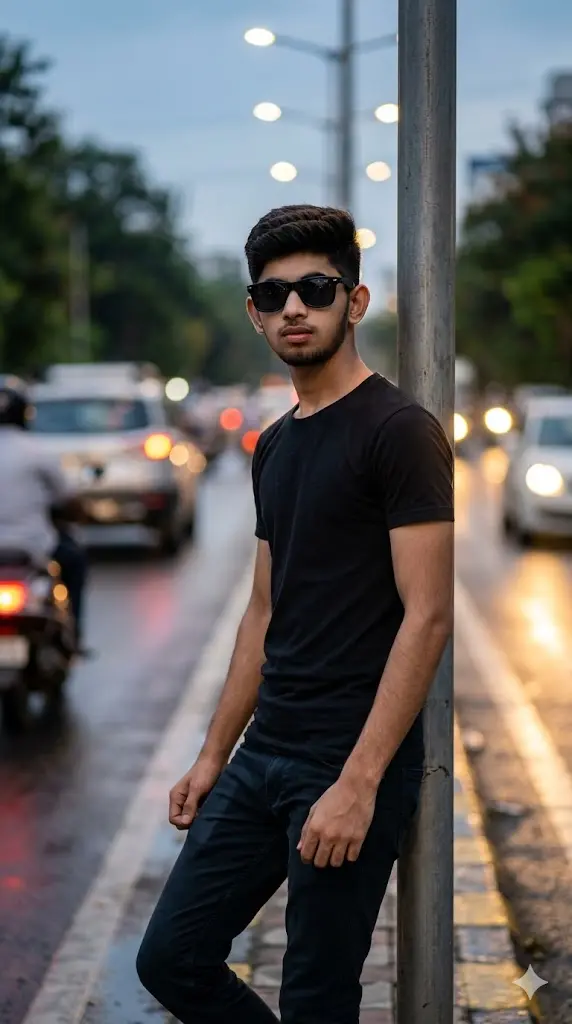
Maintain the exact facial identity of the uploaded user photo and transform the user into a hyper-realistic cinematic portrait standing beside a stylish urban roadside environment. The user wears a black fitted shirt with slim-fit pants and sunglasses, giving a bold and confident attitude. Street lights and blurred vehicles create a cinematic background with soft motion effects. Natural lighting blends with subtle shadows across the face, enhancing facial structure. The user stands with relaxed posture, slightly leaning, looking directly at the camera. Background depth with bokeh and realistic reflections adds authenticity. Ultra-realistic skin detail and street photography style. Aspect ratio 9:16.
3. Garden Bench Calm Portrait
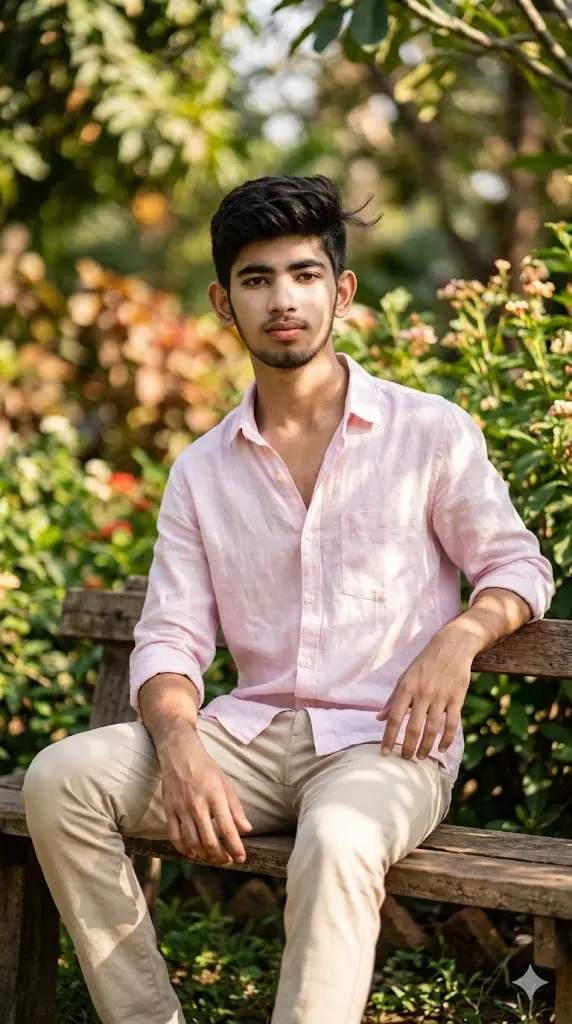
Maintain the exact facial identity of the uploaded user photo and transform the user into a hyper-realistic cinematic portrait sitting casually on a wooden bench in a lush green garden. The user wears a light pastel shirt with fitted trousers, creating a soft and aesthetic look. Natural sunlight filters through leaves, creating beautiful light patterns across the face and clothing. The background features greenery, soft blurred plants, and warm tones. The user sits relaxed with hands resting naturally, looking toward the camera with a calm expression. Subtle wind movement adds realism to hair and clothing. Ultra-realistic textures and soft cinematic depth. Aspect ratio 9:16.
4. City Elite Portrait
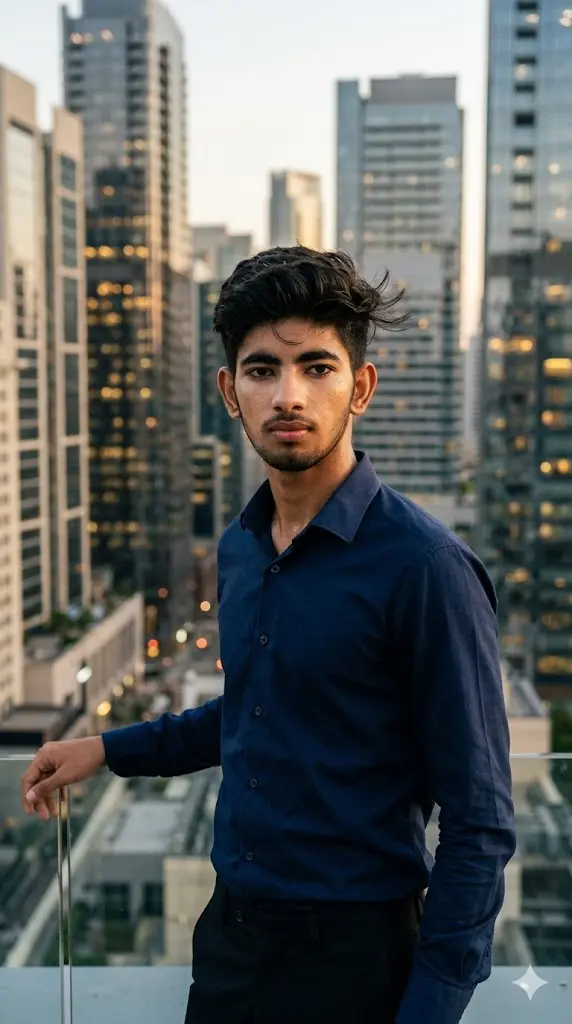
Maintain the exact facial identity of the uploaded user photo and transform the user into a hyper-realistic cinematic portrait standing on a modern city rooftop overlooking skyscrapers. The user wears a dark navy shirt with tailored pants, creating a classy and elite personality. Golden hour sunlight casts warm tones across the face while city lights begin to glow in the background. Wind gently moves hair and shirt, adding motion to the scene. The user stands confidently near the edge, looking directly at the camera with a composed expression. The skyline is softly blurred with cinematic depth. Ultra-realistic photography with rich contrast. Aspect ratio 9:16.
5. Desert Fashion
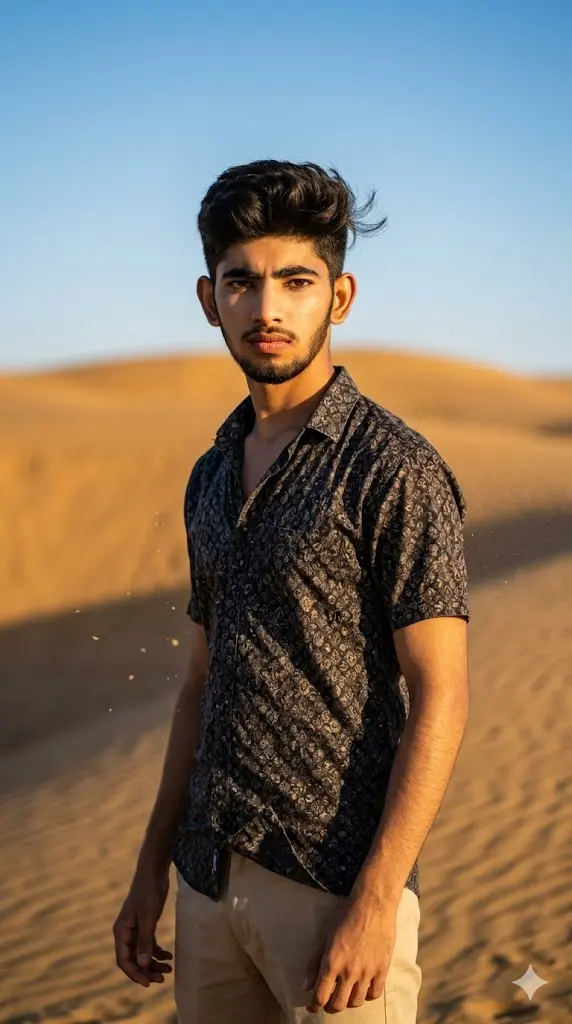
Maintain the exact facial identity of the uploaded user photo and transform the user into a hyper-realistic cinematic portrait standing in a vast desert environment. The user wears a stylish printed shirt with beige trousers, creating a bold fashion-forward look. Golden sunlight shines strongly, casting dramatic shadows across the sand and face. Wind blows lightly, moving hair and clothes naturally. The desert dunes create a powerful minimal background with warm tones. The user stands confidently looking directly at the camera with a strong expression. Ultra-realistic textures, cinematic depth, and professional fashion photography style. Aspect ratio 9:16.
6. Riverside Evening Portrait
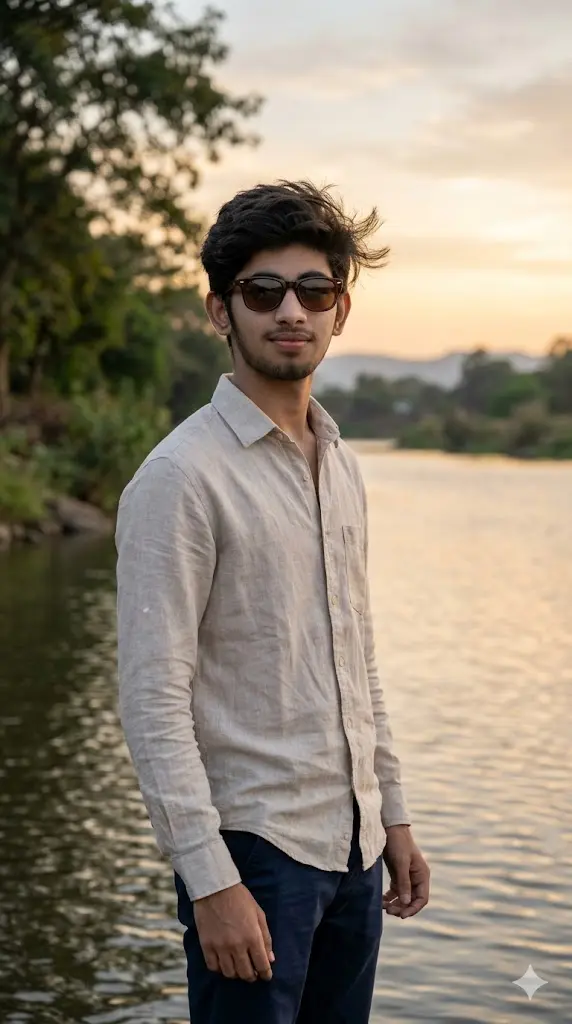
Maintain the exact facial identity of the uploaded user photo and transform the user into a hyper-realistic cinematic portrait standing beside a calm riverside during evening time. The user wears sunglasses with a light-colored shirt with dark pants, creating a balanced and stylish look. Soft golden light reflects across the water while trees and sky create a peaceful background. The user stands relaxed looking toward the camera with a calm smile. Wind slightly moves hair and clothing. Cinematic depth and natural reflections enhance realism. Ultra-realistic photography style. Aspect ratio 9:16.
7. Highway Travel Boy
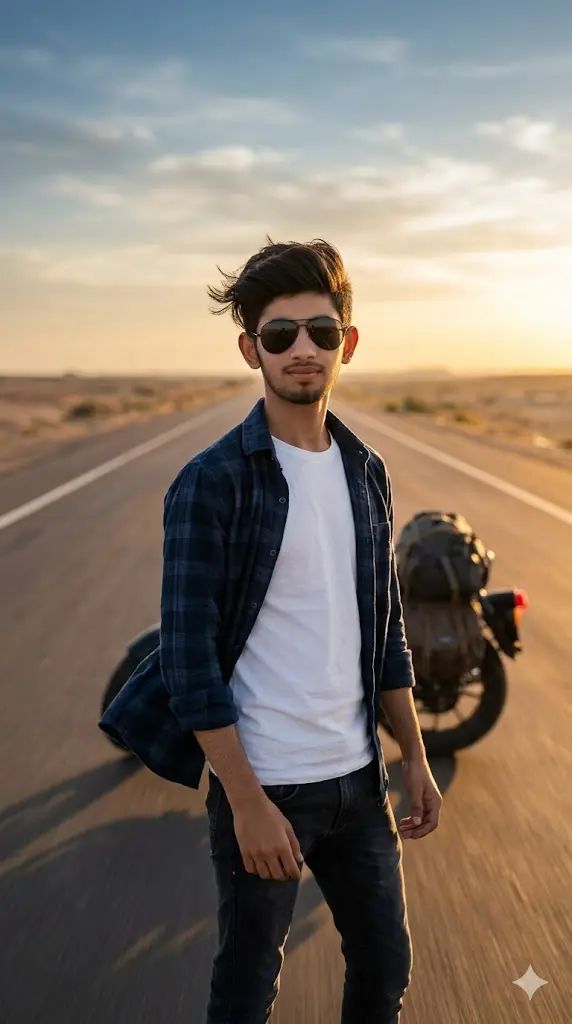
Maintain the exact facial identity of the uploaded user photo and transform the user into a hyper-realistic cinematic portrait standing on an open highway. The user wears sunglasses with a casual shirt with fitted pants, reflecting a travel and freedom vibe. The road stretches into the distance while sunset light creates warm tones. The user stands confidently facing the camera. Wind adds natural motion to hair and clothing. Background includes long road perspective and soft sky gradients. Ultra-realistic textures and cinematic depth create a powerful travel portrait. Aspect ratio 9:16.
How to Change Outfit Style
Agar tum apna look change karna chahte ho, to prompt me outfit line ko replace karo.
Examples:
- “white linen shirt” → “black oversized shirt”
- “formal shirt” → “streetwear hoodie”
- “casual shirt” → “luxury designer outfit”
💡 Tip: Words like “stylish”, “premium”, “celebrity style” add more impact.
How to Add Attitude or Expression
Expression change karne ke liye simple wording add karo:
- “confident expression”
- “slight smirk”
- “serious intense look”
- “relaxed smile”
💡 Ye chhoti changes final image ka vibe completely change kar dete hain.
How to Make Your Image Look More Premium
Prompt me ye words add karo:
- cinematic lighting
- ultra HD
- depth of field
- luxury lifestyle
- professional photoshoot
Ye instantly image quality ko next level pe le jata hai.
How to Use These Prompts in Gemini (Step-by-Step)
1. Open Gemini
Visit gemini.google.com
2. Start a New Chat
Fresh chat use karo for better results.
3. Upload Your Photo
Clear, front-facing photo upload karo.
4. Copy the Prompt
Koi bhi prompt select karke exactly copy karo.
5. Paste the Prompt
Image upload ke baad prompt paste karo.
6. Generate Image
Few seconds me AI tumhari photo ko transform kar dega.
7. Download & Post
Image save karo aur use as:
- Instagram DP
- Reels cover
- Story highlight
About The Author