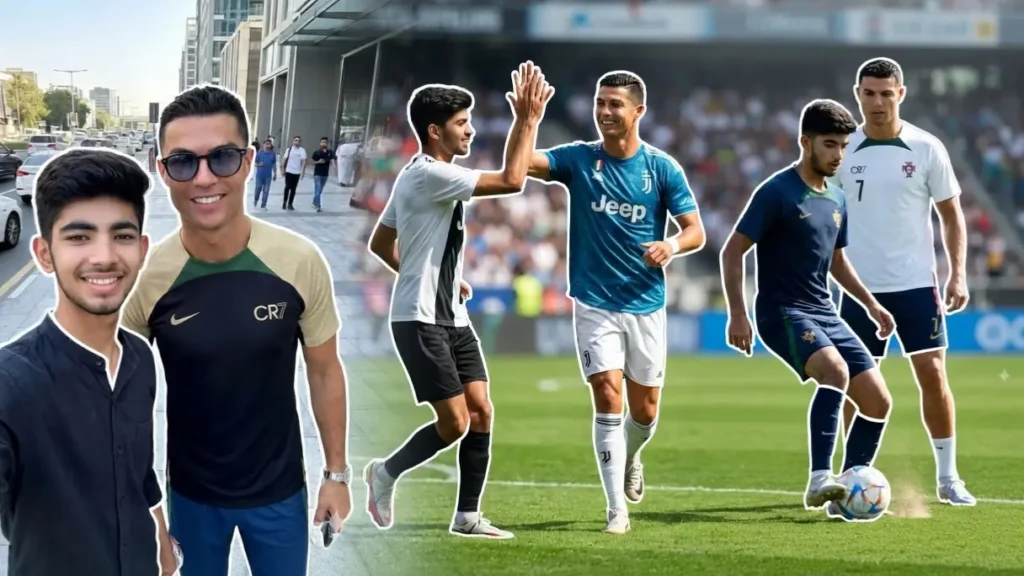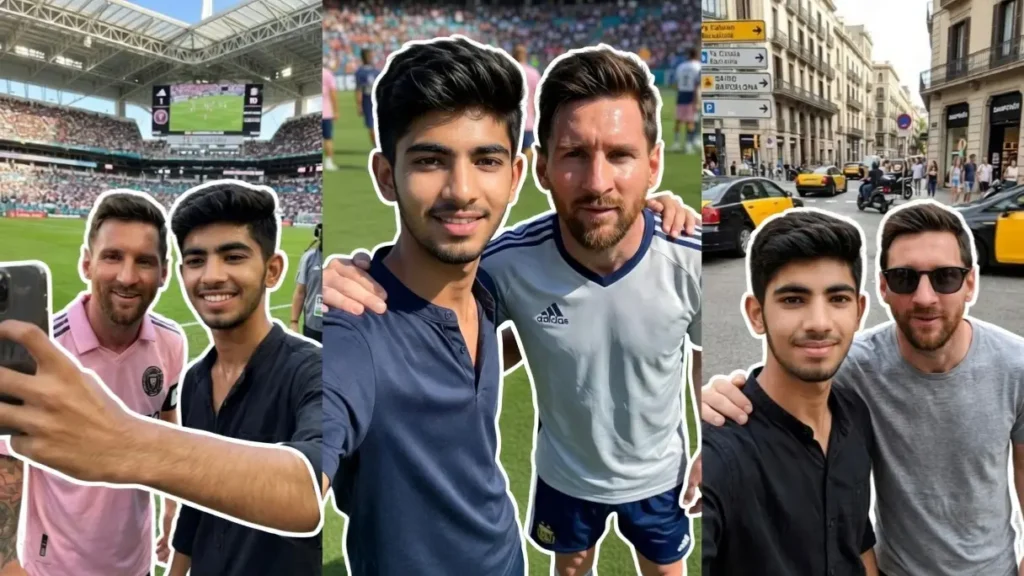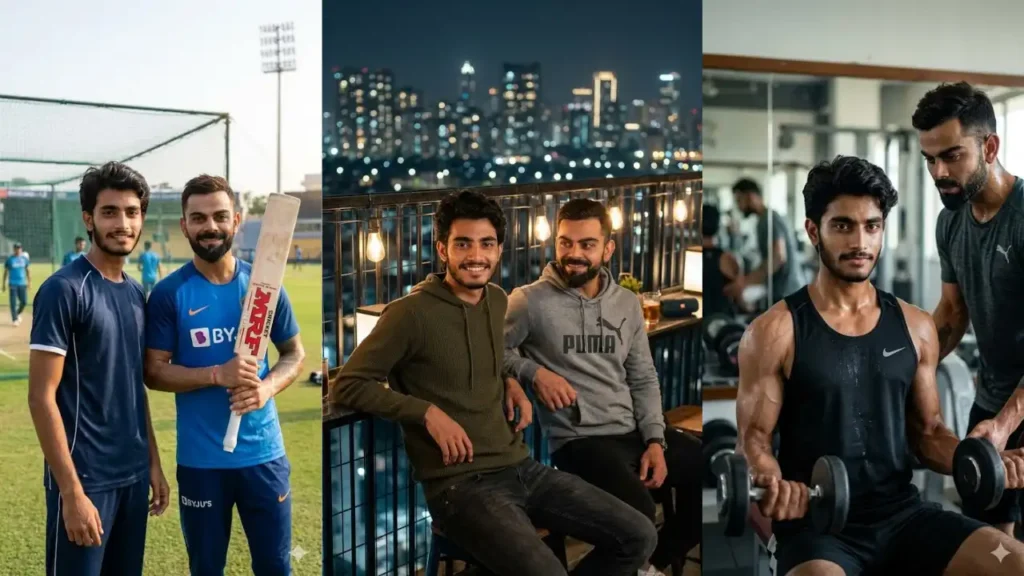
Imagine clicking a selfie with one of the greatest cricketers in the world, without ever stepping into a stadium. You can upload your own photo and transform it into a hyper-realistic scene where you are standing, walking, or even taking a selfie with Virat Kohli.
These prompts are not simple image generators. They are carefully designed transformations that keep your real facial identity intact while placing you inside realistic environments like cricket stadiums, cafés, gyms, and luxury locations alongside Virat Kohli.
Whether you want a viral profile picture, a fan moment, or just something unique for social media, these prompts help you create something that feels truly personal and cinematic.
1. Training Ground Conversation Portrait
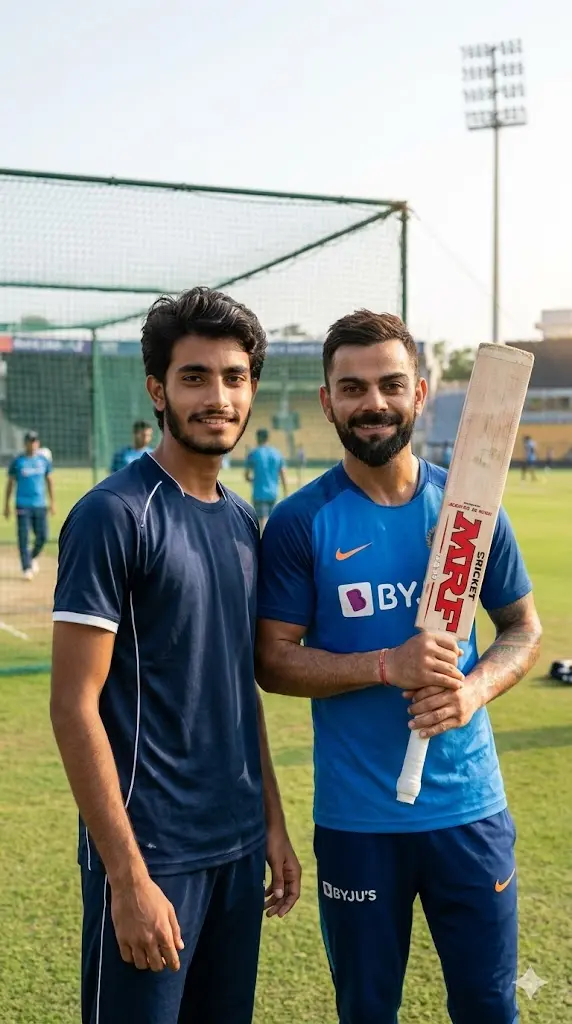
Maintain the exact facial identity of the uploaded user photo and transform the user into a hyper-realistic cinematic portrait standing on a cricket training ground while having a casual conversation with Virat Kohli. The user stands relaxed wearing sportswear, while Virat is seen holding a cricket bat and wearing training gear. Both are slightly turned toward each other but looking at the camera with confident expressions. The background features practice nets, green grass, and natural sunlight casting soft shadows. Subtle sweat and realistic textures enhance authenticity. The lighting is bright and natural with cinematic depth of field. Ultra-realistic sports photography style. Aspect ratio 9:16.
 Copy
Copy Join
Join2. Stadium Dugout Selfie with Virat Kohli
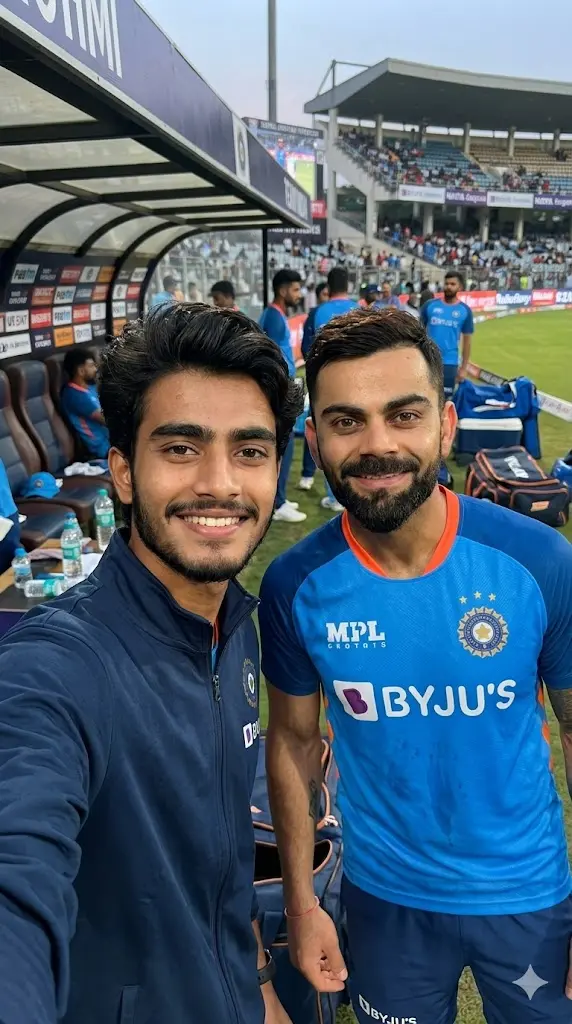
Maintain the exact facial identity of the uploaded user photo and transform the scene into a hyper-realistic live-action selfie where the user stands inside a professional cricket stadium dugout alongside Virat Kohli. The user holds the camera slightly above eye level while both smile naturally after a match moment. Virat wears an official cricket jersey with sweat details and natural skin texture. The background shows blurred stadium seats, team equipment, and soft evening lighting. The user appears in casual sporty clothing with realistic shadows and reflections. The environment includes cinematic depth, natural lighting, and authentic textures. Ultra-realistic photography with true-to-life expressions. Aspect ratio 9:16.
3. Luxury Car Arrival with Virat Kohli
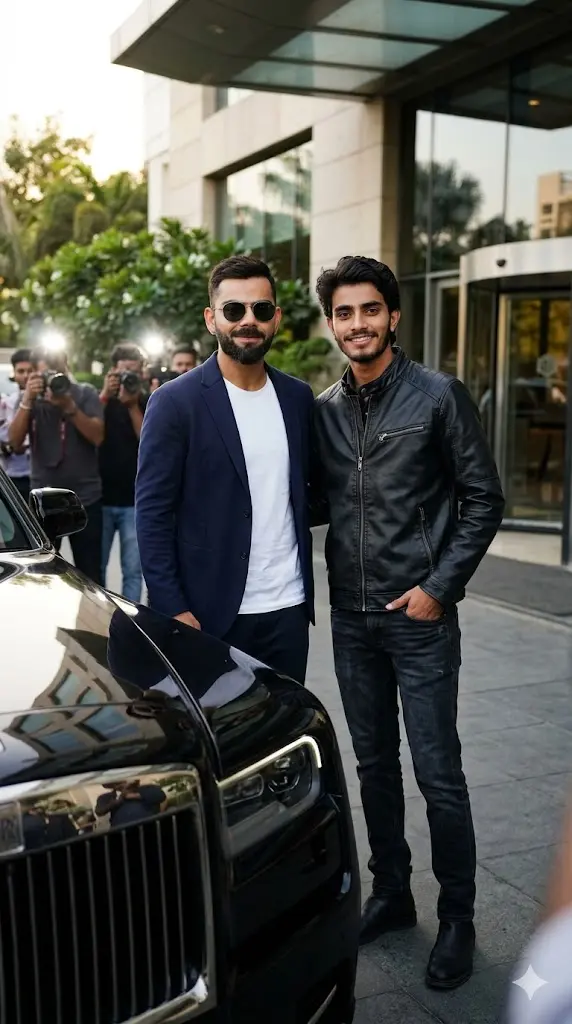
Maintain the exact facial identity of the uploaded user photo and transform the user into a hyper-realistic cinematic portrait standing beside Virat Kohli as both arrive in a luxury setting near a premium car. The user wears a stylish modern outfit while Virat appears in a sharp casual blazer with sunglasses. Both stand confidently facing the camera with an elite attitude. The background features a modern urban environment with soft golden lighting and reflections on the car surface. Shadows and highlights are balanced naturally to enhance realism. The scene feels like a paparazzi-style moment with cinematic depth and clarity. Ultra-realistic lifestyle photography. Aspect ratio 9:16.
4. Post-Match Victory Selfie
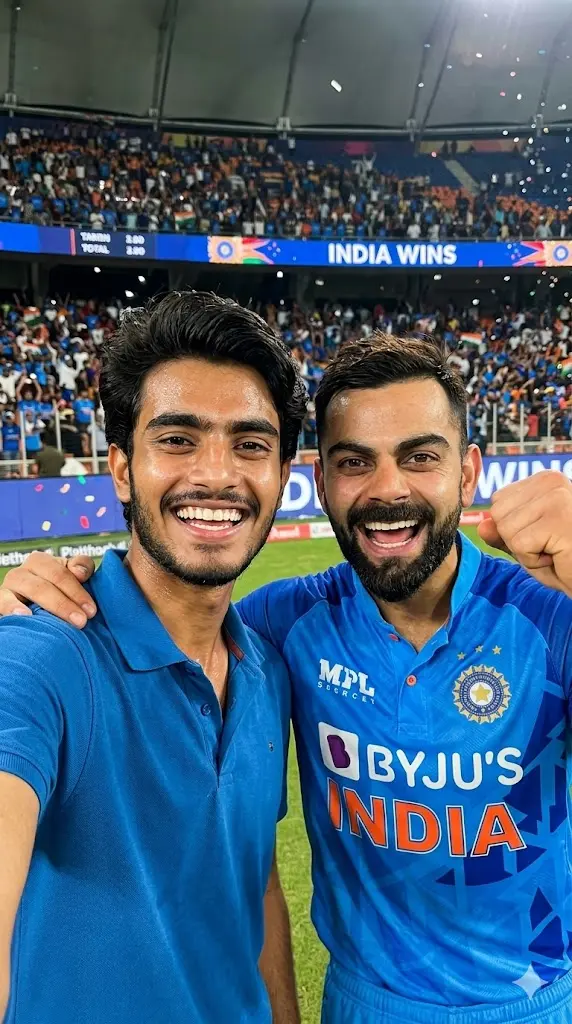
Maintain the exact facial identity of the uploaded user photo and transform the scene into a hyper-realistic live-action selfie with Virat Kohli right after a match victory. The user holds the camera close while both celebrate with joyful expressions, slight sweat visible on faces for realism. Virat wears his official match jersey with authentic textures. The stadium lights glow brightly in the background while the crowd appears blurred. The user stands beside him in casual sporty attire. Lighting reflects naturally across faces and clothing. The atmosphere captures excitement and energy. Ultra-realistic cinematic sports photography. Aspect ratio 9:16.
5. Gym Workout Scene with Virat Kohli
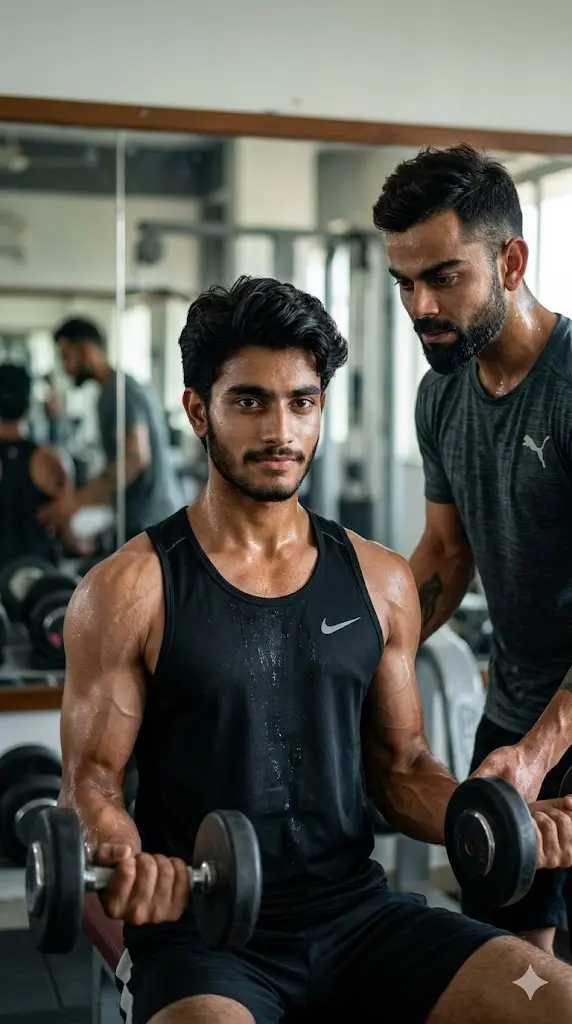
Maintain the exact facial identity of the uploaded user photo and transform the user into a hyper-realistic cinematic gym scene training alongside Virat Kohli. The user is mid-workout holding weights while Virat stands nearby guiding with focus. Both wear athletic gym outfits with realistic sweat, muscle definition, and lighting reflections. The background includes gym equipment, mirrors, and soft directional lighting. The user looks toward the camera confidently while Virat maintains a strong presence. Shadows and highlights enhance body structure and realism. Ultra-realistic fitness photography with cinematic depth. Aspect ratio 9:16
6. Airport Paparazzi Walk with Virat Kohli
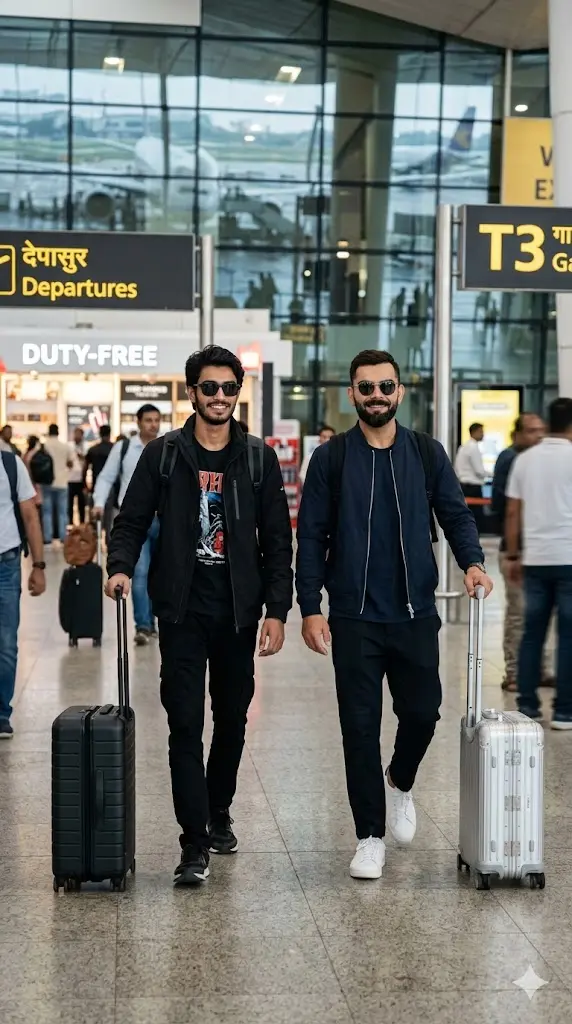
Maintain the exact facial identity of the uploaded user photo and transform the user into a hyper-realistic cinematic scene walking alongside Virat Kohli inside an airport terminal. Both are dressed in stylish travel outfits with sunglasses, carrying luggage while walking confidently toward the camera. The environment includes airport lighting, glass reflections, and blurred passengers in the background. The lighting creates soft highlights on the face and clothing. The scene feels like a paparazzi capture with natural motion blur and cinematic depth. Ultra-realistic lifestyle photography style. Aspect ratio 9:16.
7. Night Chill with Virat Kohli
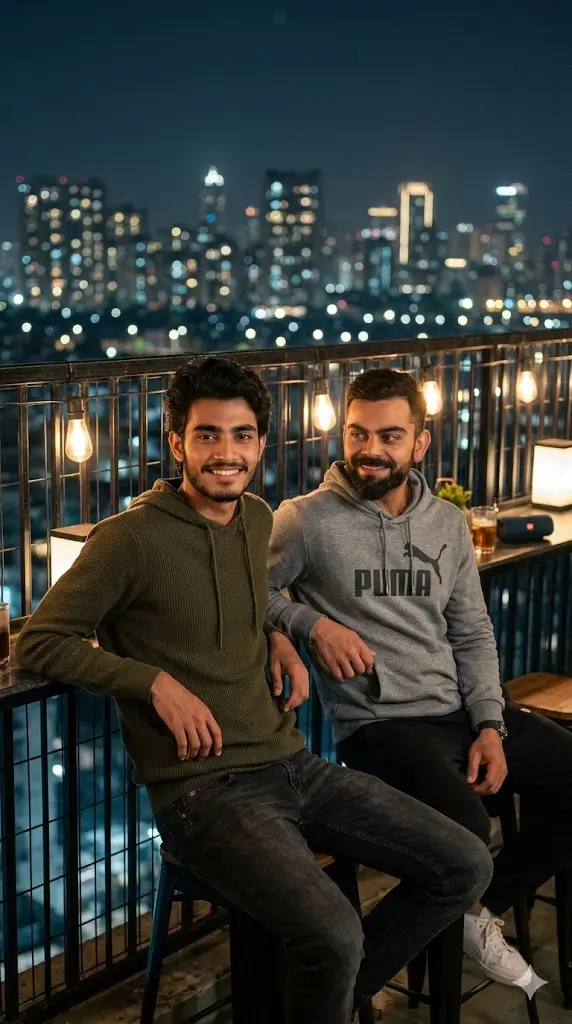
Maintain the exact facial identity of the uploaded user photo and transform the user into a hyper-realistic cinematic rooftop scene sitting casually with Virat Kohli at night. Both are relaxed, leaning slightly against a railing while city lights glow in the background. The user wears modern casual clothing while Virat appears in a relaxed hoodie style. Soft warm lighting highlights their faces while cool tones fill the background. The scene captures a calm, friendly moment. Ultra-realistic skin textures, lighting, and reflections enhance authenticity. Cinematic depth and bokeh effect. Aspect ratio 9:16.
8. Cricket Ground Walking Shot
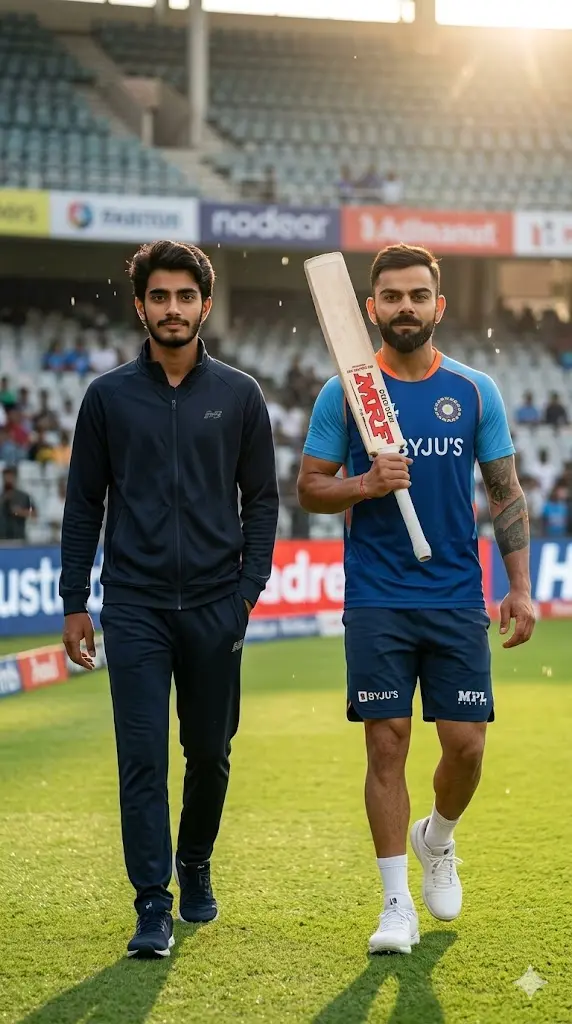
Maintain the exact facial identity of the uploaded user photo and transform the user into a hyper-realistic cinematic portrait walking side-by-side with Virat Kohli on a cricket field. Both walk confidently toward the camera, with Virat holding a bat on his shoulder while the user walks casually beside him. The environment includes lush green grass, stadium seating, and bright daylight. Natural shadows fall across the scene creating depth. Both maintain calm confident expressions. The composition feels like a sports documentary frame with ultra-realistic detail and lighting. Aspect ratio 9:16.
9. Café Hangout Selfie with Virat Kohli
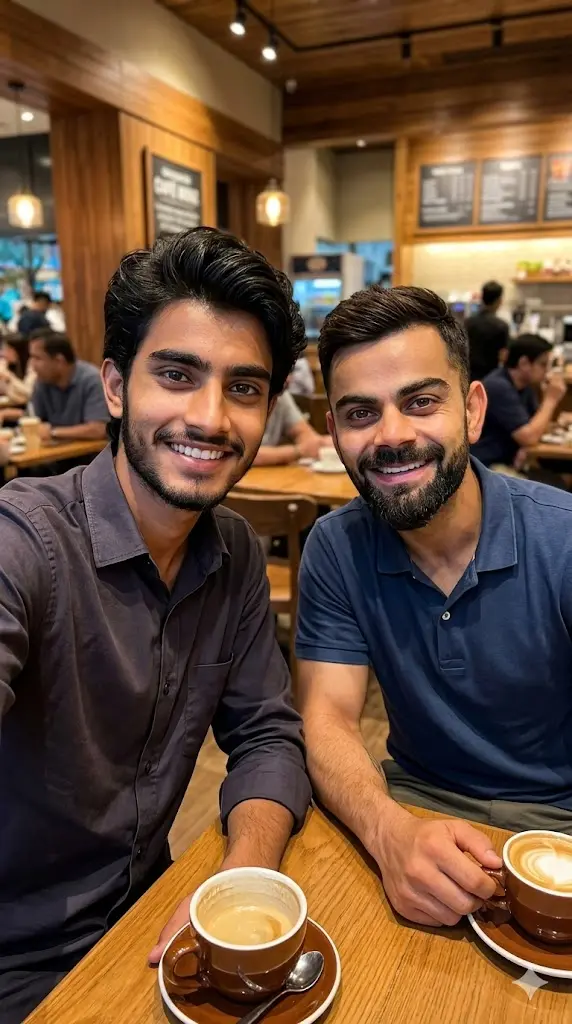
Maintain the exact facial identity of the uploaded user photo and transform the scene into a hyper-realistic café selfie with Virat Kohli. The user holds the phone while both sit at a table with coffee cups, smiling naturally. Virat wears a casual modern outfit with realistic skin and beard texture. The background includes warm café lighting, wooden interiors, and blurred people. Soft light reflects across faces creating a cozy atmosphere. The user appears relaxed and natural. Ultra-realistic lifestyle photography with cinematic depth. Aspect ratio 9:16.
How These Prompts Actually Work
Most users think AI just “adds” a celebrity into a photo but that’s not how it works here.
These prompts guide Gemini to:
- Keep your face 100% accurate
- Generate a realistic version of Virat Kohli
- Place both of you in a shared environment
- Match lighting, shadows, and perspective naturally
This is why the results feel like real photos, not edits.
Do You Need to Upload Virat Kohli’s Image?
No, you don’t need to upload Virat Kohli’s image.
The prompts are designed so Gemini automatically generates a realistic version of Virat Kohli based on its understanding.
When should you upload an image?
- If you want a specific outfit or pose
- If you want a very accurate match of a particular look
Otherwise, just uploading your photo is enough.
How to Create a Perfect Selfie With Virat Kohli
If your goal is a selfie-style image, follow these tips:
- Use a front-facing photo
- Slight smile or natural expression works best
- Add words like:
- “selfie angle”
- “holding phone”
- “close framing”
This helps Gemini understand the composition better.
How to Customize the Scene (Pro Tips)
You can easily modify prompts to create different styles:
Change Location
- stadium → café
- gym → luxury hotel
- rooftop → beach
Change Outfit
- “casual outfit” → “formal suit”
- “sportswear” → “hoodie street style”
Change Mood
- “smiling” → “serious expression”
- “celebration moment” → “calm candid moment”
Can You Add Friends or Multiple People?
Yes, you can.
To do that:
- Upload multiple photos
- Modify the prompt slightly:
👉 Replace:
“Maintain the exact facial identity of the uploaded user photo”
👉 With:
“Maintain the exact facial identity of all uploaded people”
Now Gemini will include everyone in the scene with Virat.
Can I really create a selfie with Virat Kohli?
Yes. These prompts are designed specifically for realistic selfie-style outputs.
Do I need editing skills?
Not at all. Just upload your photo and paste the prompt.
Why does the result sometimes look different?
It depends on: your photo quality, lighting, prompt variation (Try slight edits for better results).