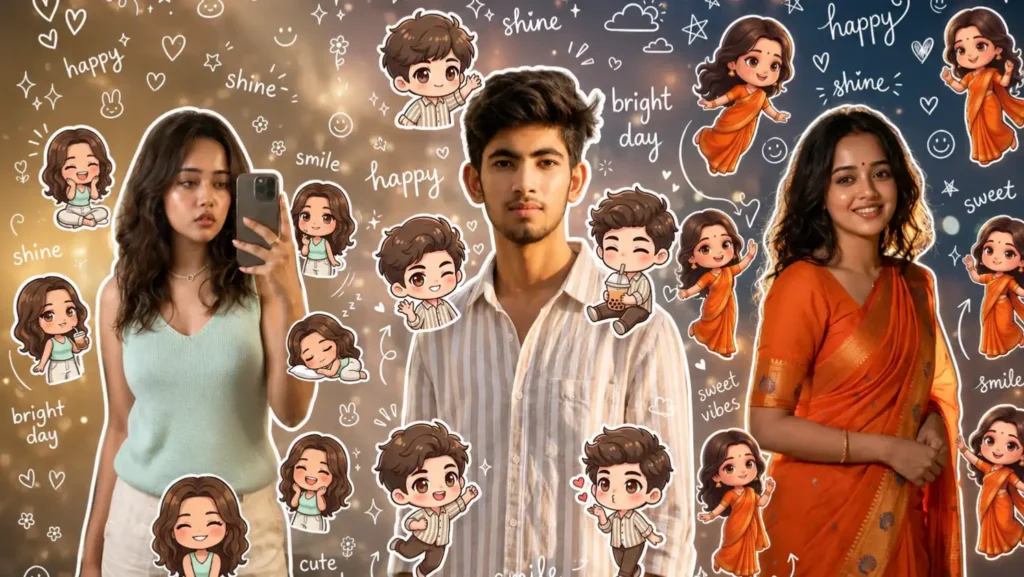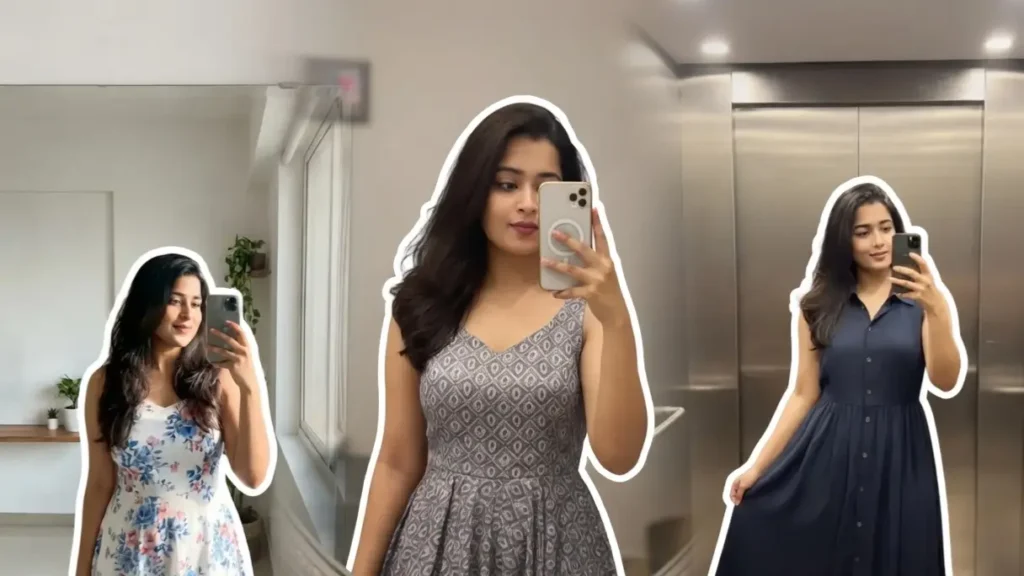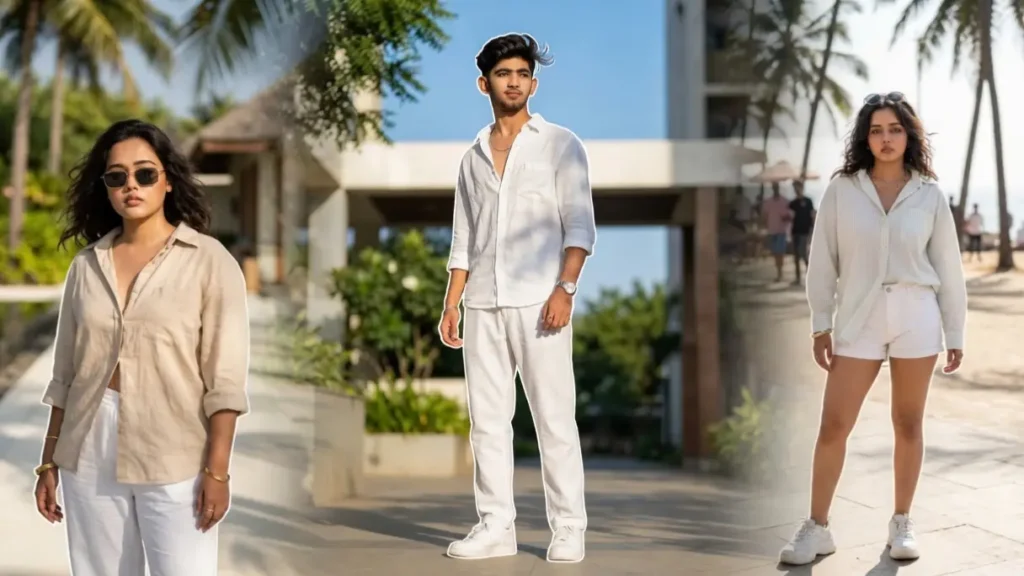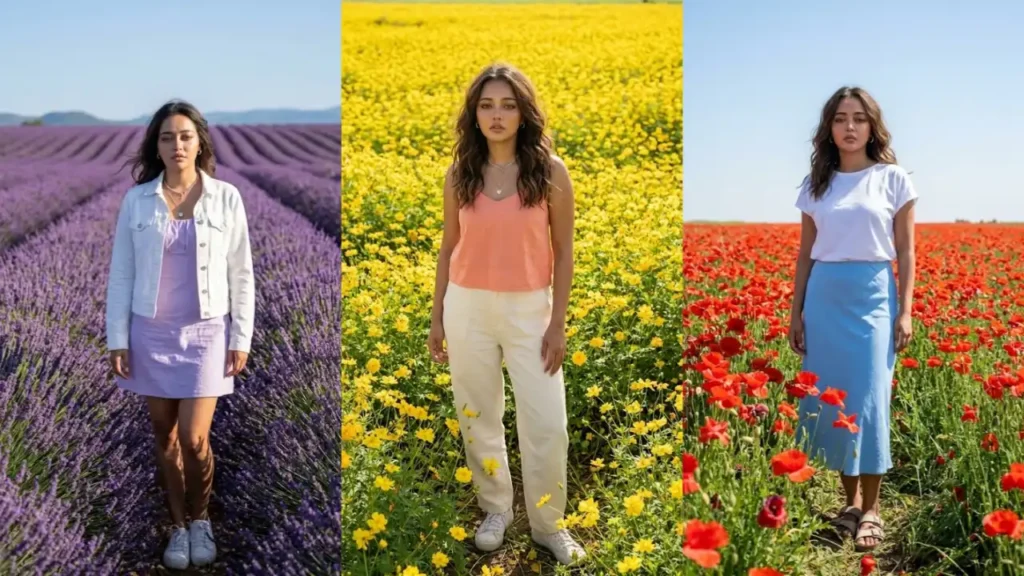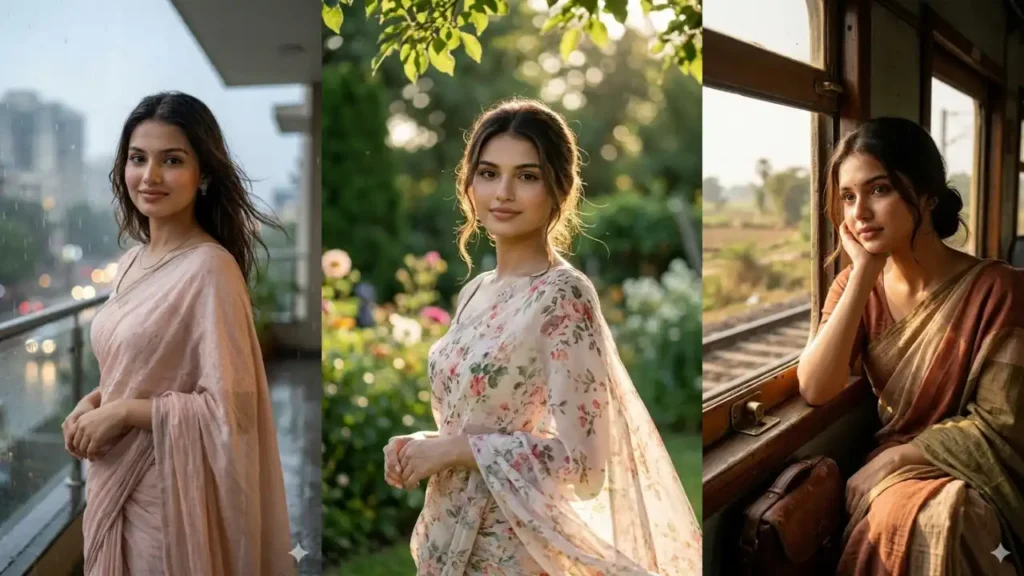
There’s something timeless about a saree: it carries elegance, grace, and personality in a way no other outfit does. But not everyone has access to professional photoshoots, perfect lighting, or aesthetic locations to capture that beauty.
With the right Gemini AI prompts, you can transform a simple photo into a high-quality saree portrait set in dreamy locations like gardens, city, vintage rooms, or garden environments: all while keeping your real face perfectly intact.
These prompts are specially designed to create natural, realistic images, not artificial or cartoon-like results. The magic lies in how you use and tweak these prompts.
Once you understand a few simple tricks, you can create unlimited variations from traditional looks to modern saree styles all from a single photo
1. Garden Breeze Saree Portrait
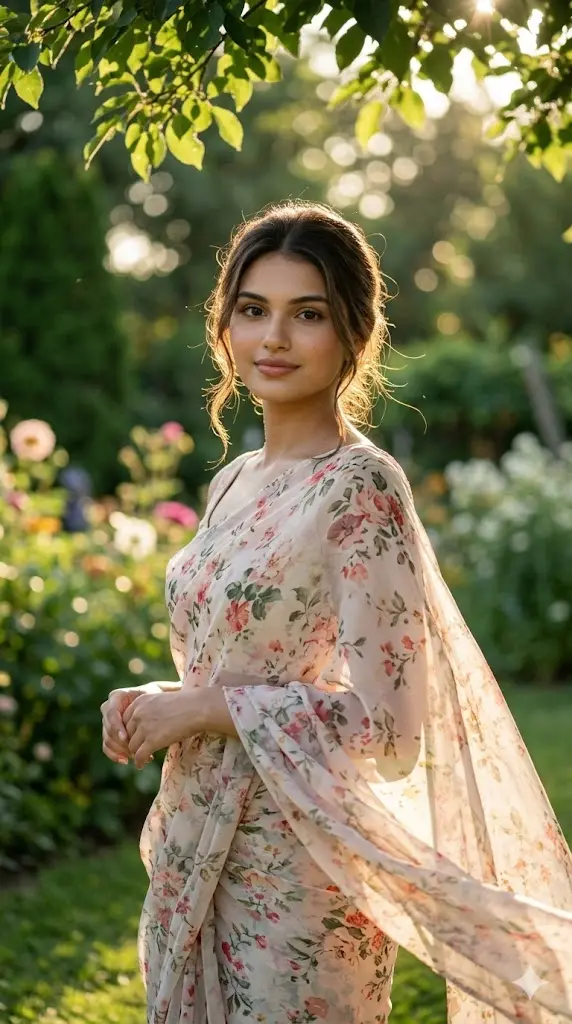
Maintain the exact facial identity of the uploaded user photo and transform the user into a hyper-realistic cinematic portrait standing in a lush green garden. The user wears a light floral saree flowing softly in a gentle breeze, with natural sunlight filtering through leaves creating soft light patterns on the face. The user looks toward the camera with a peaceful and fresh expression. The environment includes greenery, flowers, and blurred natural background creating depth. The lighting remains soft and natural, enhancing skin texture and fabric details realistically. The entire scene feels calm, vibrant, and lifelike. Aspect ratio 9:16.
 Copy
Copy Join
Join2. Monsoon Balcony Saree Portrait
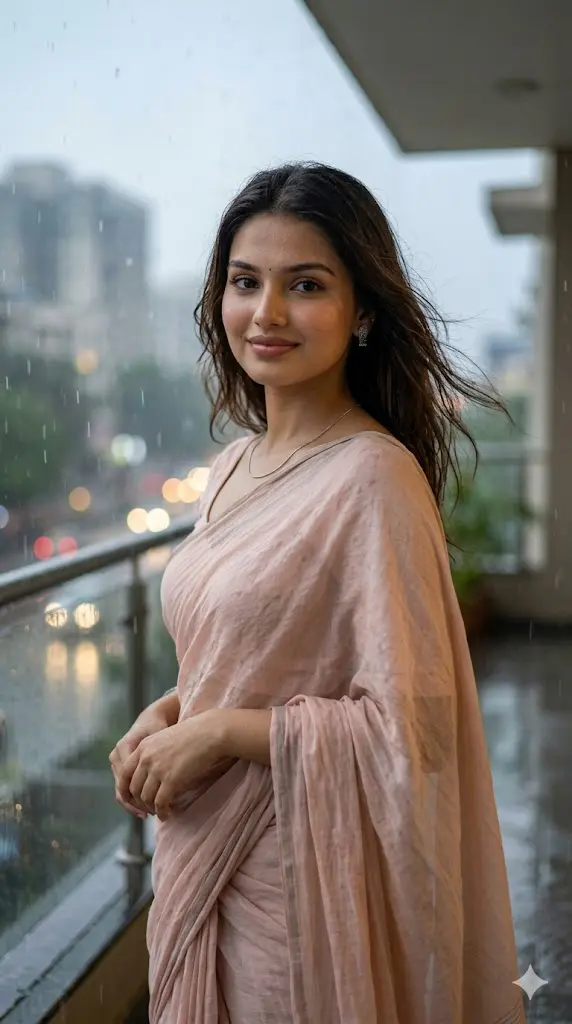
Maintain the exact facial identity of the uploaded user photo and transform the user into a hyper-realistic cinematic portrait standing on a balcony during light monsoon rain. The user is wearing a soft cotton saree in pastel tones with natural wet texture along the edges, paired with minimal jewelry and slightly damp hair flowing naturally with the breeze. Gentle rain droplets fall around, with blurred city lights in the background creating a cozy rainy atmosphere. The user looks calmly toward the camera with a subtle smile. Natural diffused lighting enhances real skin texture and fabric detail, creating a grounded, lifelike aesthetic with soft depth of field. Aspect ratio 9:16.
3. Vintage Train Window Saree Scene
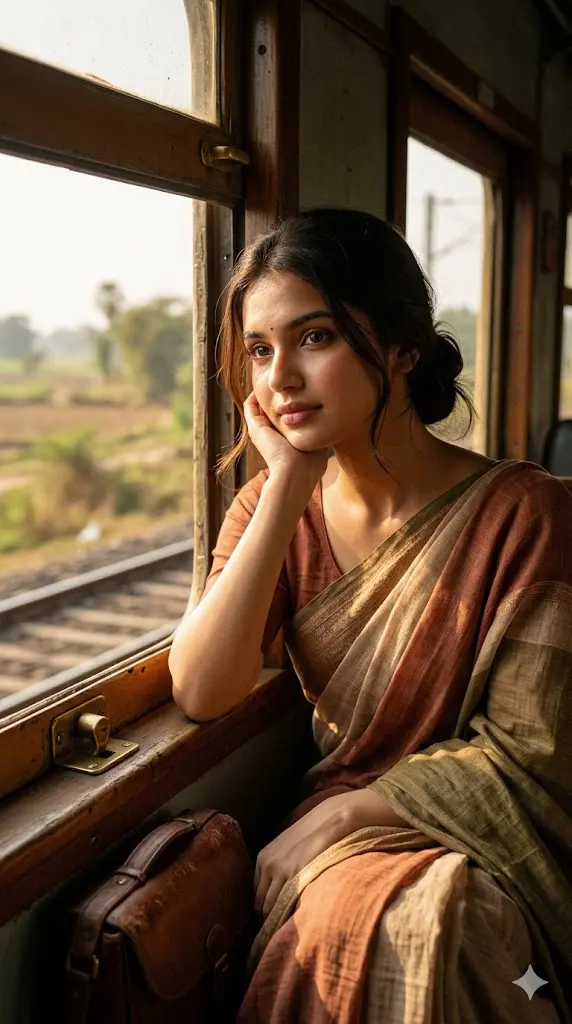
Maintain the exact facial identity of the uploaded user photo and transform the user into a hyper-realistic cinematic portrait sitting beside a vintage train window. The user is dressed in a classic handloom saree with subtle earthy tones, hair tied loosely with a few strands falling naturally. Warm sunlight enters through the window, casting soft golden highlights on the face and saree fabric. Outside scenery appears blurred, suggesting motion. The user gazes slightly outside while softly facing the camera, creating a nostalgic and emotional moment. Fine details like fabric texture, skin realism, and lighting gradients should appear photographic and natural. Aspect ratio 9:16.
4. Early Morning Temple Steps Portrait
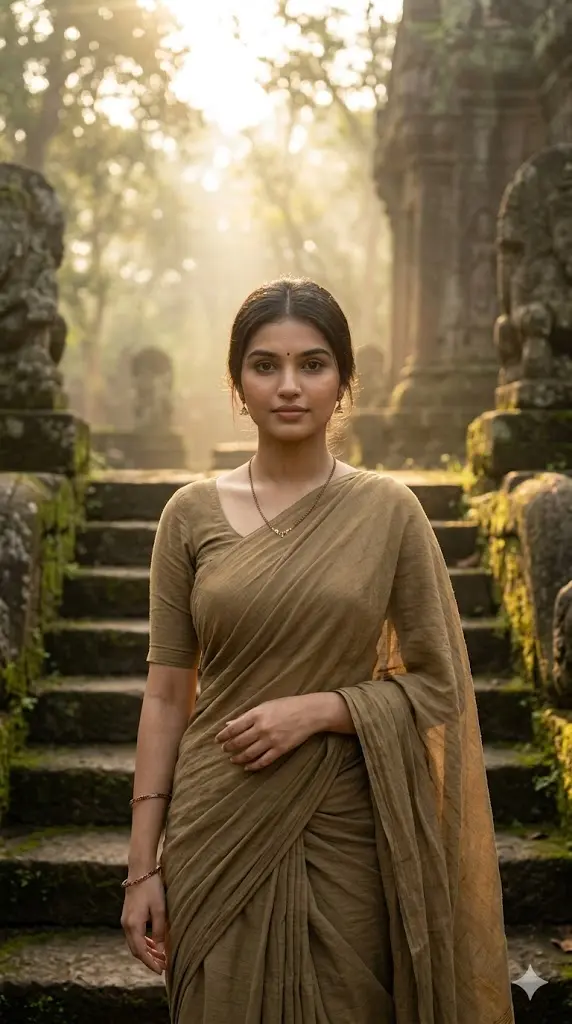
Maintain the exact facial identity of the uploaded user photo and transform the user into a hyper-realistic cinematic portrait standing on ancient temple steps during early morning light. The user is wearing a simple cotton saree with subtle earthy colors, paired with minimal traditional accessories. Soft golden sunlight filters through the surroundings, creating a peaceful spiritual atmosphere with light fog in the air. The user looks toward the camera with a calm and composed expression. The environment feels serene, with realistic stone textures and natural lighting enhancing depth and authenticity. Ultra-realistic photography style with fine skin and fabric details. Aspect ratio 9:16.
5. Sunset Beach Saree Elegance
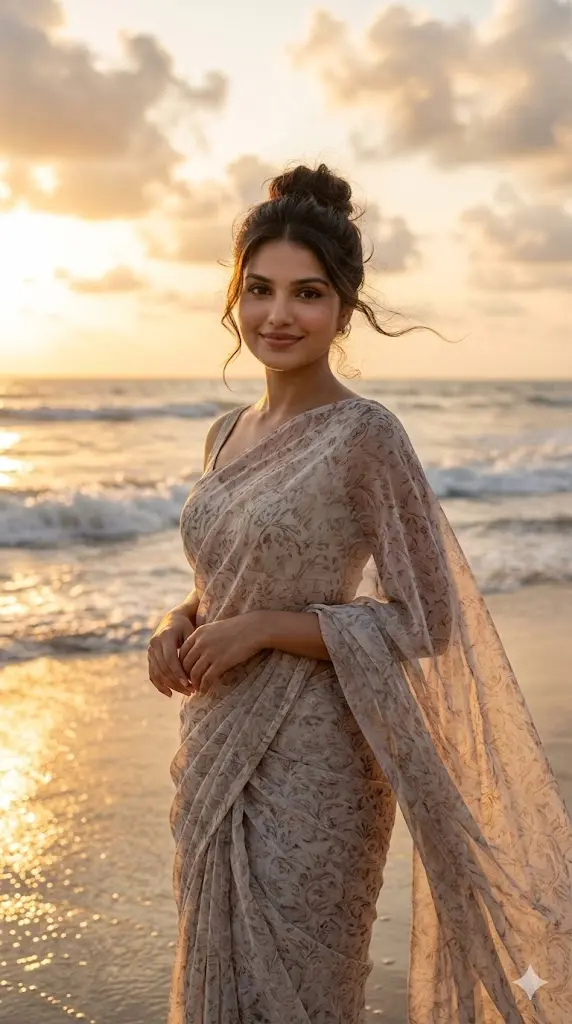
Maintain the exact facial identity of the uploaded user photo and transform the user into a hyper-realistic cinematic portrait standing near a beach shoreline during sunset. The user wears a light chiffon saree flowing naturally in the ocean breeze, with hair gently moving in the wind. Warm sunset tones reflect across the water and illuminate the face, creating soft golden highlights and natural shadows. The user stands facing the camera with a relaxed and confident expression. Gentle waves and glowing clouds create a dreamy yet realistic environment. Fine details like saree movement, skin texture, and lighting should feel natural and cinematic. Aspect ratio 9:16.
6. Saree Night Portrait
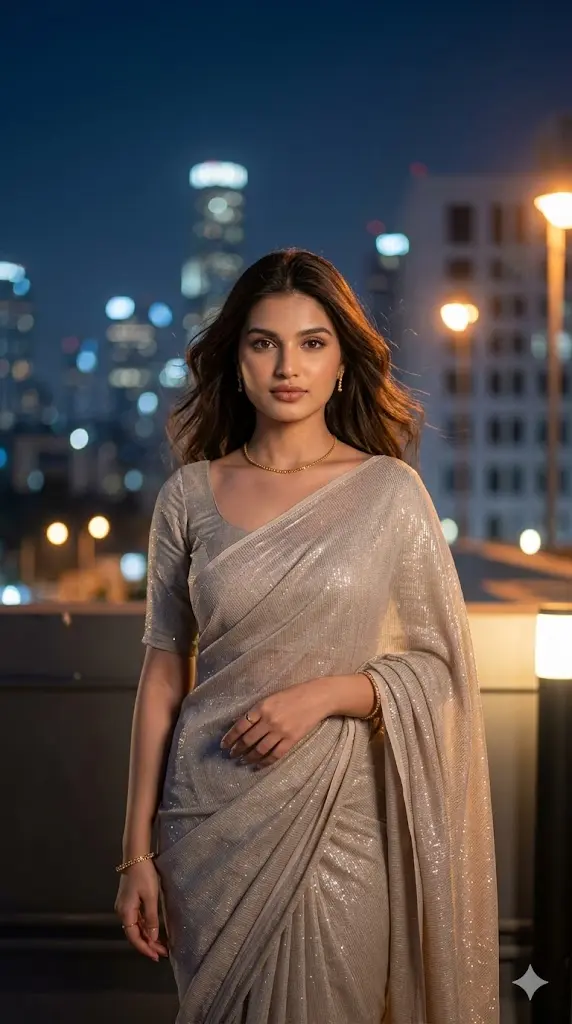
Maintain the exact facial identity of the uploaded user photo and transform the user into a hyper-realistic cinematic portrait standing on a city rooftop at night. The user wears a modern designer saree with subtle shimmer, paired with minimal jewelry and open hair. City lights glow softly in the background creating a blurred bokeh effect. Cool night lighting mixes with warm highlights reflecting on the face and saree. The user stands confidently facing the camera with a calm expression. Wind slightly moves the saree and hair for natural motion. Ultra-realistic lighting, textures, and depth create a premium cinematic look. Aspect ratio 9:16.
7. Traditional Indoor Window Portrait
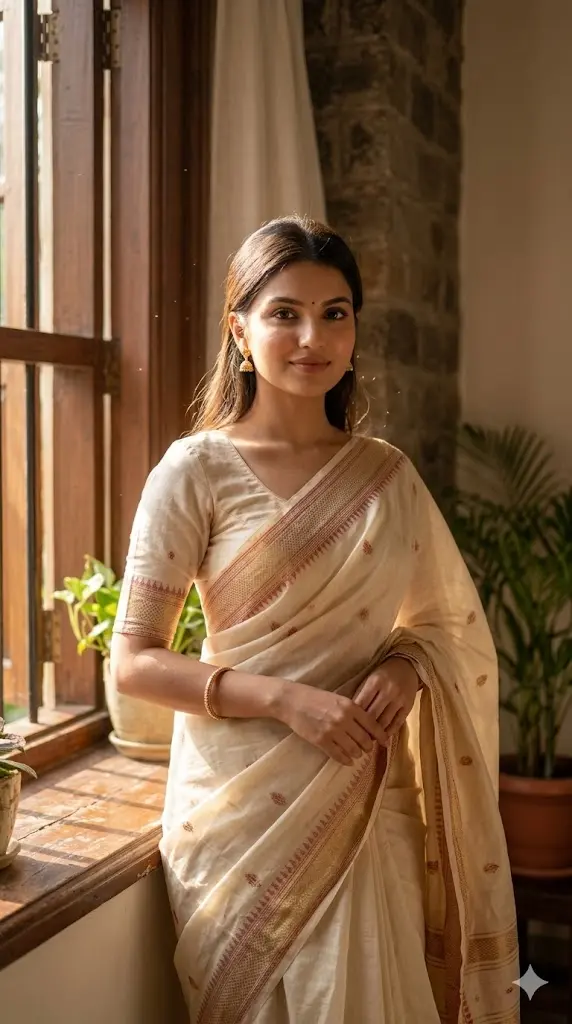
Maintain the exact facial identity of the uploaded user photo and transform the user into a hyper-realistic cinematic portrait standing near a traditional indoor window with natural light entering softly. The user is dressed in a classic saree with elegant draping and subtle patterns, paired with simple jewelry. Sunlight falls across the face creating soft highlights and natural shadows. The user stands slightly turned toward the window while looking at the camera with a calm expression. The environment feels warm and homely with realistic textures and lighting. Ultra-realistic detail in skin, fabric, and atmosphere. Aspect ratio 9:16.
Make Your Saree Portrait Look Premium (Before You Generate)
Before using any prompt, a few small improvements can completely change your final result:
✔ Choose the Right Photo
- Clear face visibility
- Natural lighting (avoid harsh shadows)
- Front-facing or slight angle works best
✔ Expression Matters
- Soft smile = elegant vibe
- Serious look = model-style portrait
✔ Keep It Natural
Avoid filters, heavy makeup effects, or edited selfies — AI works best with real-looking input.
How to Customize Saree Prompts (Most Important Section)
Most users just prompts ko just copy-paste karte lekin real magic tab hota hai jab in prompts ko aap apne taste ke according edit karte hai. Here is how you can do it👇
Saree Style Kaise Change Kare?
Prompt me jo saree mention hoti hai, usko replace kar do:
Examples:
- “silk saree” → “Banarasi silk saree”
- “light saree” → “chiffon saree”
- “floral saree” → “designer party wear saree”
💡 Pro Tip:
Add words like:
- “heavy embroidered”
- “minimal elegant”
- “bridal saree”
Background Kaise Change Kare?
Aap kisi bhi location me apni image bana sakte ho:
Replace with:
- “royal palace background”
- “wedding stage setup”
- “rainy balcony”
- “sunset garden”
- “modern indoor studio”
Jewelry & Styling Kaise Add Kare?
Prompt me simply add:
- “heavy bridal jewelry”
- “minimal gold earrings”
- “traditional bangles”
- “modern fashion accessories”
💡 Isse image ka vibe completely change ho jata hai.