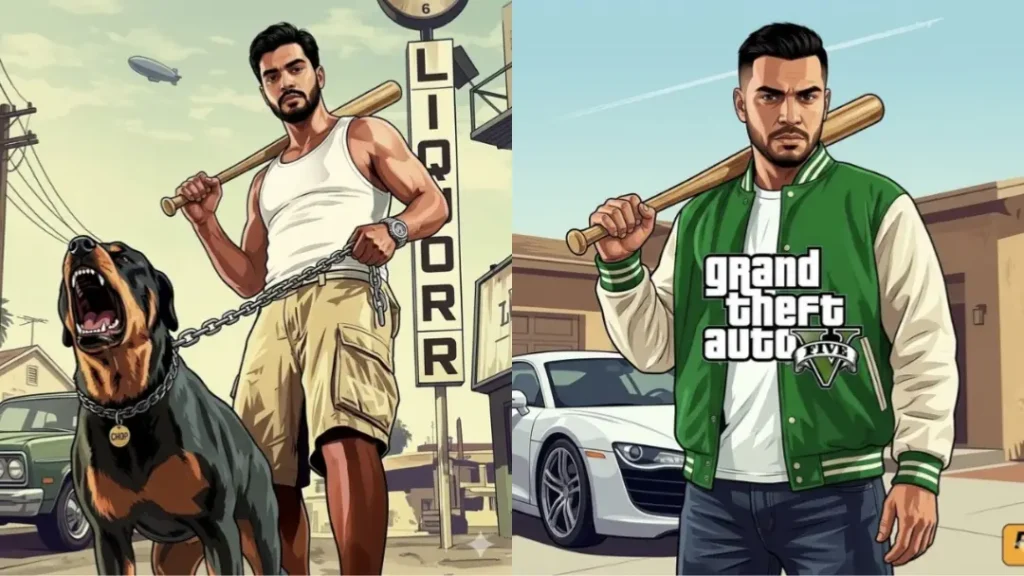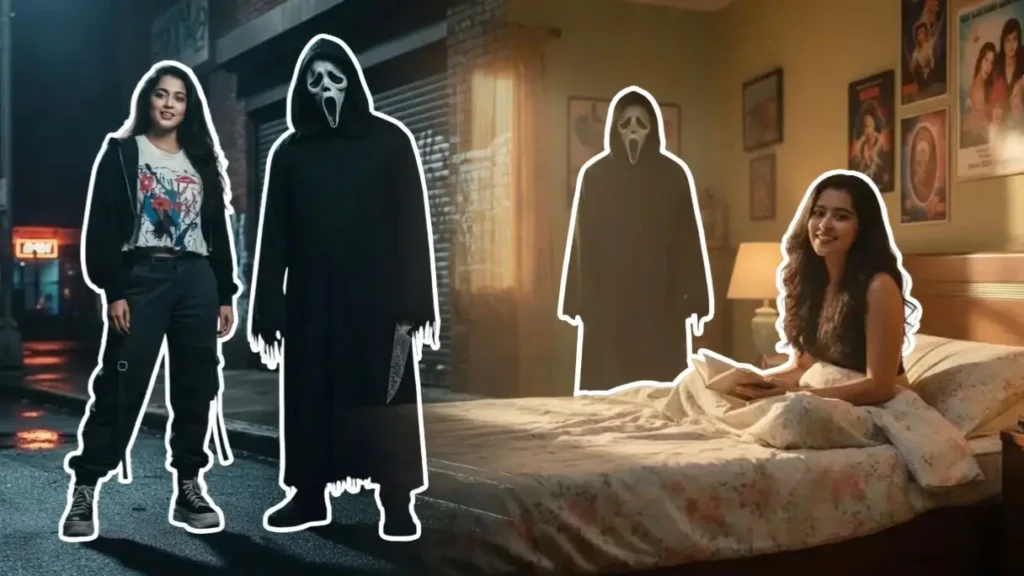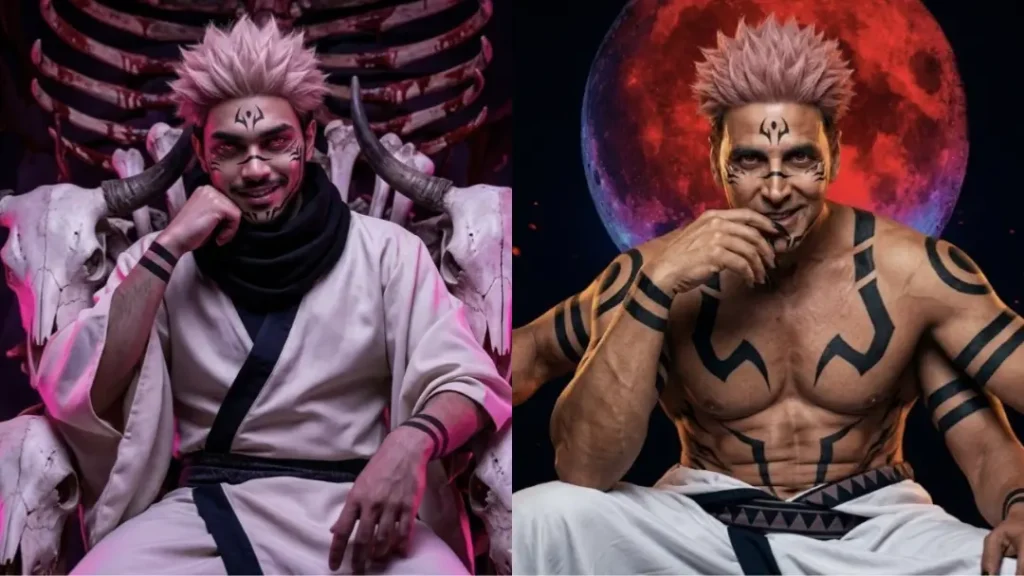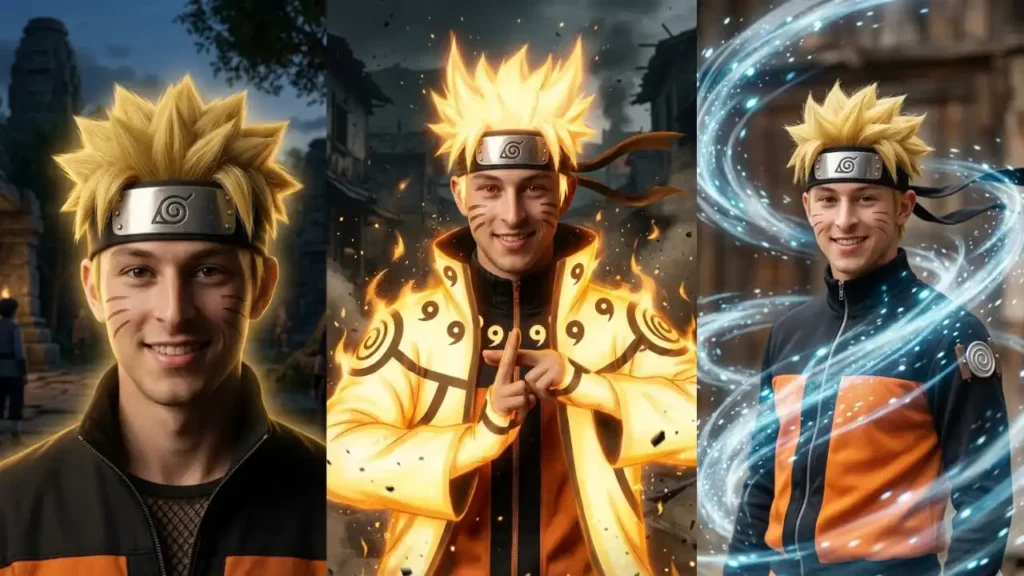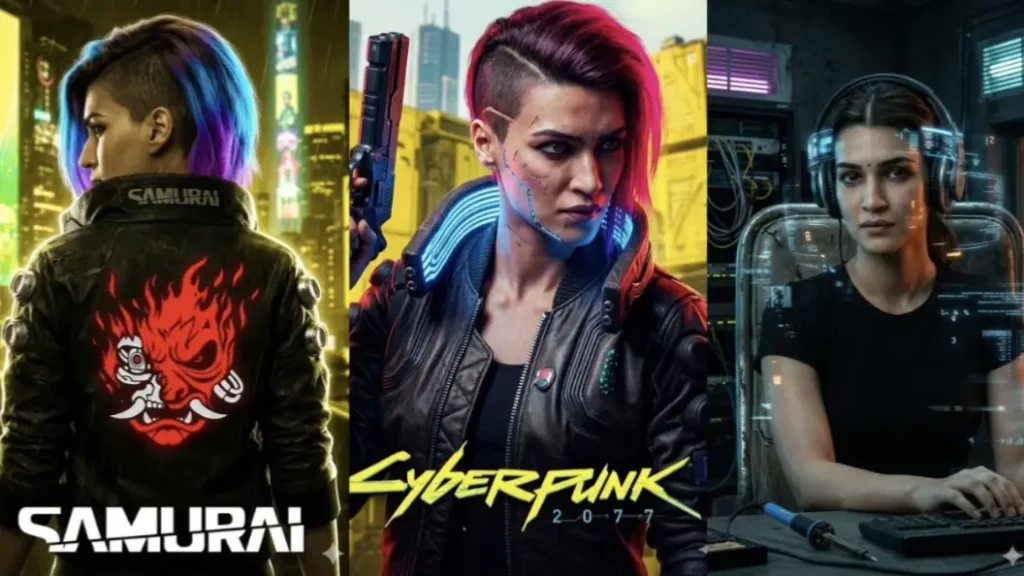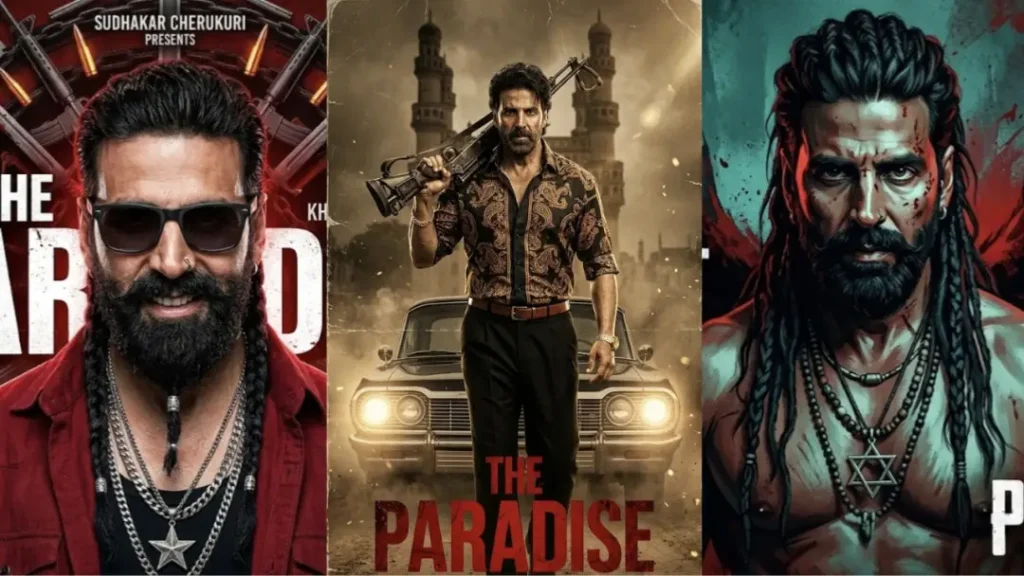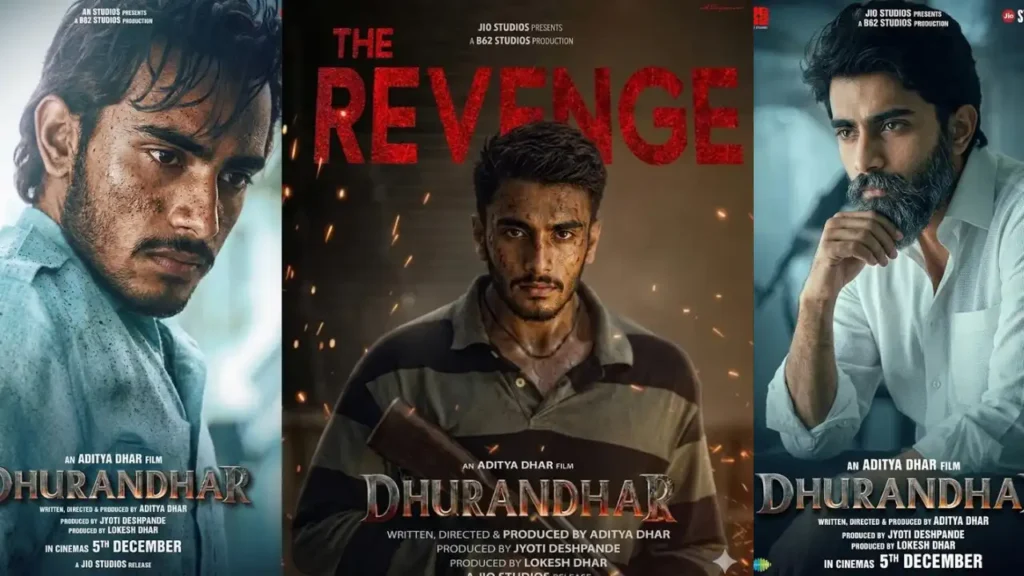
If you want to create viral Dhurandhar-style edits using AI, the biggest mistake people make is over-editing. Most tools try to enhance, restyle, or recreate the entire image instead of doing a clean face replacement.
The prompts you now have are designed to fix that problem.
They follow one simple rule:
👉 Only change the face, nothing else.
This ensures your final result looks exactly like an original movie poster, not an AI-generated edit. Whether it’s cinematic lighting, motion blur, rain effects, or color grading, everything stays untouched except the identity.
1. Hamza Ali Mazari + Jaskirat Singh Rangi 4K
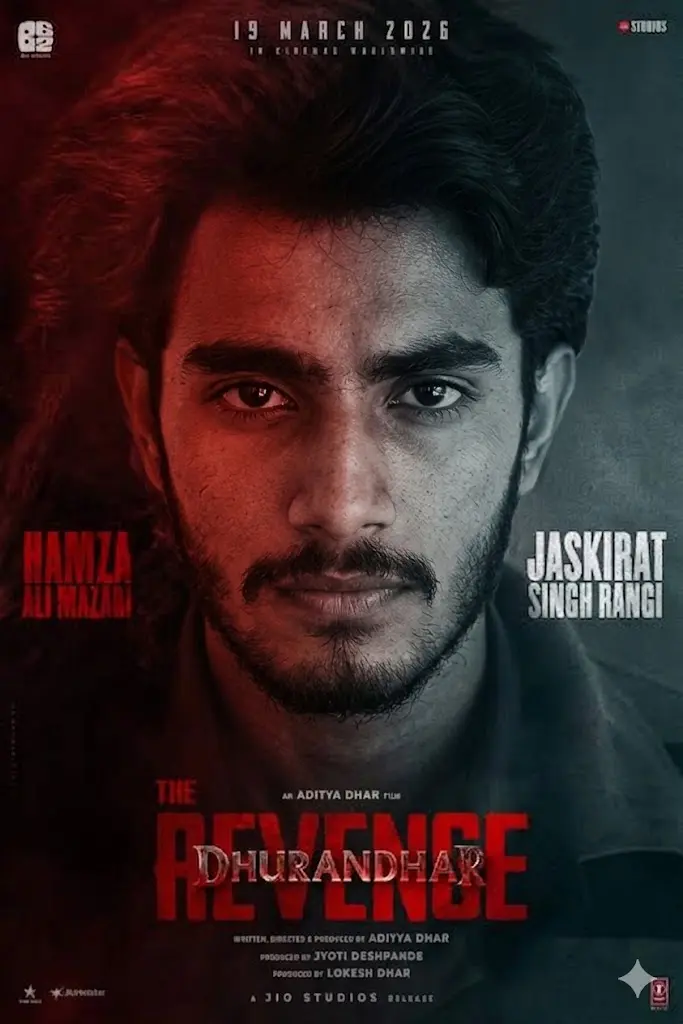
Replace only the face of the main character in the source image with the uploaded user face. Maintain the exact centered alignment and split-face composition without any change. Preserve the dual lighting setup with one side red and the other side cool tone exactly as in the original. Do not alter lighting balance, shadows, contrast, or cinematic grading. Match the face lighting precisely on both sides so it blends naturally with the split effect. Keep expression, skin texture, beard, and all details exactly the same. Do not clean, smooth, or enhance the face. Maintain original texture, imperfections, and sharpness. Strictly do not modify anything except the face. The final result must look identical to the original poster with only the identity changed.
 Copy
Copy Join
Join2. Jaskirat Singh Rangi
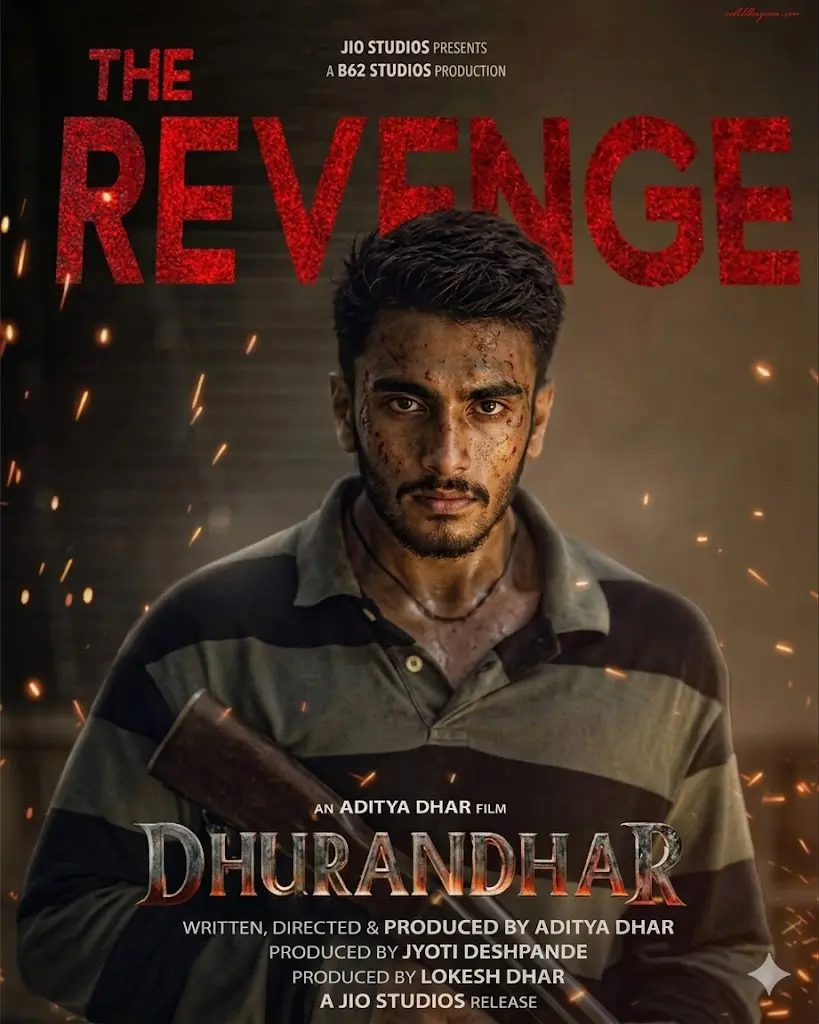
Replace only the face of the main character in the source image with the uploaded user face. Maintain the exact front-facing angle, expression, and head position without any change. Preserve the warm sparks, dark cinematic lighting, and gritty skin texture exactly as in the original. Do not alter lighting, shadows, contrast, or background atmosphere. Match the face lighting precisely so it blends naturally into the scene. Keep hairstyle, outfit, weapon, and all details exactly the same. Do not clean, smooth, or enhance the face. Maintain original skin texture, dirt, and sharpness. Strictly do not modify anything except the face. The final result must look identical to the original poster with only the identity changed.
3. Rehman Dakait
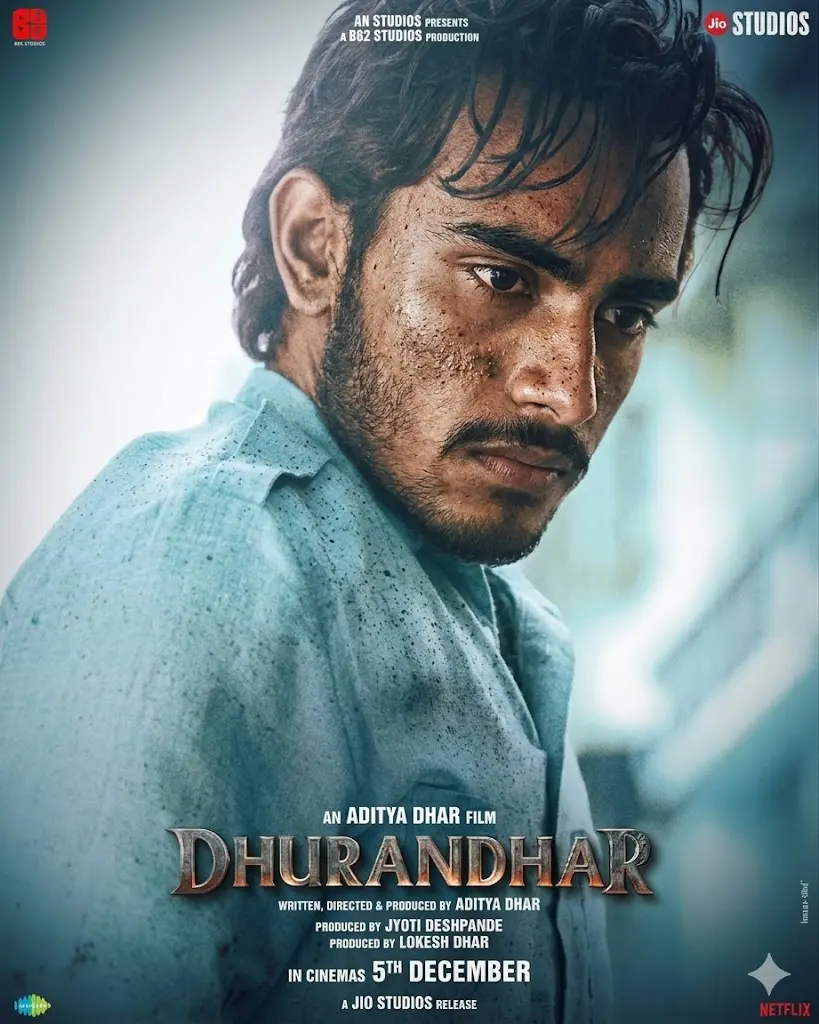
Replace only the face in the source image with the uploaded user face while strictly matching the side profile angle, head tilt, and perspective. Preserve all dirt, skin texture, sweat, and imperfections exactly as in the original. Do not clean, smooth, or enhance the face. Match lighting direction and intensity precisely so shadows fall naturally on the face. Do not change expression, hair, or background. Maintain original cinematic color grading and sharpness. Strictly no changes except face replacement. The result must look like the original image with only the identity swapped.
4. Jaskirat Singh Rangi 4K Poster
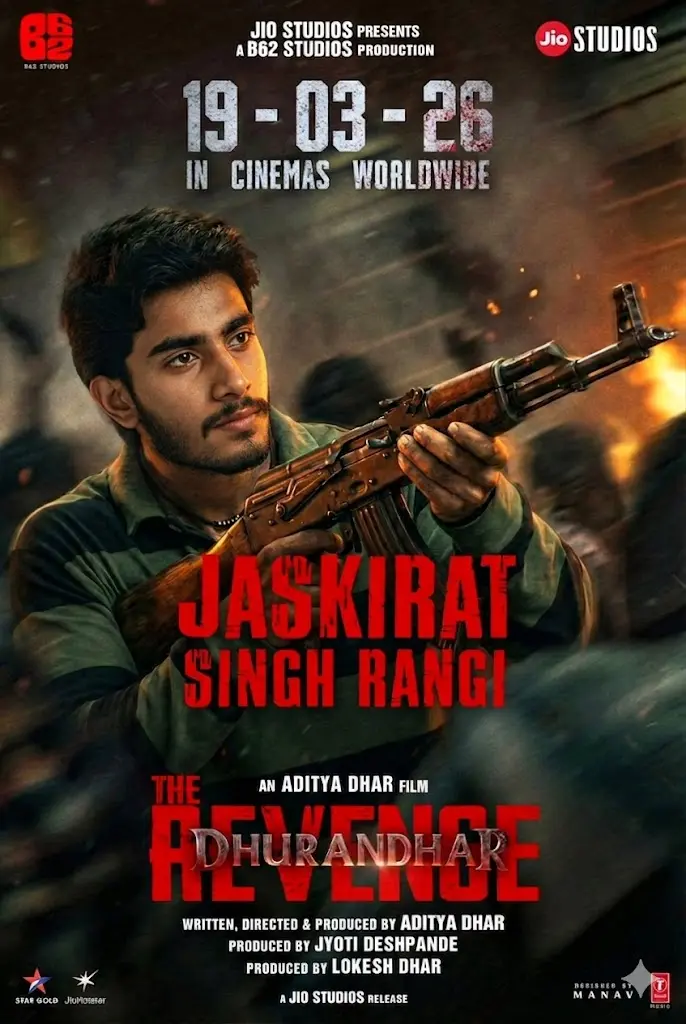
Replace only the face of the main character in the source image with the uploaded user face. Maintain the exact head angle, aiming posture, and perspective without any change. Preserve fire effects, motion blur in the background, lighting, and cinematic color grading exactly as in the original. Do not alter shadows, contrast, or environment. Match the face lighting precisely so it blends naturally into the action scene. Keep weapon position, hands, expression, and all background elements exactly the same. Do not smooth, enhance, or retouch the face. Maintain natural skin texture and details. Strictly do not modify anything except the face. The final result must look identical to the original poster with only the identity changed.
5. Ajit Doval
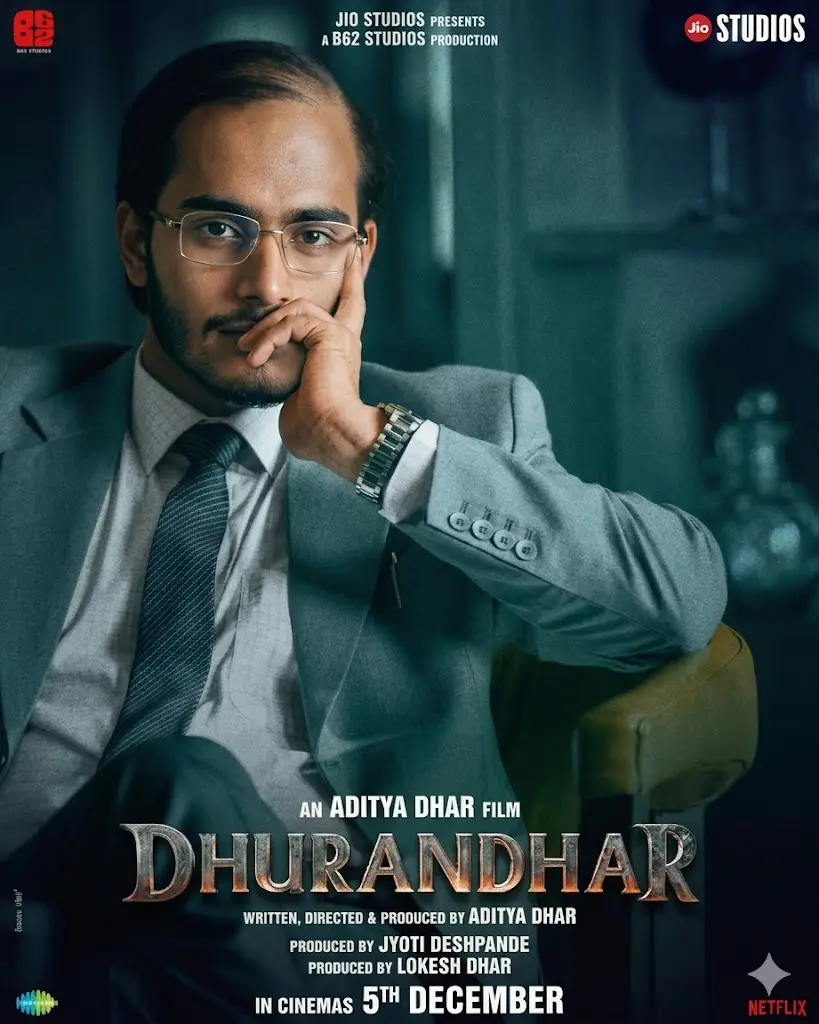
Replace only the face of the character in the source image with the uploaded user face. Ensure perfect alignment with the glasses, maintaining correct positioning of eyes behind the lenses. Preserve original lighting, reflections on the glasses, shadows, and skin tone environment. Do not alter suit, pose, hand position, or background. Maintain natural skin texture without any smoothing or enhancement. Match color grading and sharpness exactly. Strictly do not change anything except the face. The final image should look identical to the original with only the identity replaced.
6. SP Chaudhary Aslam
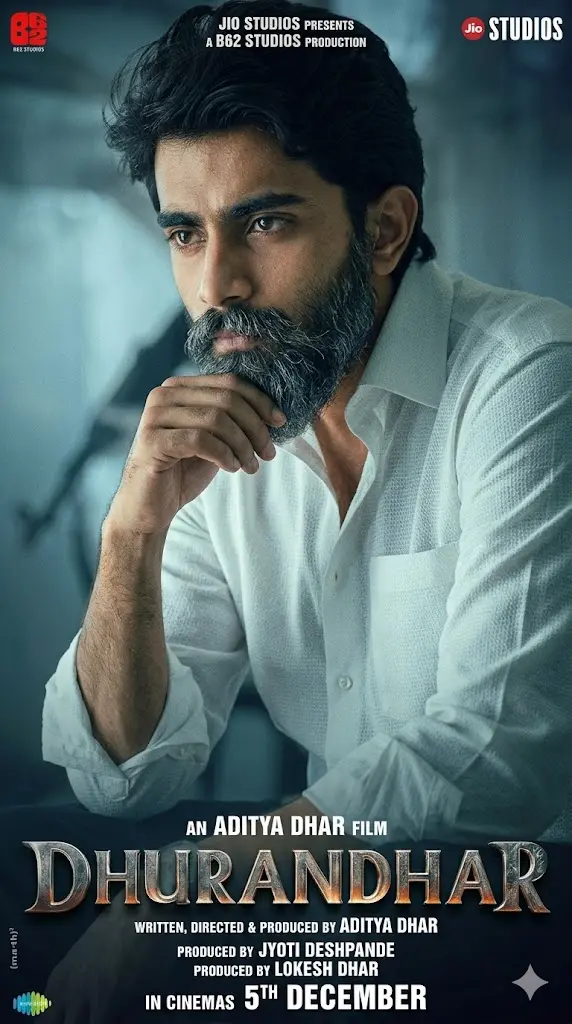
IMPORTANT – FACE LOCK (ABSOLUTE): Preserve exact facial identity from uploaded image with realistic pores and textures. Transform the user into a cinematic intense thinker sitting slightly leaned forward wearing a white textured shirt, sleeves folded, thick beard and styled hair. Expression serious and calculating. Background: cool-toned cinematic environment with soft light rays and depth blur. Add subtle film grain, moody lighting, and professional poster layout. Include title “DHURANDHAR” at bottom with cinematic typography. Ultra-realistic DSLR quality, sharp focus on face. Aspect ratio 9:16.
7. Major Iqbal
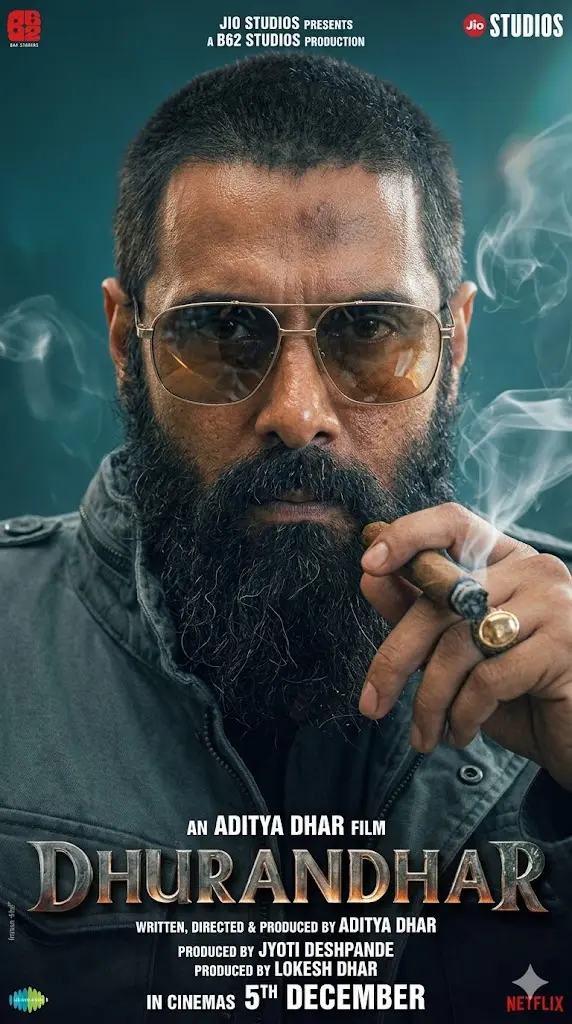
IMPORTANT – FACE LOCK (ABSOLUTE): Use uploaded face exactly without modification. Transform the user into a hyper-realistic gangster-style close-up portrait wearing dark jacket and aviator sunglasses, holding a cigar near mouth, thick beard and short rugged haircut. Expression intense and dominant. Background: teal cinematic blur with smoke effects. Add realistic smoke, lighting reflections on glasses, and sharp facial details. Poster layout with “DHURANDHAR” title at bottom. Ultra HD, high contrast lighting, realistic textures. Aspect ratio 9:16. Negative prompt: cartoon, anime, CGI, fake smoke, plastic face.
8. Jameel Jamali
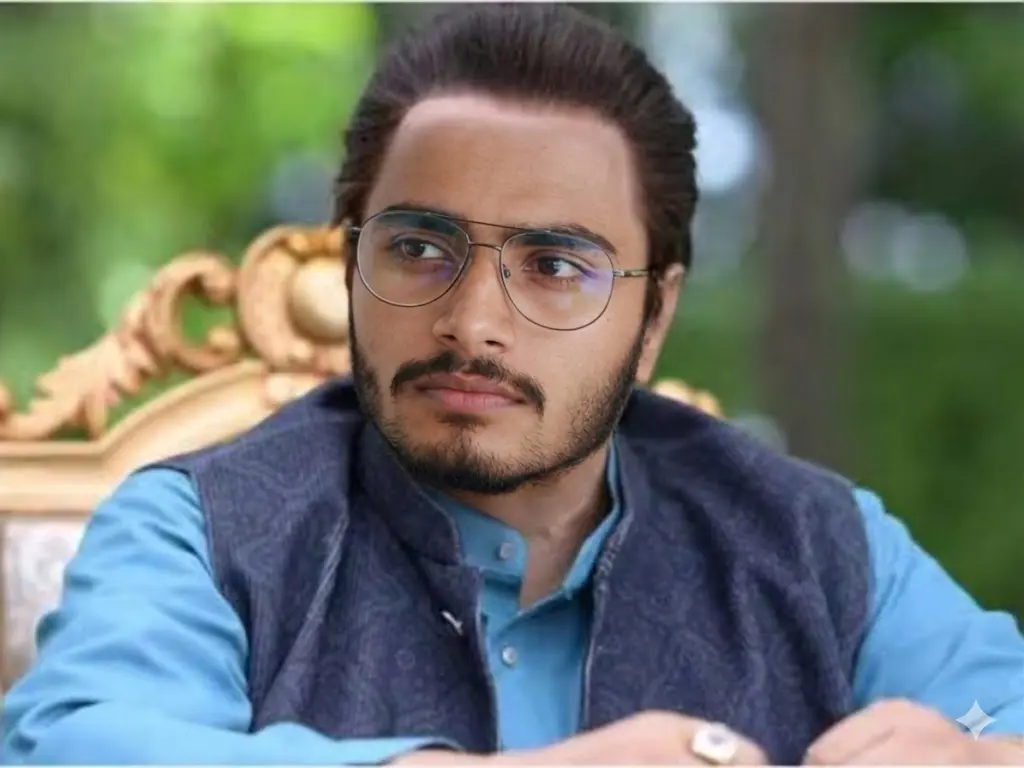
Replace only the face of the main character in the source image with the uploaded user face. Maintain the exact head angle, eye direction, and serious expression without any change. Preserve the soft outdoor lighting, background blur, and natural color tones exactly as in the original. Do not alter reflections on the glasses, lighting on the face, or shadow details. Match the face lighting precisely so it blends naturally into the scene. Keep hairstyle, glasses, outfit, chair details, and all background elements exactly the same. Do not smooth, enhance, or retouch the face. Maintain natural skin texture and original sharpness. Strictly do not modify anything except the face. The final result must look identical to the original image with only the identity changed.
Can I Remove All the Text from the Poster?
Yes, just add this line in the prompt:
“Remove all the text from the source image.”
👉 Pro tip:
First remove text → then apply face swap prompt
This gives cleaner results.
Can I Keep Only the “Dhurandhar” Logo?
Yes, just add this line in the prompt:
“Remove all the text from the source image except the movie title text Dhurandhar. Preserve its font, style and colours. Don’t edit or modify it to make it better.”
Important:
Do NOT try to combine text editing + face swap in one prompt.
AI will mess up composition. It will be much better if you clean the image with the movie name and then apply face swap Gemini prompt.
👕 Can I Change Clothes or Outfit?
Short answer: No (not with these prompts).
These prompts are intentionally strict:
- No outfit change
- No pose change
- No background change
Because: 👉 The more changes you allow, the more unrealistic the result becomes.
If you want outfit change, you need a different type of prompt, like:
- Full character recreation
- AI image generation (not replacement)
But for viral poster edits, keeping original clothes is actually better.
How to Use These Prompts Properly (Step-by-Step)
Step 1: Choose the Right User Face
Pick a face image that matches:
- Same angle (front / side / tilt)
- Similar lighting direction
- Similar expression
👉 This alone improves results by 70%
Step 2: Upload Both Images
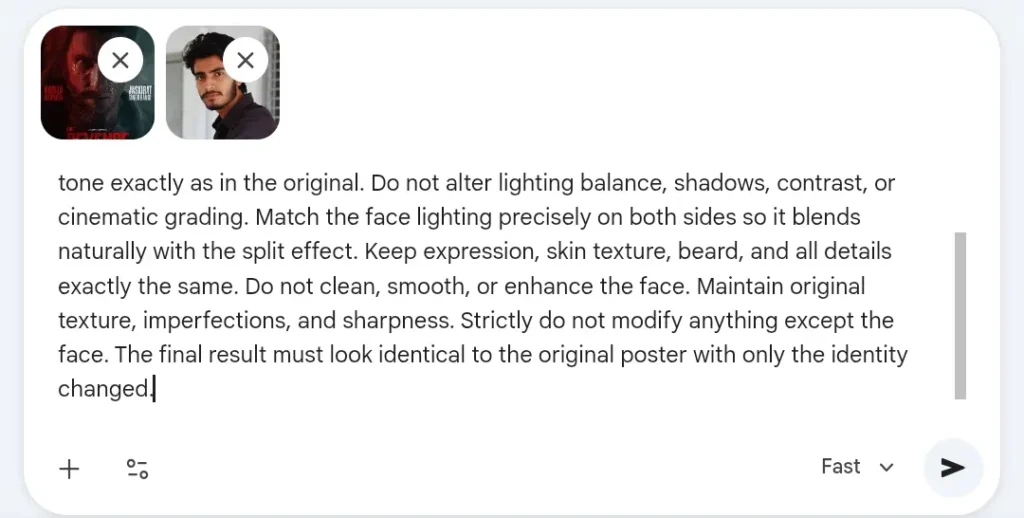
You need:
- Source poster (Dhurandhar image)
- User face image
Step 3: Paste the Prompt
Use the exact prompt you generated for that specific image.
Do NOT:
- Add extra instructions
- Modify wording too much
Step 4: Generate and Review
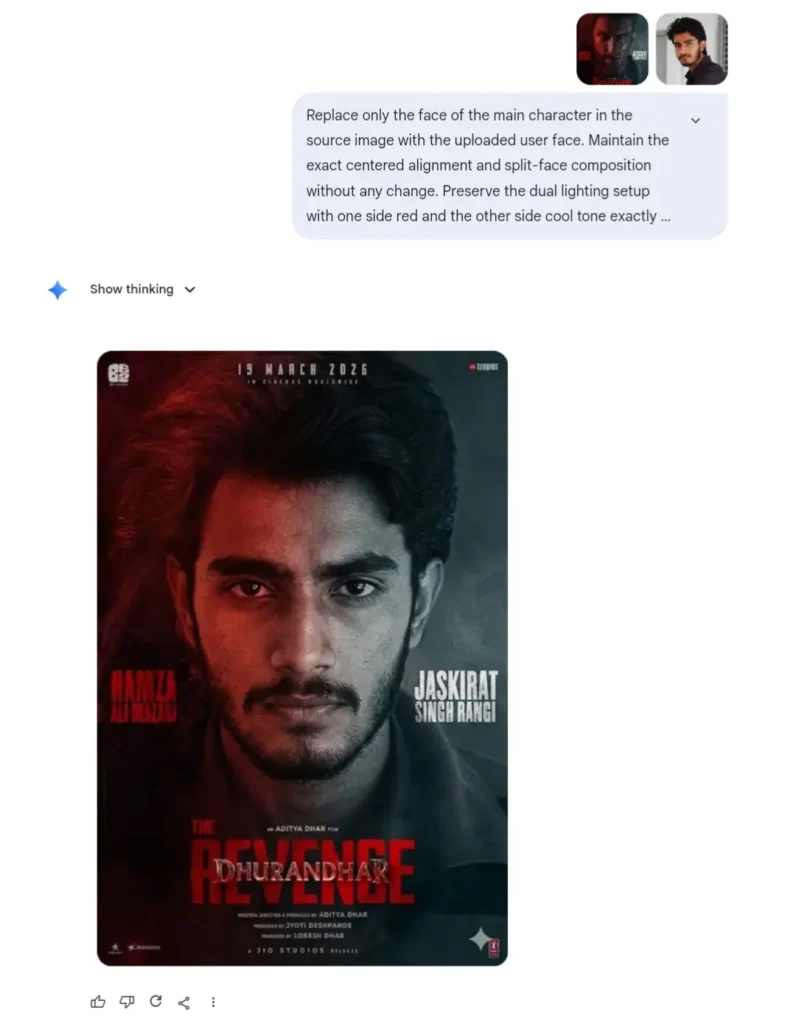
Check for:
- Face alignment
- Lighting match
- Skin texture realism
If something looks off: 👉 Try a better face image (not a new prompt)
Pro Tips (Game Changers)
✔ Always use high-quality face images
✔ Avoid selfies with filters
✔ Match beard / hairstyle if possible
✔ Side profile needs side face only
✔ Glasses image needs glasses face