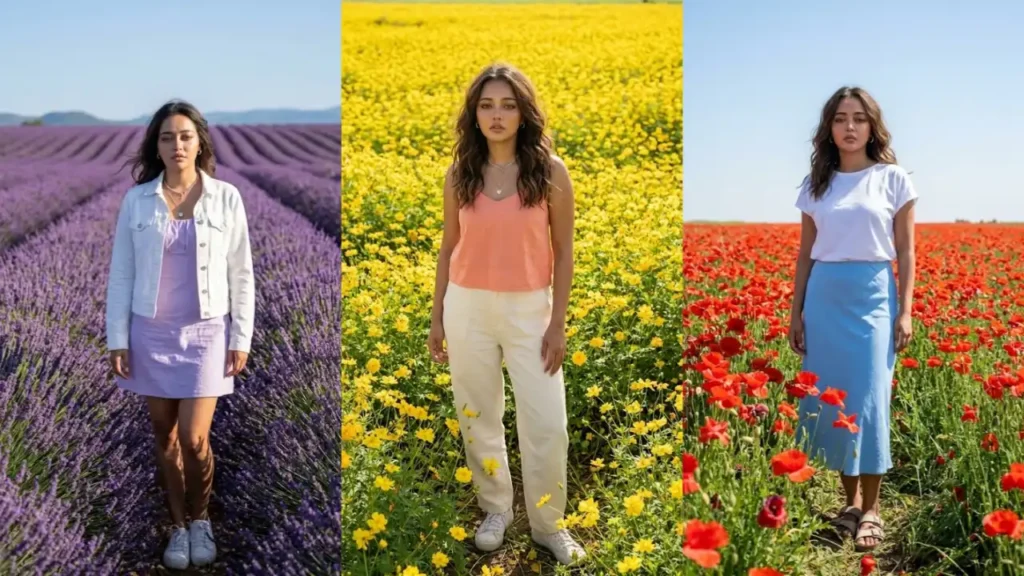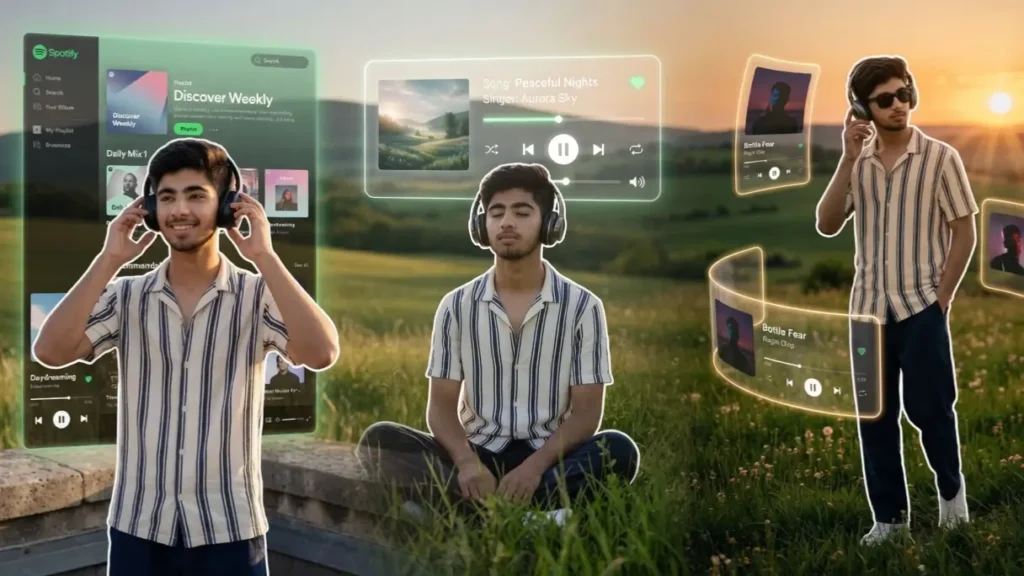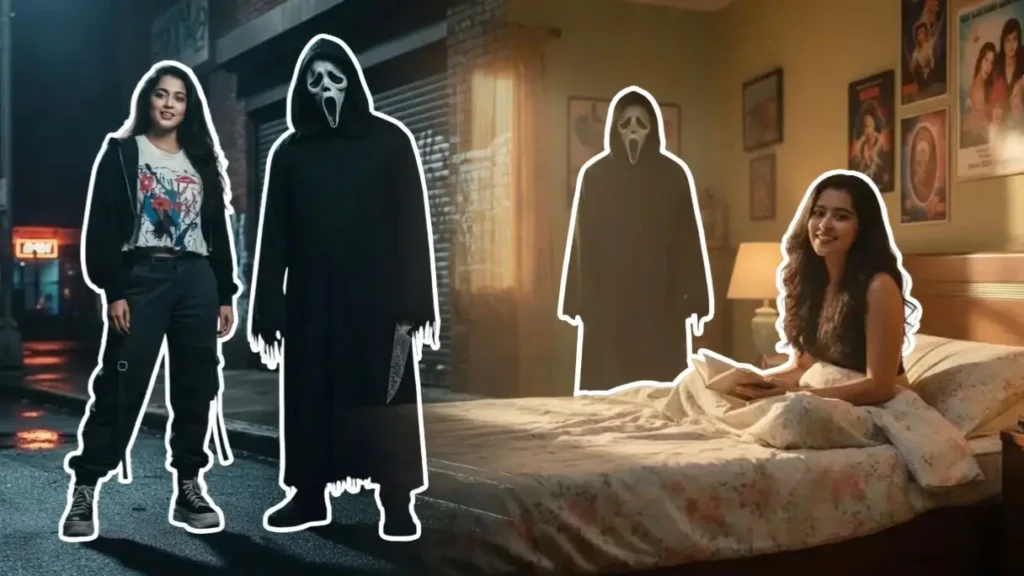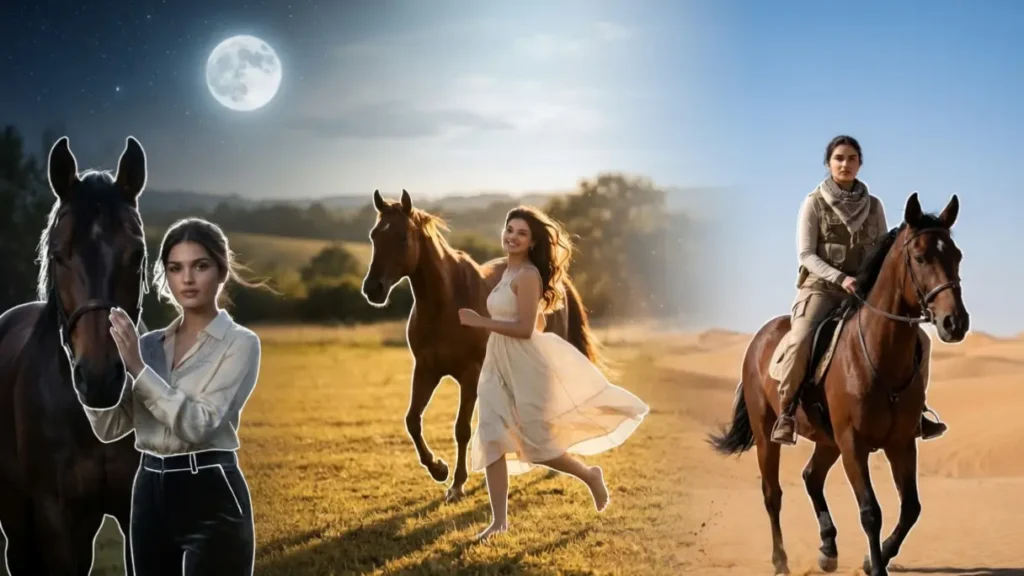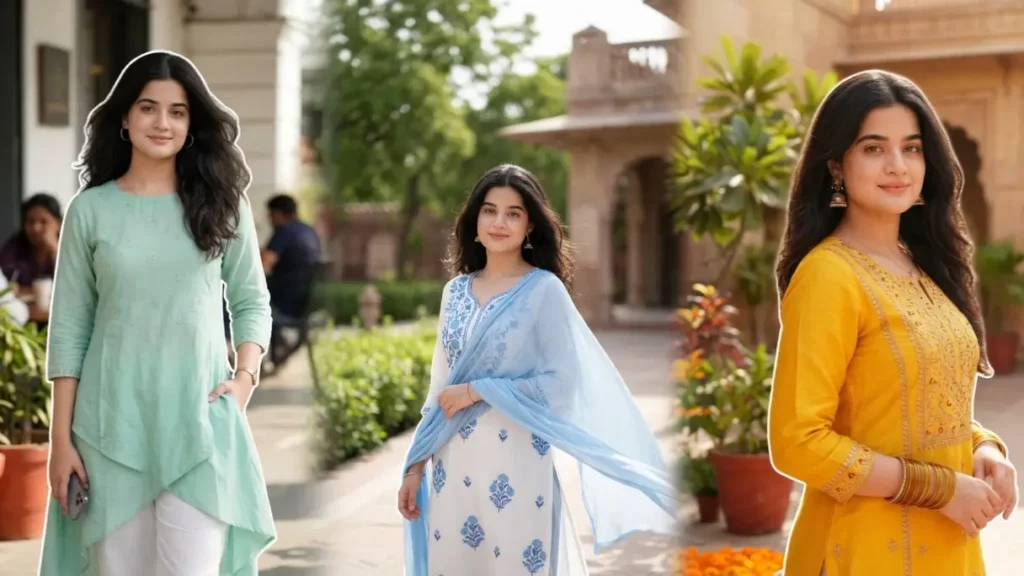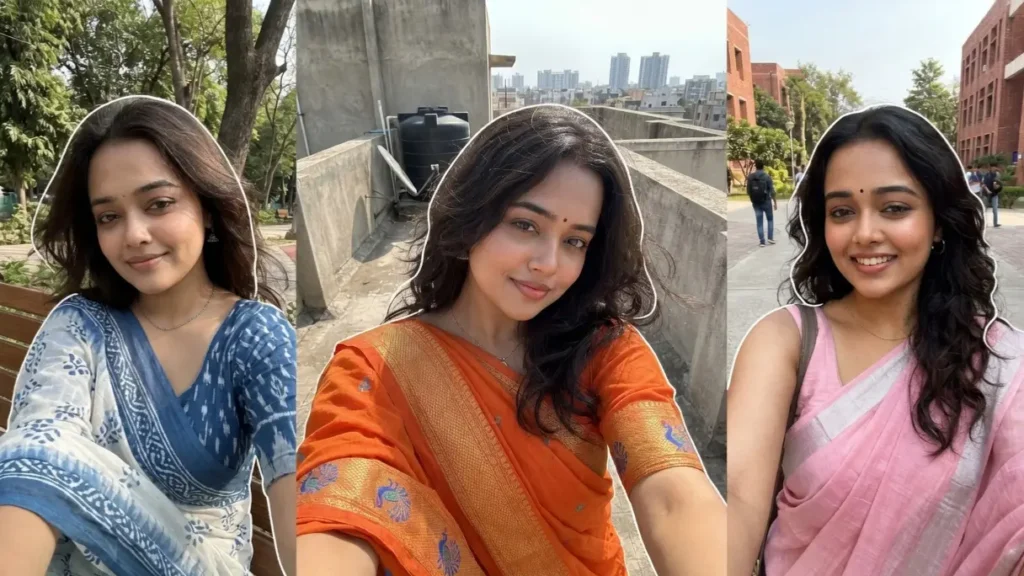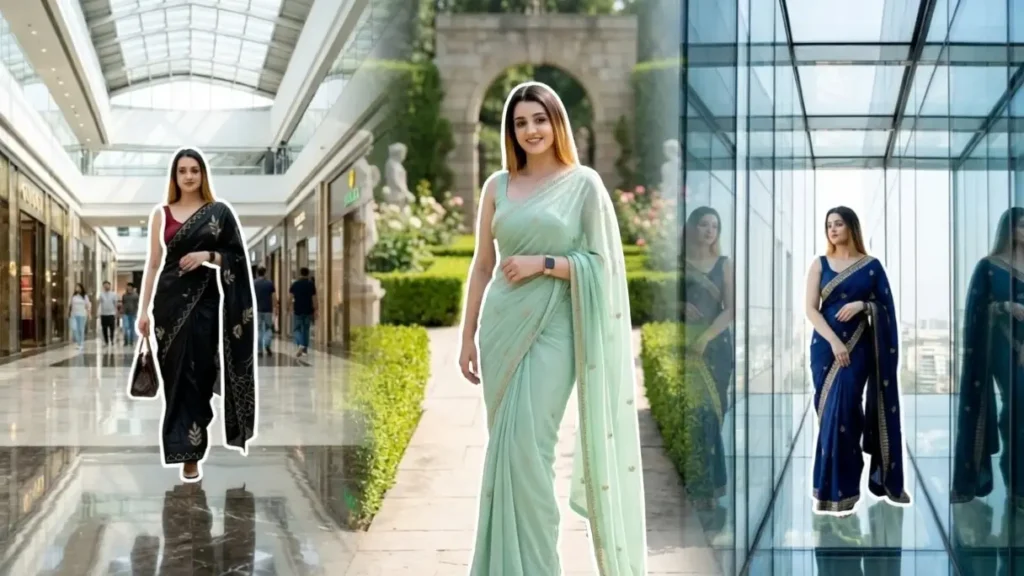
Saree portraits have always been a symbol of elegance, grace, and timeless fashion but creating a high-end cinematic saree photoshoot usually requires expensive setups, professional lighting, and designer outfits. With Gemini AI, that entire process becomes effortless.
By simply uploading your photo and using the right prompt, you can transform yourself into a luxury saree model in a cinematic setting, with perfect lighting, premium fabrics, and Instagram-ready aesthetics.
These prompts are designed to keep your real face intact while upgrading everything else: outfit, background, styling, and mood into a high-fashion editorial look.
The real magic, however, lies in how you customize the prompt. With a few simple edits, you can completely change the saree type, embroidery, color, and overall vibe, creating a unique look every time
1. Luxury Hotel Lobby Saree Shoot
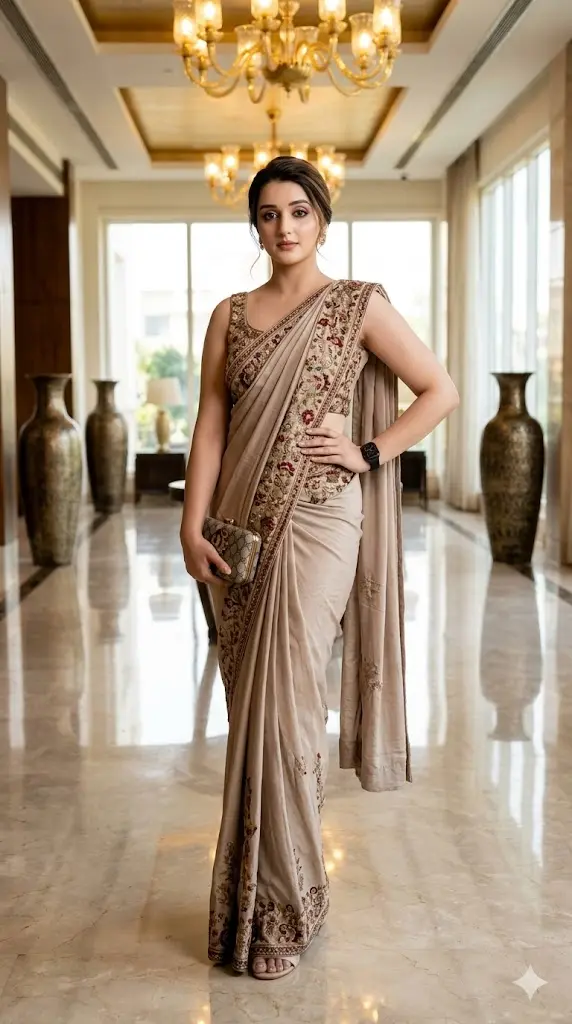
A stylish woman standing confidently in a grand luxury hotel lobby with polished marble floors and golden chandeliers glowing under soft daylight, wearing a designer saree with modern drape and elegant jewelry, full body posture with a confident Instagram-style pose, cinematic reflections visible on the floor, soft depth of field background; maintain exact facial identity from uploaded photo with ultra-realistic skin tones and facial accuracy; high fashion editorial photography style; negative prompt: anime style, plastic skin, distorted anatomy, unrealistic glow, blur; aspect ratio 9:16.
 Copy
Copy Join
Join2. Glass Building Reflection Saree Portrait
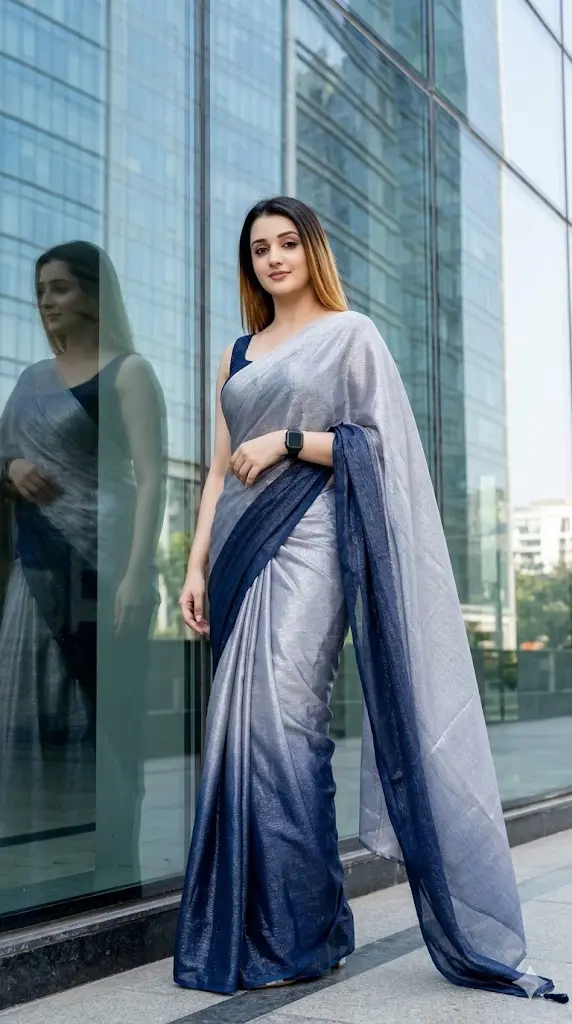
A modern confident woman standing outside a luxury glass skyscraper during bright daylight, her reflection visible in the glass panels, wearing a premium designer saree with subtle shimmer fabric flowing naturally, full body shot with strong confident posture, clean urban aesthetic with minimal distractions, cinematic light reflections enhancing elegance; preserve exact user face identity and natural skin texture while transforming into this high-fashion scene; ultra-realistic editorial photography; negative prompt: cartoon look, CGI rendering, distorted face, oversaturated colors; aspect ratio 9:16.
3. Garden Luxury Estate Saree Portrait
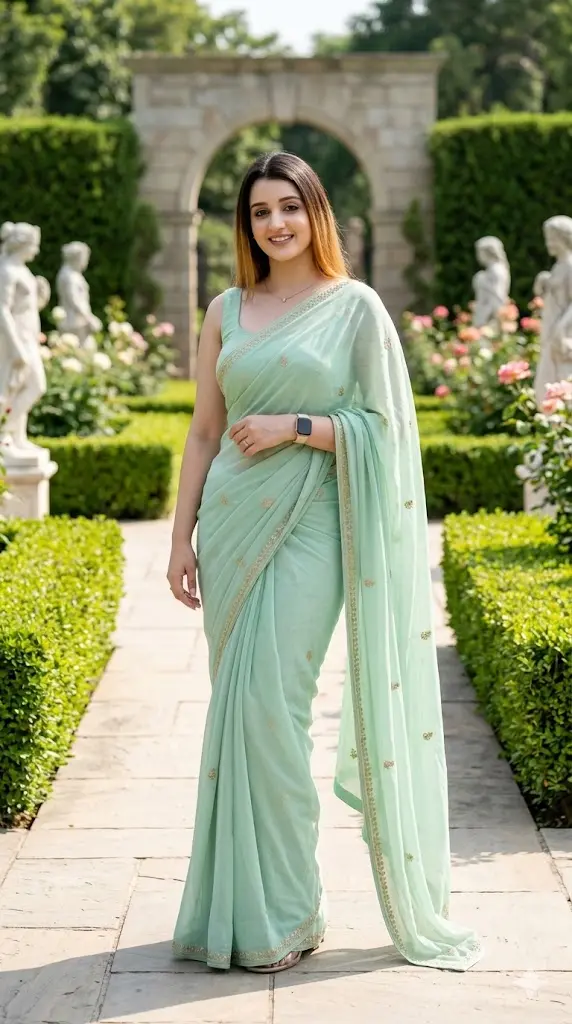
A graceful woman standing in a well-maintained luxury garden estate with trimmed hedges and elegant pathways under bright natural daylight, wearing a pastel designer saree with soft flowing fabric, full body composition with gentle pose and confident expression, sunlight highlighting her outfit and creating cinematic shadows; ensure exact facial identity and realistic skin detail from uploaded image; premium fashion photoshoot look; negative prompt: anime style, artificial lighting, distorted features, low detail; aspect ratio 9:16.
4. White Marble Staircase Saree Pose
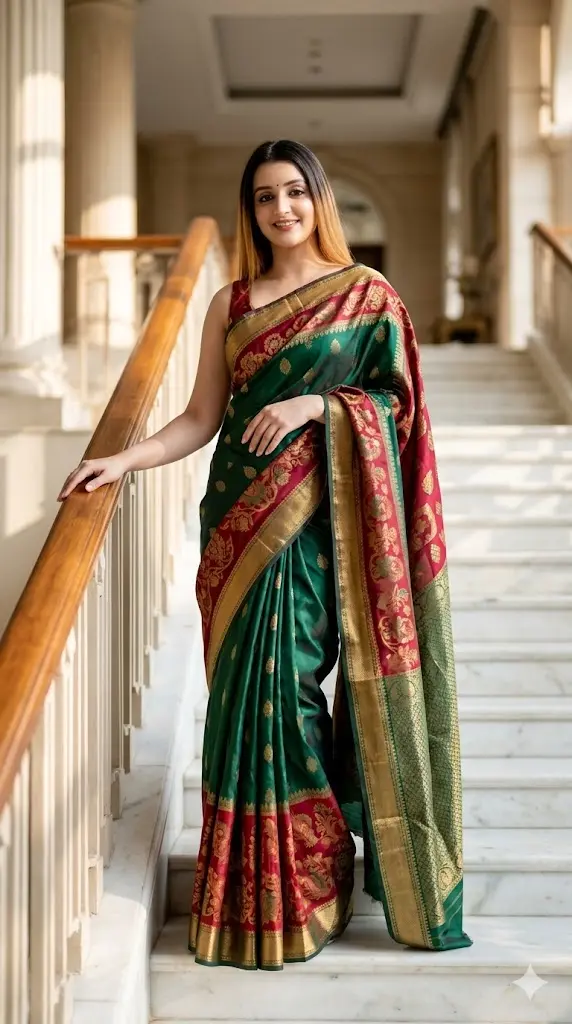
A stylish woman standing on a wide white marble staircase in a luxury architectural setting during daytime, wearing a rich silk saree with bold colors and elegant drape, full body visible with a confident pose, soft natural sunlight illuminating the scene, cinematic depth and minimal background distractions; maintain accurate facial identity and natural skin texture; ultra-realistic fashion editorial photography; negative prompt: cartoon, CGI textures, distorted anatomy, unrealistic shadows; aspect ratio 9:16.
5. Luxury Mall Fashion Saree Shoot
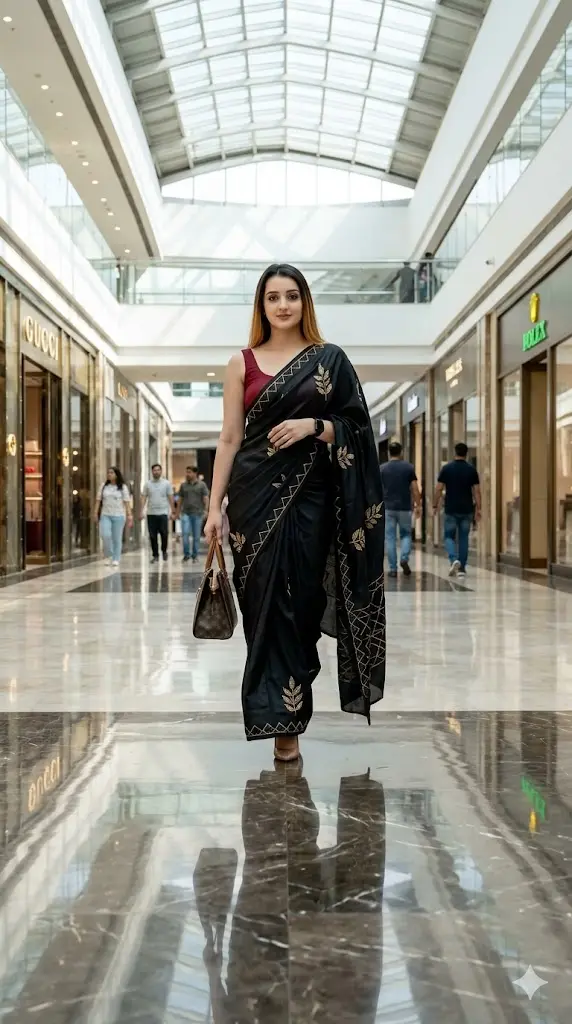
A fashionable woman walking confidently inside a high-end luxury shopping mall with glass ceilings and bright daylight illumination, wearing a premium saree styled in a modern fashion-forward way, full body shot with confident runway-style walk, reflections on polished floors adding cinematic effect; IMPORTANT – FACE LOCK (ABSOLUTE) maintain exact facial identity and natural skin details; ultra-realistic fashion photography style; negative prompt: cartoon, CGI look, distorted face, low quality; aspect ratio 9:16.
6. Minimalist White Studio Saree Portrait
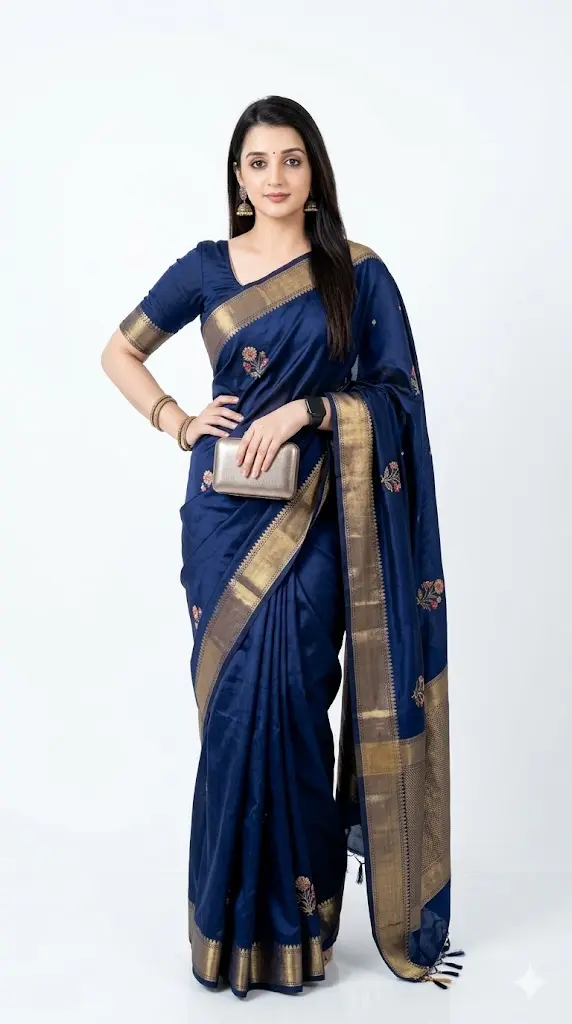
A confident woman standing in a clean minimalist white studio environment filled with soft natural daylight, wearing a luxury saree with elegant draping and subtle textures, full body composition with a bold fashion pose, shadows softly falling behind creating depth, premium editorial photoshoot aesthetic; IMPORTANT – FACE LOCK (ABSOLUTE) ensure exact face identity and realistic skin tone preservation; ultra-realistic lighting; negative prompt: anime style, unrealistic shadows, plastic skin, distortion; aspect ratio 9:16.
7. Luxury Balcony Saree Portrait
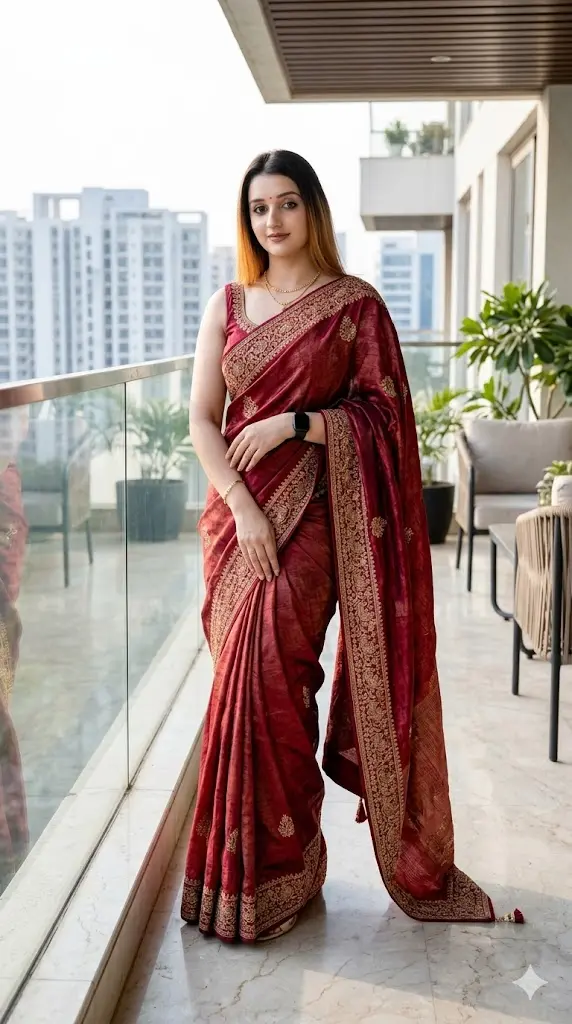
A stylish woman standing on a luxury balcony overlooking a modern city during bright daylight, wearing a flowing designer saree with rich textures, full body visible with elegant posture, soft sunlight illuminating her outfit and creating cinematic highlights, slight breeze adding motion to saree fabric; preserve user’s exact facial identity and natural realism; high-end cinematic photography; negative prompt: cartoon rendering, CGI textures, distorted face; aspect ratio 9:16.
8. Designer Showroom Saree Portrait
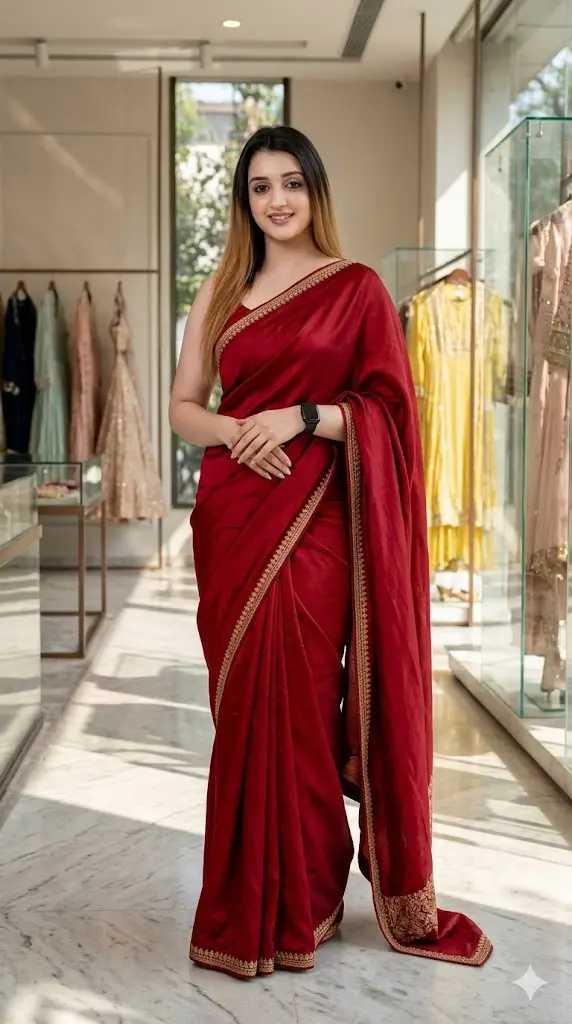
A fashionable woman standing inside a luxury designer showroom with bright natural lighting and minimalistic interiors, wearing a high-end saree styled elegantly, full body pose with confident expression and Instagram-ready posture, reflections and lighting enhancing premium look; IMPORTANT – FACE LOCK (ABSOLUTE) maintain exact facial identity from uploaded image; realistic fashion editorial quality; negative prompt: anime style, plastic skin, unrealistic colors; aspect ratio 9:16.
9. Glass Corridor Reflection Saree Shot
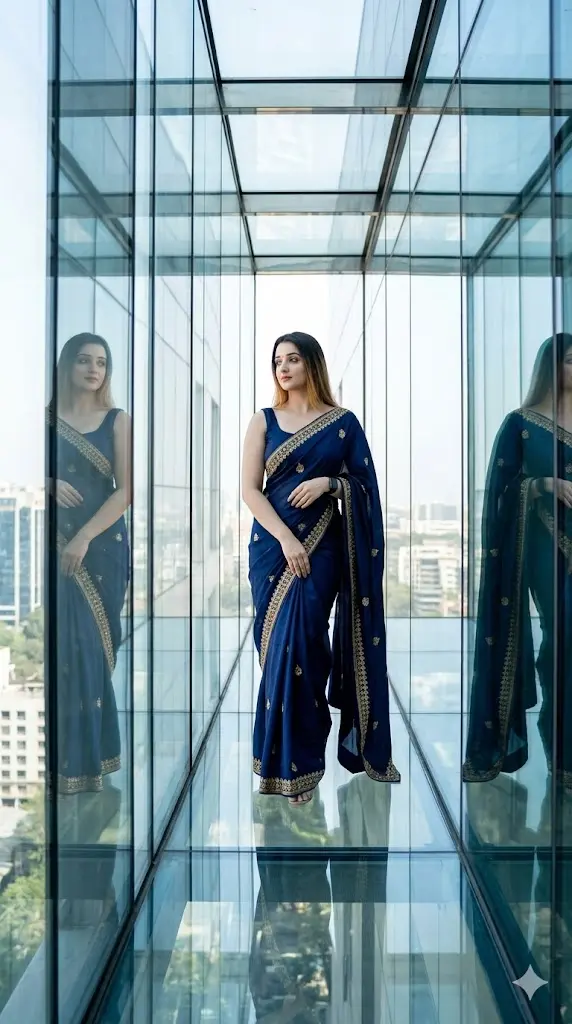
A stylish woman walking inside a luxury glass corridor with reflections on both sides, bright daylight filling the space, wearing a flowing designer saree that moves naturally, full body cinematic shot with confident fashion pose, reflections enhancing depth and premium feel; maintain exact facial identity and realism; high-end editorial style; negative prompt: anime, CGI, blur, distortion; aspect ratio 9:16.
Can I Change It to Banarasi, Silk, or Any Other Saree Type?
Yes, and it’s one of the easiest edits you can make.
Just replace the word “designer saree” in the prompt with any specific type:
Examples:
- “Banarasi silk saree with heavy gold zari work”
- “Kanjivaram silk saree with traditional patterns”
- “Chiffon saree with soft flowing fabric”
- “Organza saree with light transparent texture”
- “Georgette saree with modern drape”
💡 Pro Tip:
The more specific you are, the more premium the result looks.
How to Change Embroidery & Design Details?
You can directly control how rich or minimal the saree looks.
Add phrases like:
- “heavy golden embroidery”
- “intricate handwoven patterns”
- “minimalist modern border design”
- “rich zari detailing with floral motifs”
- “stone work and sequin detailing”
💡 Example edit:
“luxury saree” → “luxury saree with intricate gold embroidery and detailed border work”
How to Change Saree Color or Theme?
Color plays a huge role in making your image viral.
Just add a color before “saree”:
Examples:
- “deep red saree”
- “royal blue silk saree”
- “pastel pink chiffon saree”
- “emerald green embroidered saree”
- “all-black modern saree look”
💡 Trending Tip:
Black, red, and pastel tones perform best on Instagram.
How to Upgrade to a Bridal or Festive Look?
Want a more grand and royal appearance? Just enhance the styling:
Add:
- “bridal saree look with heavy jewelry”
- “wedding-style saree with layered accessories”
- “royal festive styling with statement necklace”
💡 This instantly transforms a simple portrait into a wedding or celebrity-style shoot.
Can I Change Pose or Full Body Style?
Yes, easily.
Replace pose lines with:
- “standing confidently facing the camera”
- “walking gracefully forward”
- “slight side pose with elegant posture”
- “holding saree pallu in motion”
💡 Always keep full body visible for best fashion-style results.
Pro Tip — Combine Edits for Viral Results
Instead of changing just one thing, combine multiple elements:
👉 Example:
“pastel organza saree with minimal embroidery + luxury rooftop background + soft sunlight”
This creates a completely new unique image from the same base prompt.