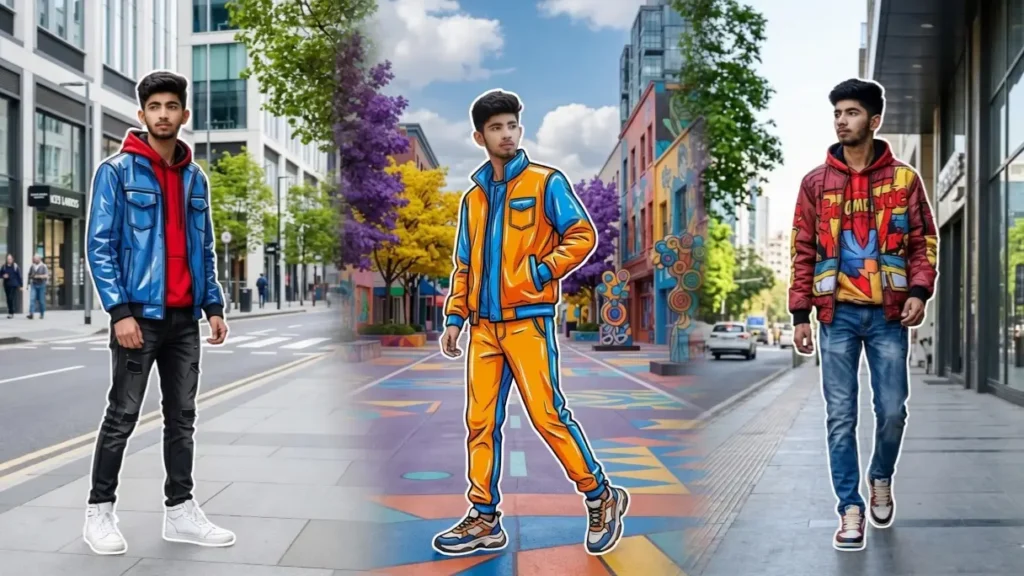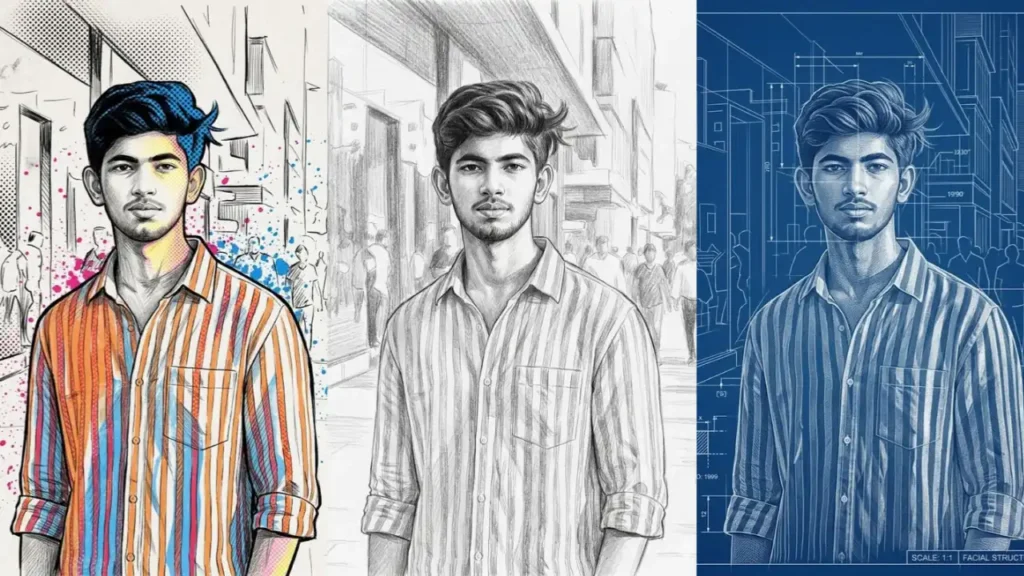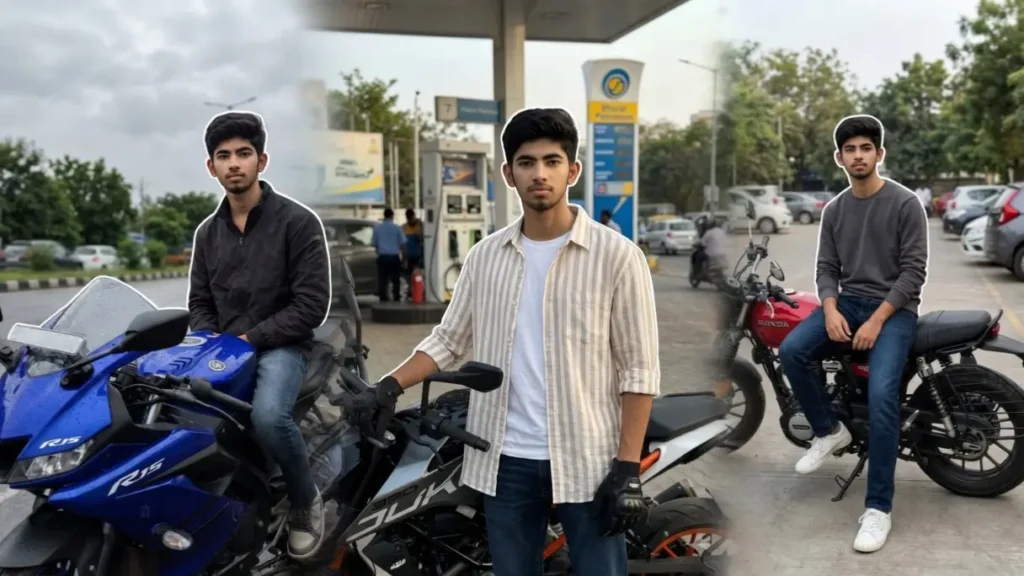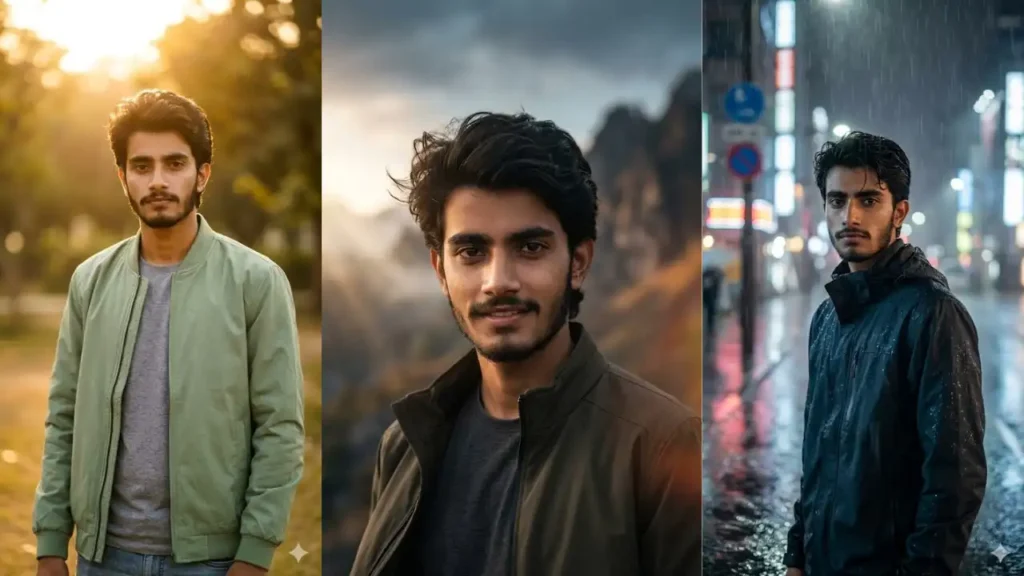
Nature-inspired portraits have become one of the biggest visual trends online because they combine style, confidence, and timeless scenery.
Forest backgrounds, autumn leaves, soft fog, bamboo paths, and clean white backdrops create a premium look that feels both masculine and artistic.
The best part is that you no longer need a professional camera crew or outdoor photoshoot to achieve it.
With Gemini AI, you can upload a normal photo and turn it into a cinematic forest portrait using the right prompt.
These prompts are designed to keep your real face unchanged while transforming the setting, clothing style, atmosphere, and mood around you.
Whether you want a rugged explorer vibe, a luxury editorial portrait, or a clean minimal nature look, Gemini can generate it in seconds.
Prompt 1: Autumn White Backdrop Portrait (White Backdrop Effect)

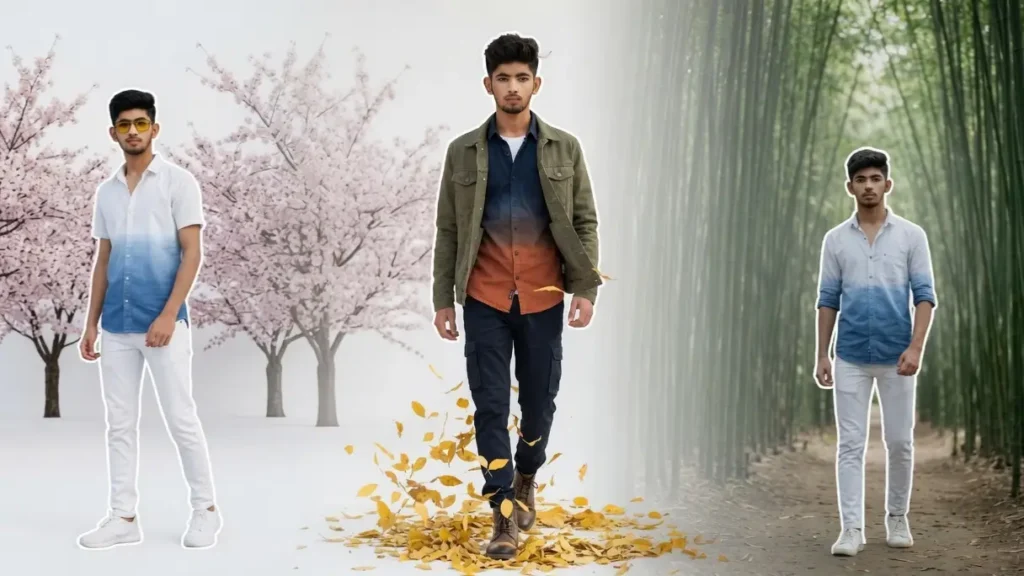
Maintain the exact facial identity of the uploaded user photo and transform the user into a cinematic stylized forest portrait during bright daytime with a clean artistic white background. Preserve natural face details, jawline, skin texture, and hairstyle while dressing the user in a gradient shirt with layered autumn fashion style pant. Behind the user, ton of elegant yellow autumn leaves swirl naturally following his feet on the ground and gather softly around the ground, creating a premium editorial atmosphere. No leave flying in the air. Add subtle breeze movement to clothing and hair, soft shadow depth, and refined natural contrast. The user walking towards the camera confidently with a composed masculine expression. Full body visible. Sharp details, elegant styling, and magazine-quality composition. Clear Sharp face. Quality: 4K. Aspect ratio 3:4.
 Copy
Copy Join
JoinPrompt 2: Cherry Blossom Forest Gentleman (White Backdrop Effect)

Maintain the exact facial identity of the uploaded user photo and transform the user into a cinematic stylized daytime portrait with a pure white minimalist background and a lot of big round Japanese cherry blossom trees positioned behind the user. Preserve all facial identity details while styling the user in yellow sunglasses, a modern white and blue gradient shirt and white jeans and sports shoes. No petals floating. No motion blur, creating elegance without fantasy effects. Gentle sunlight illuminates the face evenly, highlighting skin texture and masculine facial structure. The user stands relaxed, looking directly into the camera with quiet confidence. The composition feels luxurious, clean, and artistic like a premium fashion campaign. Clear Sharp face. Quality: 4K. Aspect ratio 3:4.
Prompt 3: White Fog Editorial Portrait (Smoke Effects)

Maintain the exact facial identity of the uploaded user photo and transform the user into a cinematic stylized men’s portrait with a clean white background and layered natural smoke surrounding the full frame including his clothes and neck. Preserve facial structure and skin details while dressing the user in a gradient white shirt with cargo pant and white sneakers. Behind him, faint silhouettes of leafless forest trees appear softly through white mist, creating elegant editorial depth. Bright daytime studio-like lighting keeps the face sharp and premium while maintaining natural shadows. The user stares directly at the camera with confident calm energy. The composition feels luxury, modern, and bold. Clear Sharp face. Quality: 4K. Aspect ratio 3:4.
Prompt 4: Bamboo Path Minimal Portrait (Realistic)

Maintain the exact facial identity of the uploaded user photo and transform the user into a cinematic stylized daytime portrait standing on a Japanese bamboo forest path. No other tree or element except the road should be visible. Preserve all face details while styling the user in a clean white and blue gradient shirt with rolled sleeves and fitted white pants with white sneakers. Tall bamboo lines create symmetrical perspective behind the user, with soft natural haze adding depth. Bright diffused daylight gives elegant smooth contrast across the face while keeping strong masculine definition. The user looks calmly at the camera with modern confidence. Composition should feel minimal, premium, and sophisticated with natural green tones and sharp clarity. Clear Sharp face. Quality: 4K. Aspect ratio 3:4.
Prompt 5: White Background Woodland Fashion Portrait (White Backdrop Effects)

Maintain the exact facial identity of the uploaded user photo and transform the user into a cinematic stylized fashion portrait with a pure white background and subtle forest elements placed artistically behind him. Preserve all face details while styling the user in a tailored long coat, fitted trousers, and premium layered fashion. Behind the user, elegant thin tree branches and scattered green leaves create minimal woodland texture. Bright daytime lighting keeps the face crisp and premium with natural shadows. The user looks confidently toward the camera with refined masculine energy. Composition should feel modern, expensive, and magazine-ready. Clear Sharp face. Quality: 4K. Aspect ratio 3:4.
Prompt 6: Golden Leaves Hero Portrait (Stylized)

Maintain the exact facial identity of the uploaded user photo and transform the user into a cinematic daytime forest portrait surrounded by rich golden autumn trees. Preserve face realism while styling the user in a dark fitted sweater and long coat. Yellow leaves fall naturally through the frame with subtle motion, while soft white fog lingers low on the ground. Sunlight warms the entire scene and adds golden highlights to hair and shoulders while keeping the face sharp. The user stands confidently facing the camera with a serious stylish expression. The overall mood is premium, masculine, and cinematic. Clear Sharp face. Quality: 4K. Aspect ratio 3:4.
Can I Change the Background to Any Other Colour?
Yes — absolutely. One of the easiest ways to customize these prompts is by replacing the background color or environment.
Examples:
- Pure white background → luxury editorial look
- Black background → bold premium portrait
- Grey mist background → moody cinematic feel
- Blue sky background → fresh outdoor style
- Warm beige background → fashion magazine vibe
- Dark green forest background → masculine nature look
Example Prompt Edit:
Replace:
“pure white background with yellow autumn leaves”
With:
“dark charcoal background with subtle smoke and golden leaves”
This gives you endless variations from the same prompt.
Can I Make the Forest Look More Realistic?
Yes. If you want a deeper natural outdoor look, simply modify the environment section of the prompt.
Add keywords like:
- dense pine forest
- realistic jungle path
- wet moss forest
- Himalayan cedar woodland
- morning forest fog
- sunlight through tall trees
- detailed forest floor with leaves
- mountain forest trail
Example:
Instead of saying “forest background,” write:
“dense realistic pine forest with sunlight rays and ground fog.”
This usually creates more cinematic and premium results.
🌫️ Can I Add Fog, Smoke, Autumn Leaves or Cherry Blossoms?
Yes — these natural effects work extremely well because they add depth without looking fake.
Popular Add-ons:
- soft white fog near the ground
- natural smoke in background
- yellow autumn leaves falling
- Japanese cherry blossom petals
- sunlight dust particles
- light wind movement
Best Photos to Upload for These Prompts
To get sharp results, use:
✅ Front-facing image
✅ Good daylight photo
✅ Clear jawline visible
✅ Minimal filters
✅ High resolution image
✅ Neutral expression or confident pose
How to Use These Gemini Forest Portrait Prompts
- Go to gemini.google.com
- Start a New Chat
- Upload your photo
- Copy one of the forest portrait prompts
- Paste it into Gemini after uploading your image
- Wait a few seconds for the AI to generate your portrait

- Download and use it as your DP, wallpaper, or social post