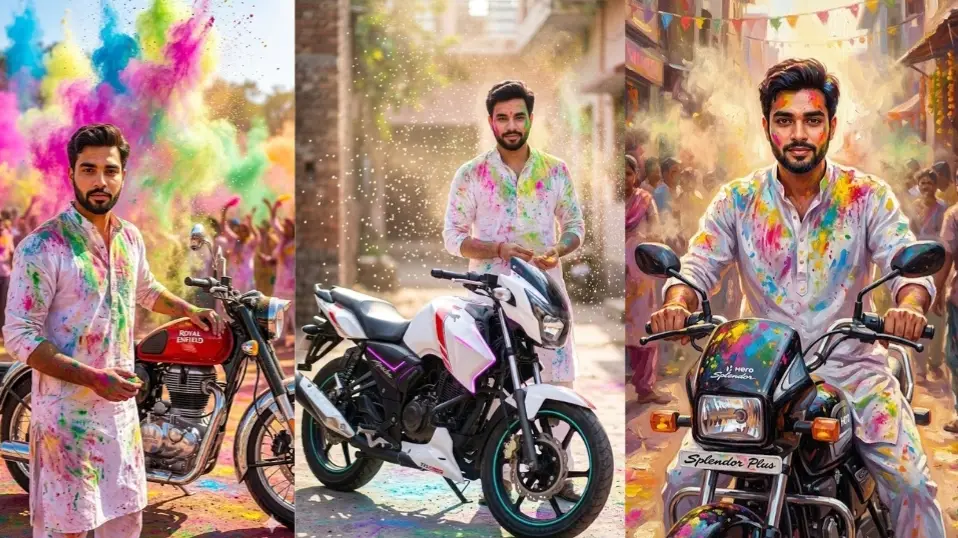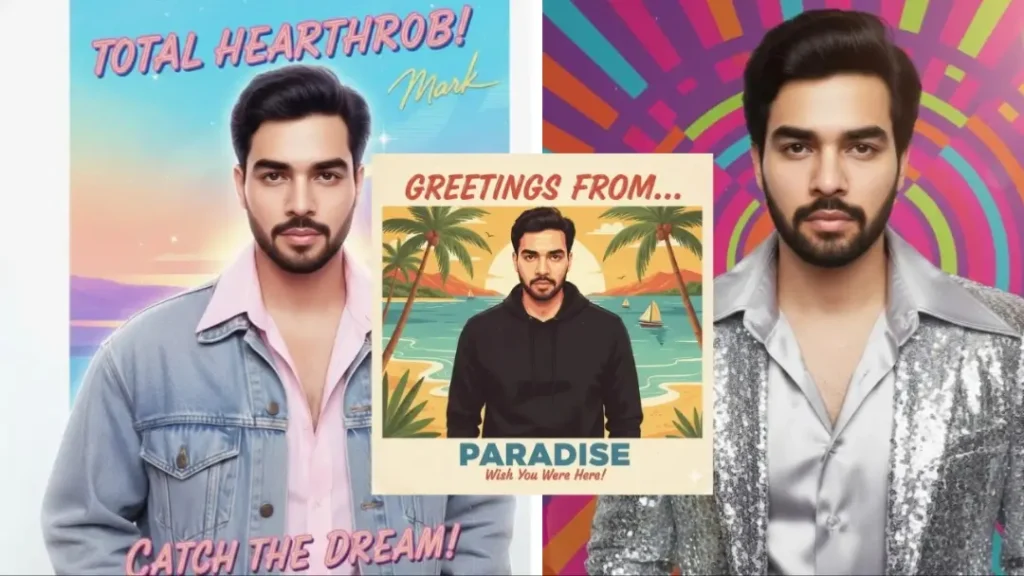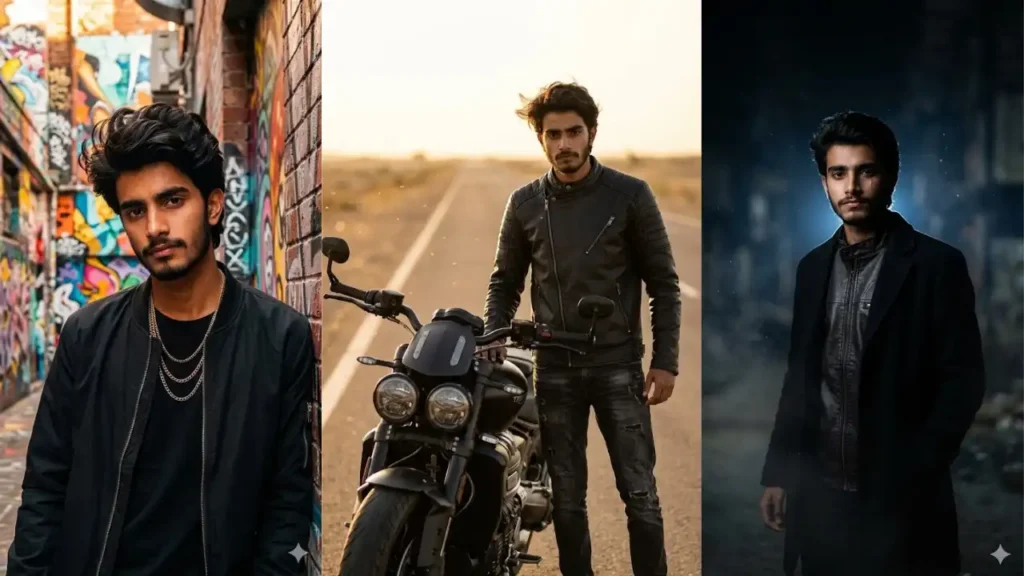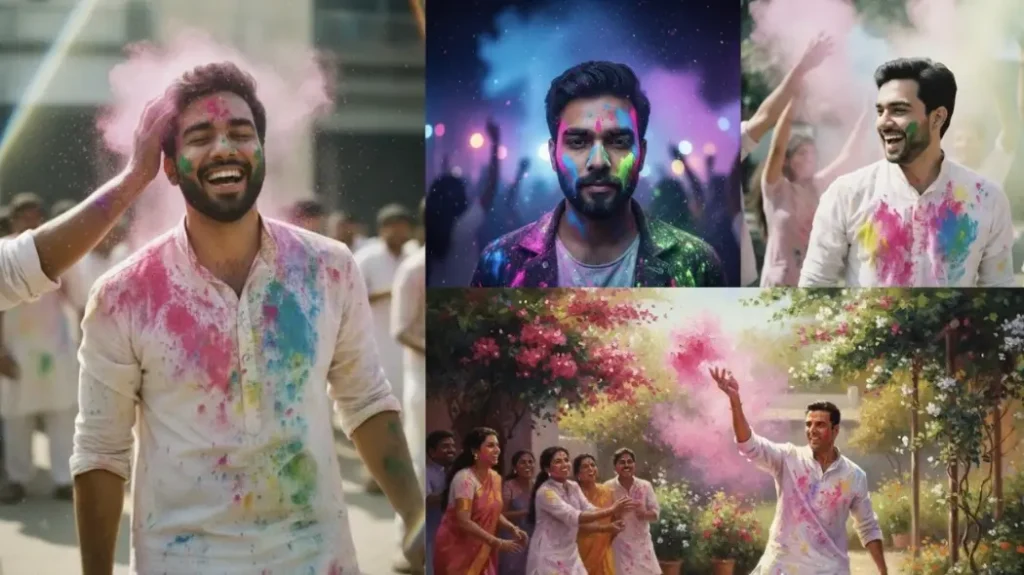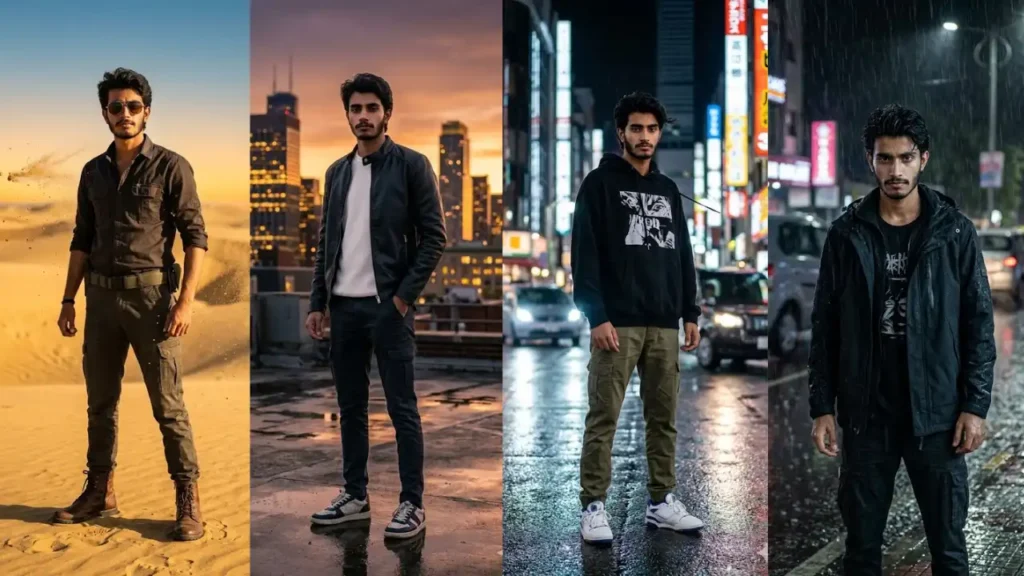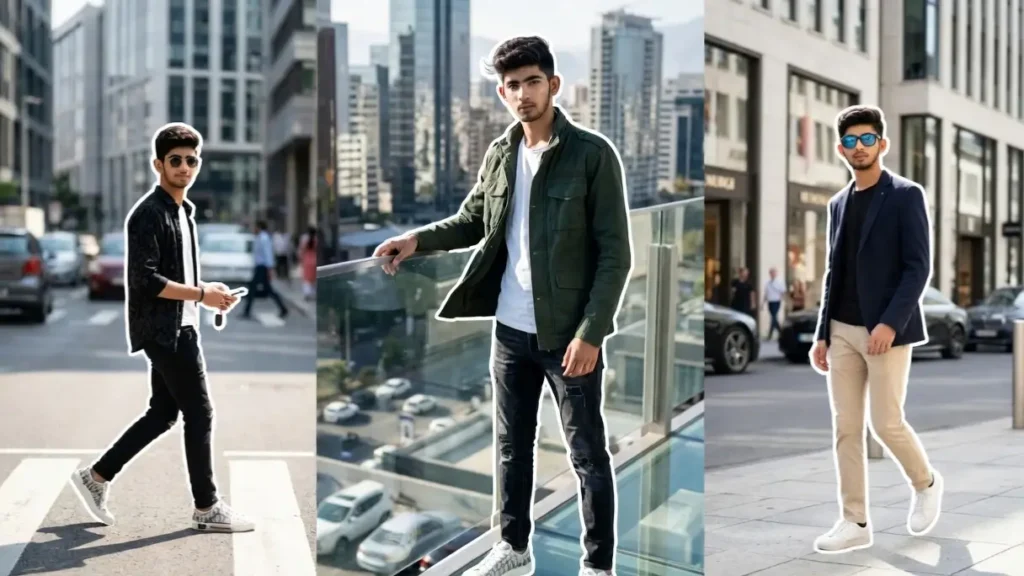
Simple photos don’t grab attention anymore — people are now turning their everyday pictures into high-quality cinematic portraits using AI. With the right Gemini prompts, you can transform your normal image into something that looks professionally shot, styled, and edited.
These prompts are not just random effects. They are carefully designed to preserve your real face while changing the environment, lighting, mood, and overall personality of the image.
Whether you want a calm aesthetic vibe, a bold attitude look, or a creative artistic portrait, everything can be controlled through small changes in the prompt.
The best part? You don’t need editing skills. Just upload your photo, paste the prompt, and Gemini will create a realistic, high-end portrait version of you that stands out instantly on social media.
1. Vintage Car Door Portrait
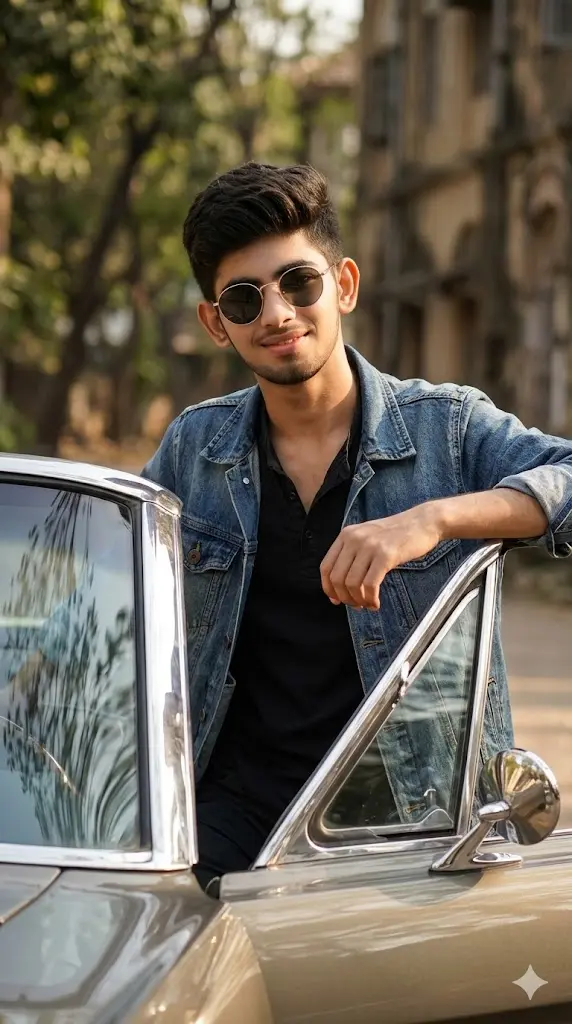
Maintain the exact facial identity of the uploaded user photo and transform the user into a hyper-realistic cinematic portrait leaning casually against an open vintage car door. The user wears a retro-inspired outfit with sunglasses, creating a stylish timeless look. Warm sunlight reflects off the car surface and illuminates the face naturally. Background includes a softly blurred outdoor environment. The user looks confidently toward the camera with a relaxed expression. Ultra-realistic reflections, textures, and cinematic lighting enhance the overall scene. Aspect ratio 9:16.
 Copy
Copy Edit
Edit2. Shadow Wall Contrast Portrait
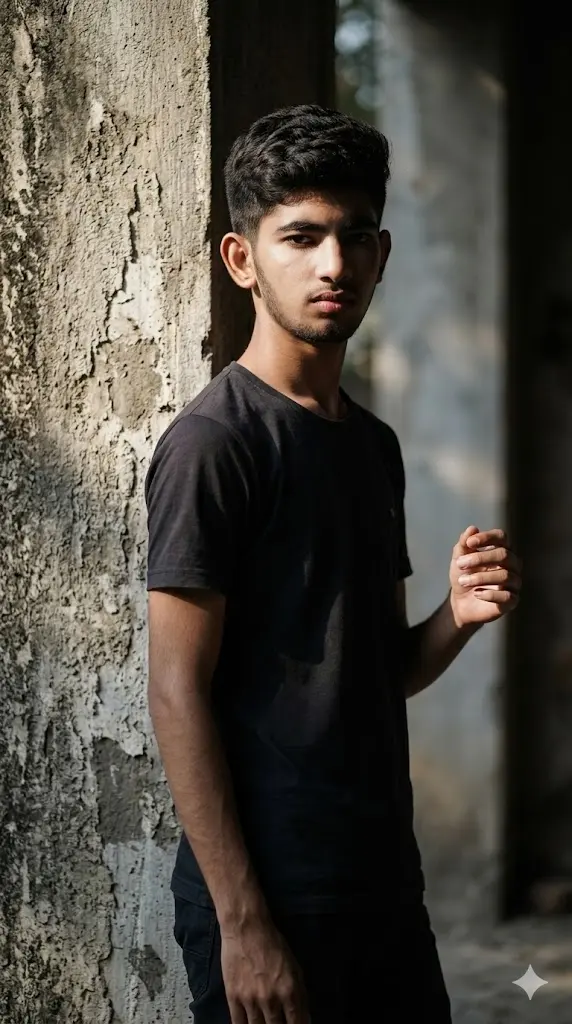
Maintain the exact facial identity of the uploaded user photo and transform the user into a hyper-realistic full body cinematic portrait standing near a textured wall with strong directional lighting casting dramatic shadows. The user wears a minimal outfit, focusing attention on facial features and lighting contrast. Shadows fall across half the face creating a bold artistic look. The user looks directly at the camera with a serious expression. Background remains simple but textured, enhancing depth and realism. Ultra-realistic skin texture, high contrast lighting, and cinematic composition. Aspect ratio 9:16.
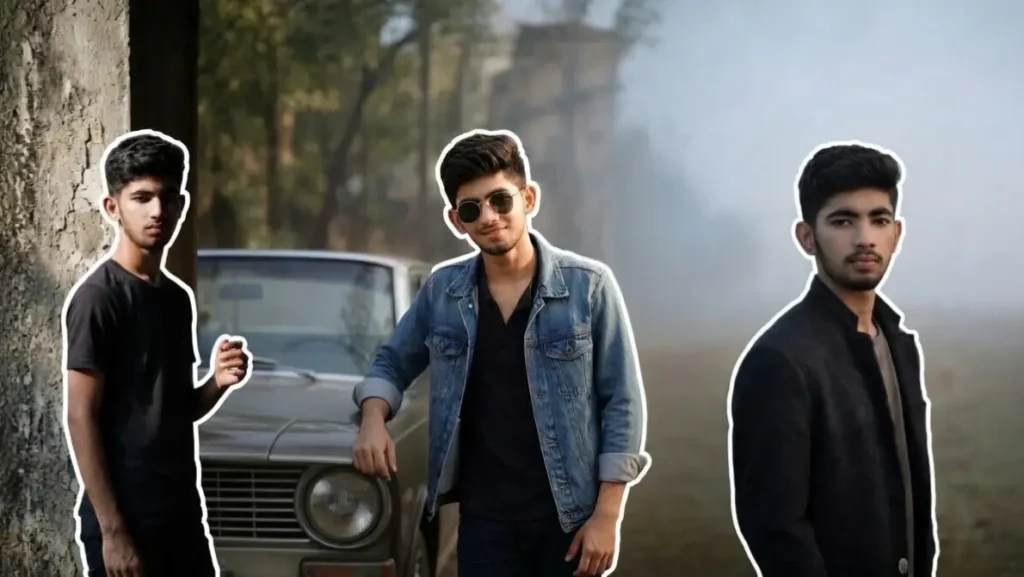
3. Foggy Field Lonely Portrait
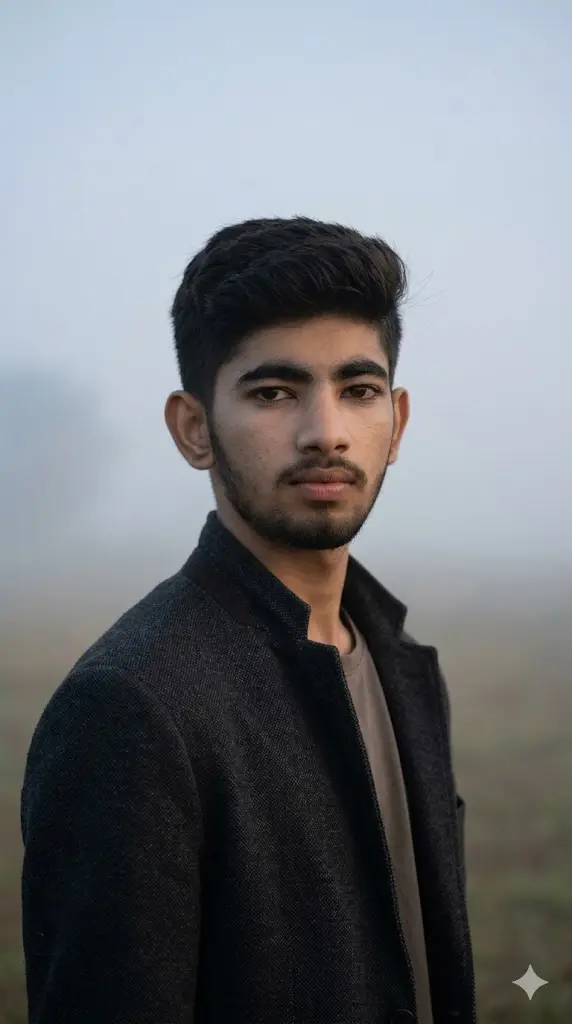
Maintain the exact facial identity of the uploaded user photo and transform the user into a hyper-realistic cinematic portrait standing alone in a fog-covered open field. The user wears a simple neutral outfit, creating a calm and mysterious vibe. Dense fog surrounds the environment, softening the background while natural light gently illuminates the face. The user looks directly toward the camera with a calm, introspective expression. Subtle wind moves clothing slightly. Ultra-realistic atmospheric depth, soft lighting, and detailed skin textures. Aspect ratio 9:16.
4. Rooftop Wind Hero
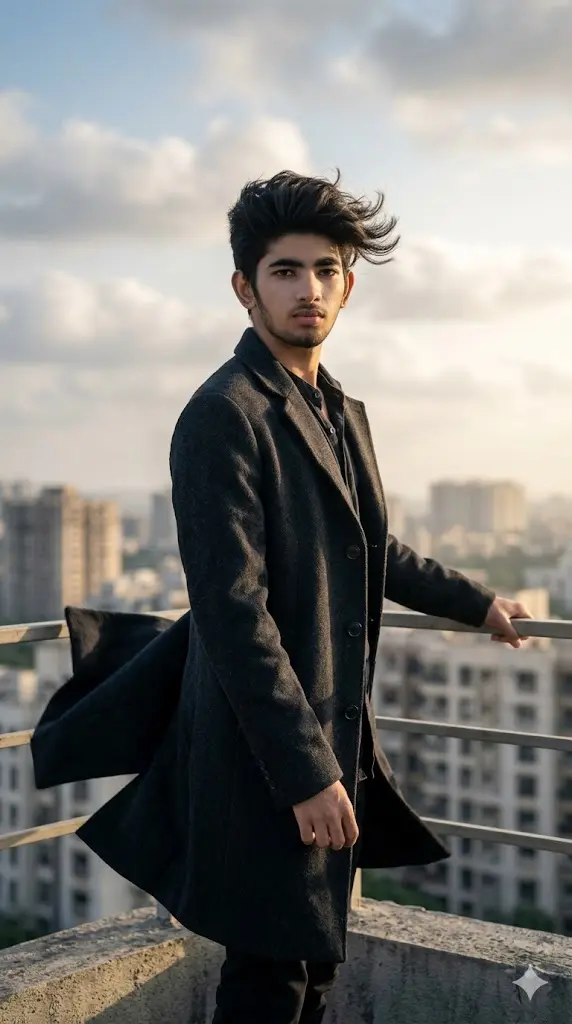
Maintain the exact facial identity of the uploaded user photo and transform the user into a hyper-realistic cinematic portrait standing on a high rooftop during strong wind conditions. The user wears a long coat flowing dramatically in the wind, hair moving naturally with the breeze. The skyline behind is slightly blurred with soft clouds and natural light. The user stands confidently facing the camera with a powerful calm expression. Wind adds motion realism to clothing and environment. Lighting is soft yet dramatic with subtle shadows highlighting facial structure. Ultra-realistic textures, cinematic composition, and depth of field. Aspect ratio 9:16.
5. Café Window Aesthetic
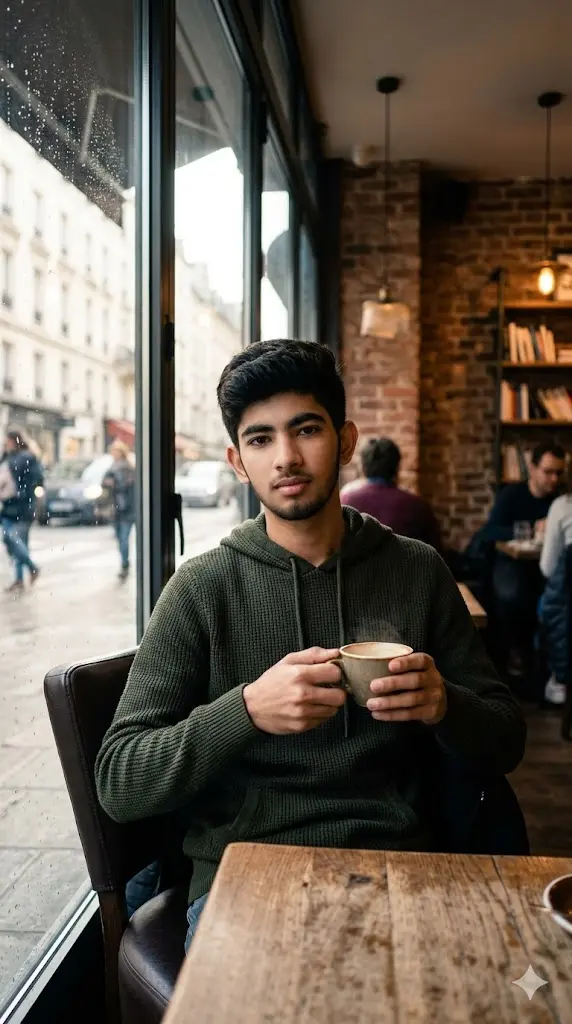
Maintain the exact facial identity of the uploaded user photo and transform the user into a hyper-realistic full body portrait sitting inside a cozy café near a large glass window. The user wears a casual hoodie or sweater, holding a coffee cup while soft daylight filters through the glass. Outside, the street is blurred with subtle movement creating a natural urban feel. Warm interior tones contrast with cooler outdoor lighting. The user looks calmly toward the camera with a relaxed expression. Reflections on the glass and soft shadows create depth and realism. Ultra-realistic textures, lighting, and cinematic mood. Aspect ratio 9:16.
6. Metro Platform Urban Portrait
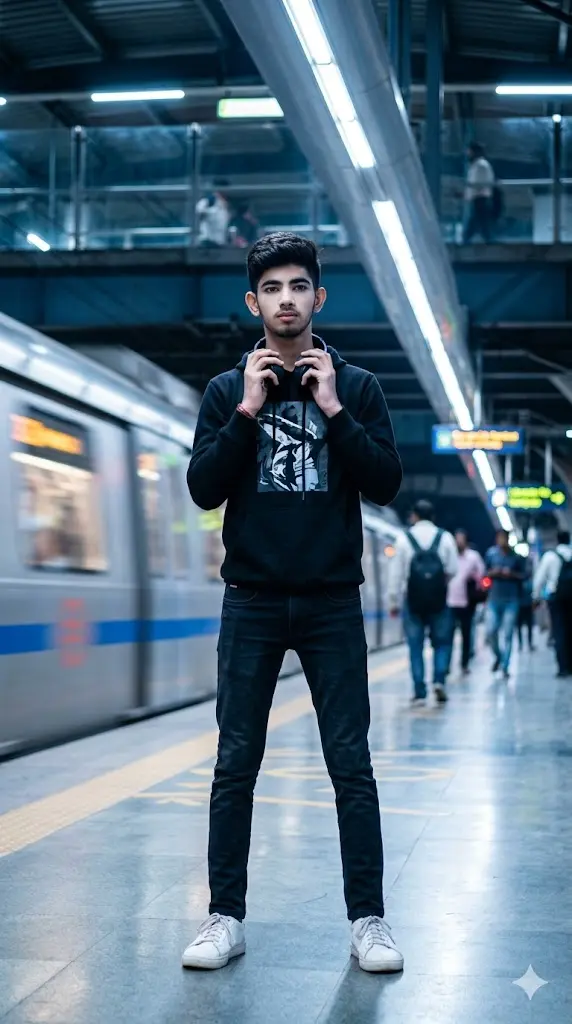
Maintain the exact facial identity of the uploaded user photo and transform the user into a hyper-realistic full body portrait standing on a modern metro platform. The user wears a casual urban outfit with headphones, reflecting a modern lifestyle vibe. Background includes blurred trains and motion lights creating depth and movement. Cool-toned lighting reflects subtly on the face and surroundings. The user looks toward the camera with a calm confident expression. Realistic depth of field and lighting create realism. Ultra-realistic textures and motion environment. Aspect ratio 9:16.
How These Prompts Actually Work (Simple Breakdown)
Understand this once, and you’ll never struggle with prompts again:
- Your photo = base identity (face, expression, structure)
- The prompt = environment + lighting + styling + mood
- “Maintain the exact facial identity of the uploaded user photo and transform the user” = keeps your real face unchanged
👉 Result: A transformed image that looks different, but still 100% you
Change the Mood of the Image
You can control the vibe just by changing a few words:
- “moody lighting” → dark cinematic feel
- “soft warm light” → cozy aesthetic look
- “high contrast lighting” → bold attitude portrait
Change the Location / Background
Replace the environment inside the prompt:
- “library” → “luxury hotel lobby”
- “metro station” → “airport terminal”
- “field” → “snow mountains”
Change Outfit & Style
Outfit defines personality — just swap it:
- “casual hoodie” → “formal suit”
- “gym outfit” → “streetwear fashion”
- “minimal outfit” → “celebrity-style clothing”
Control Lighting Like a Pro
Lighting = everything in AI images:
- “soft natural light” → realistic everyday look
- “dramatic spotlight” → cinematic portrait
- “neon lighting” → modern trendy vibe
Mistakes That Ruin the Result
Avoid these if you want premium outputs:
- Using blurred or low-quality photos
- Removing first line instruction
- Over-editing the prompt too much
- Using too many conflicting styles in one prompt
How to Make Your AI Photos Look Viral
If your goal is DP / Instagram / reels, follow this:
- Keep face clear and sharp
- Use cinematic lighting prompts
- Choose simple but powerful backgrounds
- Add a confident expression
👉 Clean + bold images perform best.
Pro Tip Section
If you want next-level results:
- Run the same prompt 2–3 times (AI gives variations)
- Slightly tweak words like “lighting”, “expression”, “angle”
- Try different photos with same prompt
👉 This gives you multiple high-quality options instantly
About The Author