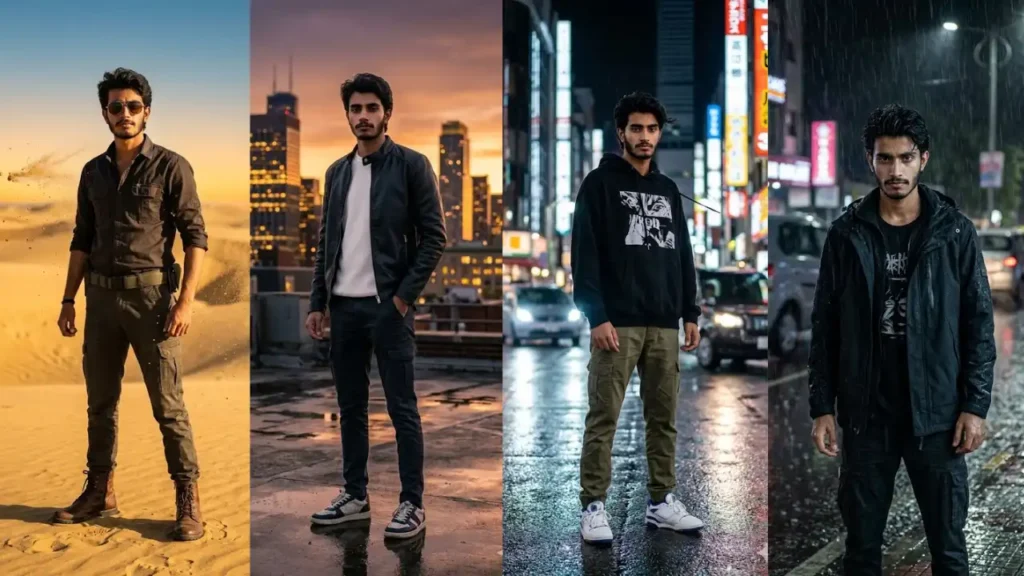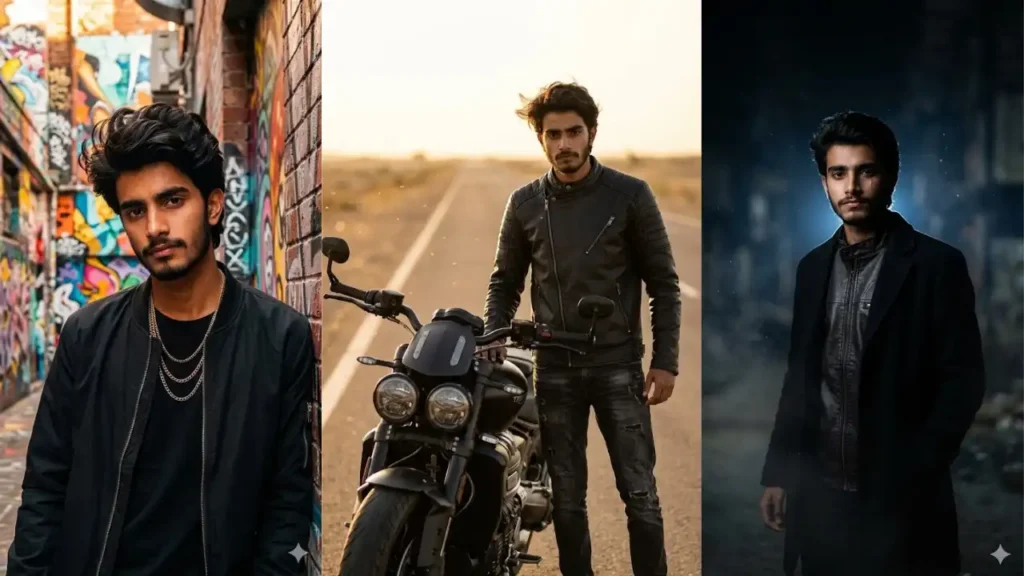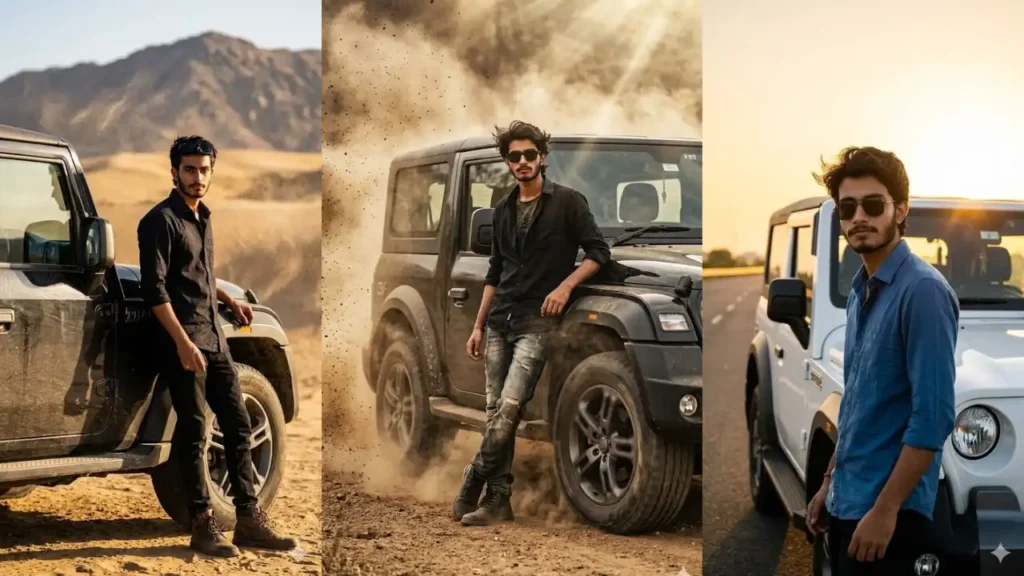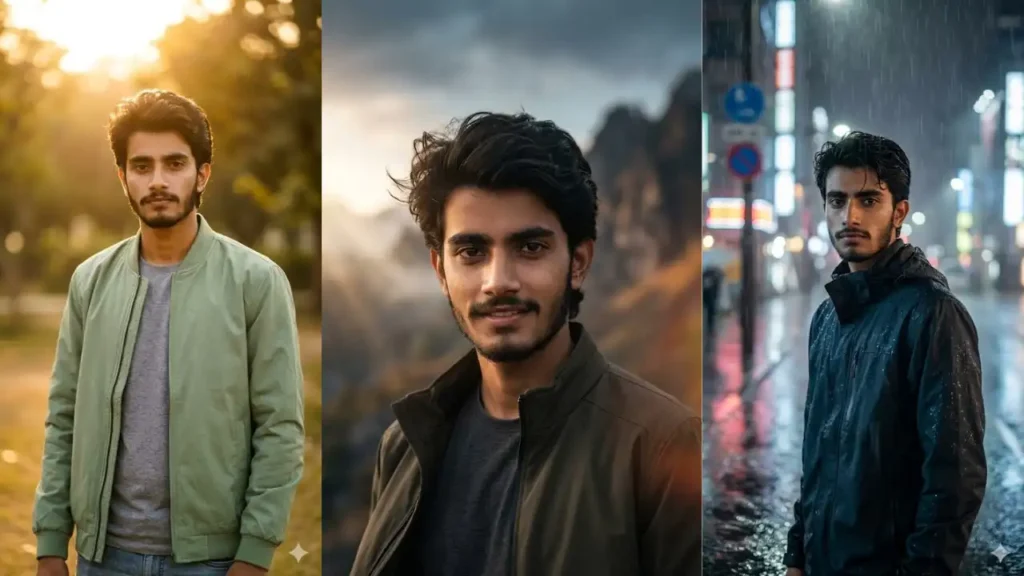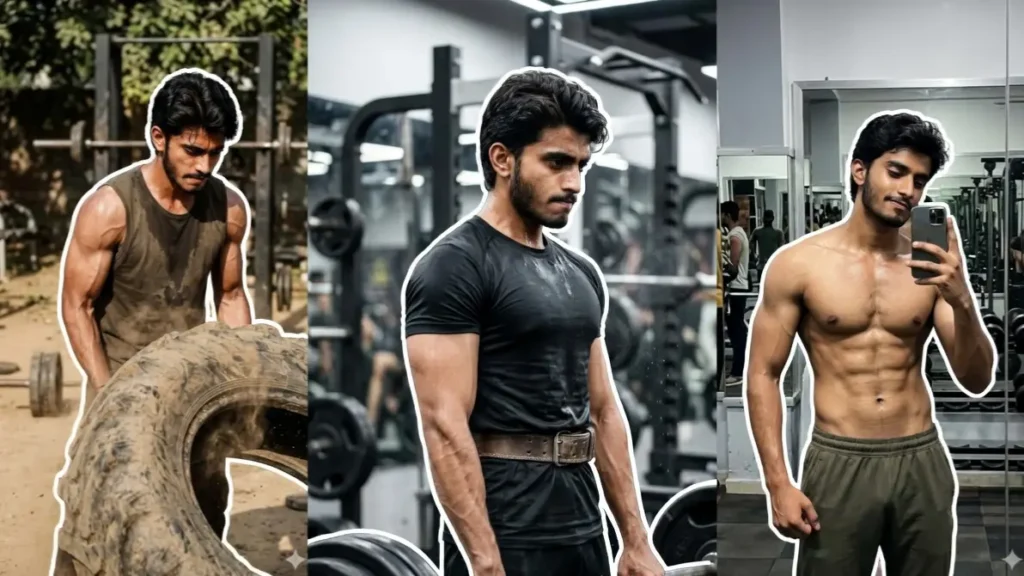
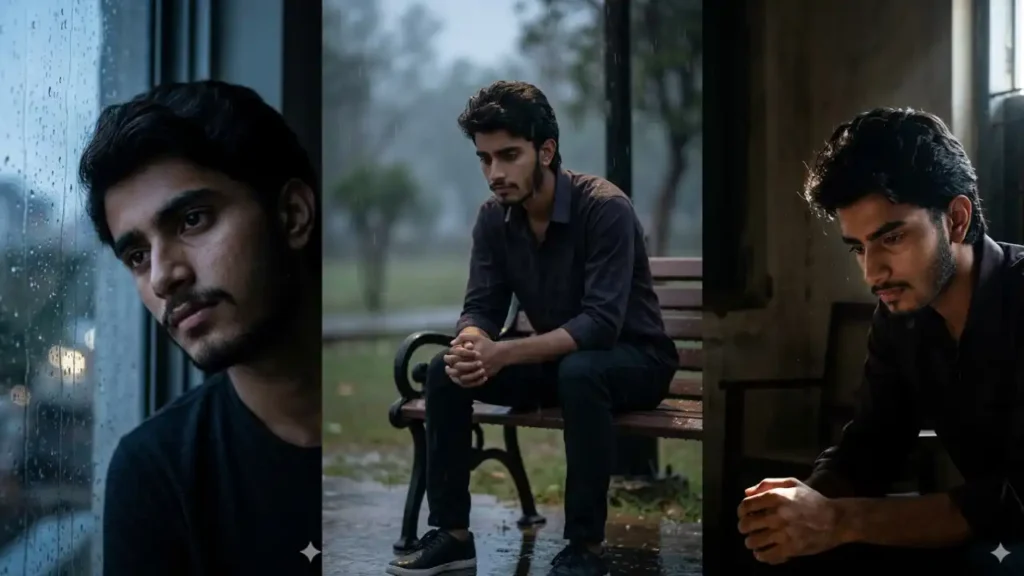
Not every emotion can be explained in words: some are better felt through a single image. That’s exactly why “sad boy” aesthetic photos have taken over social media.
They capture silence, loneliness, overthinking, and those unspoken feelings that people instantly relate to.
Sad aesthetic photos connect instantly with emotions. These AI-generated portraits feel real, relatable, and cinematic: making them perfect for DPs, reels, and story posts that grab attention.
Now, with the help of Gemini AI, you don’t need professional editing skills or dramatic setups to create that emotional vibe. You can simply upload your photo and transform it into a cinematic, deeply expressive portrait that feels raw and real.
The real power lies in how these prompts combine lighting, mood, and environment to tell a story through your image. Instead of just editing a photo, you’re creating a visual emotion: something people don’t just see, but actually feel.
1. Urban Street King Portrait
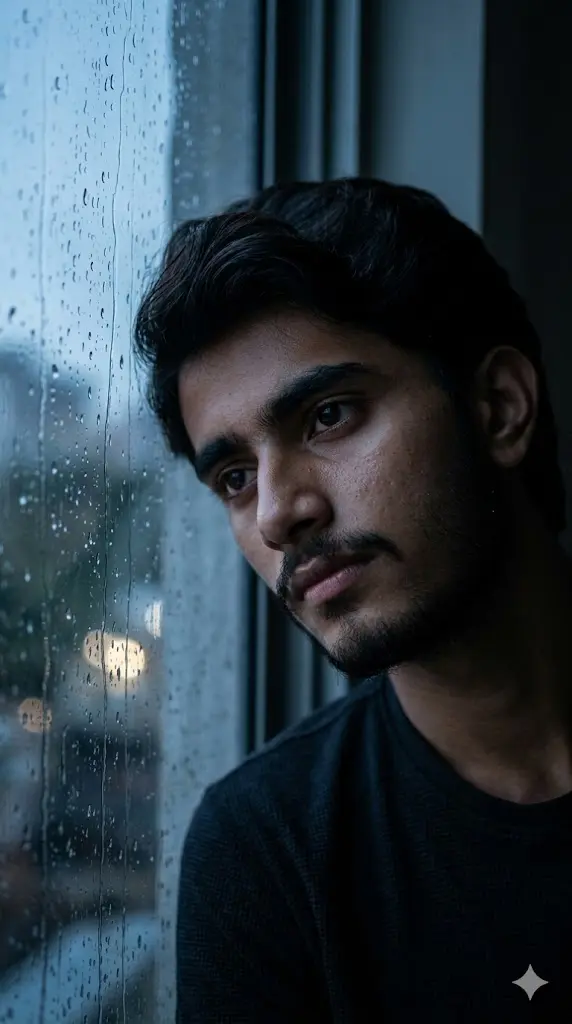
Maintain the exact facial identity of the uploaded user photo and transform the user into a hyper-realistic cinematic portrait sitting beside a rain-covered window inside a dim room. Raindrops slowly slide down the glass while blurred city lights glow faintly outside. The user rests their head slightly against the window, looking distant and emotionally lost. Soft cold lighting falls on one side of the face, highlighting natural skin texture and subtle sadness in the eyes. The environment feels quiet, heavy, and isolated with muted tones and cinematic depth of field. Ultra-realistic photography with detailed reflections and mood lighting. Aspect ratio 9:16.
 Copy
Copy Edit
Edit2. Empty Street Midnight Walk
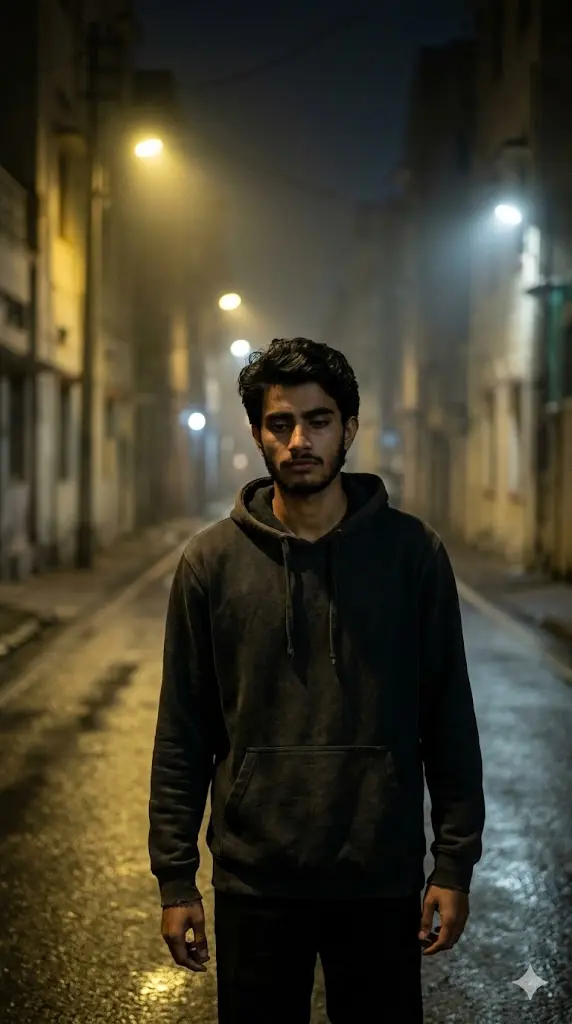
Maintain the exact facial identity of the uploaded user photo and transform the user into a hyper-realistic cinematic portrait walking alone on an empty street at midnight. Streetlights cast long shadows while the surroundings feel silent and deserted. The user wears a simple hoodie and walks slowly while looking slightly downward with a tired, emotional expression. The environment includes subtle fog, dim yellow lights, and wet road reflections enhancing loneliness. Wind slightly moves clothing, adding realism. The scene captures deep solitude and quiet sadness with cinematic lighting and natural textures. Ultra-realistic photography style. Aspect ratio 9:16.
3. Rooftop Alone Under City Lights
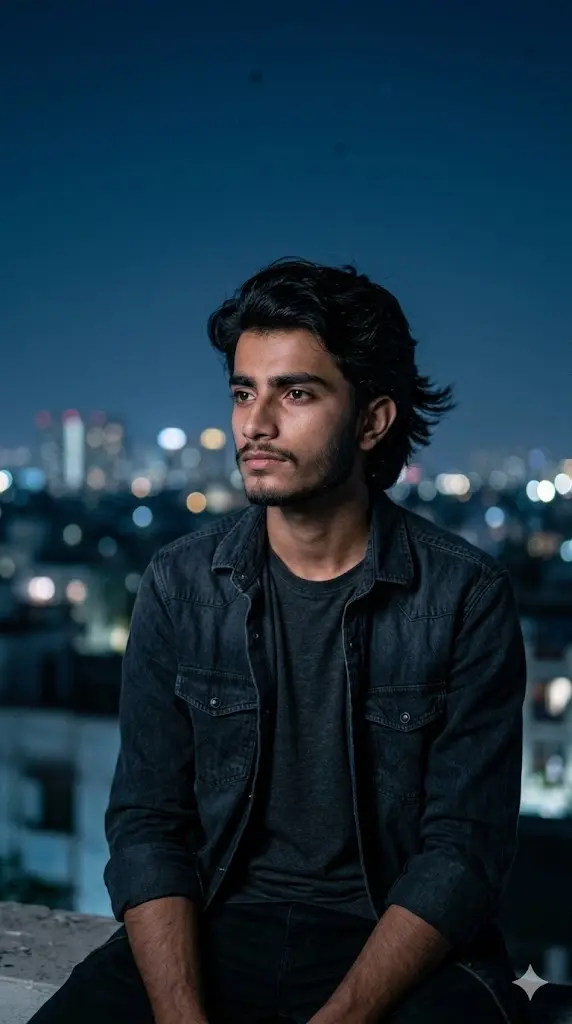
Maintain the exact facial identity of the uploaded user photo and transform the user into a hyper-realistic cinematic portrait sitting alone on a rooftop overlooking a distant city skyline at night. The user sits quietly with arms resting on knees, looking toward the horizon with a blank, emotional expression. Cool blue tones dominate the scene while city lights blur softly in the background. A gentle breeze moves the hair slightly. The atmosphere feels lonely yet peaceful with deep emotional weight. Cinematic depth of field and soft lighting enhance realism. Ultra-detailed textures and natural shadows create a powerful mood. Aspect ratio 9:16
4. Broken Memories Wall Scene
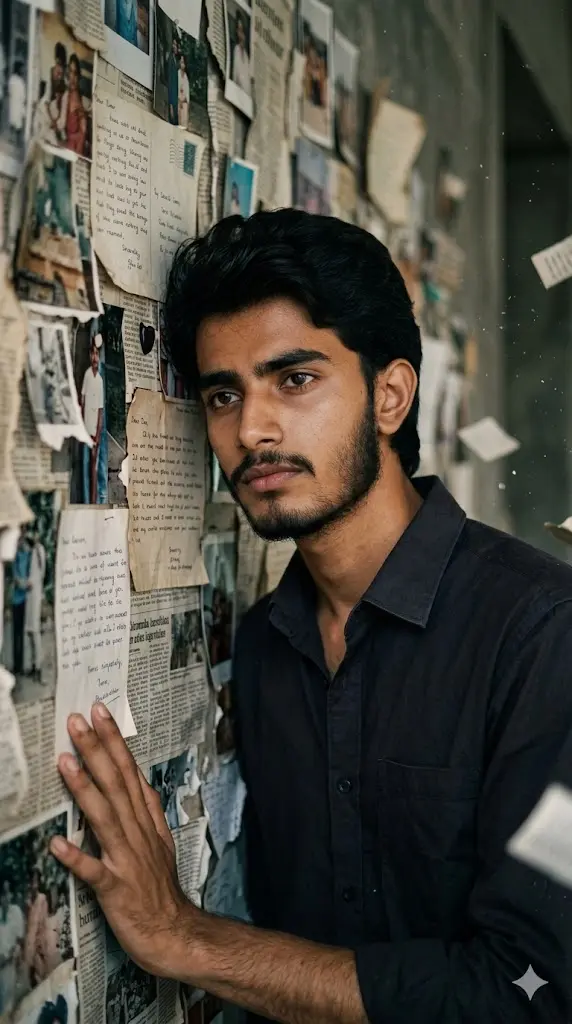
Maintain the exact facial identity of the uploaded user photo and transform the user into a hyper-realistic cinematic portrait standing against a wall covered with torn photos and faded memories. The user looks emotionally drained, slightly leaning against the wall with a distant gaze. Soft shadows and dim lighting create a nostalgic and melancholic atmosphere. The environment includes scattered paper pieces and blurred background details symbolizing lost memories. Subtle lighting highlights the face while keeping the surroundings muted. The mood feels heavy, reflective, and deeply emotional. Ultra-realistic photography with cinematic depth. Aspect ratio 9:16.
5. Rain Soaked Bench Loneliness
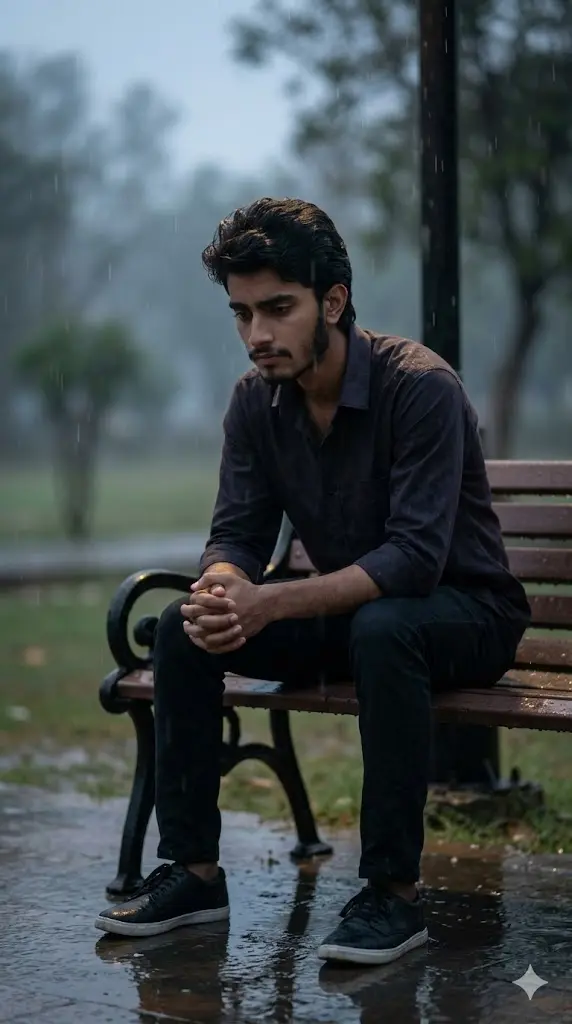
Maintain the exact facial identity of the uploaded user photo and transform the user into a hyper-realistic cinematic portrait sitting alone on a wet park bench during light rain. The user looks down with hands clasped together, expressing deep sadness and introspection. Raindrops fall gently while soft reflections appear on the ground. Dim streetlight creates subtle highlights on the face and shoulders. The background is blurred with faint trees and mist, enhancing isolation. The scene captures quiet emotional pain with realistic rain texture and natural lighting. Ultra-realistic cinematic photography style. Aspect ratio 9:16.
6. Dark Room Window Light Portrait
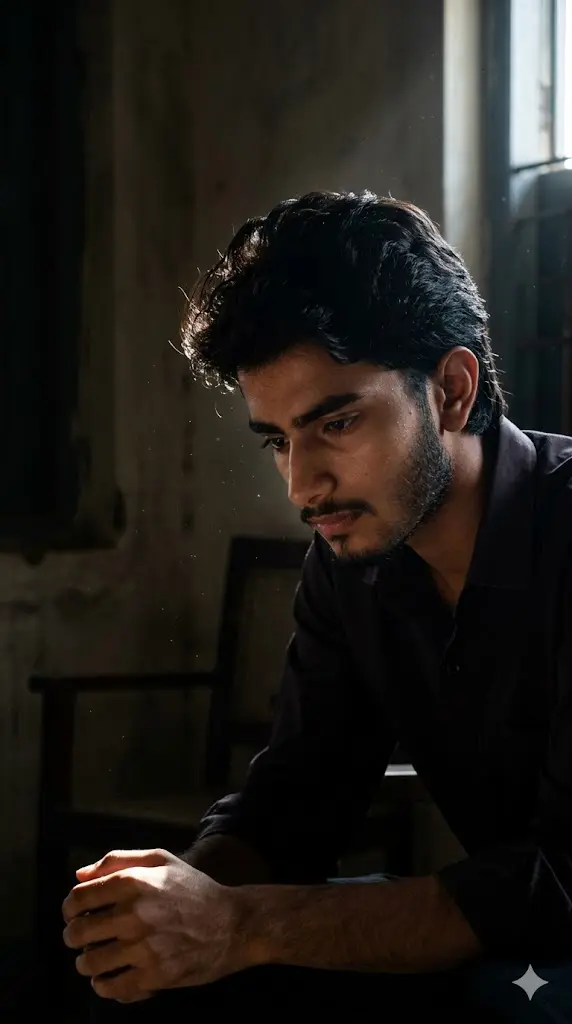
Maintain the exact facial identity of the uploaded user photo and transform the user into a hyper-realistic cinematic portrait inside a dark room where a single beam of light enters through a window. The user sits quietly in the corner with a thoughtful and sad expression, partially illuminated by soft natural light. Shadows dominate most of the environment, creating a strong contrast between light and darkness. Dust particles float in the beam of light adding realism. The mood feels deeply introspective and emotional. Ultra-realistic textures, cinematic lighting, and detailed skin realism. Aspect ratio 9:16.
7. Railway Platform Goodbye Moment
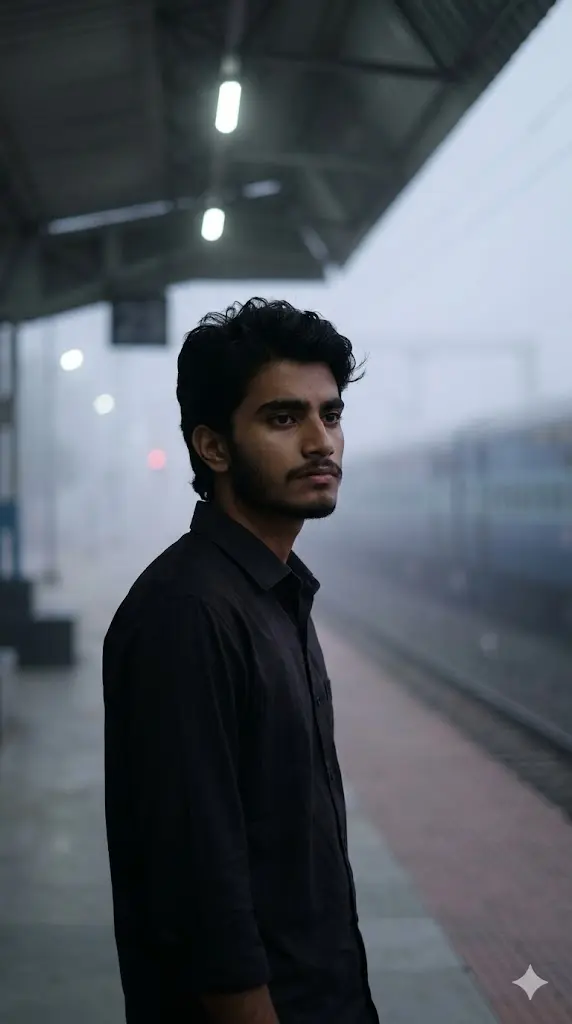
Maintain the exact facial identity of the uploaded user photo and transform the user into a hyper-realistic cinematic portrait standing alone on an empty railway platform. A distant train fades into the background while soft fog fills the air. The user stands still with a blank, emotional expression, symbolizing a goodbye moment. Cool muted tones dominate the scene while overhead lights cast soft shadows. The environment feels quiet, abandoned, and emotionally heavy. Wind slightly moves clothing, adding realism. Ultra-realistic cinematic photography with natural textures and depth. Aspect ratio 9:16.
8. Lonely Café Window Reflection
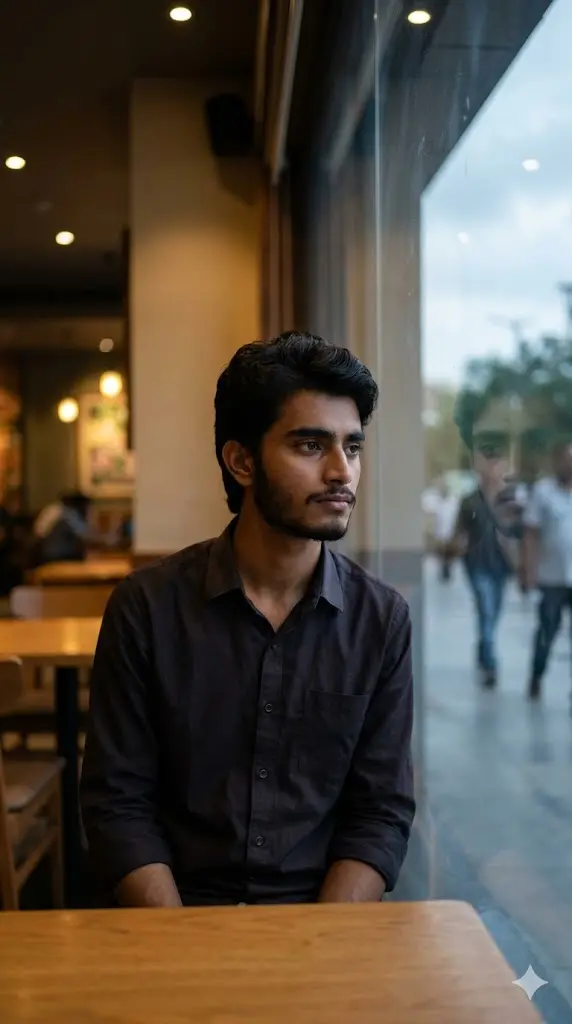
Maintain the exact facial identity of the uploaded user photo and transform the user into a hyper-realistic cinematic portrait sitting alone inside a quiet café near a window. The user looks outside with a distant, emotional expression while their reflection appears faintly on the glass. Warm indoor lighting contrasts with the cool tones outside, creating a nostalgic and melancholic mood. The environment includes soft background blur, empty tables, and subtle details enhancing realism. The scene captures quiet loneliness and deep thought. Ultra-realistic photography with cinematic depth of field. Aspect ratio 9:16.
9. Late Night Phone Glow Portrait
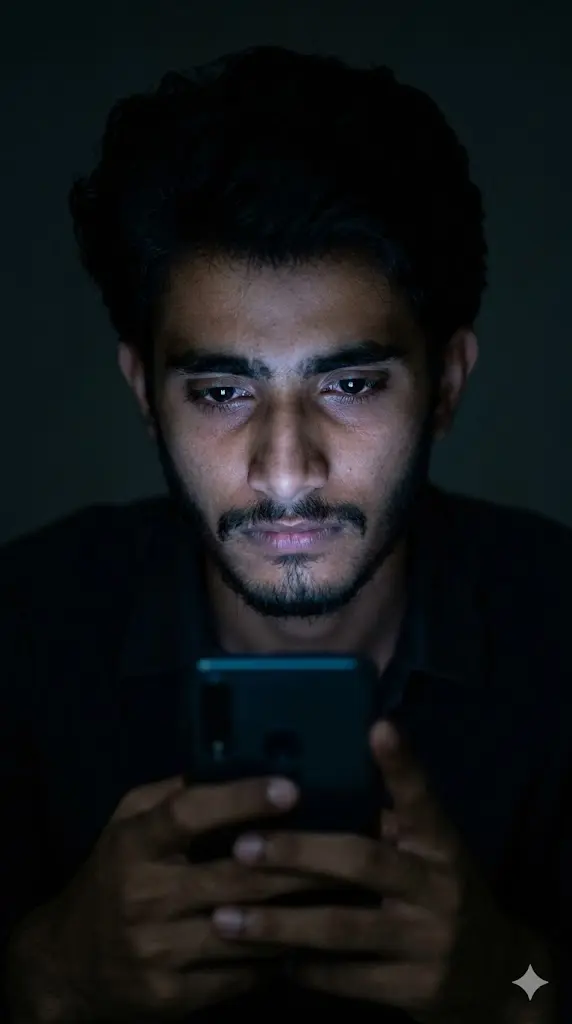
Maintain the exact facial identity of the uploaded user photo and transform the user into a hyper-realistic cinematic portrait sitting alone in darkness illuminated only by the soft glow of a phone screen. The user looks emotionally drained while staring at the screen, reflecting sadness and isolation. The surrounding environment remains dark with minimal details, focusing attention on facial expression and lighting contrast. Subtle shadows enhance realism while the glow highlights eyes and facial structure. The mood feels quiet, personal, and deeply emotional. Ultra-realistic cinematic photography style. Aspect ratio 9:16.
How to edit these prompts according to your taste?
1 . How to Control the Emotion Level in Your Photo
You can easily adjust how “sad” your image looks by editing small words in the prompt:
- “slightly emotional expression” → subtle mood
- “deeply broken expression” → intense sadness
- “tear-filled eyes” → dramatic emotional effect
2. How to Change the Mood (Rain, Night, Alone, etc.)
The environment plays a huge role in emotion.
Replace scene words like:
- “rainy night” → more emotional
- “empty street” → loneliness
- “dark room” → deep sadness
- “sunset sky” → soft emotional vibe
3. How to Change Outfit for Better Aesthetic
Outfit = personality of the image.
Try replacing:
- “hoodie” → casual sad vibe
- “formal shirt” → mature emotional look
- “oversized jacket” → trendy sad aesthetic
4. How to Add More Depth (Pose & Expression Control)
You can guide the AI using pose descriptions:
- “looking down” → sadness
- “hands in pockets” → silent pain
- “sitting alone” → loneliness
- “leaning against wall” → emotional exhaustion
Best Photo Type for Perfect Results
For best output:
- Clear face visible
- No heavy filters
- Natural lighting
- Front or slight side angle
Bad input = weak output
Common Mistakes to Avoid
- Removing first line
- Using blurry or dark photos
- Over-editing prompt with too many effects
- Expecting same result every time (AI varies slightly)
FAQs
Kya main apni photo ko aur zyada emotional bana sakta hoon?
Haan, aap prompt me “tearful eyes”, “deep sadness”, ya “lonely expression” add kar sakte ho.
Kya background change kar sakte hain?
Bilkul. Aap “rain”, “night”, “room”, “street”, ya koi bhi location replace kar sakte ho.
Kya ye DP ke liye use kar sakte hain?
Yes, ye prompts specially DP, reels, aur Instagram posts ke liye perfect hain.
Har baar same result kyun nahi aata?
AI har generation me thoda variation deta hai. Best result ke liye 2–3 baar try karein.
Kya mobile se use kar sakte hain?
Haan, Gemini mobile browser ya app dono me perfectly kaam karta hai.
About The Author