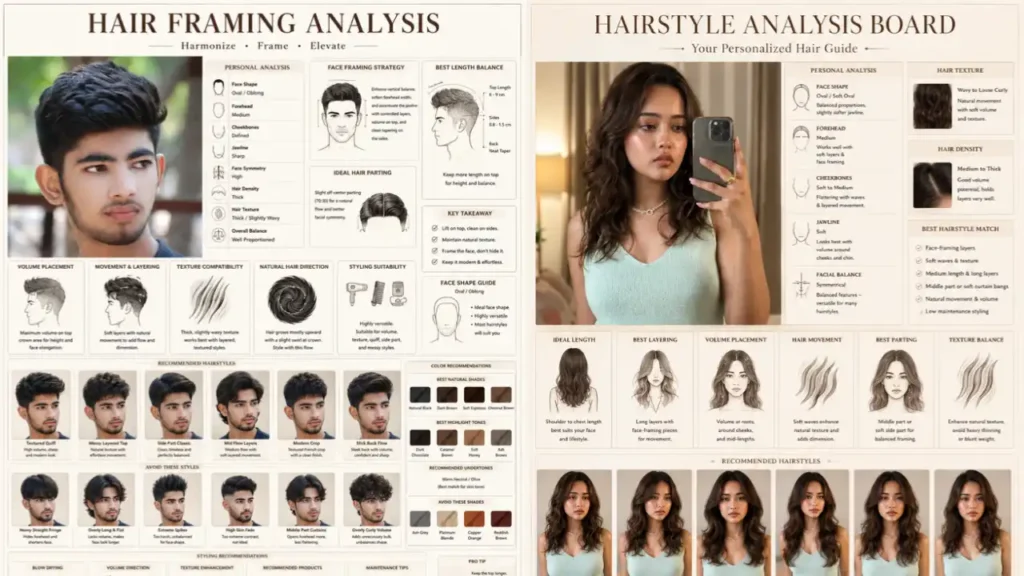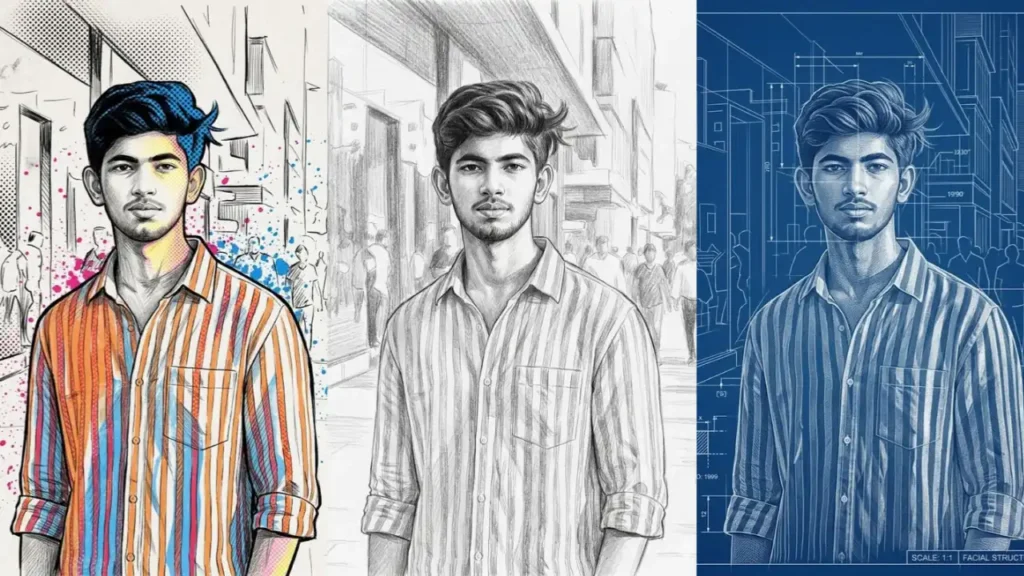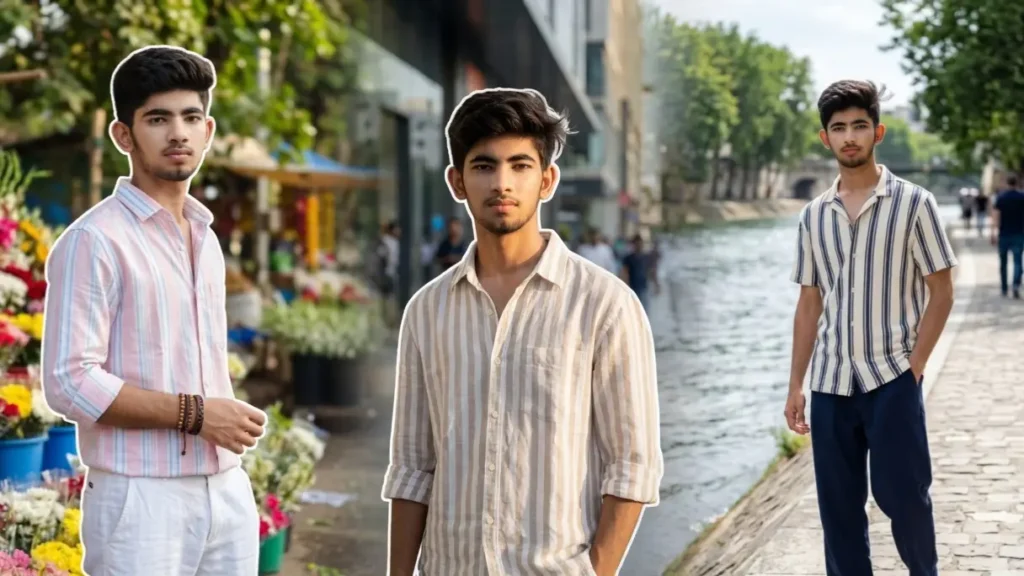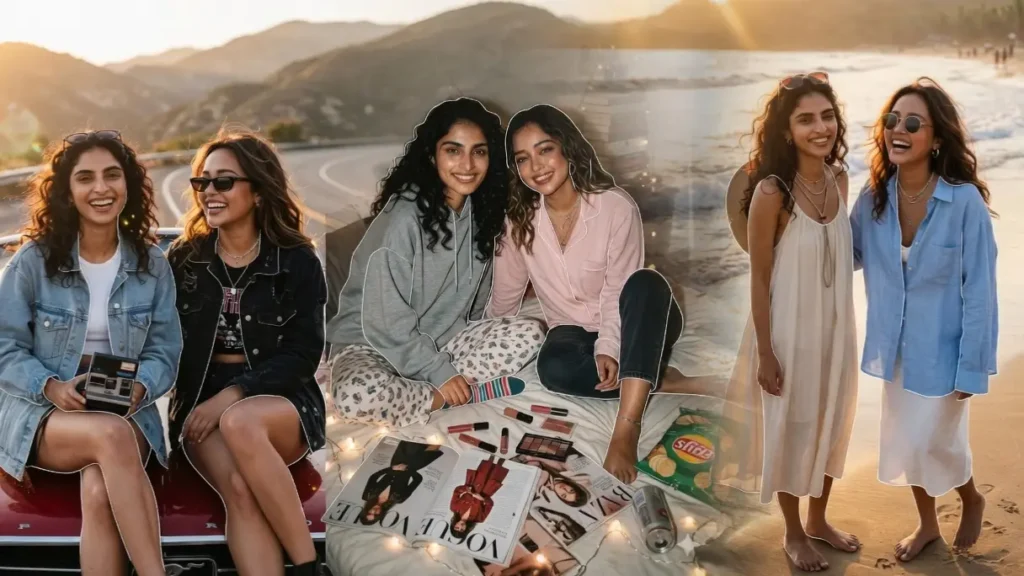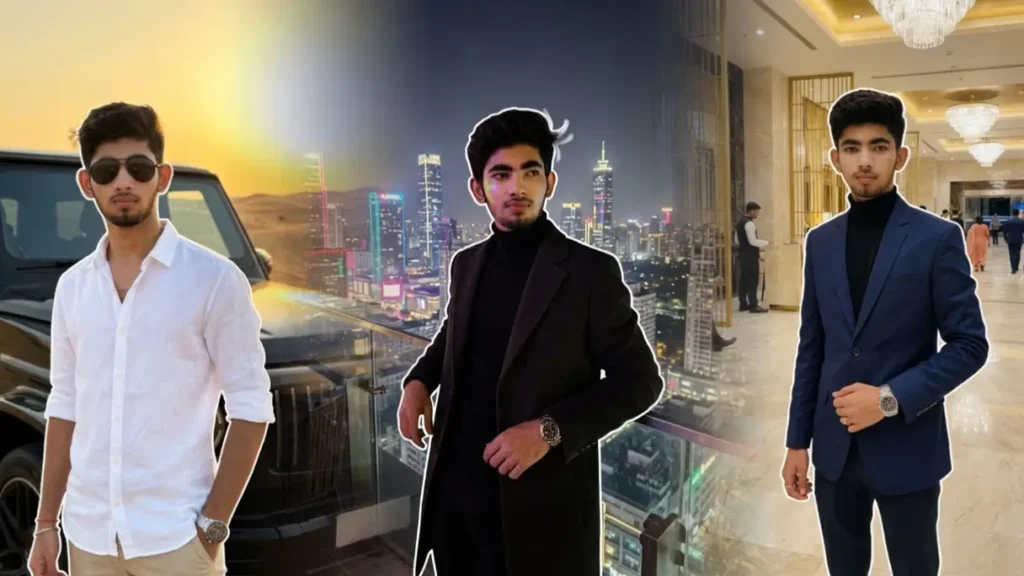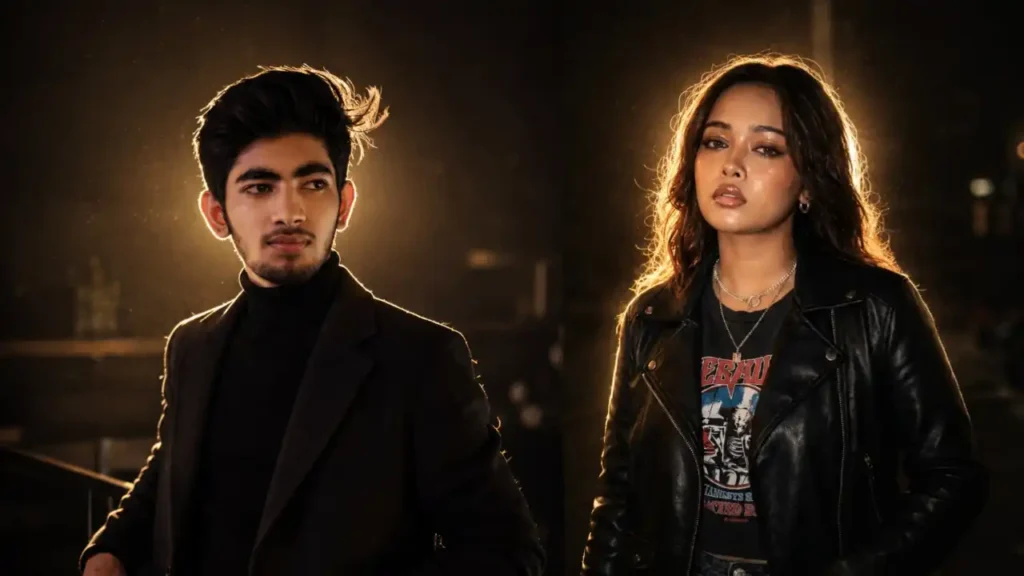
These viral cinematic night portrait prompts are specially designed to create ultra realistic glowing edge-light photos where the user looks naturally illuminated by a hidden light source placed behind them.
Unlike normal AI edits that over-brighten the whole image or add fake neon outlines, these prompts focus on:
• Real DSLR night photography feel
• Hidden backlight realism
• Natural rim lighting around hair and clothes
• Dark cinematic shadows
• Realistic skin texture
• Viral Instagram aesthetic
The best part is that the prompts preserve the user’s exact real identity while creating dramatic cinematic lighting automatically.
Note: Please use ChatGPT for best results.
Prompt 1: Universal Trending Cinematic Night Portrait Photo Prompt ChatGPT

Transform the uploaded user photo into an ultra realistic cinematic low-light portrait with a completely hidden intense backlight positioned directly behind the subject’s head and upper body. The actual light source itself must NEVER appear visible anywhere in the image.The hidden light should only be visible indirectly through the glow and illumination it creates around the subject’s silhouette, exactly like real professional night photography.Preserve the uploaded user’s exact real identity perfectly including: • Face structure• Skin texture• Skin tone• Hairstyle• Hair texture• Expression• Outfit details• Body shape• Accessories• Pose• Natural imperfectionsDo NOT beautify the face. Do NOT stylize the skin. Do NOT modify facial proportions. The subject must remain naturally recognizable and realistic.MAIN LIGHTING EFFECT: The hidden backlight must create a strong realistic rim glow around: • Hair strands• Head outline• Face edges• Jawline• Neck• Shoulders• Arms• Fingers• Clothes borders• Entire body silhouetteThe glow should behave like real optical light spill from behind the subject, not like an artificial neon outline.The brightest area in the entire image should be: • The glowing edge light around the subject • The subtle reflected highlights on the subject’s skin and clothingGLOW BEHAVIOR: • Strongest near the head and shoulders• Gradually softer toward the lower body• Soft bloom diffusion• Warm white cinematic tone• Slight golden tint• Natural light wrap around edges• Tiny illuminated hair details• Realistic light falloffThe glow should softly illuminate: • Hair texture• Skin edges• Nose bridge• Cheek outline• Lips edge• Clothing folds• Fabric textureBACKGROUND RULE: Everything except the subject must remain: • Dark• Low exposure• Cinematic• Shadow rich• Softly hidden• Naturally underexposedThe environment should feel like authentic low-light photography captured with a hidden backlight source.Possible locations: • Elevator• Rooftop• Empty café• Hallway• Dark studio• Restaurant• Street corner• Parking lot• Minimal indoor setupBACKGROUND SHOULD: • Fade into darkness naturally• Keep only minimal visible details• Have soft shadow depth• Never compete with the subject brightnessDo NOT: • Brighten the room • Add visible lamps • Add artificial neon borders • Add HDR processing • Add unrealistic cinematic blue tones • Over sharpen shadows • Make the scene look AI generatedATMOSPHERIC DETAILS: Add: • Floating dust particles • Tiny illuminated particles near the light spill • Soft cinematic haze • Mild volumetric glow • Natural bloom diffusion • Subtle low-light grainCAMERA & PHOTO STYLE: • DSLR portrait photography • 85mm cinematic lens • Shallow depth of field • Soft focus falloff • Sharp face details • Realistic dynamic range • Natural contrast • Low-light photography realismCOLOR GRADING: • Deep natural blacks • Warm highlights • Neutral skin tones • Slight golden cinematic warmth • Realistic shadow rolloff • No oversaturation • No fake AI polishCOMPOSITION: The subject should appear like: “A naturally glowing human silhouette emerging from darkness because of a hidden bright light directly behind them.”The image must feel: • Elegant • Emotional • Moody • Cinematic • Dreamy • Realistically photographedFINAL RESULT: A viral Instagram style cinematic night portrait where the subject becomes the only illuminated element in the frame while the surrounding world fades into deep atmospheric darkness.Ultra realistic. No visible light source. No fake outline effect. Natural hidden backlight realism. Premium cinematic portrait aesthetic. 4K ultra HD quality.
 Copy
Copy Join
JoinPrompt 2: Trending Cinematic Night Portrait Photo Prompt For Girls

Transform the uploaded female user photo into an ultra realistic dreamy cinematic night portrait with a hidden soft warm backlight placed directly behind the girl’s head and upper body. The actual light source must NEVER appear visible inside the image.Only the glowing halo effect created by the hidden light should be visible around the subject’s silhouette.Preserve the user’s exact real identity perfectly including: • Face shape• Skin texture• Hair texture• Hair color• Eyes• Expression• Outfit• Pose• Jewelry• Body proportionsThe female subject must remain naturally beautiful and fully recognizable without AI face modification.LIGHTING EFFECT: Create a soft glowing rim light around: • Hair strands • Face outline • Nose edge • Cheek outline • Chin • Shoulders • Dupatta edges • Sleeves • Entire body silhouetteThe glow should: • Look soft and dreamy • Feel naturally feminine • Create elegant warm highlights • Illuminate hair strands beautifully • Produce realistic soft bloomThe strongest glow should appear: • Around hair • Head outline • Shoulder edges • Upper armsThen gradually fade into darkness.BACKGROUND & EXPOSURE: Everything except the girl should remain: • Dark • Softly hidden • Underexposed • Cinematic • Shadow richThe environment should feel like: • Real low-light portrait photography • Moody ambient darkness • DSLR nighttime exposurePossible locations: • Elevator • Rooftop • Hallway • Studio room • Balcony • Dim café • Indoor dark cornerDo NOT: • Brighten the entire background • Show visible lights • Add fake neon effects • Add strong HDR • Add artificial outlinesThe subject alone should appear beautifully illuminated while the environment stays naturally dark.ATMOSPHERIC DETAILS: Add: • Floating illuminated dust • Tiny glowing particles • Soft cinematic haze • Dreamy bloom • Gentle volumetric glowSKIN & BEAUTY DETAILS: Keep skin: • Natural • Softly illuminated • Realistic • Detailed • Non-airbrushedAdd slight reflected glow on: • Lips • Nose edge • Collarbone • Jawline • Hair edgesCAMERA STYLE: • DSLR portrait photography • Soft cinematic depth of field • Dreamy low-light exposure • 85mm portrait lens • Premium Instagram portrait aesthetic • Sharp facial focus • Natural cinematic grainFINAL LOOK: The final image should look exactly like: “A real viral Instagram cinematic portrait where a hidden bright light behind the girl creates a glowing halo around her while everything else melts into elegant darkness.”Ultra realistic. Soft feminine cinematic mood. Hidden backlight realism. No visible light source. 4K ultra HD quality.
Prompt 3: Trending Cinematic Night Portrait Photo Prompt For Boys

Transform the uploaded male user photo into an ultra realistic cinematic night portrait with a hidden powerful warm white backlight placed directly behind the subject’s upper body and head. The actual light source itself must NEVER be visible in the frame. Only the glow created around the subject’s silhouette should be visible.Preserve the user’s exact real identity with absolutely no changes to: • Face structure• Hairstyle• Beard details• Skin tone• Facial expression• Body proportions• Outfit• Pose• AccessoriesThe male subject should look naturally masculine, realistic, confident, and sharply recognizable.LIGHTING STYLE: Create a strong cinematic rim light around: • Hair edges• Beard outline• Jawline• Neck• Shoulders• Shirt folds• Arms• Fingers• Entire body silhouetteThe rim light should appear strongest around the hair and shoulder region, then softly fade downward naturally.The glow must look like: • Real practical lighting • DSLR low-light photography • Warm tungsten backlight • Slight golden white bloom • Real cinematic exposure spillIMPORTANT: The hidden backlight should illuminate ONLY the subject. Everything else in the frame must remain: • Dark • Shadow heavy • Low exposure • Softly hiddenThe environment should feel naturally underexposed like real nighttime photography.BACKGROUND: Place the subject in a dark cinematic indoor or outdoor environment such as: • Café • Parking area • Empty hall • Rooftop • Studio corner • Restaurant • Moody street locationKeep background details barely visible in shadows.Do NOT: • Brighten the environment • Add visible lamps • Add neon outlines • Add fake AI glow • Make the background cinematic blueSUBJECT STYLING: The male subject should wear: • Casual shirt • Oversized hoodie • Black sweatshirt • White shirt • Smart casual outfitFabric edges should catch realistic glow highlights.ATMOSPHERIC DETAILS: Add: • Floating dust particles • Soft haze • Slight cinematic smoke diffusion • Tiny illuminated particles near the head • Natural bloom around rim lightingCAMERA STYLE: • DSLR portrait • 85mm lens look • Ultra shallow depth of field • Soft cinematic grain • Realistic shadows • Sharp focus on eyes and face • Dark cinematic contrastFINAL LOOK: The final result should look exactly like a real viral Instagram cinematic portrait where: “The male subject appears illuminated by a hidden bright light from behind while the rest of the environment fades into deep cinematic darkness.”Ultra realistic. No visible light source. No AI over-polishing. Natural low-light realism. 4K ultra HD.
What Makes These Prompts Different?
Most AI-generated cinematic portraits fail because:
• The light source becomes visible
• The background becomes too bright
• The glow looks artificial
• The face gets beautified or changed
• The image looks overly edited
These prompts specifically fix those problems by forcing the AI to:
• Keep the actual light source hidden
• Illuminate only the subject edges
• Maintain dark realistic exposure
• Preserve original facial identity
• Create natural glow diffusion instead of fake outlines
That is why the final result looks like a real DSLR portrait instead of an AI artwork.
What Type of Photos Work Best?
You can upload:
• Selfies
• Mirror selfies
• Outdoor portraits
• Indoor portraits
• Standing poses
• Sitting poses
• Side profile shots
• Half body portraits
• Full body photos
Even casual phone camera photos work surprisingly well.
Do I Need To Edit My Photo Before Uploading?
No. These prompts are designed so the AI automatically handles:
• Cinematic exposure
• Rim lighting
• Glow intensity
• Background darkness
• Depth of field
• Skin texture
• Cinematic atmosphere
You only need to upload a clear photo.
How To Use These Prompts
Step 1
Upload your photo inside Gemini or ChatGPT.
Step 2
Copy any one of the cinematic prompts.
Step 3
Paste the prompt with your uploaded image.
Step 4
Generate the image.
For best results:
• Use vertical portrait photos
• Keep the face visible
• Avoid blurry uploads
• Use medium or low-light source photos if possible
Best Results Tips
Use Dark Outfits
Black, white, beige, or neutral outfits create stronger cinematic glow edges.
Keep Simple Backgrounds
Minimal backgrounds help the hidden light effect stand out more naturally.
Side Facing Poses Work Extremely Well
Looking sideways creates stronger jawline rim lighting and dreamy cinematic depth.
Hair Details Improve The Glow
Open hair, textured hair, curls, or layered hairstyles create beautiful glowing strands.
Can Girls Use These Prompts?
Yes. The universal version works perfectly for:
• Boys
• Girls
• Couples
• Fashion portraits
• Traditional outfits
• Streetwear looks
• Minimal aesthetic portraits
You can also use the separate boy/girl versions for more customized cinematic styling.
Why Does The Background Stay Dark?
Because real cinematic backlight photography works like this:
• The hidden light illuminates only the subject edges
• The camera exposes for the glow
• Everything else naturally falls into shadow
This creates the dramatic “subject glowing from darkness” effect that is currently viral on Instagram and Pinterest.
Common Mistakes To Avoid
Do NOT:
• Upload extremely low-quality images
• Use overexposed daytime photos
• Add extra editing instructions
• Mention neon outlines
• Ask for bright backgrounds
• Add too many cinematic effects
Keeping the prompt clean gives more realistic results.
Final Output Style
The generated image should look like:
• Real DSLR portrait photography
• Hidden practical lighting
• Soft glowing halo around the body
• Dark cinematic atmosphere
• Natural realistic skin
• Instagram viral portrait aesthetic
Not like:
• AI fantasy art
• HDR edits
• Neon cyberpunk posters
• Over-polished beauty filters
Highlights
• Hidden light source realism
• Strong cinematic rim lighting
• Exact face identity preserved
• Dark moody DSLR atmosphere
• Natural hair glow details
• Realistic low-light exposure
• Premium Instagram aesthetic
• Ultra realistic 4K quality
• Works for both boys and girls
• No fake AI neon outlines