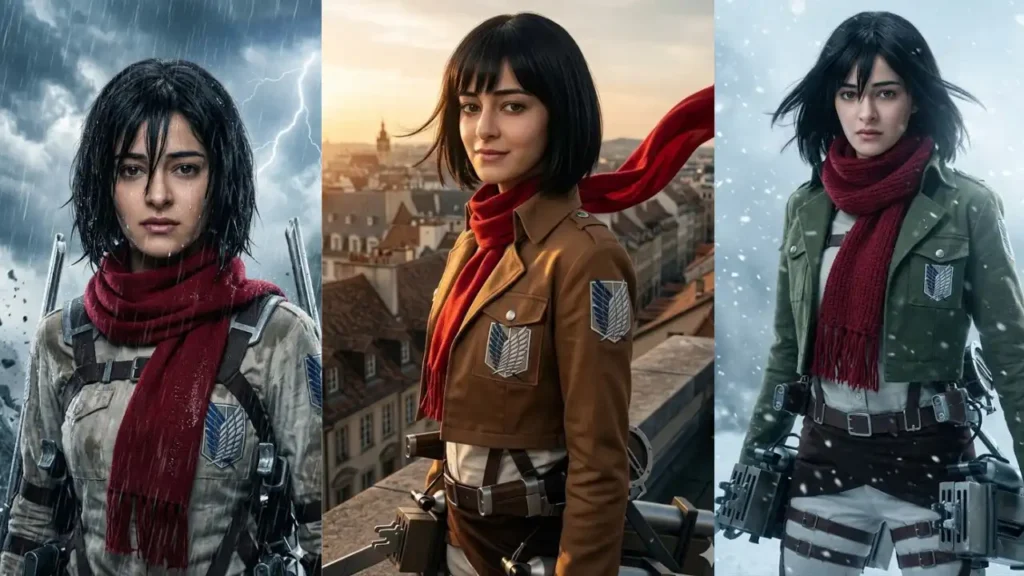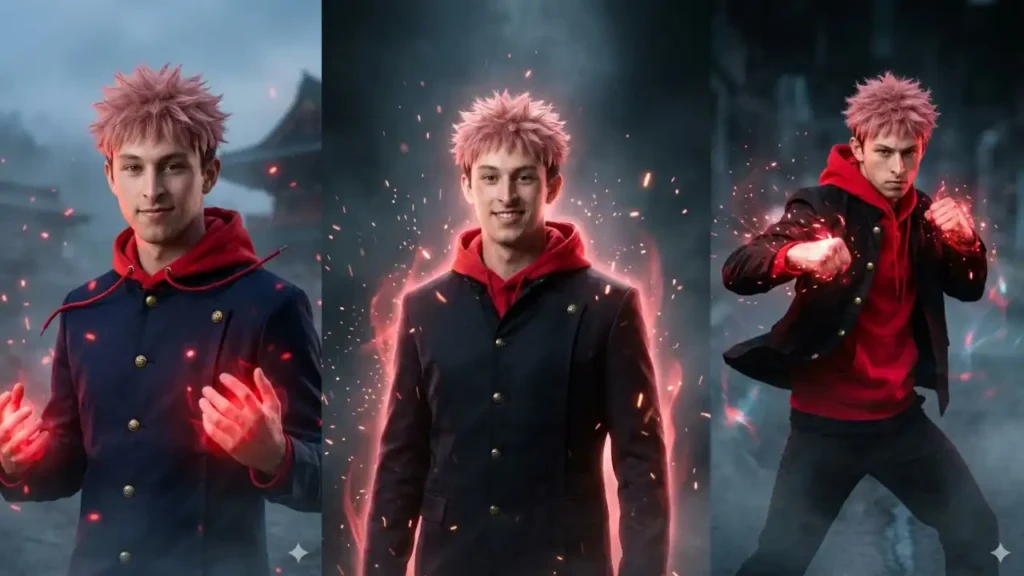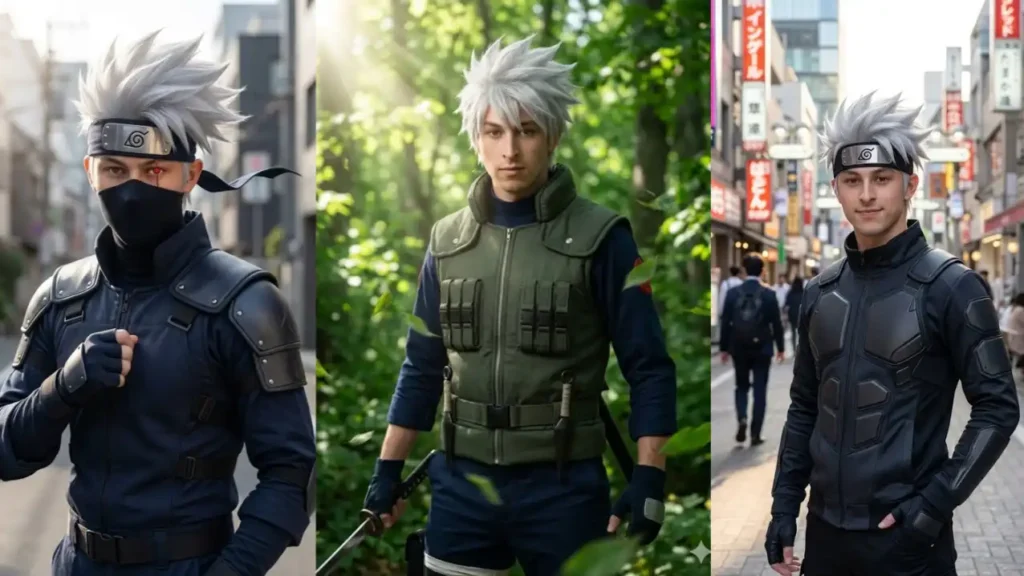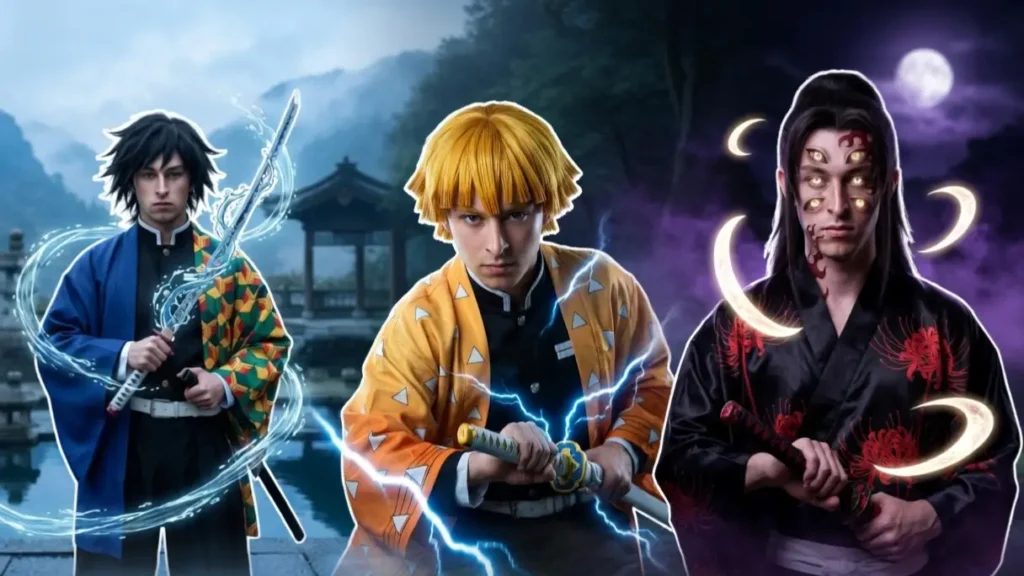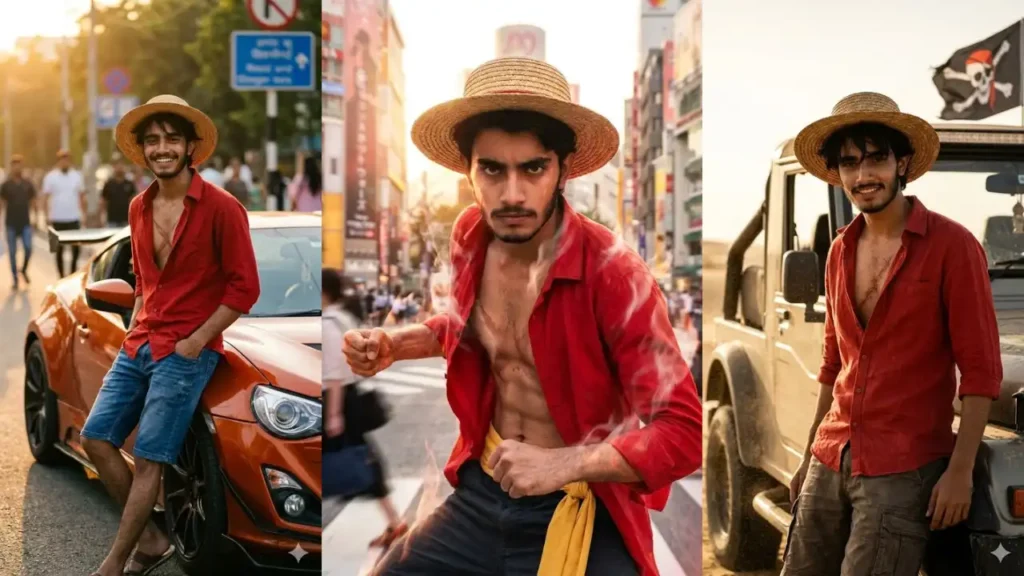
Step Into the World of Pirates: What if you could see yourself standing on a pirate ship, wearing the iconic straw hat, with the ocean stretching endlessly behind you?
These prompts are specially designed to transform your real photo into a live-action pirate version inspired by Money D Luffy, while keeping your face completely recognizable.
Instead of generating random anime-style images, the AI rebuilds the scene around you: adding the straw hat, red outfit, ocean backgrounds, ships, and adventure-filled environments.
1. Straw Hat Street King Car Portrait
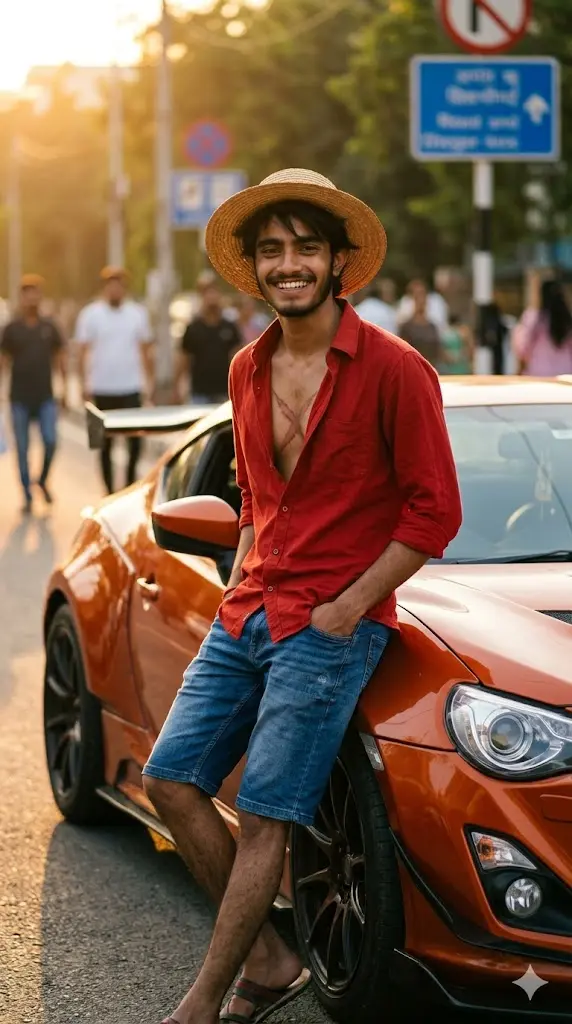
Maintain the exact facial identity of the uploaded user photo and transform the user into a hyper-realistic live-action version inspired by a straw-hat pirate aesthetic. The user now has messy black hair under a classic straw hat, wearing an open red shirt, blue shorts style outfit, and sandals, revealing a subtle chest scar detail inspired by the iconic pirate look. The user stands confidently leaning against a modified sports car on a street, with a bold carefree smile and relaxed attitude. Warm sunset lighting creates cinematic highlights across the face and car. Slight wind moves the shirt and hair naturally. Ultra-realistic textures and film-style depth. Aspect ratio 9:16.
 Copy
Copy Join
Join2. Pirate Captain Desert Car Shot
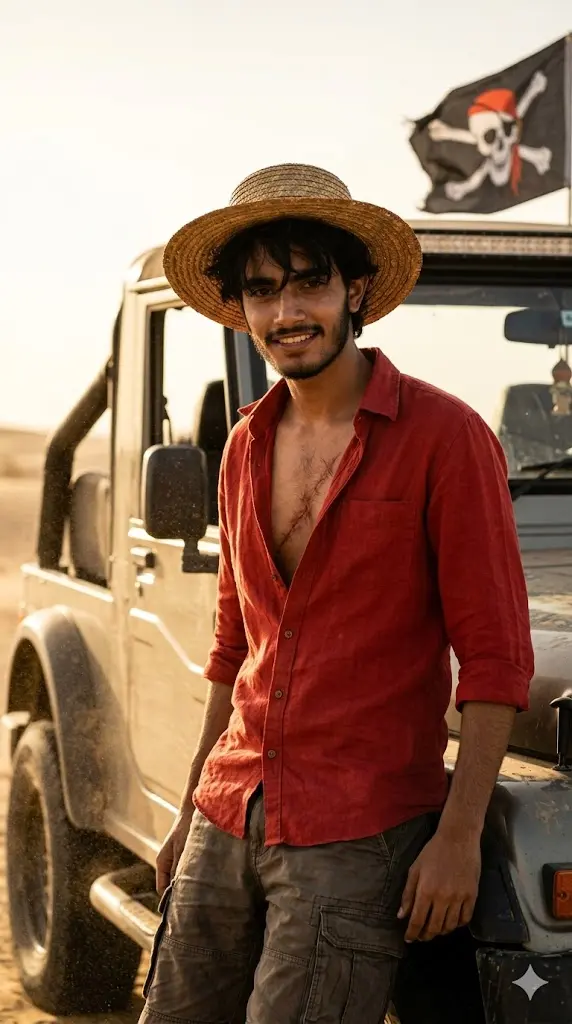
Maintain the exact facial identity of the uploaded user photo and transform the user into a hyper-realistic pirate captain inspired by the straw-hat aesthetic. The user now has short messy black hair, a straw hat casting a shadow on the face, and an open red shirt exposing a subtle chest scar detail, paired with rugged shorts. The user stands confidently beside a dust-covered off-road car in a desert environment, showing fearless attitude. Sand particles move in the wind while golden sunlight creates dramatic shadows across the face and vehicle. The user looks directly at the camera with a confident grin. Ultra-realistic lighting and cinematic atmosphere. Aspect ratio 9:16.
3. Pirate Road King Luffy Portrait
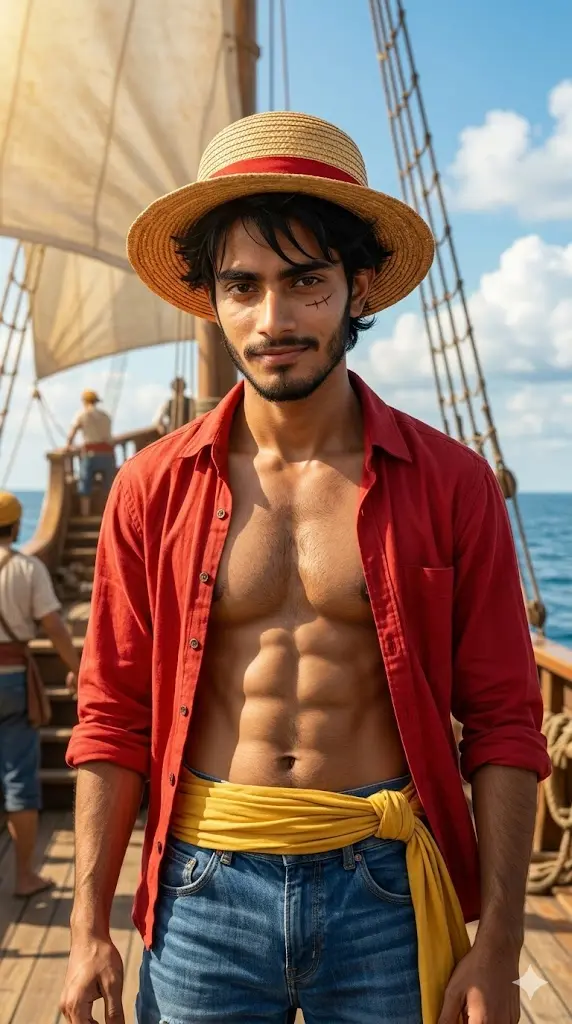
Maintain the exact facial identity of the uploaded user photo and transform the user into a hyper-realistic live-action pirate inspired by Monkey D. Luffy. The user now has messy black hair, a signature straw hat resting slightly tilted, and a small scar under the left eye, wearing an open red shirt, blue shorts, and a yellow sash belt. The background features a bright ocean horizon with a pirate ship deck and waving sails under clear blue skies. Sunlight illuminates the face with warm highlights while wind moves the shirt and hair naturally. The user stands confidently with a cheerful yet fearless expression. Ultra-realistic cinematic lighting and textures. Aspect ratio 9:16.
4. Straw Hat Pirate King Portrait
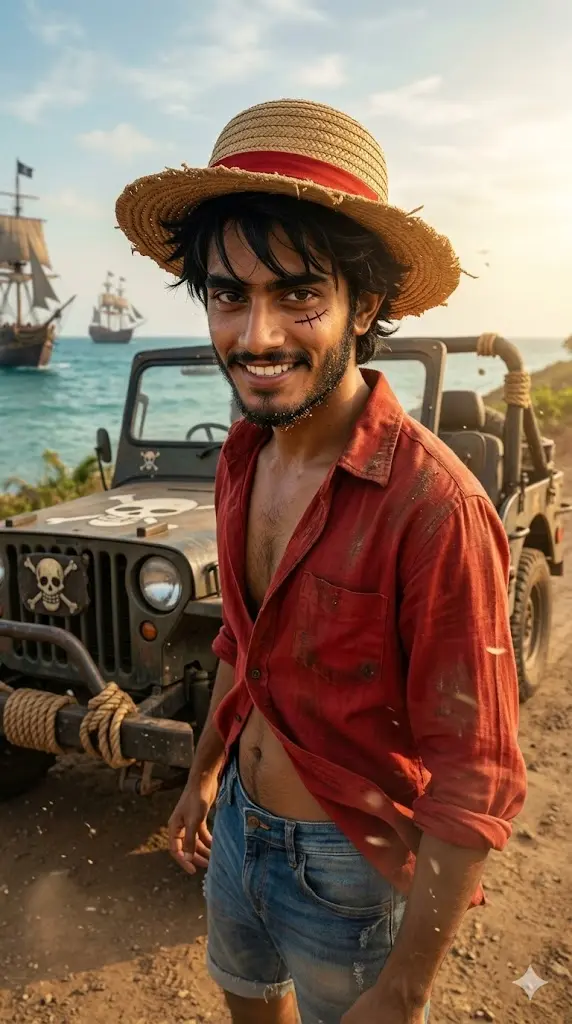
Maintain the exact facial identity of the uploaded user photo and transform the user into a hyper-realistic live-action pirate inspired by Monkey D. Luffy. The user now has messy black hair, a signature straw hat resting slightly tilted, and a small scar under the left eye, wearing an open red shirt, blue shorts, and a yellow sash belt. The background features a bright ocean horizon with a pirate ship deck and waving sails under clear blue skies. Sunlight illuminates the face with warm highlights while wind moves the shirt and hair naturally. The user stands confidently with a cheerful yet fearless expression. Ultra-realistic cinematic lighting and textures. Aspect ratio 9:16.
5. Pirate Ship Deck Hero Pose
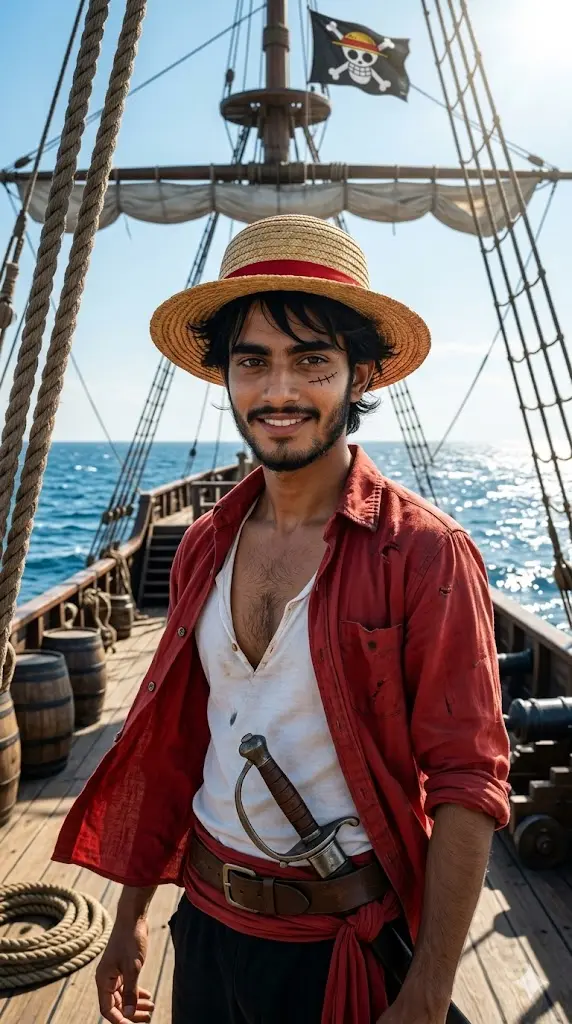
Maintain the exact facial identity of the uploaded user photo and transform the user into a hyper-realistic pirate standing proudly on a wooden ship deck inspired by One Piece. The user now has messy black hair, straw hat, and the iconic scar under the left eye, wearing an open red shirt with a confident relaxed stance. The background features a detailed pirate ship with ropes, sails, and a vast blue ocean stretching to the horizon. Bright sunlight reflects off the water while wind moves clothing and hair naturally. The user looks toward the camera with a fearless and cheerful expression. Ultra-realistic cinematic photography. Aspect ratio 9:16.
6. Gear 2 Speed Power Scene
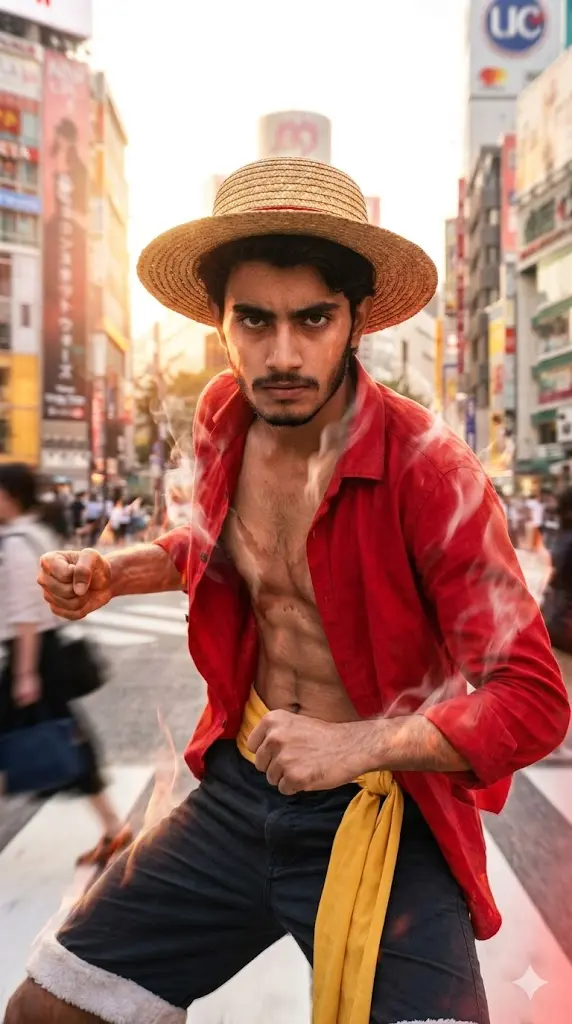
Maintain the exact facial identity of the uploaded user photo and transform the user into a hyper-realistic live-action version inspired by Luffy’s Gear 2 form. The user now has messy black hair, straw hat, and intense focused expression, wearing an open red shirt with slight steam-like heat effects around the body. The background features a Tokyo time square day time with blurred motion and glowing sunlight, suggesting high-speed movement. Subtle red-tinted lighting enhances intensity without cartoon exaggeration. The user stands in a dynamic pose with fists slightly clenched. Wind and heat distortion effects add realism. Ultra-realistic cinematic textures. Aspect ratio 9:16.
7. Pirate Crew Leader Poster
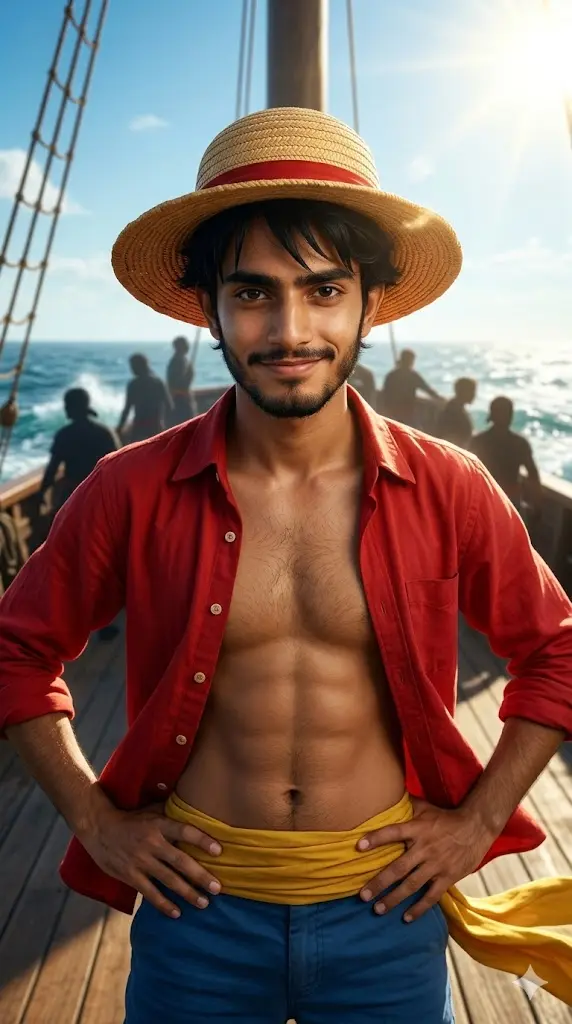
Maintain the exact facial identity of the uploaded user photo and transform the user into a hyper-realistic live-action pirate crew leader inspired by Luffy. The user now has messy black hair, straw hat, and a confident playful smile, wearing an open red shirt and sash belt. The background features a pirate crew ship with crew silhouettes, ocean waves, and bright sky creating a cinematic poster look. Sunlight highlights the user’s face while wind moves clothing naturally. The user stands in a leadership pose facing the camera. Ultra-realistic cinematic composition with strong depth and detail. Aspect ratio 9:16.
Customize Your Luffy Prompt Like a Pro
Most people just copy-paste prompts… but small edits can completely change your final result. Here are the most useful things you can tweak 👇
1. Straw Hat Style Kaise Change Kare?
Default prompt me simple straw hat hota hai, lekin aap isko upgrade kar sakte ho:
Examples:
- “classic worn straw hat”
- “slightly torn pirate straw hat”
- “cinematic straw hat with shadow over eyes”
💡 Pro Tip:
“shadow over eyes” add karne se hero-type cinematic look aata hai.
2. One Piece Background Kaise Change Kare?
Aap easily apni location change kar sakte ho:
Replace with:
- “sunny ocean ship deck”
- “stormy pirate sea with lightning”
- “mysterious island with waterfalls”
- “sunset beach with pirate ship”
3. Outfit Ka Style Kaise Modify Kare?
Default outfit = red shirt + shorts
But you can customize:
Examples:
- “battle-damaged red shirt”
- “modern pirate jacket”
- “royal pirate captain outfit”
Add “cinematic”, “detailed”, “wind-blown” for better realism.
4. Power Mode Kaise Add Kare? (Gear Effects)
Agar aap Luffy ke power version banana chahte ho:
Add words like:
- “Gear 2 heat aura”
- “Gear 5 white energy clouds”
- “subtle energy distortion around body”
⚠️ Important:
“subtle” ya “realistic” likho taaki output cartoon na lage.