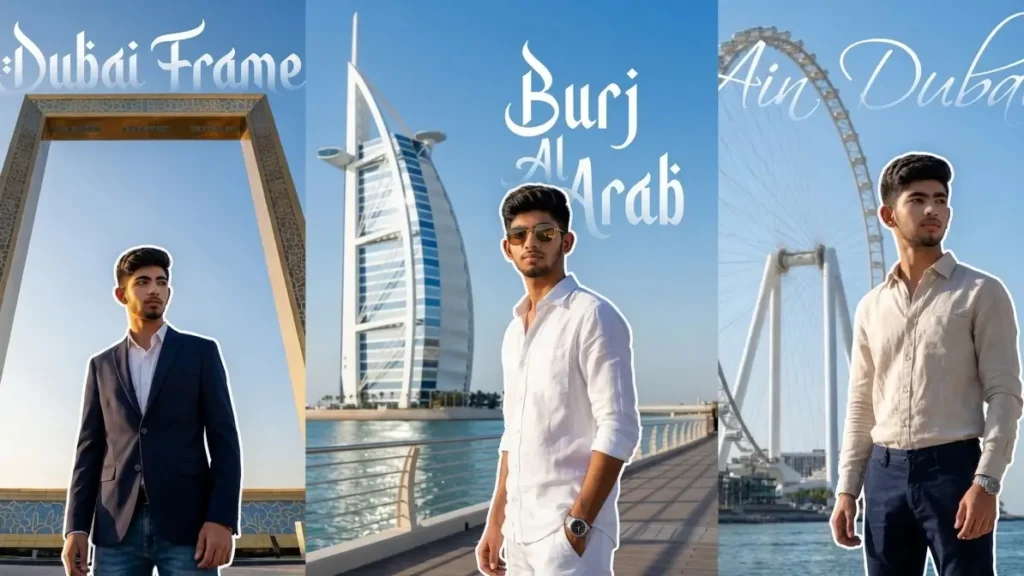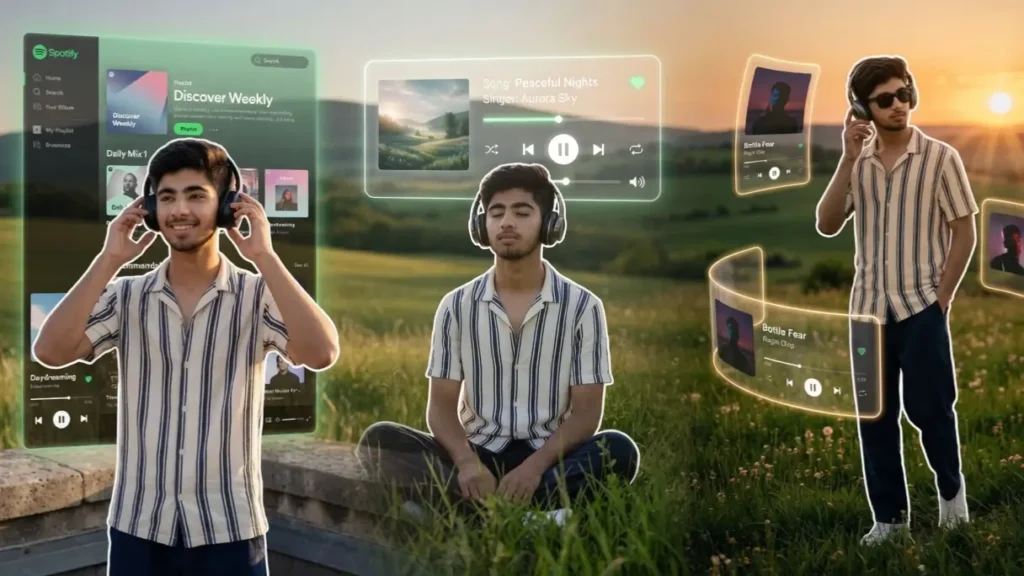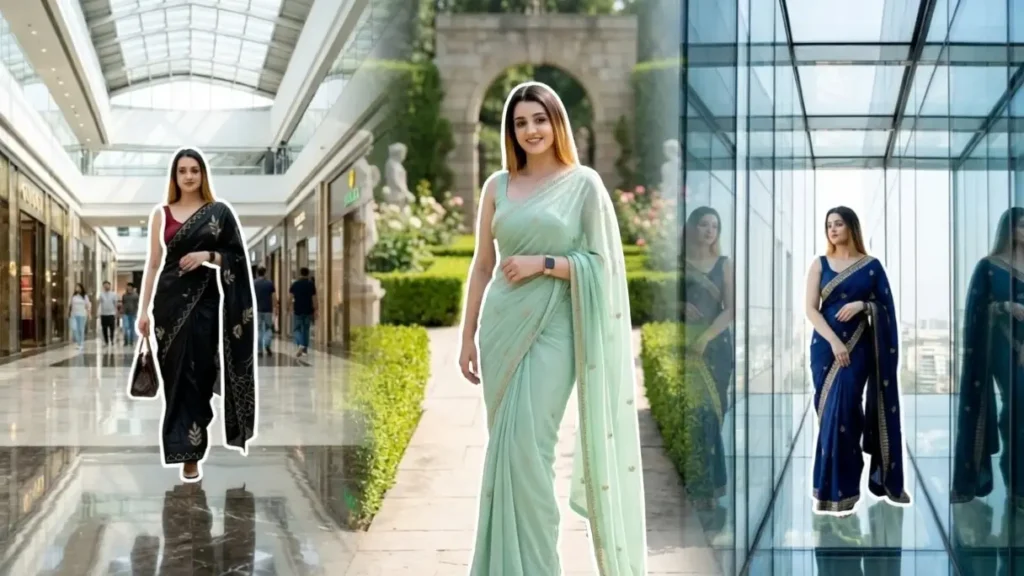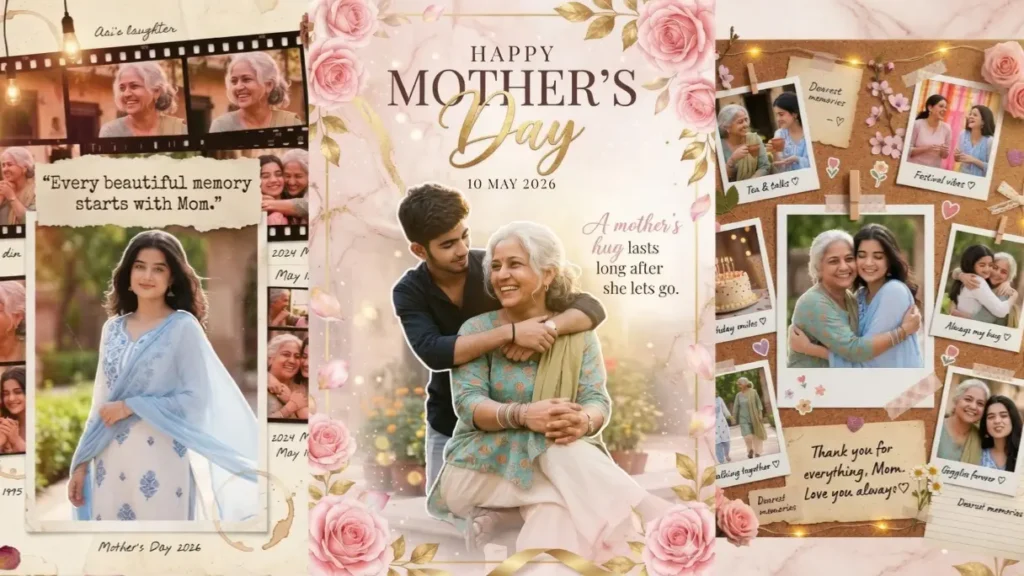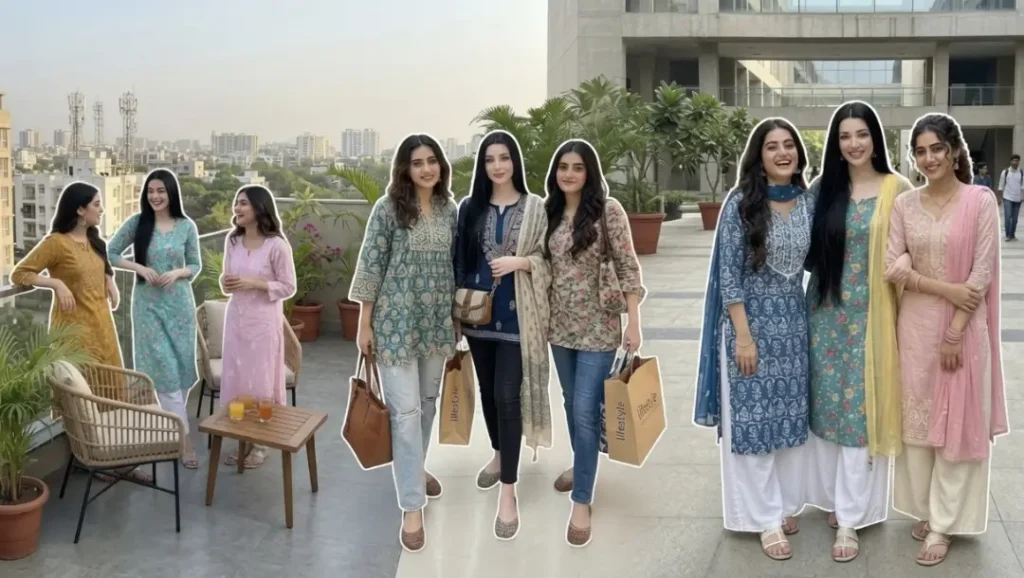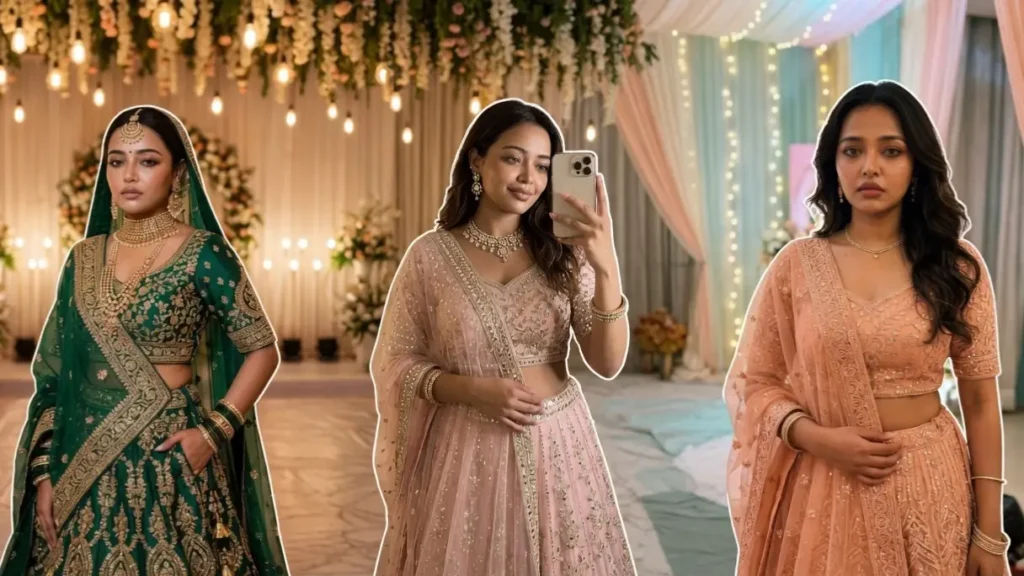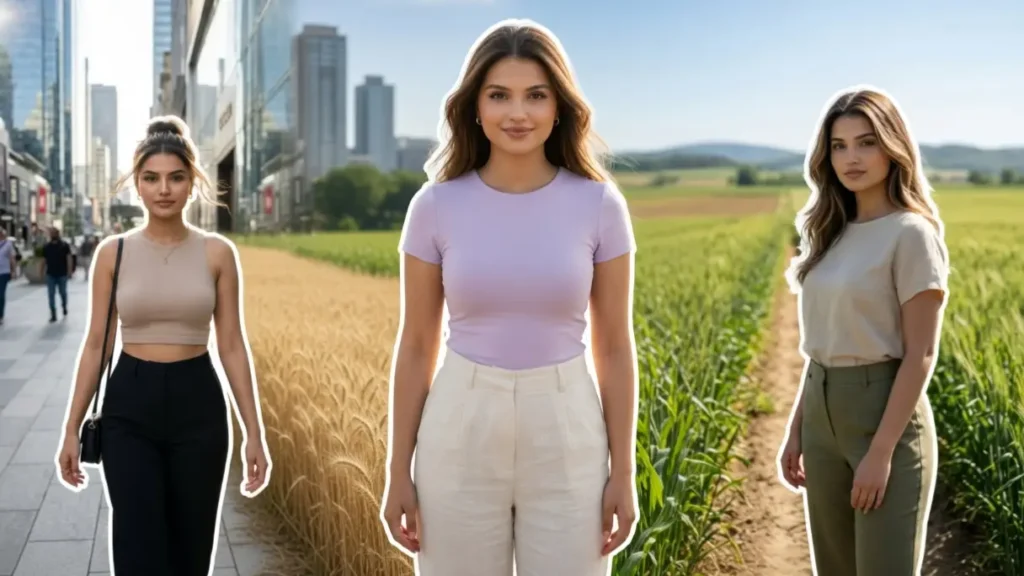
On social media today, it’s not just about posting a photo: it’s about creating a presence. That “main character energy,” that glow, that confidence… that’s what people call aura.
And now, with Gemini AI, you can turn a simple photo into a powerful, high-quality aura portrait that looks straight out of a professional shoot.
These prompts are specially designed to transform your uploaded image into a realistic, stylish city portrait with a subtle glowing aura effect, while keeping your face completely original.
1. Golden Confidence
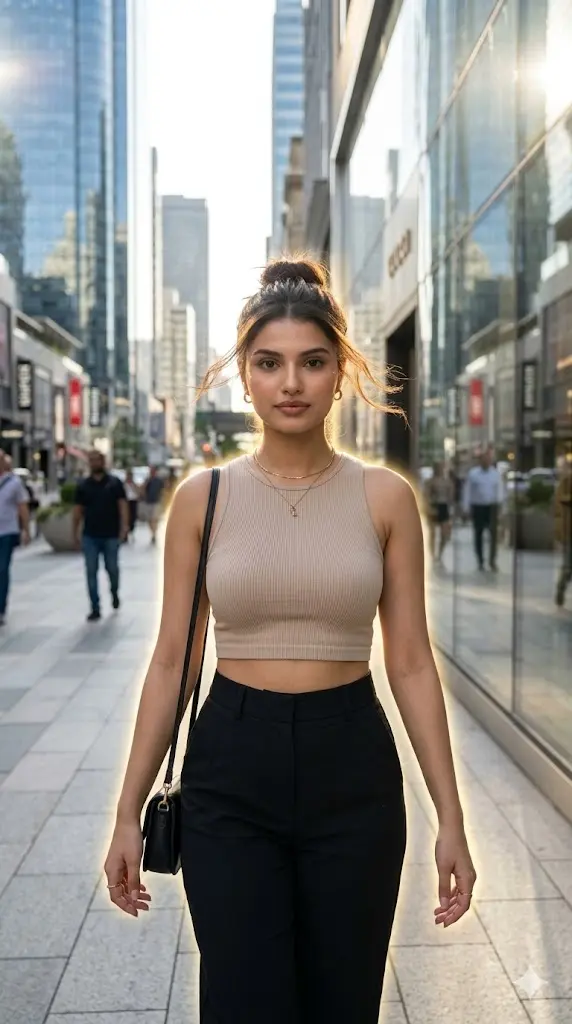
Maintain the exact facial identity of the uploaded user photo and transform the user into a hyper-realistic cinematic portrait of a stylish girl walking confidently through a modern city sidewalk during bright daytime. She wears a beige crop top paired with tailored black trousers, reflecting clean urban fashion. A subtle golden aura softly surrounds her silhouette, glowing gently in sunlight and blending naturally with reflections from nearby buildings. Her hair moves slightly with natural wind, and she looks directly toward the camera with a confident expression. The environment features glass skyscrapers, clean roads, and soft background blur for depth. Natural sunlight enhances facial details and textures. Ultra-realistic photography style. Aspect ratio 9:16.
 Copy
Copy Join
Join2. Golden Field Aura
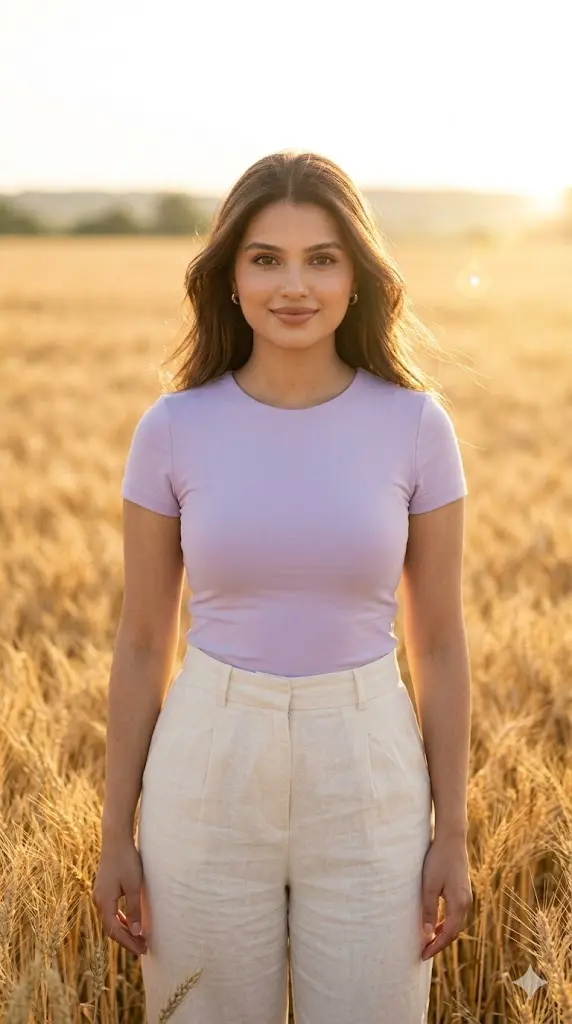
Maintain the exact facial identity of the uploaded user photo and transform the user into a hyper-realistic cinematic portrait standing confidently in a vast golden farm field under bright natural daylight. The user wears a simple fitted pastel top with high-waist trousers, styled neatly with soft natural makeup and loose hair flowing gently in the breeze. Sunlight falls directly across the face, creating warm highlights and soft shadows that enhance natural skin texture. Wheat plants move around subtly, adding depth and realism. The user looks directly at the camera with a calm, confident expression, radiating a soft aura of positivity and elegance. Ultra-realistic photography with cinematic depth and sharp textures. Aspect ratio 9:16.
3. Fresh Green Farm Aura Shot
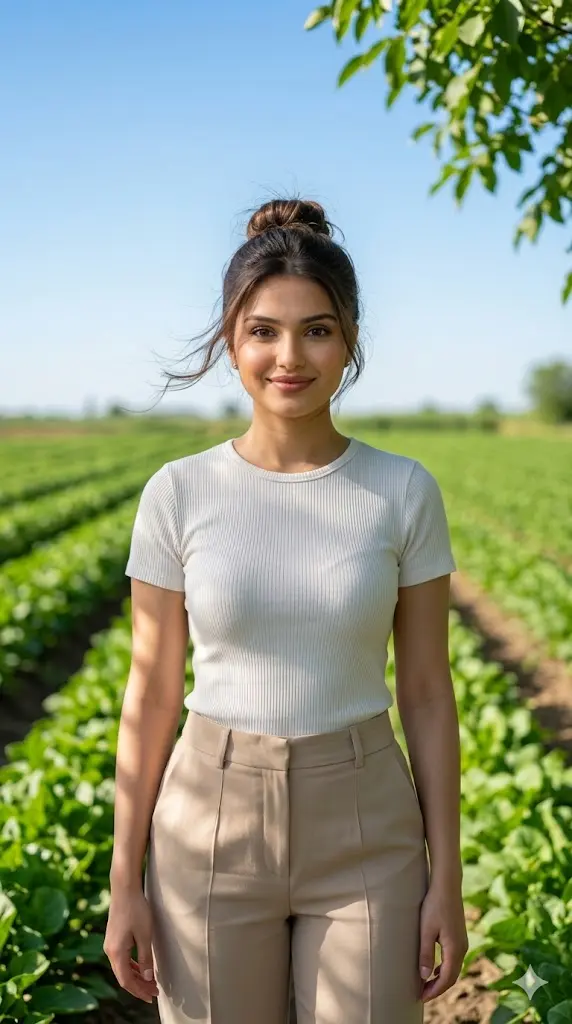
Maintain the exact facial identity of the uploaded user photo and transform the user into a hyper-realistic portrait standing in a lush green farm landscape during bright daytime. The user wears a light-colored top paired with stylish trousers, creating a clean and modern aesthetic. Soft sunlight filters through the leaves, casting natural shadows across the face and clothing. The background features rows of fresh green crops and open sky, giving a refreshing vibe. Hair moves slightly with the breeze, adding motion realism. The user stands confidently facing the camera with a relaxed smile, creating a peaceful aura. Ultra-realistic lighting, natural skin tones, and cinematic depth of field. Aspect ratio 9:16.
4. Sunlit Path Farm
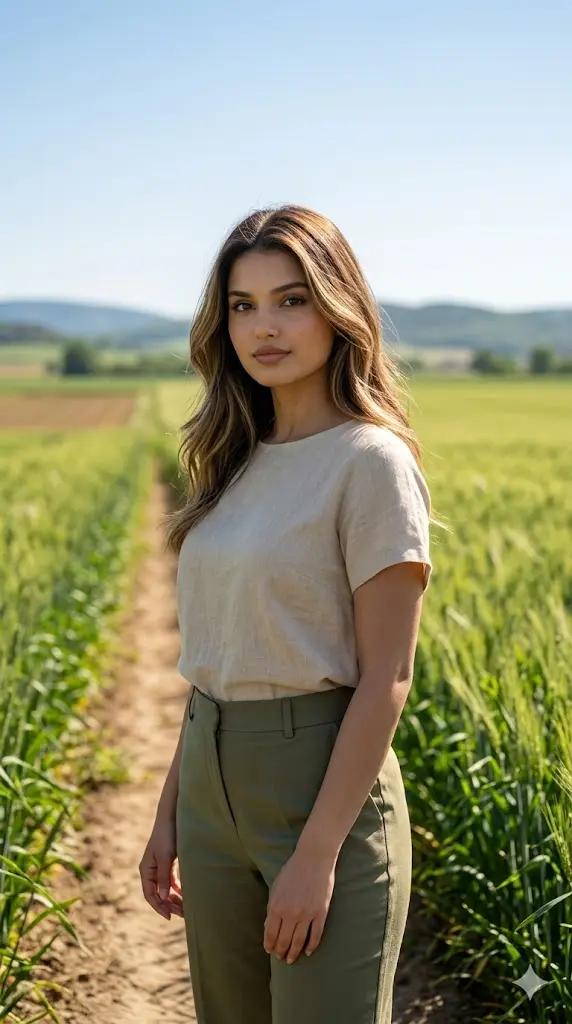
Maintain the exact facial identity of the uploaded user photo and transform the user into a hyper-realistic cinematic portrait standing on a narrow farm pathway under bright sunlight. The user wears a minimalist top with tailored trousers, styled elegantly with natural hair flow. Sunlight creates strong highlights along the face and edges of clothing while soft shadows add depth. The pathway is surrounded by green crops and open farmland, creating a peaceful and grounded environment. The user looks slightly toward the camera with a composed and confident expression, reflecting a natural aura. Ultra-realistic textures, cinematic lighting, and balanced color grading. Aspect ratio 9:16.
5. City Highway Bridge
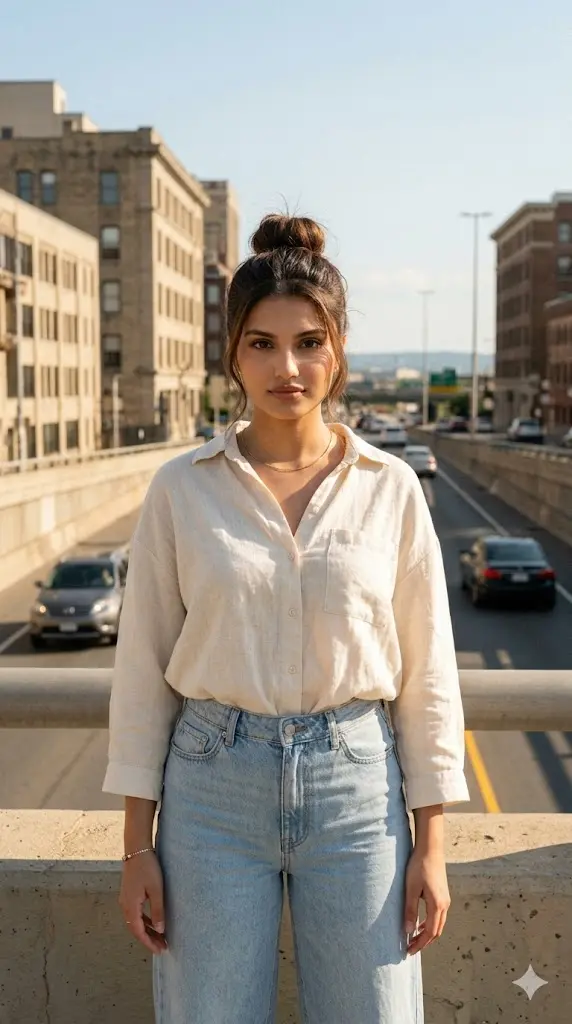
Maintain the exact facial identity of the uploaded user photo and transform the user into a hyper-realistic portrait standing in a city highway strong daylight. The user wears a light-toned top with relaxed-fit trousers, styled naturally with minimal accessories. Sunlight creates warm tones across the face and environment while soft shadows enhance depth. The background features textured tall buildings and open horizon, giving a rustic yet aesthetic feel. The user looks directly at the camera with a confident and relaxed expression, radiating a grounded aura. Ultra-realistic skin details and cinematic depth of field. Aspect ratio 9:16.
How to Change Aura Color
You can easily control the vibe of your image by changing the aura color inside the prompt.
Examples:
- “soft golden aura”
- “light pink aura glow”
- “electric blue aura”
How to Change Outfit Style
Outfits play a big role in the final look. You can directly replace clothing descriptions in the prompt.
Examples:
- “white top” → “black crop top”
- “trousers” → “wide-leg pants”
- “simple outfit” → “modern streetwear outfit”
How to Control Pose and Hair
You can guide the AI by describing posture and movement.
Examples:
- “looking directly at the camera”
- “walking confidently”
- “standing with relaxed posture”