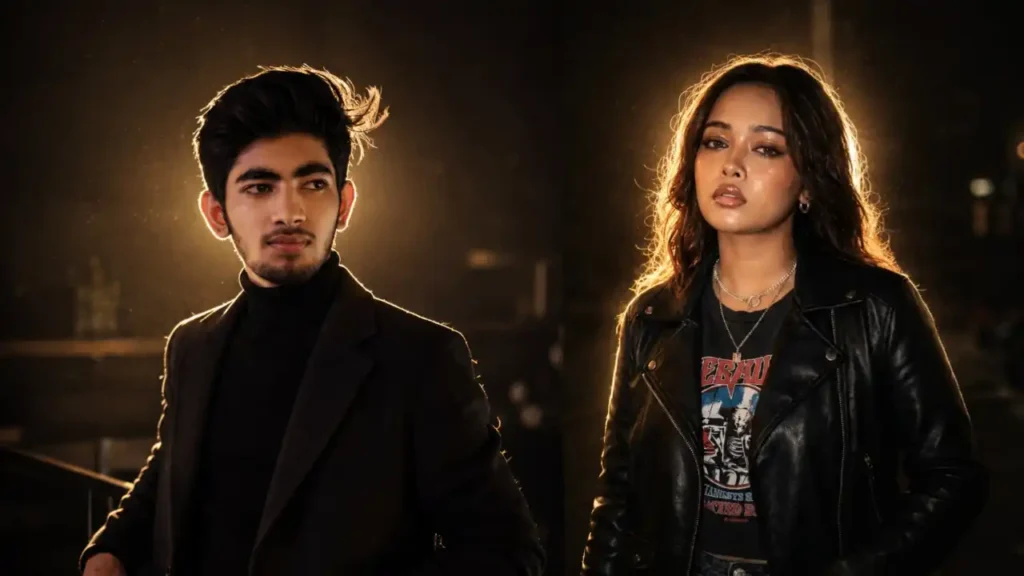
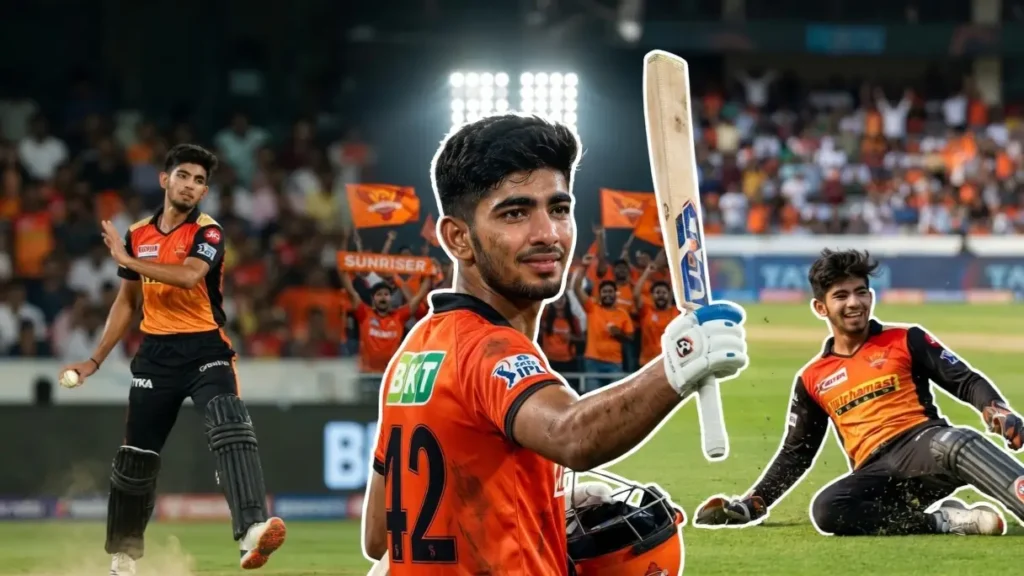
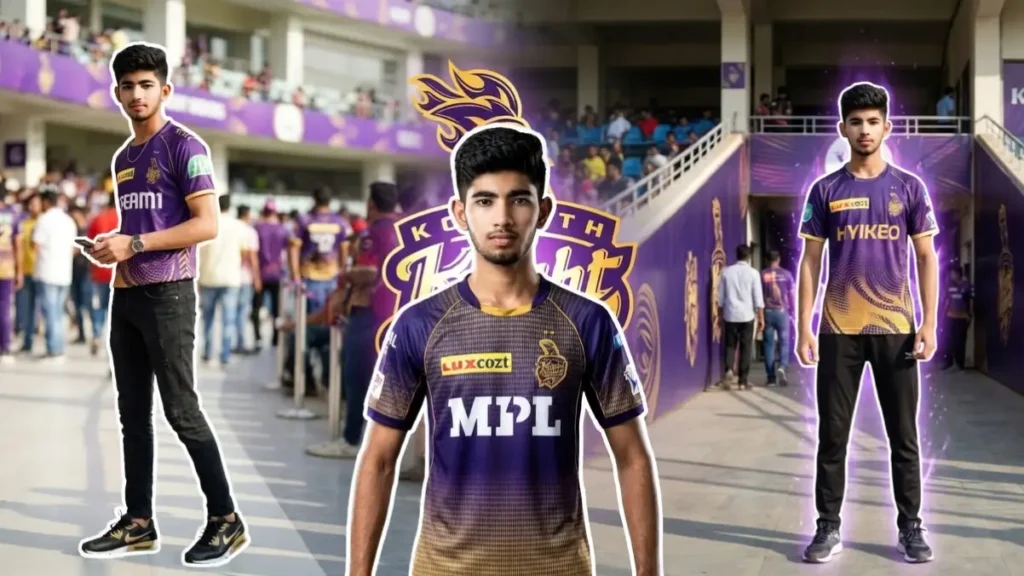
Right now one of the biggest viral Instagram trends is IPL Live Broadcast AI Edits where users upload their normal photo and AI transforms it into a realistic live cricket telecast screenshot.
The final result looks exactly like a paused Star Sports broadcast where the user is randomly shown sitting inside the stadium crowd during an intense RCB vs MI match.
What makes this trend special is its realism. Unlike normal AI edits that look cinematic or overly polished, these edits intentionally preserve the dull television broadcast quality, flat stadium lighting, compressed live camera texture, and authentic IPL scoreboards.
Because of this, the final image genuinely feels like a real live telecast screenshot instead of an AI-generated poster.
Now creators are taking this trend even further by converting those screenshots into short 4–5 second realistic crowd-cam videos where the user blinks, smiles, reacts naturally, or interacts with their partner exactly like a real live broadcast clip.
The best part is that you can create both:
• Solo IPL audience screenshots
• Romantic couple stadium edits
• Crowd-cam reaction videos
• Live telecast clips
• Viral stadium moments
All using ChatGPT, Gemini, and free AI video tools like Kling AI.
Prompt 1: IPL Couple Stadium Broadcast Prompt

Transform the uploaded user photo into an ultra realistic IPL live broadcast audience screenshot where the user is sitting romantically with their partner inside a packed cricket stadium during an intense RCB vs MI match. The final image must look exactly like a paused Star Sports live telecast frame captured naturally during the match.IMPORTANT RULE:• If the user uploads ONE photo only, automatically generate a realistic opposite gender partner sitting beside the user naturally.• The generated partner should look realistic, attractive, age appropriate, and naturally compatible with the user’s appearance and vibe.• If the user uploads TWO photos, use both real people accurately while preserving their exact identities.Preserve the user’s exact real identity:• Real face structure• Skin texture• Hairstyle• Beard or makeup details• Natural expression• Body proportions• Outfit realismThe user and partner should appear naturally seated close together in the audience like a real couple captured unexpectedly by a live broadcast camera. One partner may casually place an arm around the other while both look toward each other or toward the cricket match naturally.IMPORTANT VISUAL STYLE:Do NOT create cinematic AI aesthetics.Do NOT add luxury Instagram color grading.Do NOT sharpen the image heavily.Do NOT create movie-poster lighting.Do NOT add dramatic shadows or HDR effects.The image must follow the exact visual quality of real IPL live broadcast footage:• Slightly dull TV colors• Flat broadcast lighting• Natural stadium exposure• Slightly compressed TV screenshot quality• Mild motion softness• Realistic crowd lighting• No artificial glow• No ultra sharp skin texture• No cinematic teal-orange grading• No luxury AI enhancementThe image should feel like:“A real IPL camera operator randomly captured the couple in the audience during live TV coverage.”STADIUM DETAILS:Place the couple naturally among a crowded audience filled with RCB and MI fans. Add surrounding spectators wearing realistic cricket jerseys, slightly blurred due to live camera focus. Include random audience members partially visible around the frame for authentic broadcast realism.The user and partner should wear:• Authentic RCB or MI jerseys OR casual stadium outfits• Realistic fabric texture• Natural folds and wrinkles• Slight stadium lighting reflectionsCamera framing:• Mid-shot broadcast angle• Slight zoom like real spectator reaction shot• Natural TV camera perspective• Slight softness from sports broadcasting• No artificial portrait depth blurAdd authentic IPL broadcast overlays and scoreboard graphics exactly like professional sports telecast UI.Use these scoreboard details:• RCB 158–3• 17.4 overs• V. Kohli 68 (44)• J. Bethell 29 (18)• Current Run Rate 8.94• Required Run Rate 11.20• J. Bumrah 3.4–0–24–2• ECON 6.54Add:• Tata IPL logo top left• Star Sports LIVE logo top right• Realistic match ticker• Professional cricket typography• Team logos• Live broadcast lower-third graphicsIMPORTANT:The scoreboard must feel naturally embedded into the TV frame rather than pasted afterward.Lighting instructions:• Neutral stadium floodlights only• No cinematic rim light• No beauty lighting• No face smoothing• Slightly uneven TV exposure allowed• Realistic audience shadowsColor grading instructions:• Maintain authentic TV broadcast dullness• Slightly desaturated sports telecast look• Realistic blue stadium tint• Preserve natural crowd darkness• Avoid premium polished editing• Avoid AI-generated “clean” lookThe final image should feel EXACTLY like:“A real paused IPL broadcast screenshot showing the user and their partner unexpectedly featured on live television during an RCB vs MI match.”Aspect ratio: 16:9 sports broadcast screenshot.Ultra realistic television aesthetic.No cinematic enhancement.No AI art feeling.Pure live cricket broadcast realism.
 Copy
Copy Join
JoinPrompt 2: IPL Live Broadcast Stadium Screenshot Prompt

Transform the uploaded male user photo into an ultra realistic IPL live TV broadcast screenshot where the user is naturally sitting in the audience during an intense RCB vs MI cricket match. Preserve the user’s exact real identity including realistic face structure, beard details, hairstyle, skin texture, body proportions, natural expression, and accessories like watches or sunglasses. The user must look completely authentic and naturally present inside a real stadium crowd captured by an actual Star Sports live broadcast camera.The user should wear an authentic Royal Challengers Bangalore jersey in dark navy and red tones with realistic sponsor logos, jersey folds, slight wrinkles, and natural stadium lighting reflections. The user should look like a genuine IPL fan casually enjoying the match.Pose instructions: • Natural relaxed stadium sitting posture • Slight smile or calm confident expression • Hands holding snacks, drink, or resting casually • Slightly leaning forward like watching the match • Realistic audience body languageIMPORTANT VISUAL RULE: Do NOT create cinematic AI edits. Do NOT add luxury Instagram grading. Do NOT sharpen the face heavily. Do NOT create movie-poster contrast.The final image must exactly match the visual tone of a real IPL live telecast: • Slightly dull TV broadcast colors • Flat realistic stadium floodlight exposure • Slight compression softness • Natural television camera quality • Mild broadcast blur • Slightly desaturated sports telecast aesthetic • No HDR • No dramatic rim light • No cinematic shadowsAdd a realistic stadium crowd around the user with: • RCB and MI fans • Random audience members partially visible • Slight blur on surrounding people • Realistic sports-event atmosphere • Natural seating arrangementAdd authentic broadcast graphics: • Tata IPL logo top left • Star Sports LIVE logo top right • Realistic sports lower-third overlayScoreboard details: • RCB 158–3 • 17.4 overs • V. Kohli 68 (44) • J. Bethell 29 (18) • Current Run Rate 8.94 • Required Run Rate 11.20 • J. Bumrah 3.4–0–24–2 • ECON 6.54The image must feel exactly like: “A real paused IPL broadcast screenshot where the camera randomly captured the user during an RCB vs MI match.”Aspect ratio: 16:9. No AI art feel. Pure television broadcast realism.
Now, here are 3 video prompts that will convert these images into genuine interactive clips instead of generic AI slop content.
Video Prompt 1 – Natural Live Broadcast Crowd Reaction
Create a 4–5 second ultra realistic live IPL broadcast clip based on the generated stadium screenshot. The camera should behave exactly like a real Star Sports crowd reaction camera during an RCB vs MI match.The user and partner must remain fully realistic with exact same identity, outfit, hairstyle, skin tone, posture, and facial details from the generated image.Add subtle natural movements only: • Slight blinking• Small eye movements• Tiny natural smile changes• Gentle breathing movement• Hair slightly moving naturally• Subtle shoulder movement• Natural head turn toward each otherIf it is a couple image: • One partner briefly looks toward the other and smiles softly • The second partner reacts naturally with a tiny smile or eye contact • One hand slightly shifts position naturallyIf only one uploaded user exists with AI-generated partner: • Interaction should still feel authentic and emotionally natural • Avoid exaggerated romance or scripted behaviorIMPORTANT: Do NOT create cinematic movie motion. Do NOT add slow motion. Do NOT add dramatic transitions. Do NOT add AI-style exaggerated animations.The motion should feel exactly like: “A real live TV camera briefly focusing on a couple sitting in the stadium.”Broadcast realism instructions: • Slight handheld broadcast camera shake • Mild sports camera autofocus breathing • Tiny motion blur from live TV camera movement • Natural stadium lighting flicker • Slight compression artifacts like real TV footage • Flat sports telecast color grading • No cinematic contrast or HDRBackground crowd should also move naturally: • Random audience blinking • Tiny cheering movement • Slight body shifts • One or two blurred spectators moving across frameThe scoreboard overlay and Star Sports LIVE graphics must remain completely stable and realistic like actual TV graphics.The final result must look like: “A real paused IPL broadcast suddenly turned into a short live clip.”
Video Prompt 2 – Romantic Stadium Interaction Clip
Animate the generated IPL couple stadium screenshot into a realistic 5-second candid live broadcast moment during an RCB vs MI match.The couple should behave naturally like real people unknowingly captured on live television.Natural interaction sequence: • The user briefly turns toward partner • Partner smiles softly • One person says something silently without audio • Both make eye contact naturally • Tiny laugh or shy smile reaction • One partner adjusts sitting posture slightlyIMPORTANT: Movements must remain subtle and imperfect like genuine candid footage. Avoid AI over-animation.Visual realism: • Exact same TV broadcast dullness • No cinematic grading • No dramatic lighting • Slightly soft live sports camera quality • Natural stadium floodlight exposure • Slight motion blur from live cameraCrowd behavior: • Random audience members moving naturally • Tiny background cheering motion • Someone briefly passing in foreground blur • Minor stadium screen flicker reflectionsCamera behavior: • Real sports telecast zoom framing • Tiny handheld operator movement • Slight autofocus pulsing • Very mild broadcast compression softnessThe atmosphere should feel exactly like: “A real IPL cameraman captured a wholesome couple moment during a live cricket match.”
Video Prompt 3 – Viral Stadium Camera Catch Moment
Turn the generated IPL audience image into a 4-second viral live TV crowd-cam moment.Scene behavior: • The user notices the stadium camera for a second • Gives a natural awkward smile or reaction • Partner laughs softly or looks away shyly • Tiny realistic body movement • Natural blinking and breathingIf single uploaded image: Generate realistic opposite gender partner reacting naturally beside the user.IMPORTANT: The interaction must feel accidental and genuine — not posed.Add: • Tiny stadium crowd motion • Slight movement of jerseys • Natural TV camera shake • Realistic live broadcast softness • Authentic sports telecast motion blurVery important visual rules: • Keep original TV screenshot dullness • Preserve broadcast compression texture • No luxury Instagram edit feel • No cinematic depth of field • No ultra HD polished skin • No fake AI smoothnessThe final video should look like: “A genuine viral IPL crowd-cam clip recorded during live Star Sports telecast.”
What Makes This IPL Trend Different?
Most AI-generated images look:
• Too cinematic
• Over sharpened
• Unrealistically colorful
• Overly HDR
• Fake and polished
But this IPL trend works because it does the opposite.
These prompts preserve:
• Real TV broadcast dullness
• Flat stadium lighting
• Live sports camera softness
• Compression artifacts
• Natural crowd chaos
• Authentic IPL overlays and scoreboards
This realism is exactly why the trend looks believable and goes viral so quickly on Instagram Reels.
Can I Create Couple Stadium Images Too?
Yes. These prompts support both:
• Single person uploads
• Two-person couple uploads
If you upload:
One Photo
AI automatically generates a realistic opposite-gender partner sitting beside the user naturally.
Two Photos
AI accurately uses both real people while preserving:
• Face identity
• Skin tone
• Hairstyle
• Outfit
• Expressions
• Body proportions
What Can You Change?
You can optionally customize:
• Team jerseys
• Match teams
• Scoreboard stats
• Live score numbers
• Player names
• Stadium atmosphere
• Broadcast logos
• Camera angle
• Couple interaction style
But even without editing anything, the prompts are already optimized for viral realistic results.
How to Use These IPL Broadcast Prompts
Step 1
Open ChatGPT or Gemini AI.
Step 2
Upload:
• One image for solo/couple auto generation OR
• Two images for real couple edits
Step 3
Copy your favorite IPL Broadcast Prompt.
Step 4
Paste the prompt into AI.
Step 5
Generate the image.
You’ll get:
• A realistic IPL live telecast screenshot
• Authentic stadium atmosphere
• TV-style scoreboard overlays
• Real broadcast visual quality
How To Convert The Image Into Viral Stadium Video
After generating the stadium screenshot, you can animate it into a live crowd-cam clip using Kling AI for free.
How To Create The Video Using Kling AI (Free)
Step 1
Open the Kling AI website or app.
Step 2
Select: “Image To Video”
Step 3
Upload your generated IPL stadium screenshot.
Step 4
Paste one of the motion prompts provided in this article.
Step 5
Set duration: 4–5 seconds
Step 6
Generate the video.
The final output will look like:
• Real IPL crowd footage
• Authentic live broadcast moment
• Natural audience reactions
• Genuine sports telecast camera behavior
Please note the quality of video depends on video tool and its model.
Best Motion Style For Realistic Results
To avoid generic AI motion:
• Keep movements subtle
• Use tiny eye movements
• Small smiles only
• Natural blinking
• Mild head turns
• Slight breathing motion
Avoid:
• Dramatic cinematic motion
• Fast camera moves
• AI facial distortions
• Over animated reactions
• Unrealistic expressions
Why These Videos Go Viral
These clips work extremely well because viewers genuinely think: “Wait… was this actually shown on live TV?”
The realism creates:
• Higher watch time
• More shares
• More comments
• Better Reel performance
• Viral replay value
Which AI Tools Work Best?
For image generation, I recommend ChatGPT then Gemini.
For video generation:
• Kling AI
• Runway
• PixVerse
• Luma AI
Kling usually gives the most realistic broadcast-style motion for this trend.
Final Tip
The secret behind realistic IPL broadcast edits is NOT cinematic quality.
The more the image looks:
• Slightly dull
• Soft
• Naturally compressed
• Imperfect like television
…the more believable and viral it becomes.