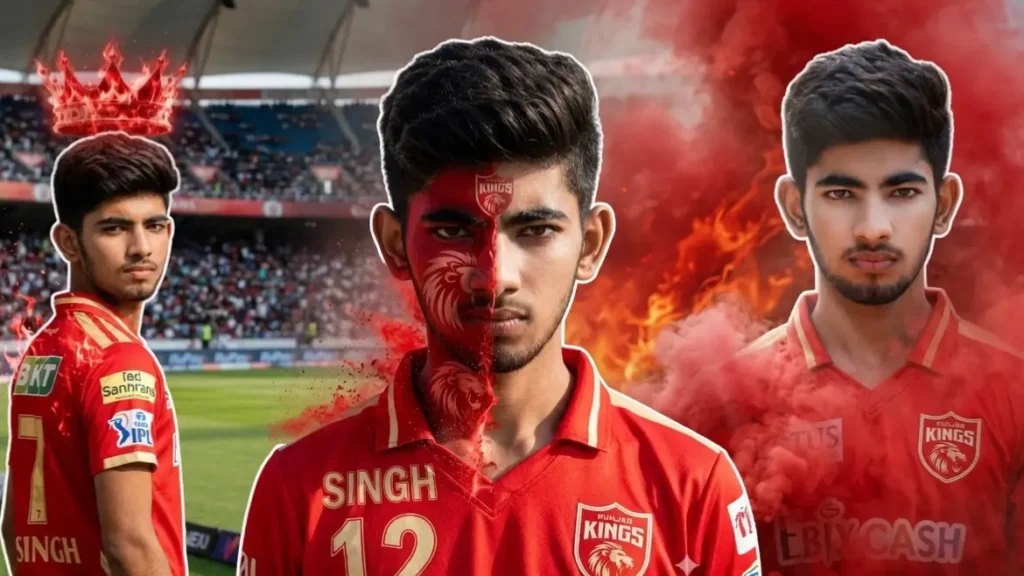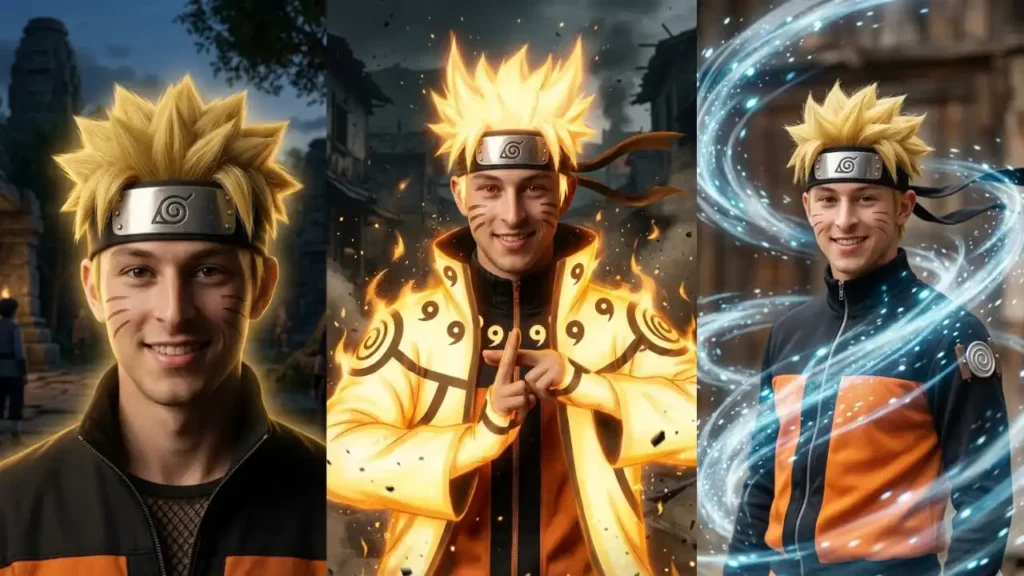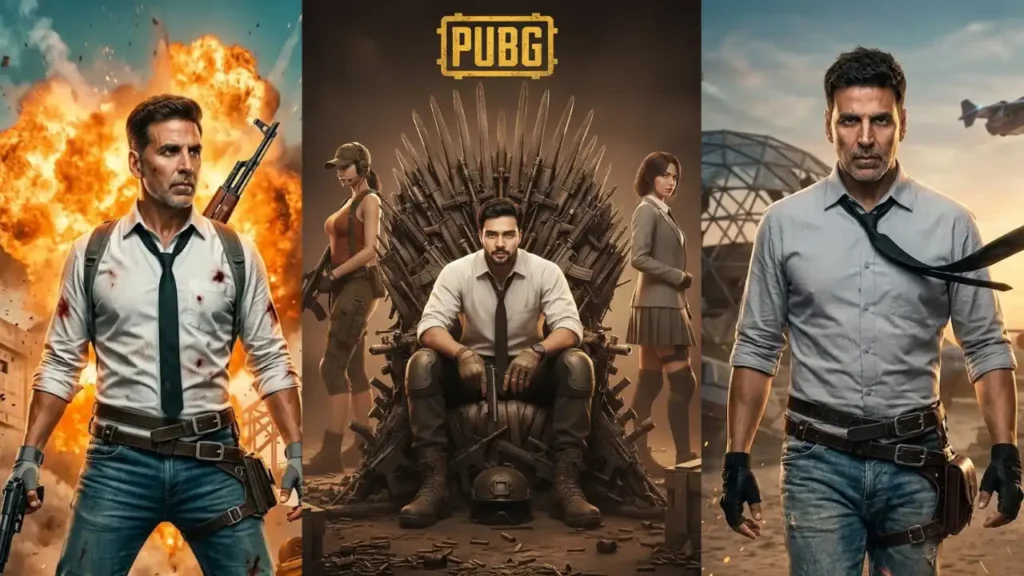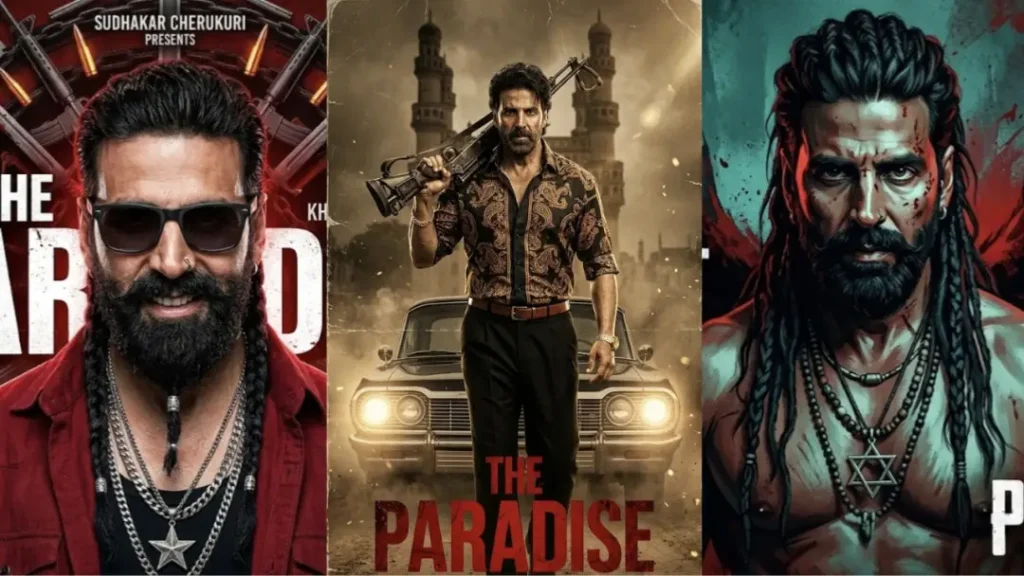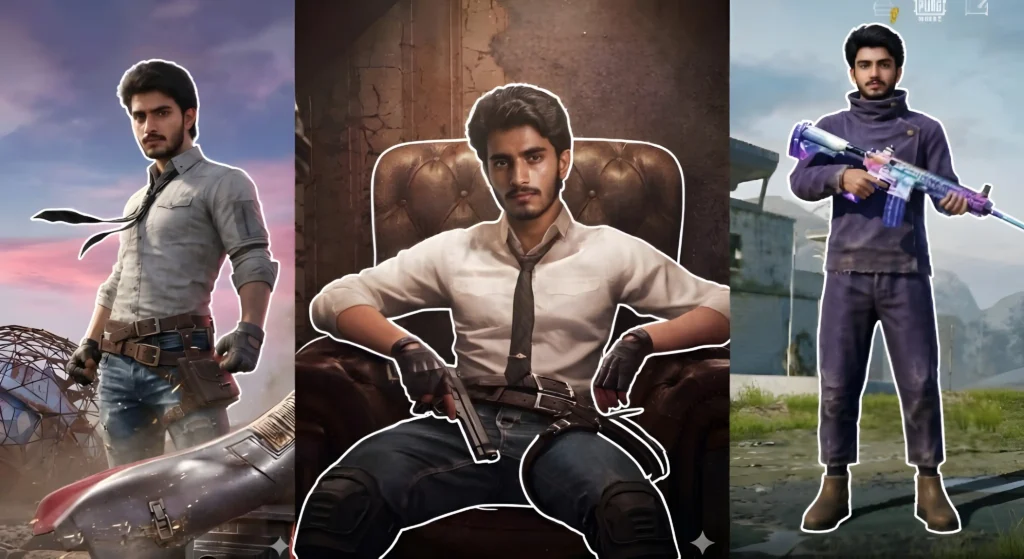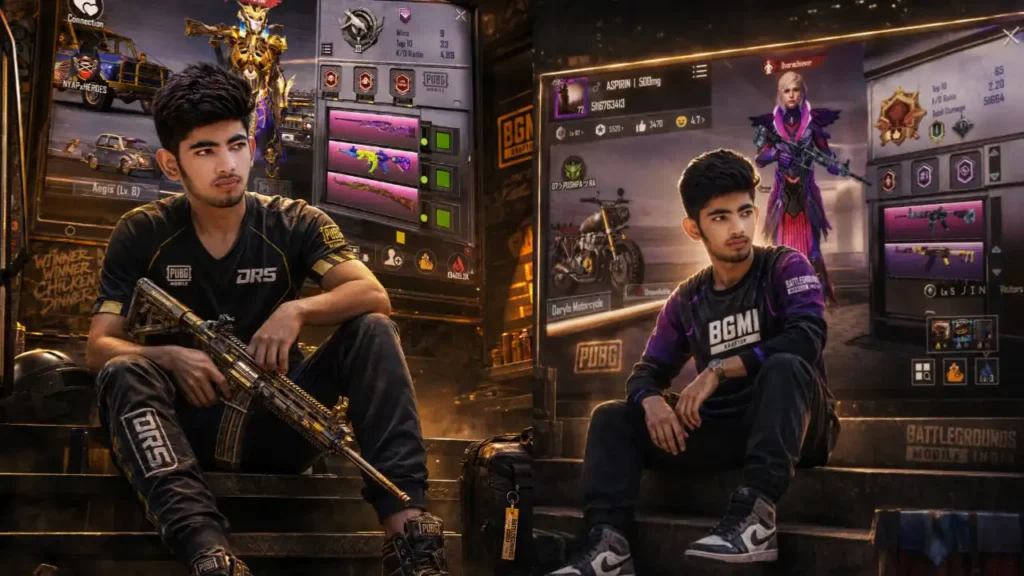
PUBG/BGMI ID Viral Poster Prompts: These are the exact type of cinematic BGMI/PUBG prompts I personally use to create those viral gaming edits where:
• Your real photo appears inside a premium gaming universe
• Your actual PUBG/BGMI lobby becomes a giant glowing wall
• Your in-game character stands beside you
• Your real stats automatically appear in the background
• The final result looks like a professional esports poster
The best thing about these prompts is: You only need:
- Your photo
- Your PUBG/BGMI lobby screenshot or stats screenshot
That’s it.
You do NOT need to manually type:
• KD ratio
• Wins
• Username
• Rank
• Stats
• Gun names
• Vehicle skins
• Royale Pass info
The AI automatically extracts everything directly from your uploaded lobby image.
Prompt 1: PUBG Weapon Pose With Massive ID Screen

Transform the uploaded user photo into a dramatic BGMI/PUBG cinematic gaming poster where the user is sitting powerfully on dark industrial stairs holding a realistic PUBG-inspired rifle while their uploaded BGMI stats and lobby screen appear as a gigantic illuminated display behind them.IMPORTANT: The uploaded lobby screenshot must remain the direct source for: • Stats • Username • Rank • Badges • Character skin • Weapon skins • Royale Pass visuals • UI layoutDo NOT manually recreate the stats.Preserve the user’s: • Exact face • Hairstyle • Beard • Skin tone • Natural expression • Body proportionsThe user should wear: • Premium esports jersey • Tactical gaming outfit • Dark joggers • Stylish sneakersPose: • Sitting confidently • One arm relaxed • Holding rifle naturally • Looking calm and dominantBehind the user: Create a gigantic glowing BGMI stats wall integrated from the uploaded lobby image.Environment: • Dark cinematic gaming setup • Industrial gaming arena • Warm golden lights • Metallic textures • Gaming graffiti • PUBG stickers • Rank emblemsLighting: • Warm orange-golden cinematic glow • Strong shadows • High contrast • Slight smoke haze • Volumetric gaming lightsThe uploaded PUBG character should also appear standing near the stats wall like a guardian figure.The final result should feel like: “A premium PUBG esports poster captured during a legendary gaming season.”Ultra realistic. 4K ultra HD. Professional gaming photography style.
 Copy
Copy Join
JoinPrompt 2: Sitting On Stairs With Giant BGMI Stats Wall

Transform the uploaded user photo into an ultra realistic cinematic BGMI/PUBG gaming poster where the user is casually sitting on large dark concrete stairs in front of a massive wall-sized BGMI/PUBG ID stats screen created directly from the uploaded lobby/stats screenshot.IMPORTANT: Use the uploaded BGMI/PUBG lobby image exactly as the source for: • Username• Rank• KD/F/D ratio• Statistics• Badges• Character skin• Weapon skins• UI panels• Royale Pass details• Vehicle skins• Icons• Player cardDo NOT manually redesign the stats. Do NOT generate fake random stats. Keep the uploaded lobby visuals naturally integrated into the giant wall display.Preserve the user’s exact real identity including: • Face structure• Hairstyle• Beard• Skin tone• Expression• Body shape• Outfit detailsThe user should wear realistic stylish BGMI-inspired casual fashion: • Gaming jersey • Joggers • Sneakers • Streetwear outfitThe user is sitting confidently on the stairs with relaxed posture and cinematic attitude.Behind the user: Create a gigantic glowing stats wall inspired by the uploaded BGMI lobby image.Add: • Golden glowing frame lights • Warm cinematic gaming atmosphere • PUBG stickers • BGMI logos • Gaming decals • Rank badges on walls • Glowing UI reflectionsColor grading should automatically adapt from: • The uploaded PUBG character skin colors OR • Dark golden cinematic tones if no dominant colors existLighting: • Warm golden cinematic glow • Strong contrast • Realistic shadows • Premium gaming photoshoot lighting • Slight haze • Volumetric glowEnvironment should feel: • Premium • Powerful • Legendary • Competitive gaming aestheticUltra realistic. 4K ultra HD. DSLR gaming poster photography. Shallow depth of field.
Prompt 3: Premium BGMI Creator Studio Poster

Transform the uploaded user photo into a high-end BGMI/PUBG creator studio photoshoot where the user appears like a famous gaming influencer posing in front of a massive glowing BGMI profile wall created directly from the uploaded lobby screenshot.The uploaded lobby image should automatically provide: • Player statistics • Rank • Badges • Weapons • UI panels • Username • Vehicles • Character outfit • Royale Pass elementsDo NOT manually redesign any stats.The user should: • Stand casually • Look stylish • Appear realistic • Maintain original identityThe environment should resemble: • Premium esports studio • Gaming creator headquarters • Luxury BGMI creator roomAdd: • Warm golden strip lights • Gaming RGB reflections • Posters • PUBG logos • Cinematic smoke • Floating particles • High-end gaming atmosphereColor grading: Use: • Character costume colors OR • Dark warm gold tonesThe PUBG character should appear: • Standing beside the user • Looking identical to uploaded skin • Integrated naturally into the sceneThe final image should feel: • Expensive • Legendary • Cinematic • Powerful • Viral Instagram gaming aestheticUltra realistic. No cartoon look. Professional esports photography. 4K ultra HD.
Prompt 4: Burning Battlefield BGMI Poster

Transform the uploaded user photo into a cinematic BGMI/PUBG gaming photoshoot where the user is standing confidently beside their uploaded PUBG/BGMI lobby character while a massive glowing stats screen fills the entire background wall.IMPORTANT: The uploaded PUBG lobby image must be used directly as the source for: • Stats • UI • Character skin • Rank • Badges • Guns • Vehicles • Username • Background graphicsDo NOT manually alter the stats screen.The PUBG/BGMI character standing beside the user must look EXACTLY identical to the uploaded character skin including: • Outfit • Armor • Colors • Accessories • Glasses • Bird/pet • Weapons • StylingThe user should remain: • Fully realistic • Naturally recognizable • Cinematic • ConfidentPose: The user is standing casually with: • Hands in pockets • Stylish posture • Gaming influencer vibeThe PUBG character beside them should: • Slightly face the user • Feel powerful • Look premium and legendaryBackground: Create a giant wall-sized illuminated BGMI profile screen using the uploaded lobby image.Add: • Golden strip lighting • Warm reflections • Gaming atmosphere • Cinematic smoke • Metallic shadows • PUBG wall decals • Esports arena vibeColor grading should follow: • Character outfit colors OR • Warm dark golden gaming tonesEnvironment should look like: “A premium gaming creator photoshoot inside a legendary BGMI universe.”Ultra realistic. Premium cinematic gaming edit. 4K ultra HD.
Prompt 5: Standing Beside PUBG Character With Stats Behind

Transform the uploaded user photo into an ultra realistic cinematic BGMI/PUBG battlefield poster. The uploaded BGMI/PUBG lobby screenshot must be used directly as the source for all game-related visuals including player profile, stats, badges, conqueror rank, weapon skins, character outfit, vehicles, UI panels, username, achievements, and lobby design. Do not manually recreate or redesign any stats. Preserve the original layout and visual identity of the uploaded lobby screenshot while integrating it naturally into the environment.Create a dramatic warzone atmosphere where the user is standing confidently in the foreground of a destroyed battlefield environment filled with smoke, flying embers, burning debris, ruined structures, military wreckage, cinematic dust, and subtle explosion glow. Behind the user, the uploaded BGMI/PUBG lobby screen should appear as a gigantic illuminated digital battlefield wall or massive glowing combat command screen covering the background naturally.The uploaded PUBG/BGMI character from the lobby screenshot must appear beside the user exactly same-to-same as the uploaded character skin, costume, accessories, weapon skins, helmet, bag, pose style, and overall appearance. Do not redesign or modify the character manually. The character should feel naturally extracted from the uploaded lobby and realistically placed beside the user.The user should look highly realistic with preserved facial identity, hairstyle, beard, expression, skin tone, body structure, and pose. Do not beautify or alter facial features unnaturally. Add cinematic orange fire reflections, soft battlefield haze, realistic smoke depth, glowing dust particles, dramatic contrast, realistic shadows, cinematic rim light, HDR quality, and realistic skin texture.The overall color grading must automatically adapt from the uploaded PUBG character outfit and lobby colors. If the uploaded lobby has no strong color palette, use premium dark golden cinematic grading inspired by high-end BGMI gaming posters.Create a highly immersive AAA game poster feel with realistic depth of field, ultra detailed textures, cinematic environment lighting, premium gaming aesthetics, realistic shadows, DSLR photography quality, and dramatic battlefield atmosphere.Aspect ratio 4:5 vertical. Ultra HD. Photorealistic. Premium gaming poster style.
Why These Prompts Work Better Than Most Viral Prompts
Most BGMI prompts fail because they:
• Randomly generate fake stats
• Ignore the uploaded lobby
• Create low quality game UI
• Over-edit the face
• Make the image look obviously AI generated
I specifically designed these prompts to:
- Preserve the user’s real identity
- Use the actual uploaded lobby screenshot as the main source
- Keep the gaming UI realistic
- Maintain premium cinematic lighting
- Create authentic esports poster vibes
That’s why these prompts feel much more realistic and viral-ready.
Can I Use These Prompts In Gemini?
Yes, you can. But honestly: These prompts work BEST in ChatGPT image generation.
Gemini can still create decent outputs, but:
- Character consistency may break
- UI details may become inaccurate
- Stats walls may look distorted
- Lighting may become over-processed
- Faces sometimes get over-smoothed
Here is an example to show you the difference. Following image is generated by Gemini using 1st prompt. You can clearly check the difference in both results.

ChatGPT handles:
- Realistic identity preservation
- Gaming UI recreation
- Cinematic composition
- BGMI character integration
- Golden gaming lighting
much better for this specific trend.
So if you want the most realistic viral-looking results, I recommend using ChatGPT.
What Photos Should I Upload?
For best results, upload:
1. Your Real Photo
Best types:
- Standing pose
- Sitting pose
- Casual gaming pose
- Clear face visibility
- Good lighting
Avoid:
- Blurry selfies
- Heavy filters
- Cropped faces
- Dark low-quality images
2. Your BGMI/PUBG Lobby Screenshot
The screenshot should clearly show:
- Username
- Character skin
- Stats
- Rank
- Badges
- Guns • Vehicles • Royale Pass elements
The cleaner the screenshot, the better the final poster looks.
Do I Need To Edit Stats Manually?
No. That’s the whole point of these prompts.
I specifically made them so the uploaded lobby screenshot itself becomes the source for: • Stats • UI • Username • Badges • Character skin • Gun skins • Vehicles • Rank
You just upload the image and paste the prompt.
Will The AI Change My Face?
No.
These prompts are designed to preserve: • Your exact face • Hairstyle • Beard • Skin tone • Expression • Body shape
The final result should still look like YOU inside a cinematic BGMI universe.
What Makes The Color Grading Look So Good?
One of the biggest secrets behind this trend is: The color grading is usually taken from the PUBG character skin itself.
For example: • Black-gold skins → dark golden cinematic tones • Neon skins → cyberpunk glow • Red skins → warm aggressive lighting • Ice skins → cool blue gaming tones
If the character skin doesn’t provide strong colors, the prompts automatically shift toward: • Dark golden esports lighting • Warm premium cinematic tones
which creates that expensive gaming poster feel.
How To Use These Prompts
Step 1: Upload your real photo.
Step 2: Upload your PUBG/BGMI lobby screenshot.

Step 3: Copy any prompt from this article.
Step 4: Paste it into ChatGPT image generation.
Step 5: Generate the image.

That’s literally it.
No manual editing. No Photoshop. No stat typing. No complex setup.
Best Results Tips
To get ultra viral results:
• Use high quality lobby screenshots
• Upload clear portraits
• Use dramatic poses
• Avoid low-resolution images
• Use outfits matching gaming aesthetics
• Try black, gold, red, or dark clothing for cinematic vibes
Which Prompt Should I Start With?
If you’re trying this trend for the first time, I recommend:
Beginner Friendly
• Sitting On Stairs prompt
Most Viral Looking
• Standing Beside PUBG Character prompt
Most Cinematic
• Weapon Pose With Massive ID Screen prompt
Most Premium
• BGMI Creator Studio prompt
Final Tip
The biggest mistake people make with this trend is: Trying to manually explain every single stat.
That actually makes the process slower and less accurate.
The smartest approach is exactly what these prompts do: Use the uploaded lobby screenshot itself as the data source.
That’s the trick that makes the final image look realistic instead of fake AI art.