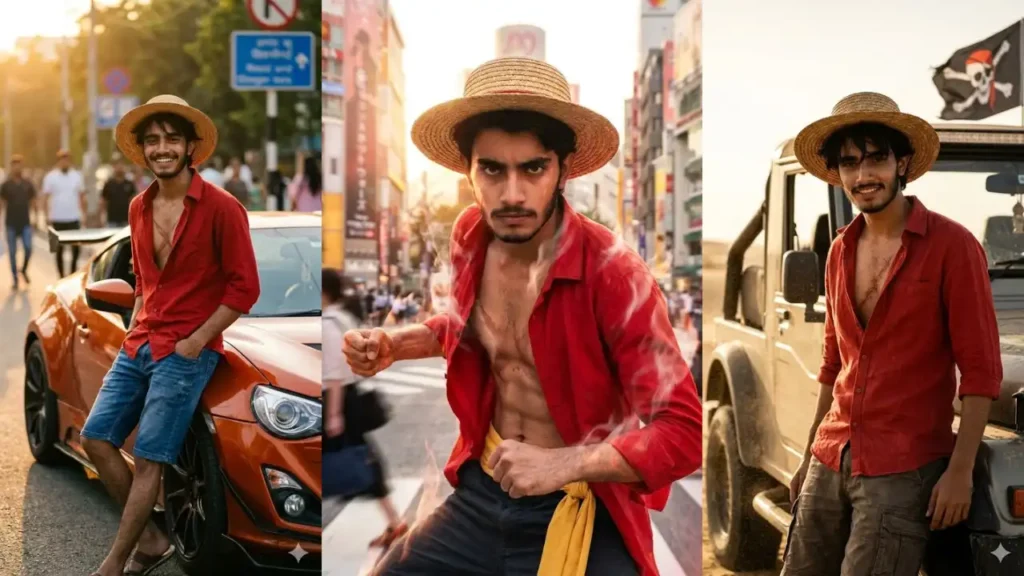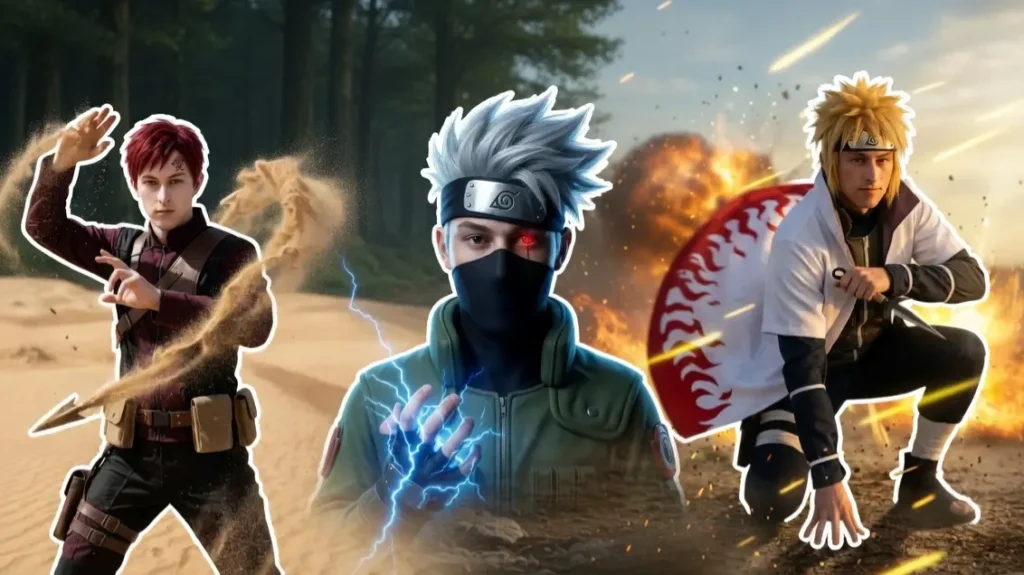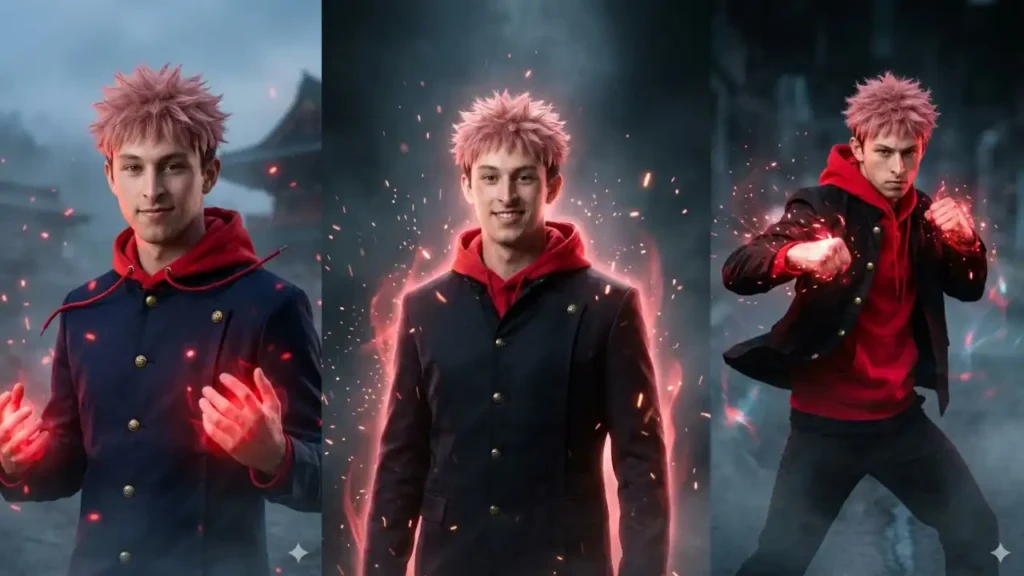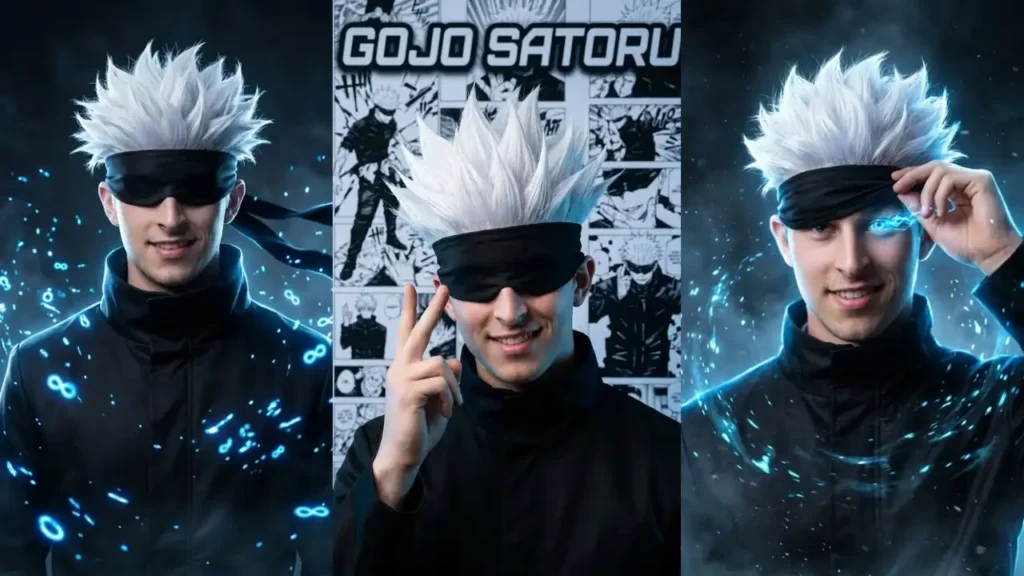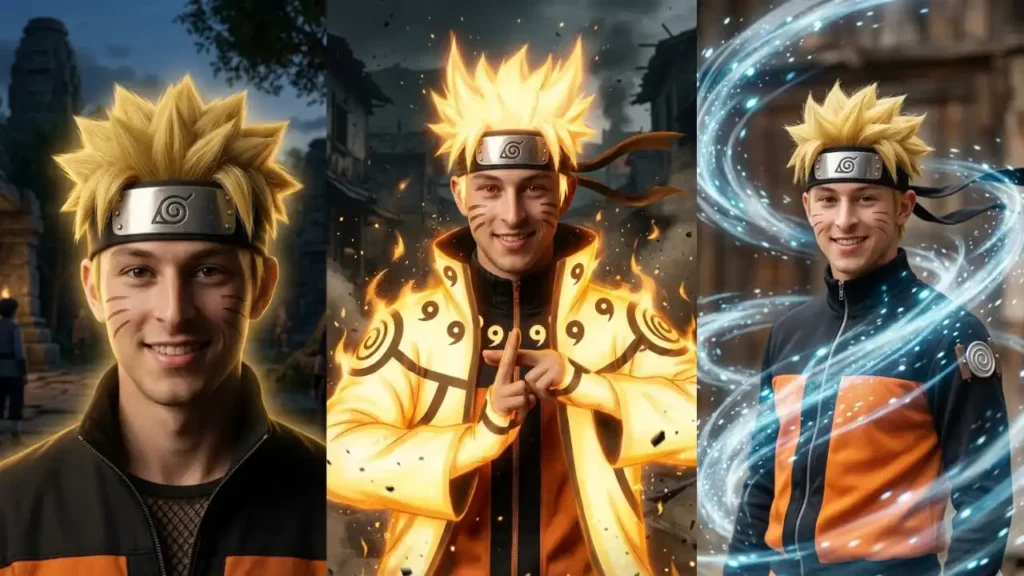
Naruto is one of the anime charcters that represents determination, courage, and the dream of becoming the strongest ninja.
With the help of modern AI tools like Gemini, fans can now imagine themselves stepping into that legendary world.
The prompts in this article are designed to transform your uploaded photo into a realistic version of Naruto while keeping your face clearly recognizable.
Each prompt preserves your identity while applying Naruto’s iconic features like spiky blond hair, ninja headband, orange outfit, and chakra energy effects.
Instead of generating random anime characters, these prompts convert your real photo into a cinematic ninja portrait inspired by famous Naruto scenes.
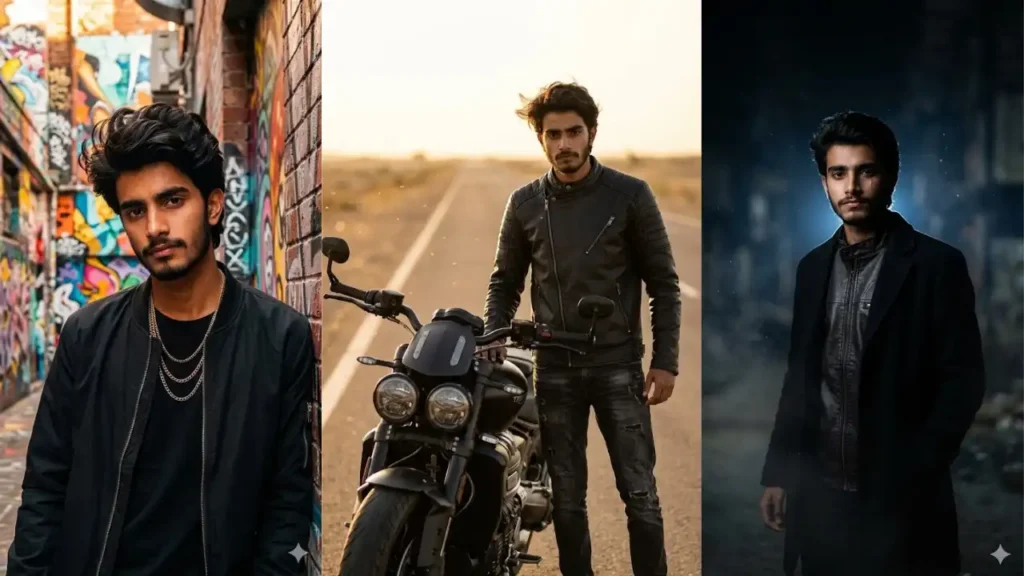
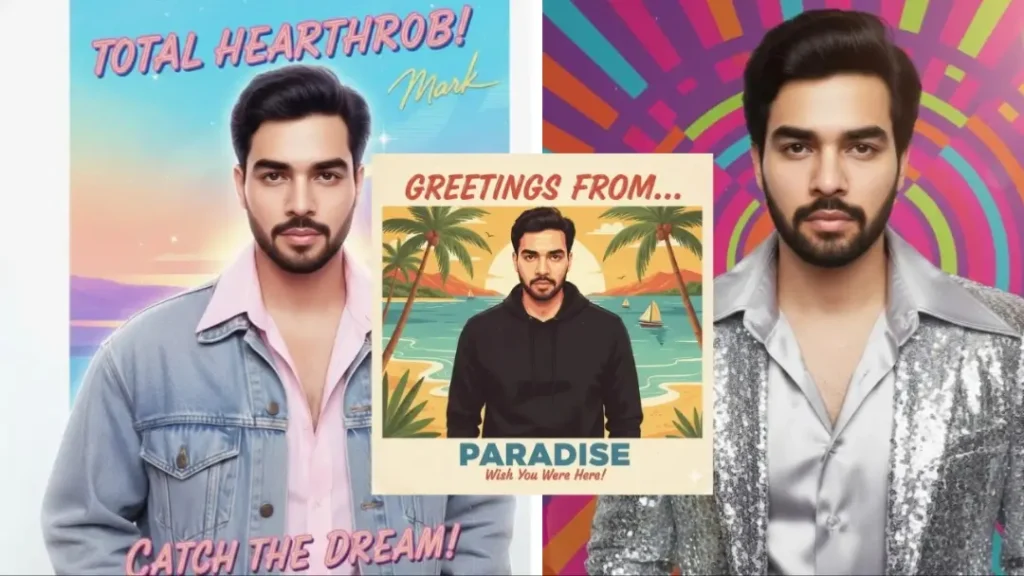
Clear photos with good lighting produce the best results.
Naruto Hokage Dream Portrait
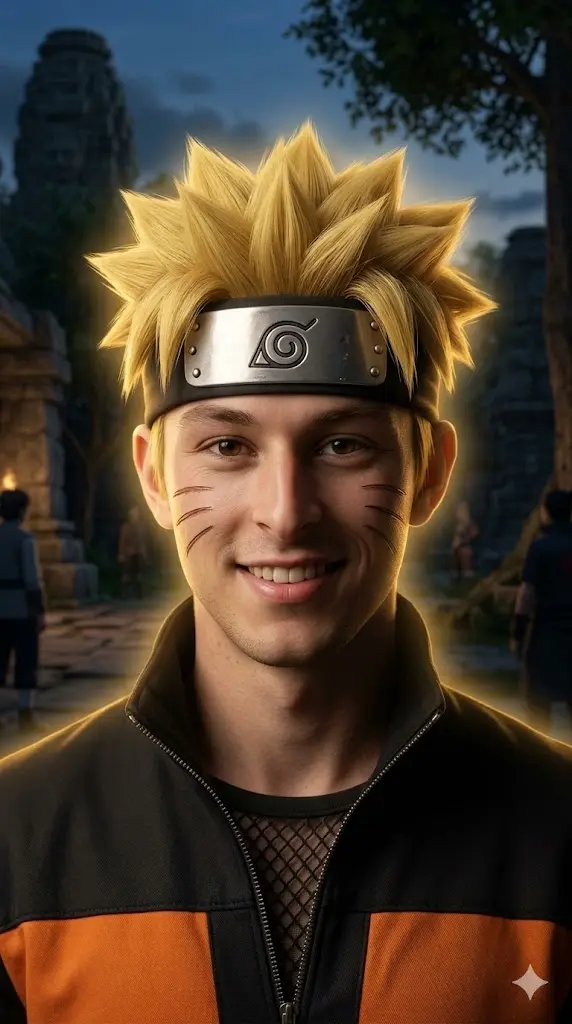
IMPORTANT – FACE LOCK (ABSOLUTE) Maintain the exact facial identity from the uploaded photo and transform the user into a realistic Naruto inspired ninja portrait. The user now has spiky blond ninja hair, three whisker marks on each cheek, and wears Naruto’s orange and black ninja jacket with a metal Leaf Village headband. Soft golden chakra energy glows around the body. The user stands confidently looking at the camera in a cinematic ninja environment with dramatic lighting and depth. Ultra realistic style. Aspect ratio 9:16. Negative prompt: anime drawing, cartoon style, CGI rendering, distorted face, unrealistic glow.
 Copy
Copy Join
JoinRasengan Power Portrait
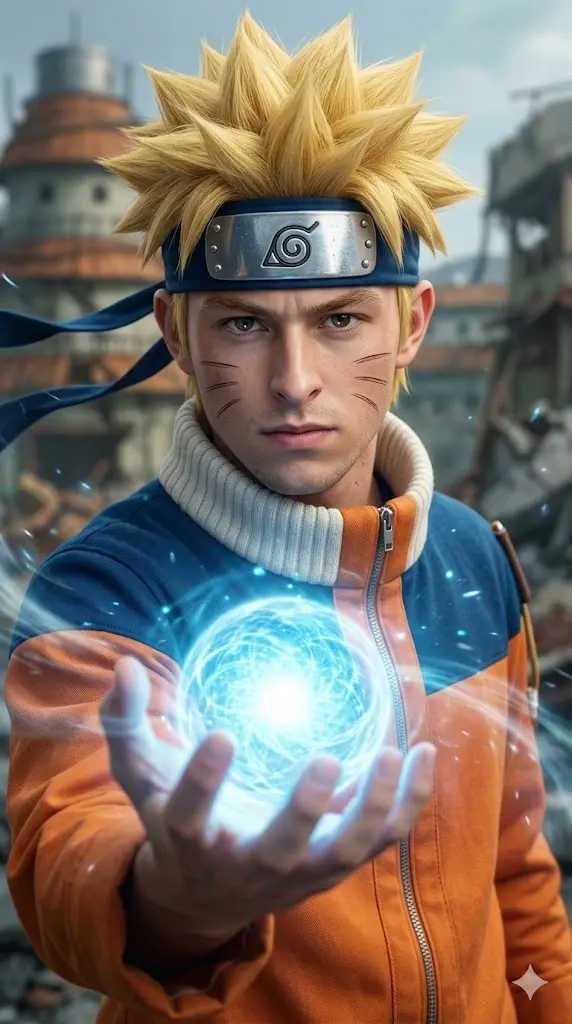
IMPORTANT – FACE LOCK (ABSOLUTE) Maintain the exact facial identity from the uploaded photo and transform the user into a realistic Naruto inspired ninja portrait. The user now has spiky blond ninja hair, three whisker marks on each cheek, and wears Naruto’s orange and black ninja jacket with a metal Leaf Village headband. Soft golden chakra energy glows around the body. The user stands confidently looking at the camera in a cinematic ninja environment with dramatic lighting and depth. Ultra realistic style. Aspect ratio 9:16. Negative prompt: anime drawing, cartoon style, CGI rendering, distorted face, unrealistic glow.
Shadow Clone Ninja Portrait
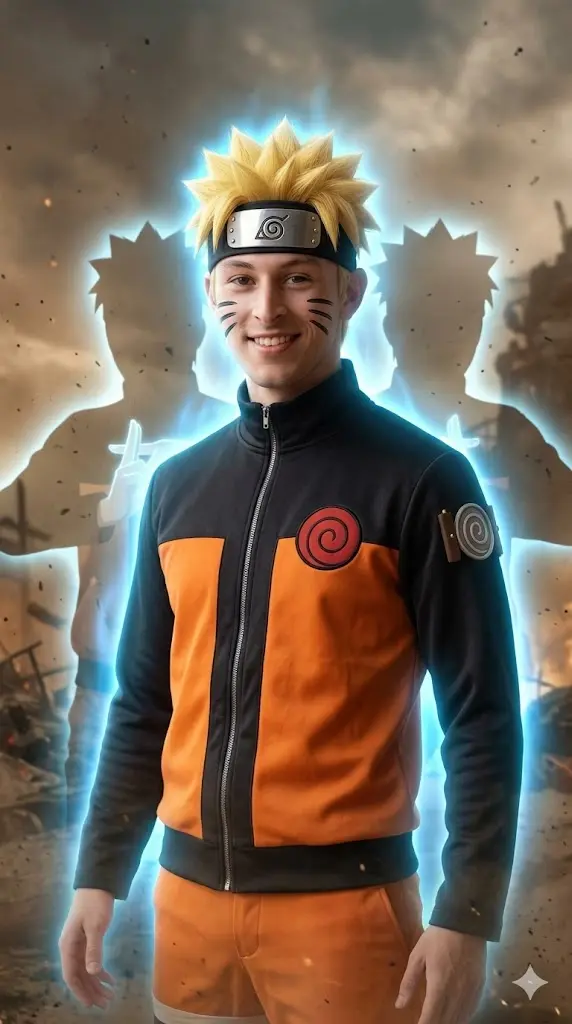
IMPORTANT – FACE LOCK (ABSOLUTE) Maintain the exact facial identity from the uploaded photo and transform the user into a realistic Naruto ninja performing the shadow clone technique. The user has Naruto’s blond spiky hair, whisker cheek marks, and the iconic orange ninja jacket with a Leaf Village forehead protector. Subtle chakra energy glows around the body while faint clone silhouettes appear behind the user. The character stands confidently looking at the camera in a cinematic ninja battlefield atmosphere. Ultra realistic style with dramatic lighting. Aspect ratio 9:16.
Naruto Uzumaki in his powerful Nine-Tails Chakra Mode (Try ChatGPT for best results)

Transform the uploaded user into the legendary ninja Naruto Uzumaki in his powerful Nine-Tails Chakra Mode, while preserving the user’s facial identity and facial structure. Place the user in an epic cinematic battlefield scene exactly like a high-budget live-action anime adaptation.The user should have Naruto’s iconic appearance, battle outfit, forehead protector headband, chakra markings, hairstyle, energy aura, and overall character design as seen in his most powerful forms. Preserve the user’s face while naturally blending it into Naruto’s appearance.Position the user in a dynamic combat stance with one fist clenched and a black combat staff held in the other hand. Maintain a determined, fearless, battle-ready expression. Eyes glowing with powerful chakra energy.Behind the user stands an enormous ultra-realistic Kurama (Nine-Tailed Fox) rendered as a photorealistic mythical creature with detailed fur, glowing eyes, massive claws, sharp teeth, and nine gigantic flowing tails. Kurama is roaring protectively behind the user, creating a legendary warrior-and-beast partnership.The environment is a destroyed battlefield filled with rubble, dust, broken structures, flying debris, sparks, embers, and cinematic chaos. Add powerful chakra energy radiating around the user.Use dramatic sunset lighting mixed with glowing orange chakra illumination. Strong backlighting outlines both the user and Kurama. Add volumetric light rays, atmospheric dust, flying particles, cinematic haze, and blockbuster movie visual effects.Apply premium anime-live-action color grading with rich orange, gold, amber, and warm cinematic tones. Ultra-realistic textures, movie-poster quality, epic scale, powerful action atmosphere, highly detailed fantasy realism.Aspect ratio 3:4.
Nine Tails Chakra Mode
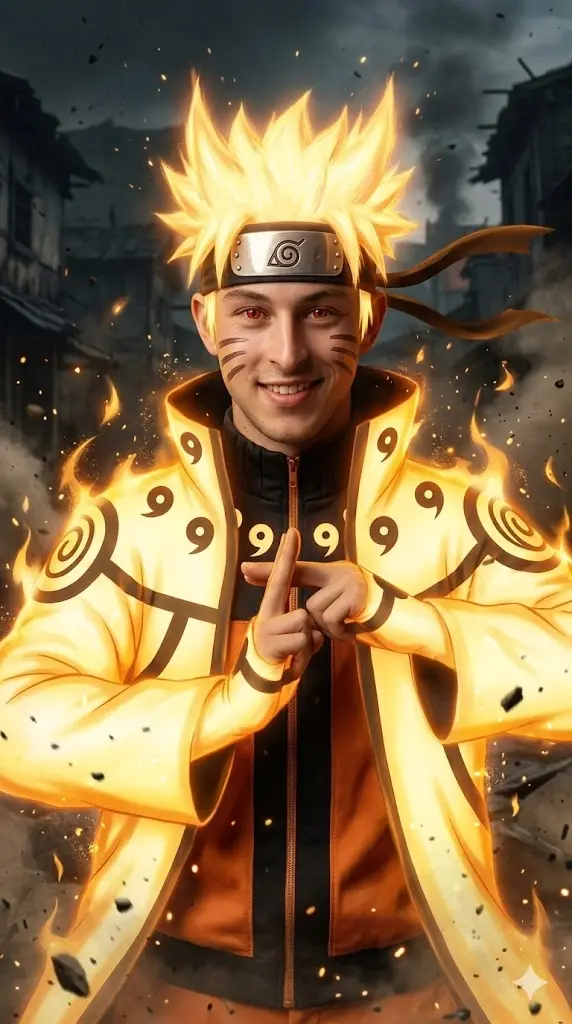
IMPORTANT – FACE LOCK (ABSOLUTE) Maintain the exact facial identity from the uploaded photo and transform the user into a realistic Naruto inspired ninja using Nine Tails chakra mode. The user has spiky blond hair, whisker cheek marks, and wears Naruto’s orange ninja jacket with the Leaf Village headband. Bright golden chakra energy surrounds the body with glowing particles floating in the air. The user stands confidently facing the camera with powerful aura and dramatic lighting in a cinematic ninja scene. Ultra realistic style. Aspect ratio 9:16.
Ninja Running Battle Portrait
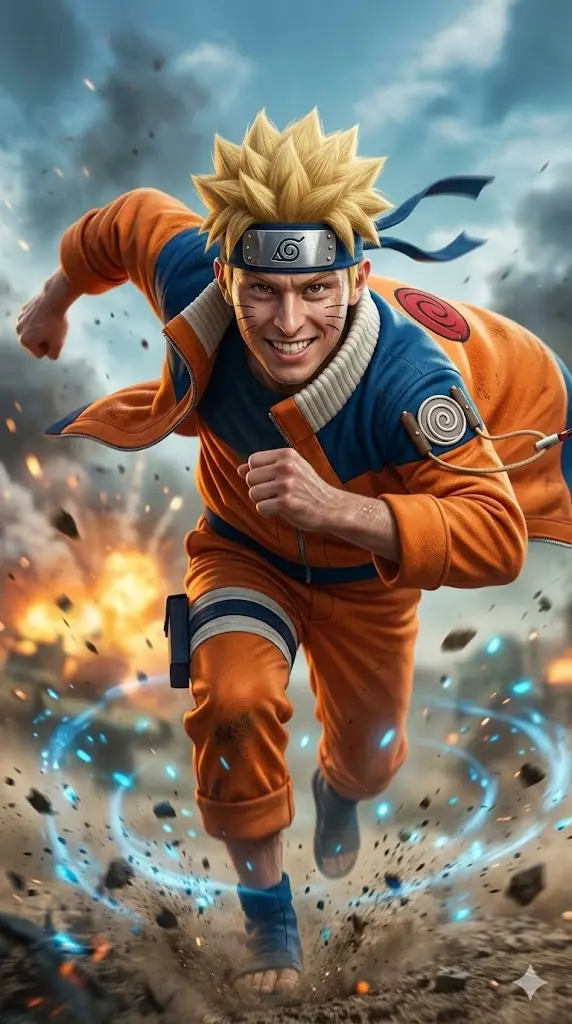
IMPORTANT – FACE LOCK (ABSOLUTE) Maintain the exact facial identity from the uploaded photo and transform the user into a realistic Naruto ninja in a dynamic running pose. The user has blond spiky ninja hair, whisker cheek marks, and Naruto’s orange ninja outfit with the Leaf Village headband. The user runs forward in the classic ninja running style with arms back while wind moves the jacket. Dust and chakra particles appear in the background battlefield. Cinematic lighting and dramatic motion create an action scene. Ultra realistic style. Aspect ratio 9:16.
Ninja Village Hero Portrait
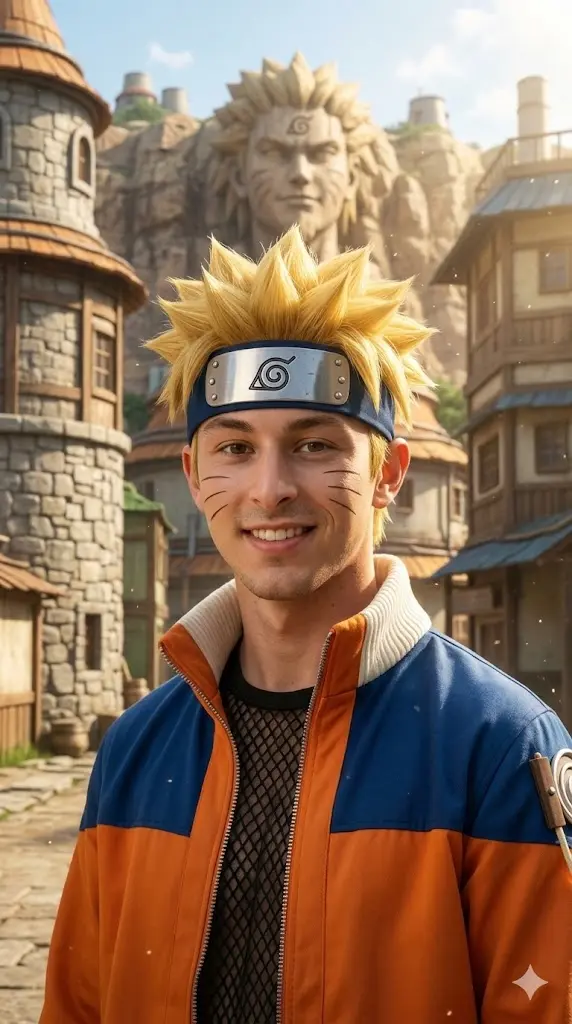
IMPORTANT – FACE LOCK (ABSOLUTE) Maintain the exact facial identity from the uploaded photo and transform the user into a realistic Naruto style ninja hero standing proudly in the Hidden Leaf Village. The user has Naruto’s spiky blond hair, whisker cheek marks, and orange ninja jacket with a metal Leaf Village headband. The village buildings appear softly in the background while sunlight illuminates the scene. The user looks confident toward the camera with a calm heroic expression. Cinematic lighting and realistic textures. Aspect ratio 9:16.
Determined Ninja Training Portrait
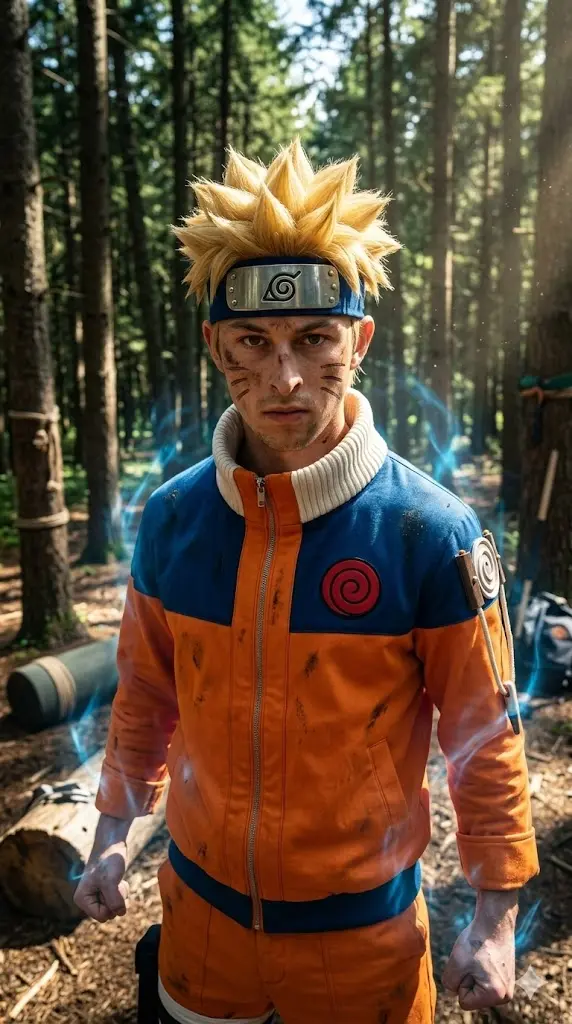
IMPORTANT – FACE LOCK (ABSOLUTE) Maintain the exact facial identity from the uploaded photo and transform the user into a realistic Naruto inspired ninja during training. The user has blond spiky hair, whisker cheek marks, and Naruto’s orange ninja outfit with the Leaf Village headband. The user stands in a forest training ground while faint chakra energy flows around the body. The expression looks determined and focused toward the camera. Dramatic lighting and cinematic depth create a powerful training scene. Ultra realistic style. Aspect ratio 9:16.
Hokage Future Leader Portrait
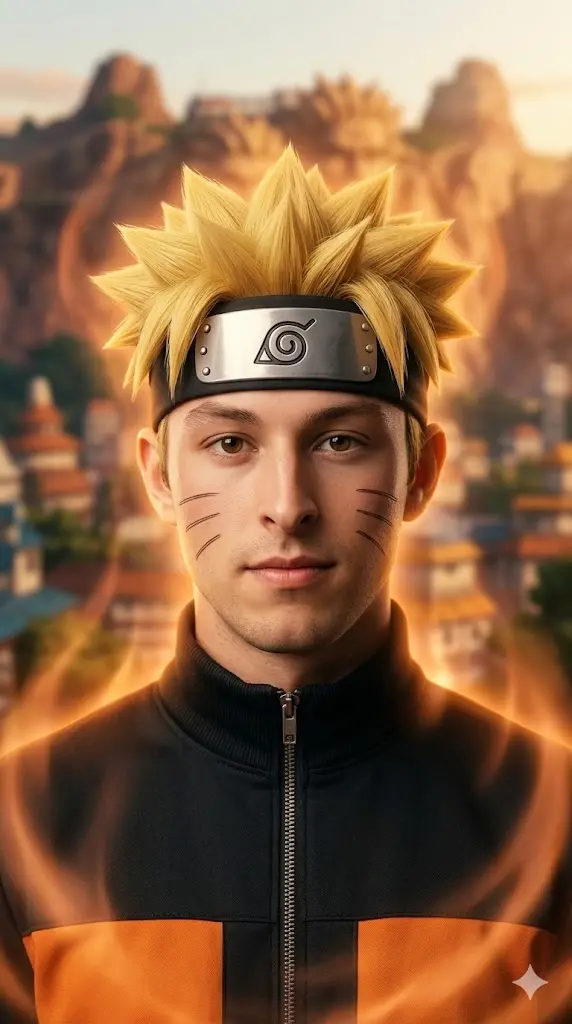
IMPORTANT – FACE LOCK (ABSOLUTE) Maintain the exact facial identity from the uploaded photo and transform the user into a realistic Naruto ninja dreaming of becoming Hokage. The user has spiky blond ninja hair, whisker cheek marks, and wears Naruto’s orange jacket with the Leaf Village headband. A soft glowing chakra aura surrounds the user while the Hidden Leaf Village skyline appears behind. The user looks confidently at the camera with calm determination. Cinematic lighting and realistic textures create a heroic portrait. Aspect ratio 9:16.
Wind Chakra Battle Portrait
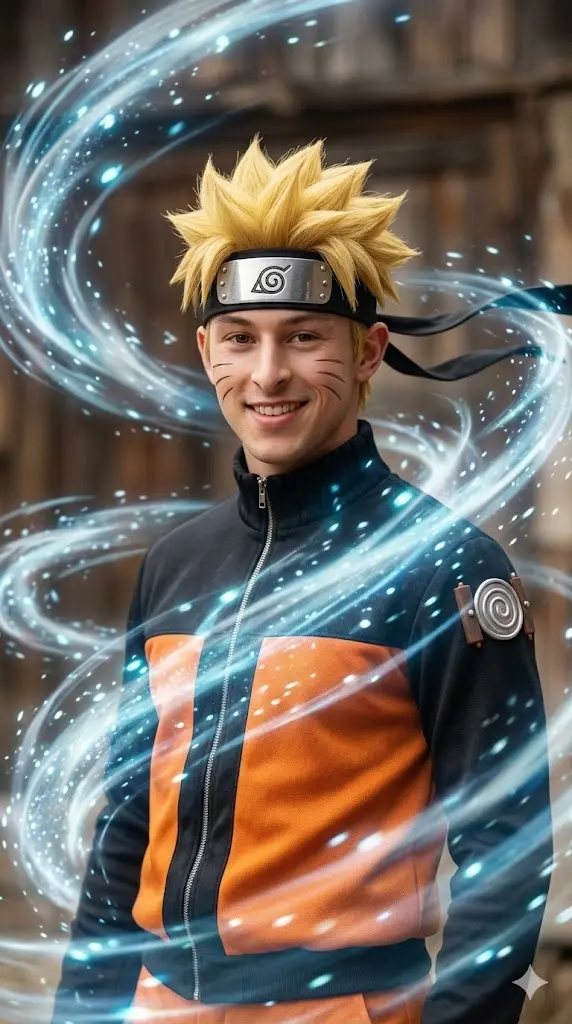
IMPORTANT – FACE LOCK (ABSOLUTE) Maintain the exact facial identity from the uploaded photo and transform the user into a realistic Naruto ninja surrounded by swirling wind chakra. The user has Naruto’s blond spiky hair, whisker cheek marks, and orange ninja outfit with the Leaf Village headband. Wind energy moves the clothing and hair dramatically while glowing particles swirl around the body. The user stands confidently looking toward the camera with strong ninja presence. Cinematic lighting and ultra realistic textures. Aspect ratio 9:16.
Legendary Ninja Portrait
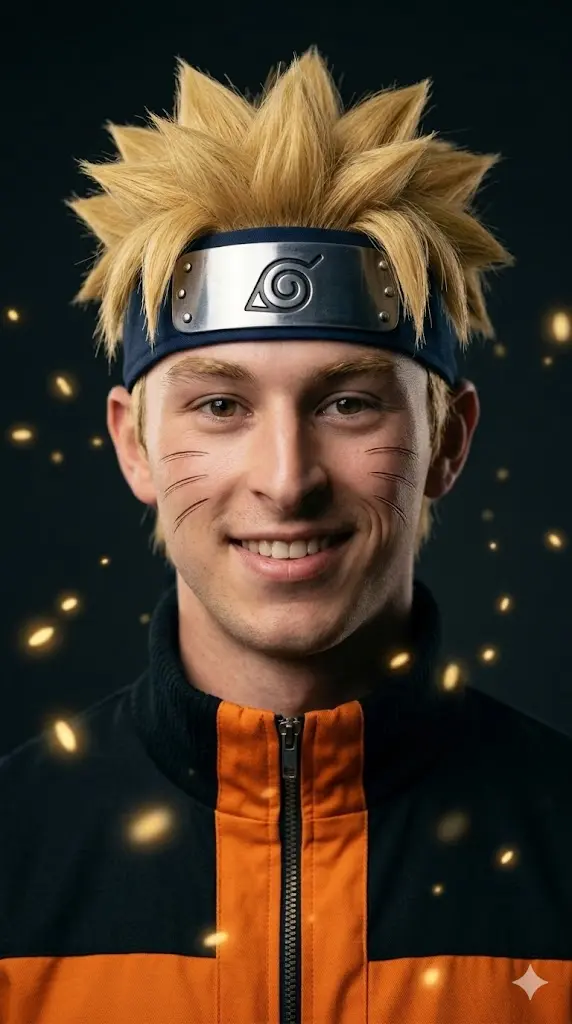
IMPORTANT – FACE LOCK (ABSOLUTE) Maintain the exact facial identity from the uploaded photo and transform the user into a realistic Naruto style legendary ninja portrait. The user has blond spiky hair, whisker cheek marks, and wears Naruto’s orange ninja jacket with the metal Leaf Village headband. Soft golden chakra particles float around the character while the background remains dark and cinematic. The user faces the camera with a confident smile representing the spirit of a true ninja hero. Ultra realistic style. Aspect ratio 9:16.
How to Use These Naruto Prompts
- Open Gemini and start a new chat.
- Upload a clear portrait photo of yourself.
- Choose one Naruto prompt from the list.
- Copy and paste the prompt into Gemini after uploading your image.
- Generate the image and wait for the AI to process it.
- Download your Naruto style portrait and use it as a DP, wallpaper, or social media post.
How I Created These Naruto AI Prompts Using Gemini
When I first started creating Naruto AI prompts, I quickly realized that simply telling Gemini to “turn me into Naruto” rarely produced the results I wanted.
The character might look somewhat similar, but important details like the iconic headband, chakra aura, facial markings, Kurama, or the overall anime atmosphere were often missing or inconsistent.
To improve the results, I spent time testing different prompt structures, character descriptions, lighting setups, battle scenes, and transformation styles.
Instead of relying on generic anime instructions, I focused on Naruto’s defining characteristics and the cinematic elements that make the character instantly recognizable.
After dozens of generations and prompt refinements, I developed a structure that consistently creates more accurate and visually impressive Naruto transformations while preserving the user’s facial identity.
The prompts included in this guide are based on my own testing and observations of how Gemini currently interprets anime-inspired character transformations.
What I Learned After Testing Dozens Of Naruto Prompts In Gemini AI
One of the biggest discoveries I made during testing was that longer prompts do not always produce better results.
In many cases, Gemini performed better when I focused on describing Naruto as a complete character rather than listing every individual clothing item and visual detail separately.
I also noticed that battle environments, chakra effects, and cinematic lighting often have a greater impact on the final image than extremely detailed outfit descriptions. Another important lesson was that facial preservation improves significantly when the prompt clearly instructs Gemini to maintain the user’s facial identity while applying Naruto’s iconic appearance.
After testing dozens of prompt variations, I found that the most successful prompts combine character identity, cinematic action, realistic lighting, and environmental storytelling rather than focusing on only one aspect.
Why Most Naruto AI Prompts Fail To Capture The Real Character Design
Many Naruto AI prompts fail because they focus on surface-level details rather than the character’s complete visual identity. Simply mentioning blond hair or an orange outfit is often not enough for Gemini to recreate the feeling of Naruto accurately.
In my testing, prompts that describe Naruto’s overall appearance, chakra mode, headband, facial markings, energy effects, and battle presence tend to perform much better than prompts that only list clothing pieces.
Another common mistake is overloading the prompt with unnecessary details that confuse the model and reduce consistency.
The best results usually come from balancing character recognition, facial preservation, environment design, and cinematic presentation rather than trying to control every tiny visual element manually.
How I Make Naruto AI Images Look Like A Live Action Anime Movie
My goal is not simply to create anime-style images. I try to create scenes that look like they came from a high-budget live-action Naruto adaptation.
To achieve this, I focus heavily on cinematic lighting, realistic environmental effects, dramatic battle compositions, volumetric light rays, atmospheric particles, depth of field, and realistic textures. I also use action-oriented poses and large-scale backgrounds that make the scene feel bigger and more immersive.
Adding elements such as flying debris, destruction, glowing chakra energy, realistic Kurama designs, and movie-poster style color grading helps transform a standard AI image into something that feels closer to a blockbuster film than a traditional anime screenshot.
My Process For Preserving Facial Identity In Naruto Transformations
One challenge I encountered early on was that Gemini would sometimes generate an excellent Naruto character but lose the user’s original facial features. For AI photo transformations, this defeats the purpose because the final image should still feel like the user.
To solve this problem, I built facial preservation instructions directly into my prompts. I consistently tell Gemini to maintain the user’s facial identity, facial structure, proportions, and recognizable features while applying Naruto’s appearance and abilities.
This approach usually creates a better balance between transformation and recognition. The result feels like the user has become Naruto rather than being replaced by a completely different character.
How I Keep The User’s Face While Still Making Them Look Like Naruto
The key is finding the right balance between character transformation and identity preservation. If the prompt focuses too much on Naruto, Gemini may generate a generic Naruto look. If it focuses too much on the user, the transformation may feel weak.
Through testing, I found that describing Naruto’s iconic appearance while explicitly preserving the user’s facial features creates the strongest results. This allows Gemini to add the recognizable Naruto hairstyle, chakra effects, markings, outfit, and energy while keeping the user’s face recognizable.
In my experience, this balance produces the most satisfying AI transformations because users still see themselves in the final image while enjoying the fantasy of becoming one of anime’s most iconic characters.