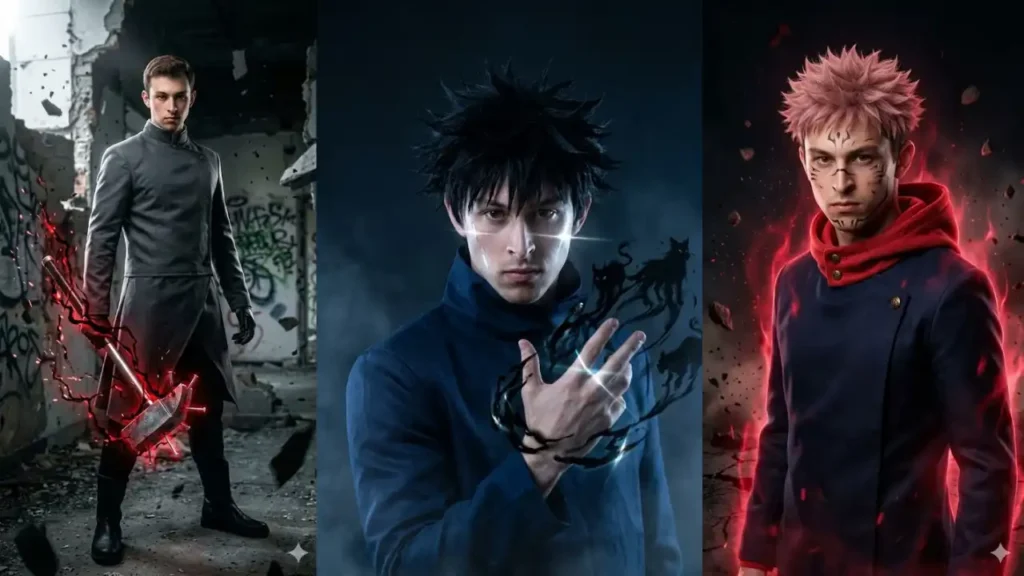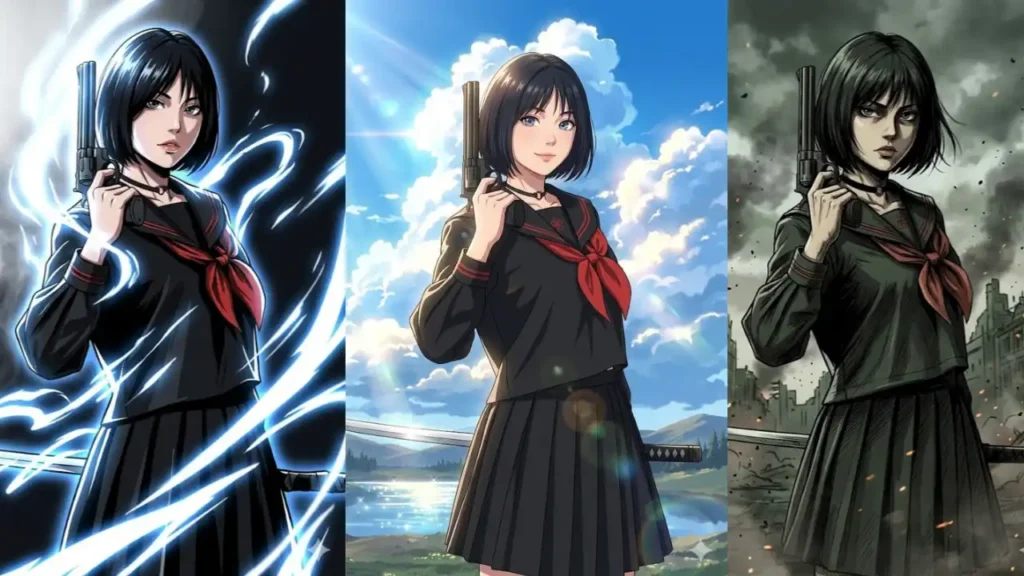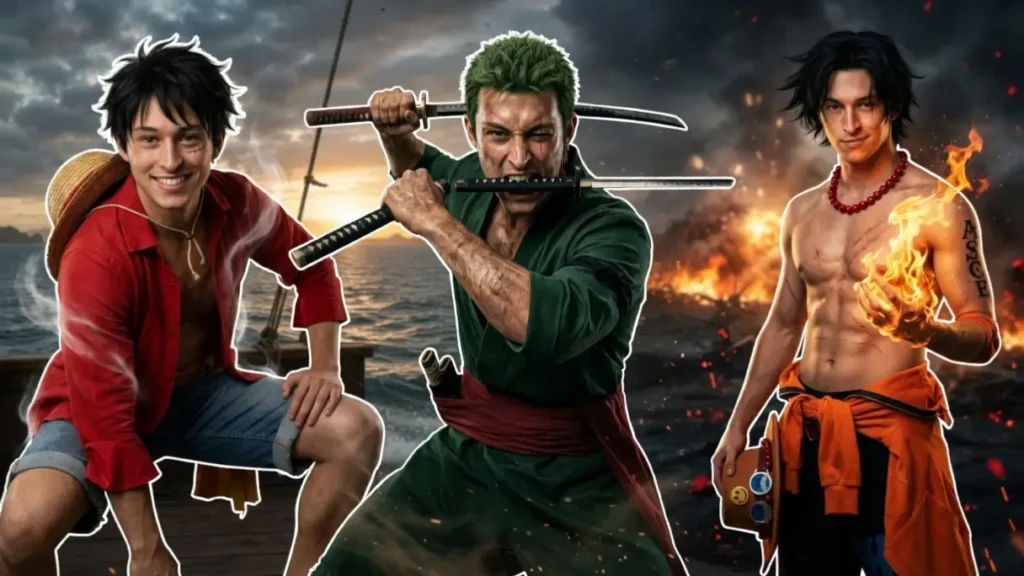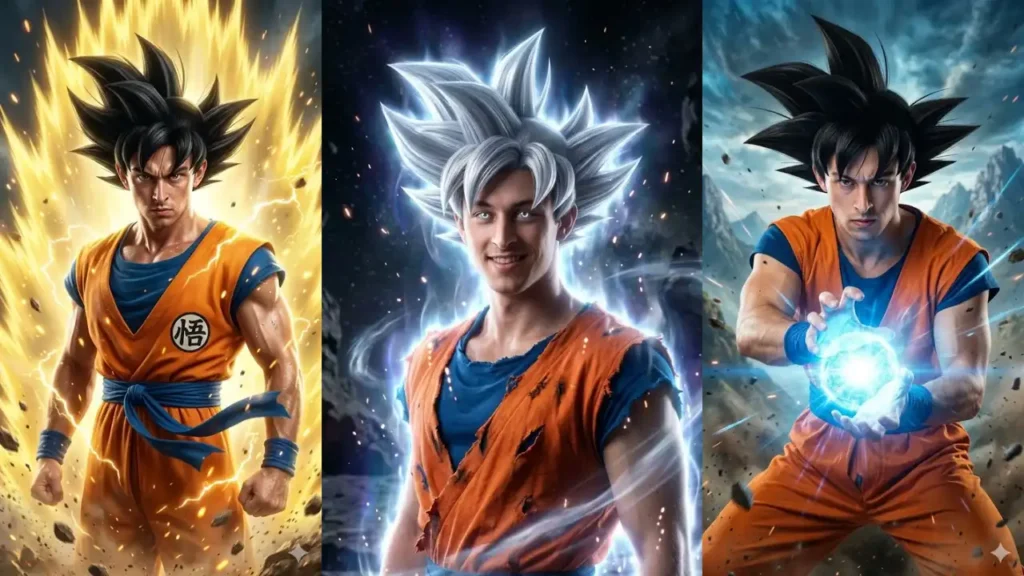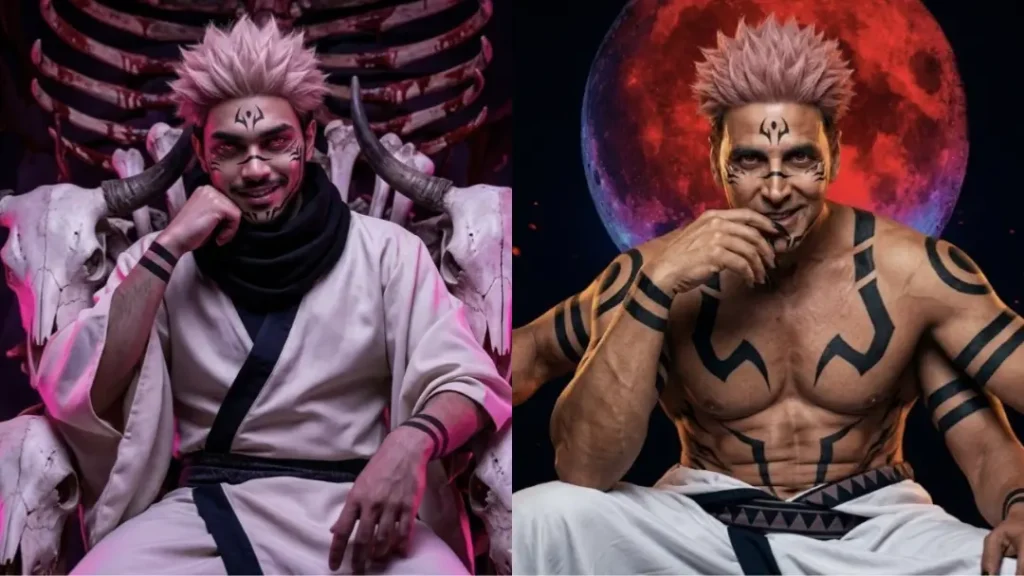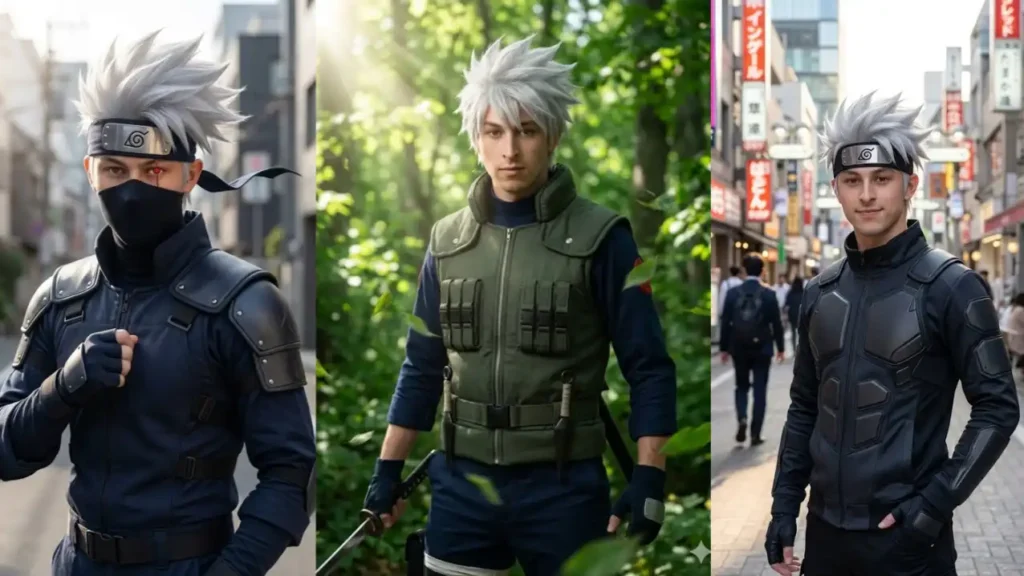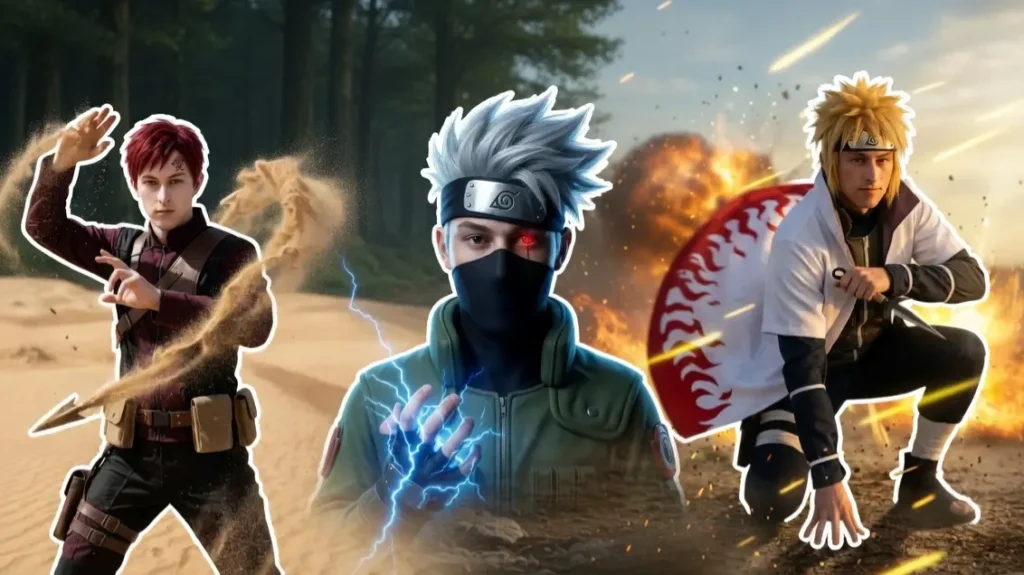
Naruto characters are known for their powerful abilities, iconic looks, and unforgettable moments but what if you could step into that world yourself?
With the help of Gemini AI, you can now transform your own photo into a hyper-realistic live-action version of your favorite Naruto character.
These prompts are not just for generating random anime-style images. They are carefully designed to preserve your real facial identity while applying the exact features of legendary characters like Naruto, Sasuke, Itachi, and more.
From glowing Sharingan eyes to Sage Mode energy and Akatsuki cloaks, every detail is crafted to feel cinematic and realistic.
But to get the best results, it’s important to understand how to customize and control these prompts based on your style and preferences (given after the prompts).
1. Naruto Sage Mode Awakening
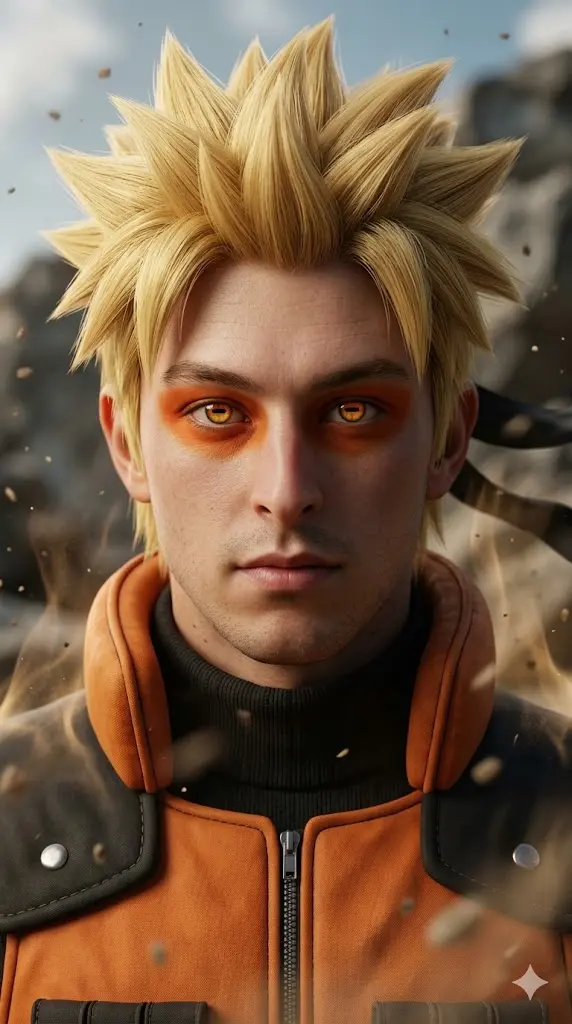
Maintain the exact facial identity of the uploaded user photo and transform the user into a hyper-realistic live-action version inspired by Naruto’s iconic Sage Mode awakening. The user now has spiky blond hair, orange-black ninja outfit, and red-orange pigmentation around the eyes, with horizontal sage pupils glowing subtly. The expression is calm yet powerful, looking directly toward the camera. Surround the user with natural energy aura and floating dust particles, as if nature chakra is gathering. The background features a rocky battlefield with cinematic lighting and wind subtly moving clothing and hair. Ultra-realistic skin detail, dramatic shadows, and depth. Aspect ratio 9:16.
 Copy
Copy Join
Join2. Sasuke Sharingan Intense Gaze
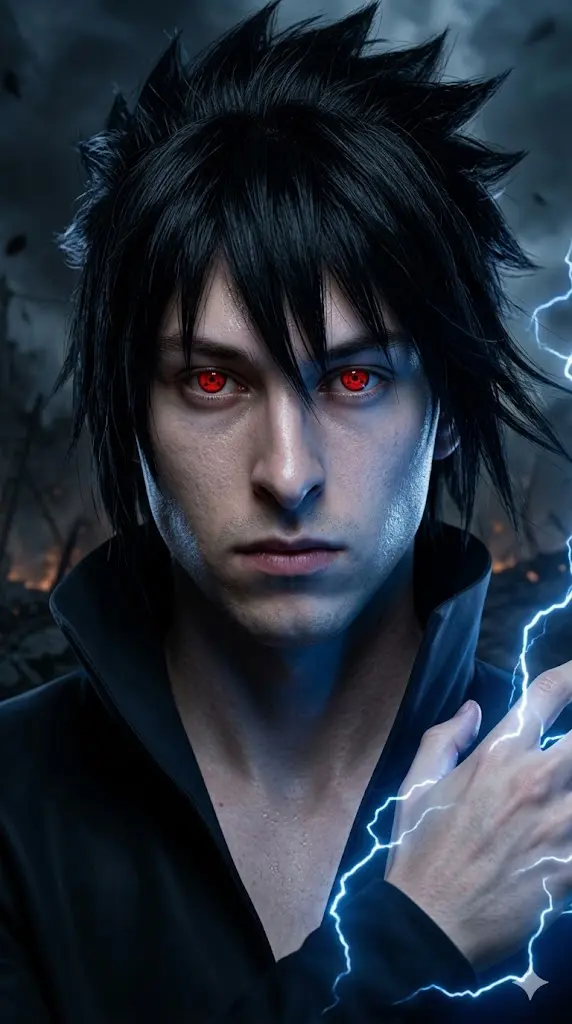
Maintain the exact facial identity of the uploaded user photo and transform the user into a hyper-realistic live-action version inspired by Sasuke’s iconic Sharingan stare. The user now has jet-black spiky hair, pale skin tone, and a dark open-collar outfit, with glowing red Sharingan eyes featuring tomoe patterns. The expression is cold, serious, and intense, facing the camera with slight head tilt. Subtle blue lightning (Chidori energy) crackles around the hand and background. The environment is dark with dramatic shadows and blue highlights reflecting on the face. Hair moves slightly with wind, creating cinematic realism. Ultra-detailed skin texture and lighting. Aspect ratio 9:16.
3. Itachi Uchiha Genjutsu Pose
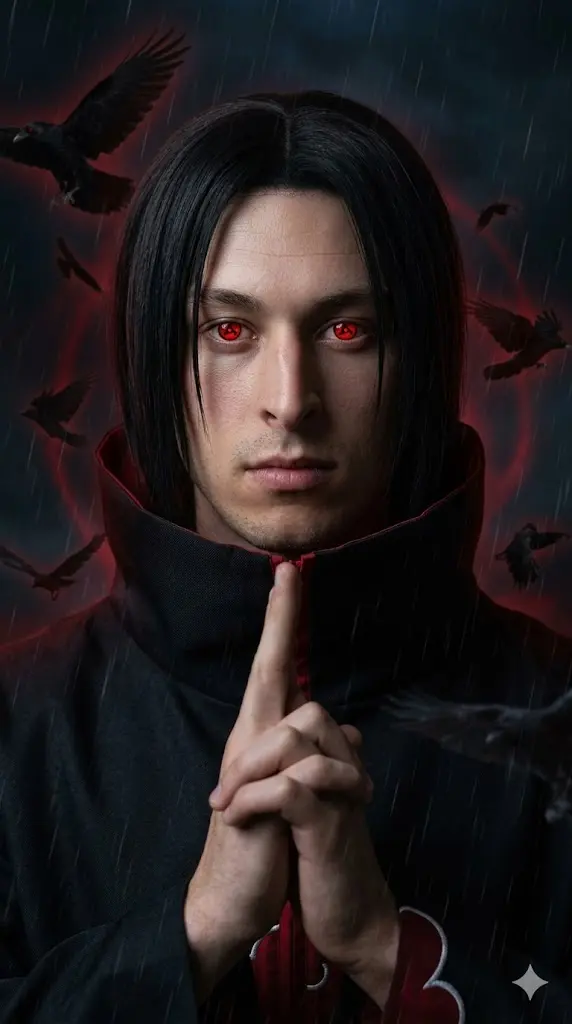
Maintain the exact facial identity of the uploaded user photo and transform the user into a hyper-realistic live-action version inspired by Itachi’s iconic genjutsu hand pose. The user now has straight black hair framing the face, calm expression, and Akatsuki cloak with red clouds, with glowing red Sharingan eyes. One hand is raised in a subtle genjutsu gesture. The background is dark with floating crows and faint red aura, creating a mysterious atmosphere. Soft wind moves the cloak slightly while cinematic lighting highlights facial features. Ultra-realistic textures, shadows, and depth of field enhance realism. Aspect ratio 9:16.Negative prompt: anime drawing, cartoon rendering, CGI skin, distorted face, unrealistic effects.
4. Kakashi Masked Lightning Portrait
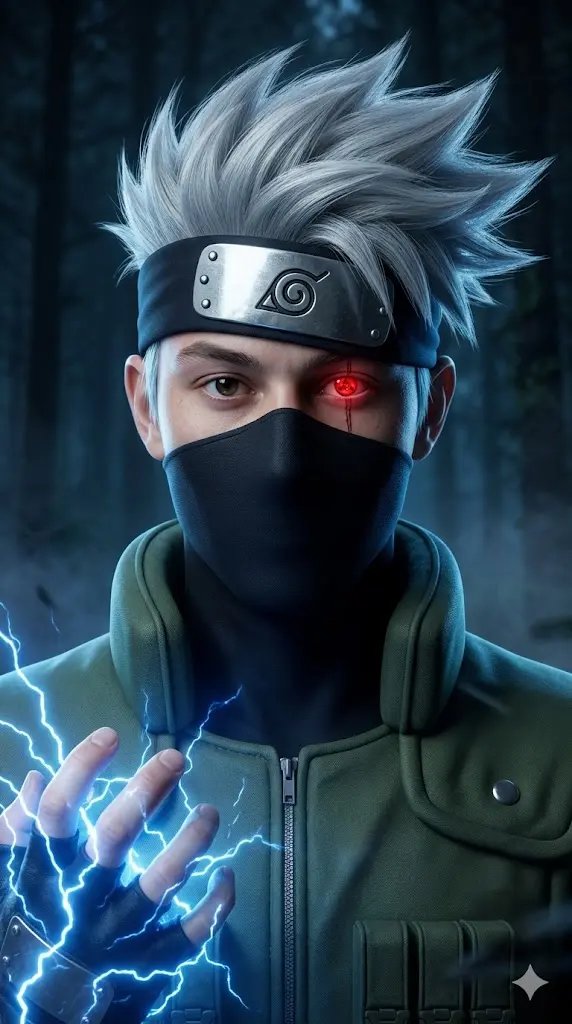
Maintain the exact facial identity of the uploaded user photo and transform the user into a hyper-realistic live-action version inspired by Kakashi’s iconic masked look. The user now has spiky silver hair, forehead protector covering one eye, and a black face mask, wearing a green jonin vest. One eye reveals a glowing Sharingan, while the other remains calm. Blue lightning energy surrounds the hand, creating a Chidori effect. The background is dark with subtle fog and blue lighting. Hair and vest move slightly in the wind, adding motion realism. Ultra-detailed skin texture and cinematic lighting. Aspect ratio 9:16.
5. Pain Almighty Push Scene
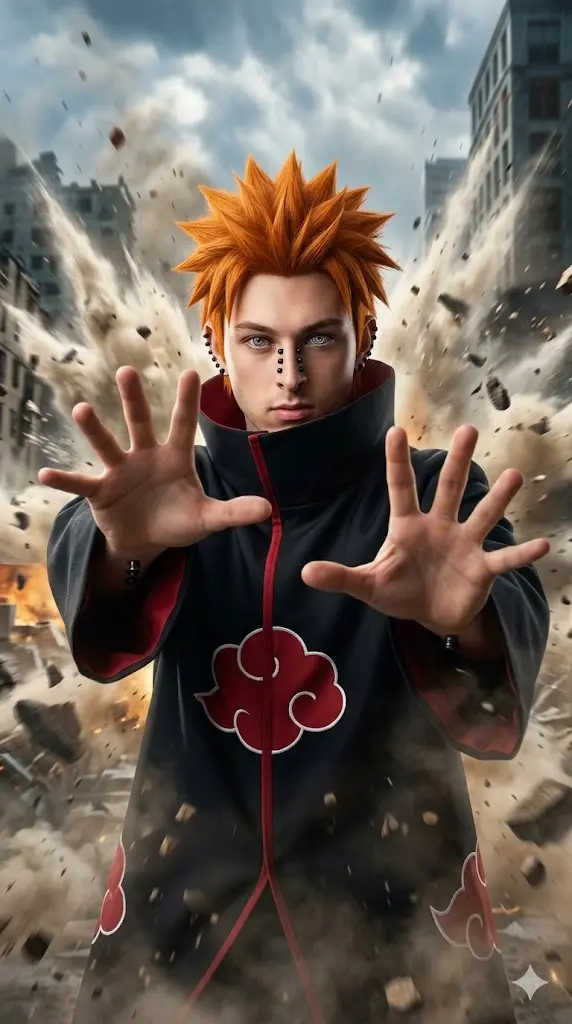
Maintain the exact facial identity of the uploaded user photo and transform the user into a hyper-realistic live-action version inspired by Pain’s iconic “Almighty Push” moment. The user now has orange spiky hair, multiple black piercings across the face, and Rinnegan eyes with ripple patterns, wearing a black Akatsuki cloak with red clouds. Both hands are extended forward as if releasing powerful force. The background features a destroyed city with debris flying outward. Dramatic lighting and wind effects enhance the scene. Ultra-realistic textures and cinematic shadows. Aspect ratio 9:16.
6. Madara War God Awakening
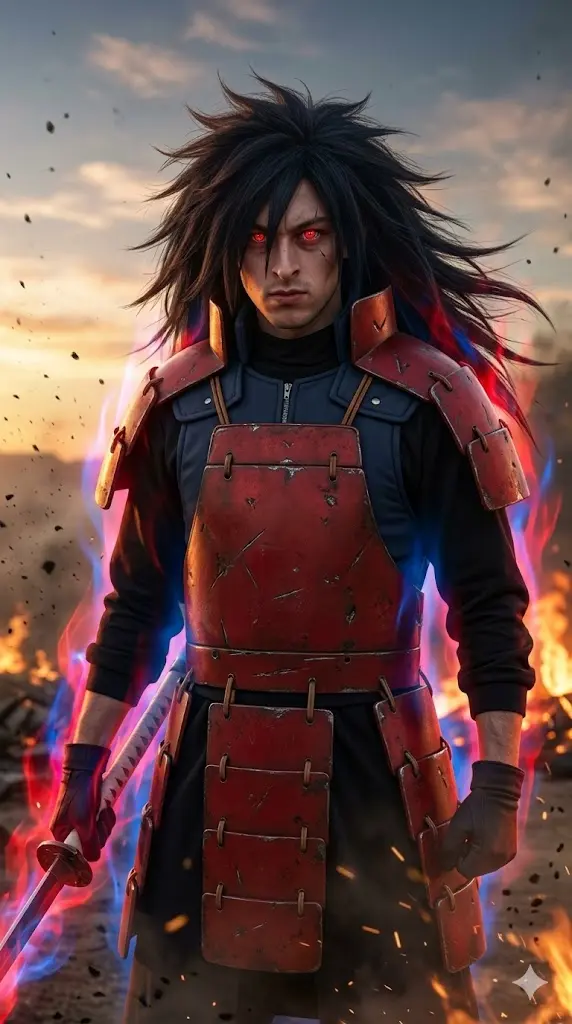
Maintain the exact facial identity of the uploaded user photo and transform the user into a hyper-realistic live-action version inspired by Madara’s iconic war god stance. The user now has long wild black hair, red armor plates, and intense glowing Sharingan eyes, with a dominant expression. The background shows a realistic dust, debris, and fiery tones, creating a powerful atmosphere during evening. Subtle wind moves hair and armor while dramatic lighting highlights the face. Add faint chakra aura around the body to enhance power presence. Ultra-realistic textures and cinematic depth. Aspect ratio 9:16.Negative prompt: anime rendering, cartoon effects, CGI look, distorted face, unrealistic lighting.
7. Minato Flash Speed Pose
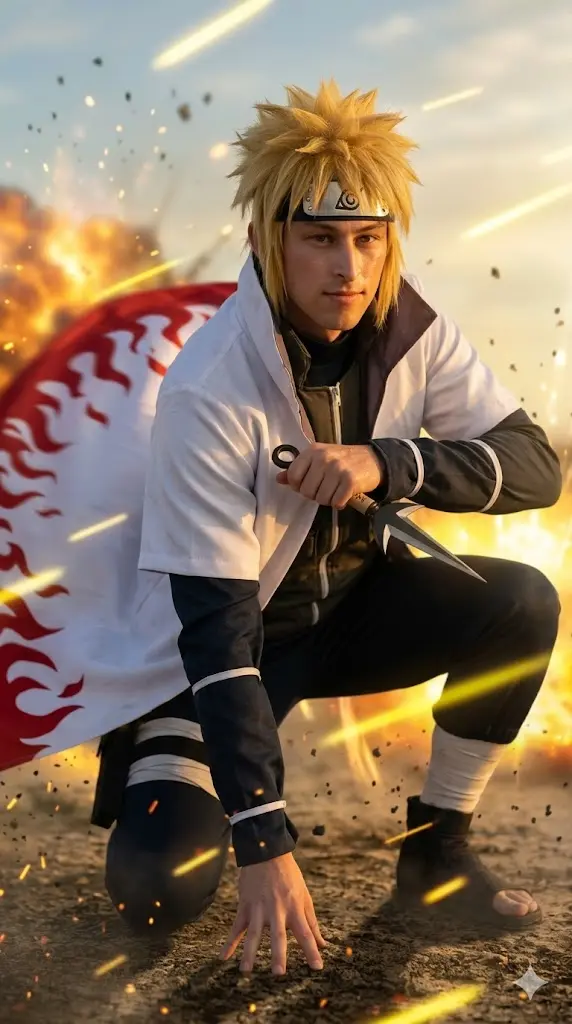
Maintain the exact facial identity of the uploaded user photo and transform the user into a hyper-realistic live-action version inspired by Minato’s iconic teleportation stance. The user now has short blond hair, calm confident expression, and a white Hokage cloak with flame patterns, with subtle motion blur suggesting speed. The background features a battlefield with yellow light streaks and teleportation effects. The cloak flows dramatically in the wind. Lighting is warm with golden highlights reflecting on the face. Ultra-realistic skin detail and cinematic depth of field. Aspect ratio 9:16.
8. Obito Mask Reveal Moment
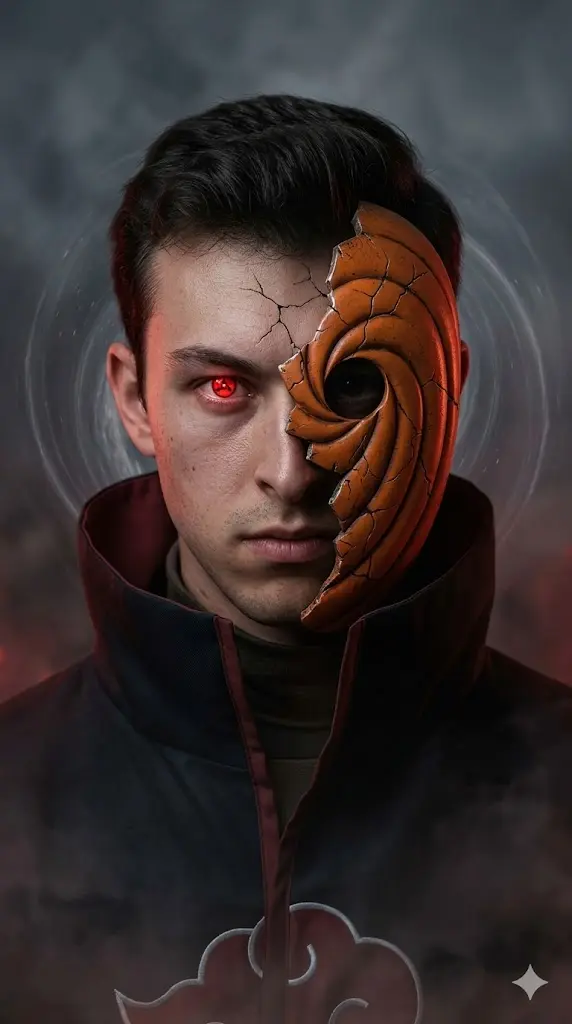
Maintain the exact facial identity of the uploaded user photo and transform the user into a hyper-realistic live-action version inspired by Obito’s iconic mask reveal. The user now has short dark hair, half-broken mask revealing one glowing Sharingan eye, with a dark cloak and intense expression. The background is smoky and dim with subtle red lighting. The mask has realistic cracks and texture. Add faint swirling distortion effect behind the user. Wind moves clothing slightly for realism. Ultra-detailed skin texture and cinematic lighting. Aspect ratio 9:16.
9. Hinata Byakugan Awakening
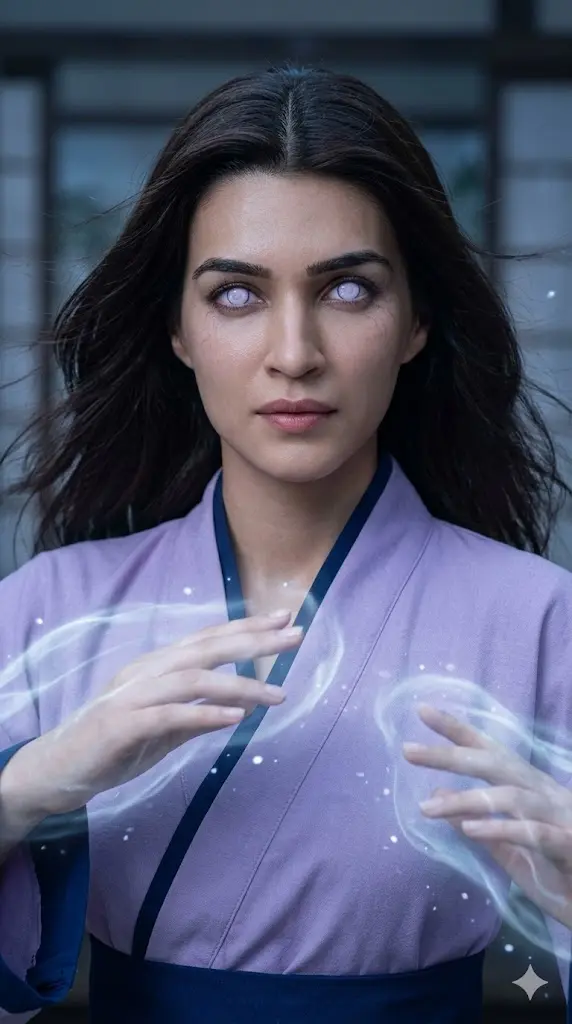
Maintain the exact facial identity of the uploaded user photo and transform the user into a hyper-realistic live-action version inspired by Hinata’s iconic Byakugan activation. The user now has soft dark hair, pale glowing Byakugan eyes, and a lavender-toned outfit, with a calm yet determined expression. Subtle chakra aura surrounds the hands, forming gentle energy waves. The background is softly lit with cool tones and floating particles. Wind slightly moves hair and clothing. Ultra-realistic skin textures and cinematic lighting enhance emotional depth. Aspect ratio 9:16.
10. Gaara Sand Control
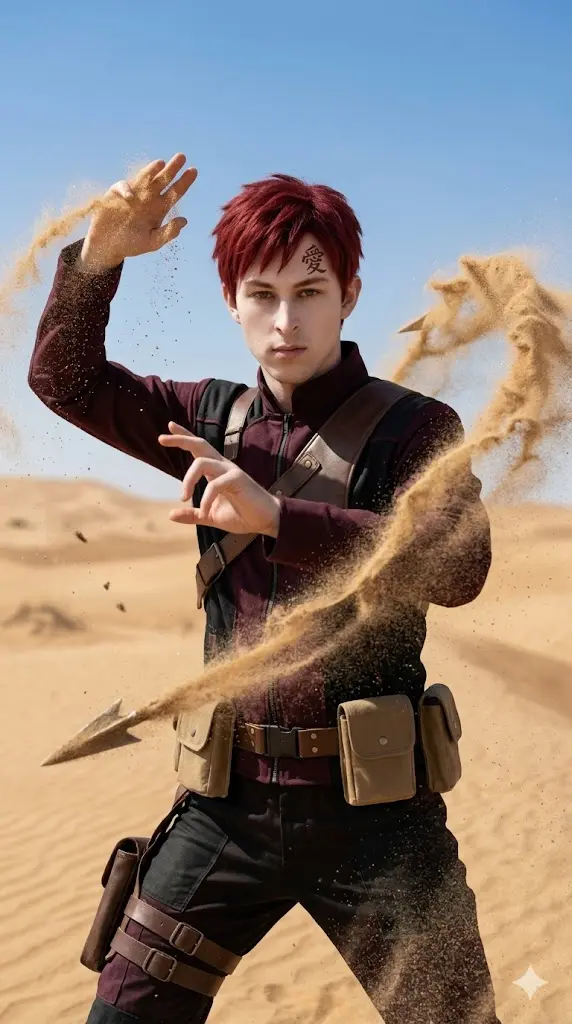
Maintain the exact facial identity of the uploaded user photo and transform the user into a hyper-realistic live-action version inspired by Gaara’s iconic sand manipulation pose. The user now has short red hair, pale skin tone, and a forehead tattoo symbol, wearing a dark shinobi outfit. Sand swirls dynamically around the body forming protective shapes. The expression is calm yet intense. The background is desert-themed with strong sunlight and dust particles. Wind moves sand realistically around the scene. Ultra-realistic textures and cinematic depth. Aspect ratio 9:16.
11. Rock Lee Inner Gates Power
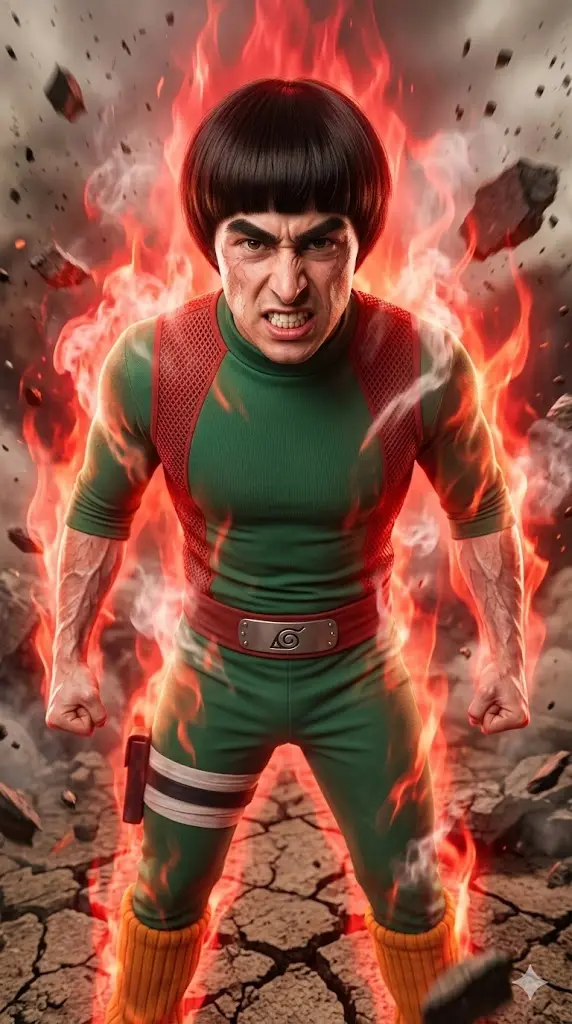
Maintain the exact facial identity of the uploaded user photo and transform the user into a hyper-realistic live-action version inspired by Rock Lee’s iconic inner gates activation. The user now has short bowl-cut hairstyle, thick eyebrows, and green jumpsuit, surrounded by intense red energy aura and steam effects. The expression is determined and powerful, facing the camera. The background features cracked ground and heat distortion. Lighting is dramatic with strong highlights. Ultra-realistic textures and cinematic detail. Aspect ratio 9:16.
12. Jiraiya Sage Mode Legend
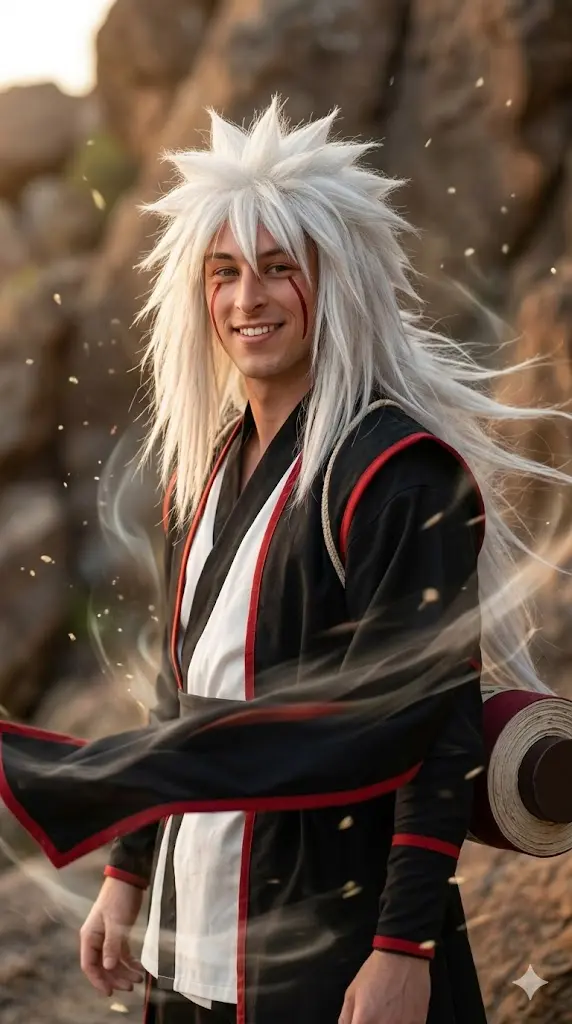
Maintain the exact facial identity of the uploaded user photo and transform the user into a hyper-realistic live-action version inspired by Jiraiya’s iconic sage mode appearance. The user now has long white spiky hair, red facial markings under the eyes, and a traditional shinobi robe, with a confident expression. Subtle sage aura surrounds the body with floating particles. The background features a natural rocky environment with warm lighting. Wind moves hair and clothing dramatically. Ultra-realistic skin detail and cinematic lighting create depth and realism. Aspect ratio 9:16.
Change Character Style (Mix Multiple Characters)
You’re not limited to one character. You can combine traits:
- “Naruto outfit with Sasuke eyes”
- “Itachi cloak with Sharingan and blue aura”
💡 This creates unique hybrid characters that stand out.
Control Eye Powers (Most Important Feature)
Eyes define Naruto characters. You can swap them easily:
- “Sharingan eyes”
- “Rinnegan ripple eyes”
- “Byakugan pale glowing eyes”
- “Sage Mode pupils”
Change Outfit & Look
You can fully customize clothing:
- “Akatsuki cloak with red clouds”
- “Hokage cloak with flame patterns”
- “modern ninja outfit”
- “battle-damaged armor”
💡 Adding “flowing in the wind” improves cinematic feel.
Add or Change Powers
You can enhance the scene by editing powers:
- “blue lightning (Chidori)”
- “sand swirling around body”
- “red chakra aura”
- “floating rocks and debris”
💡 Motion words like swirling, glowing, cracking make output dynamic.
How to Use These Prompts in Gemini
- Open gemini.google.com
- Start a new chat
- Upload your photo
- Copy any Naruto prompt
- Paste it into the chat
- Wait for the AI to generate your image
- Download and use it as DP or post
Pro Tips to Make Your Naruto Images Look Cinematic
- Use front-facing clear photos
- Avoid heavy filters or blur
- Keep full prompt intact
- Try multiple prompts for best result
- Use high-quality images