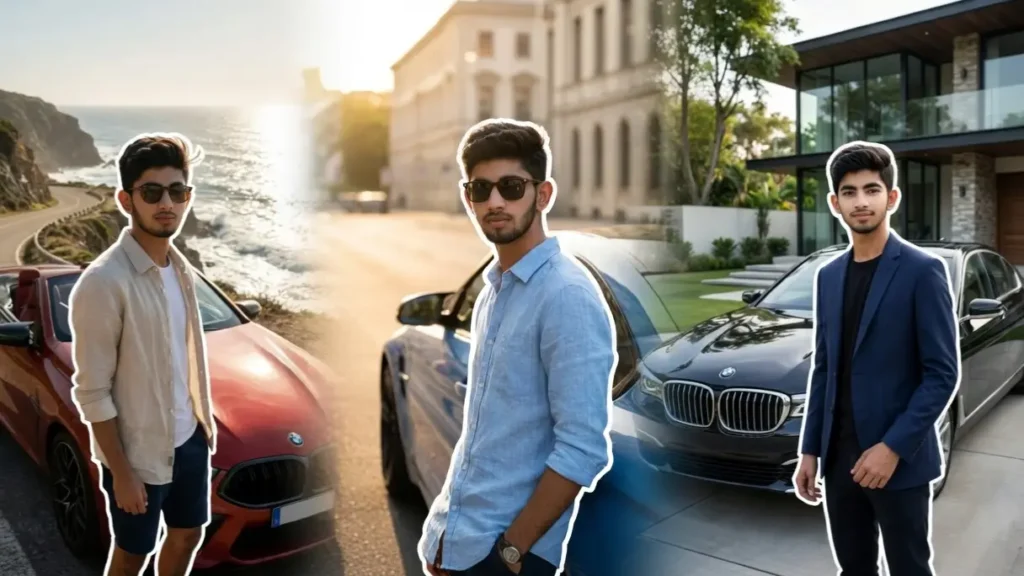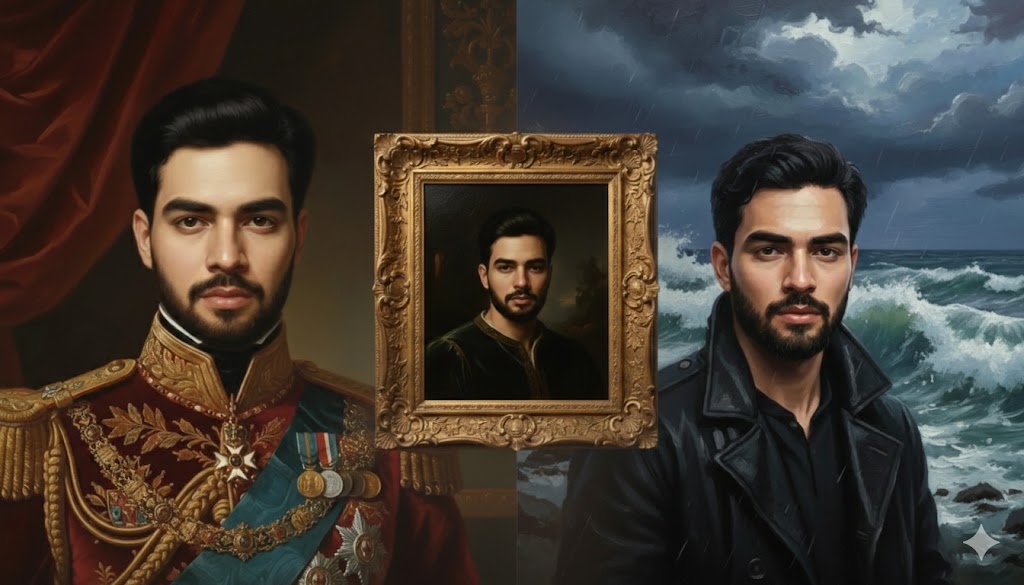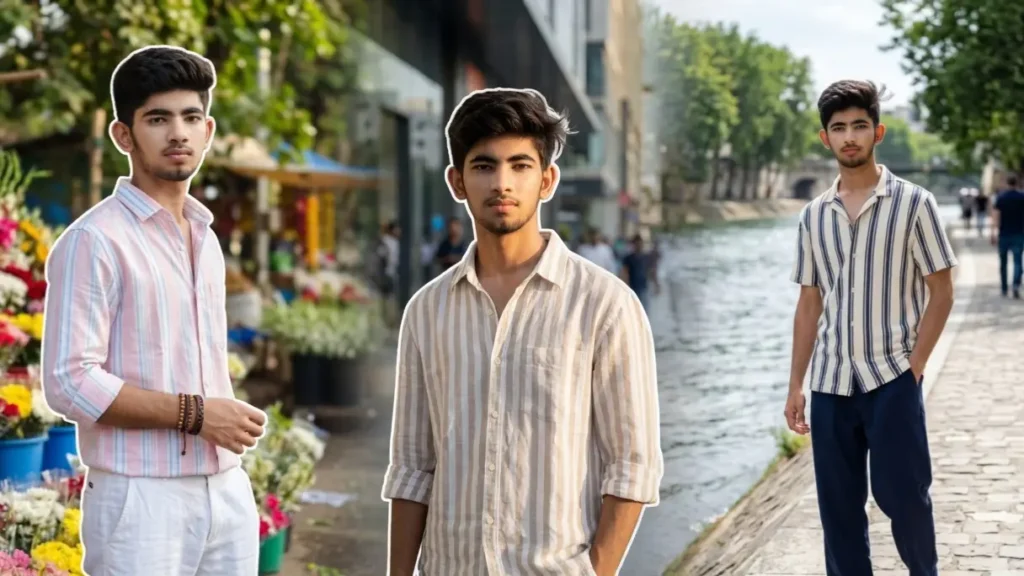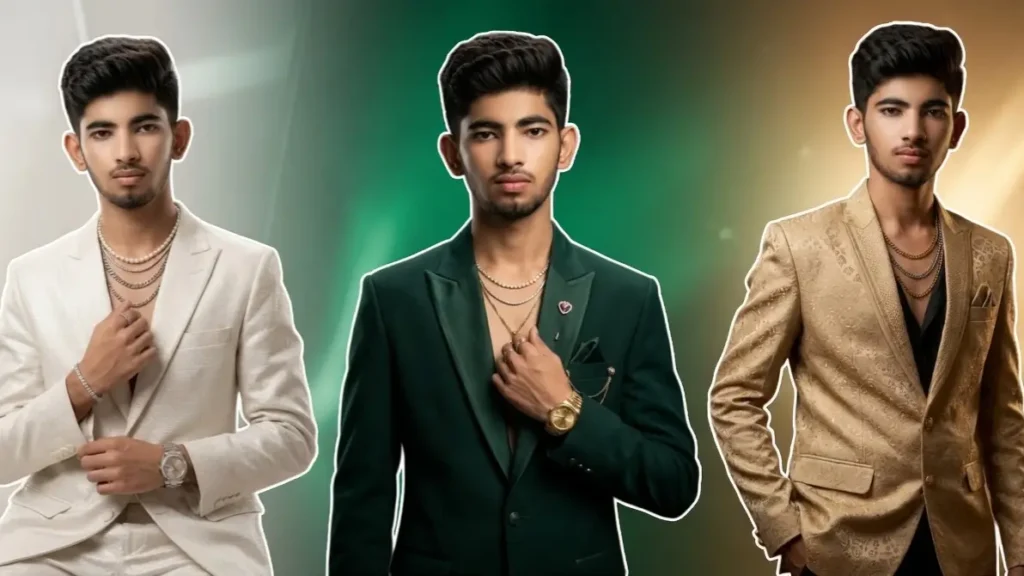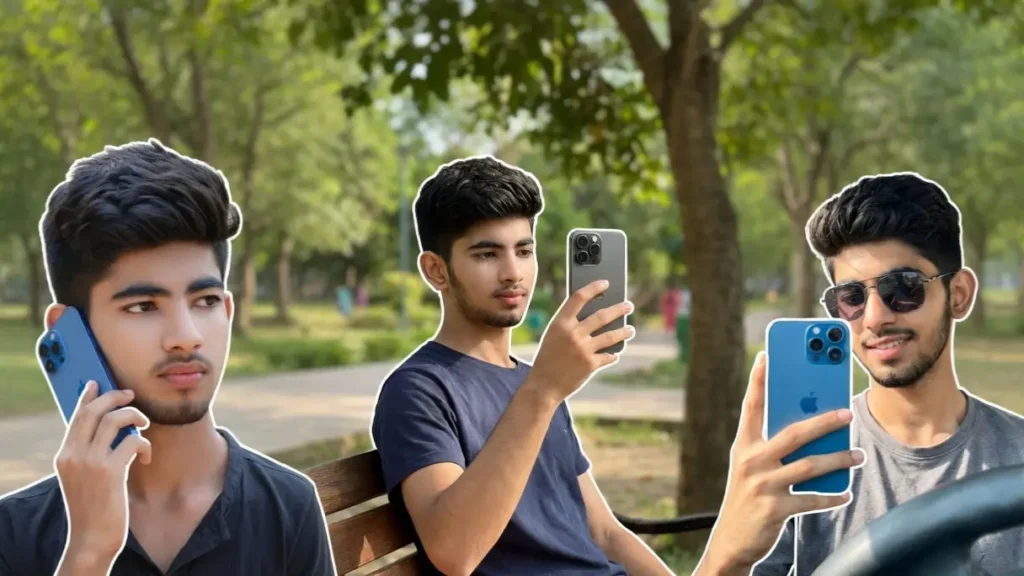
In today’s social media world, a simple photo is no longer enough, people want clean, aesthetic, premium-looking shots that feel like they were taken with a high-end device. That’s exactly where Gemini AI comes in.
With the right prompts, you can transform your normal photo into a stylish iPhone 16 Pro Max scene, whether it’s a mirror selfie, gym shot, café moment, or a casual outdoor portrait. The best part? You don’t actually need the phone in real life.
These prompts are designed to preserve your real face while placing you inside realistic iPhone-based scenarios, making it look like the photo was captured using a premium device in perfect lighting conditions.
1. Premium Mirror Selfie with iPhone 16 Pro Max
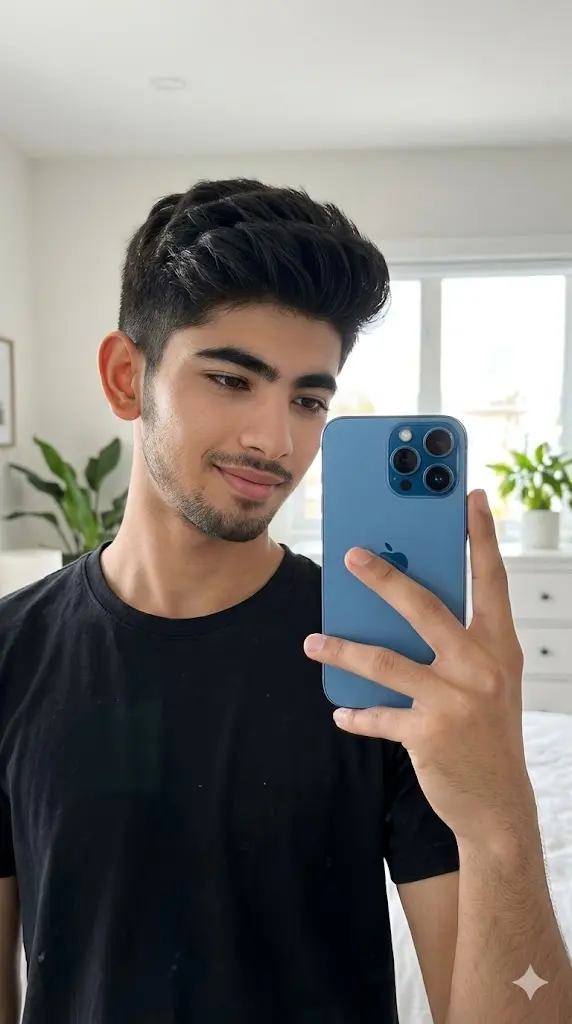
Maintain the exact facial identity of the uploaded user photo and transform the user into a hyper-realistic daytime mirror selfie portrait holding a sleek blue iPhone 16 Pro Max in one hand. The user stands in a modern, well-lit bedroom or dressing area with soft natural daylight entering through a window. The iPhone is clearly visible with realistic reflections and camera module detail. The user wears a casual stylish outfit, slightly tilting the phone while looking naturally at the mirror. Clean background, soft shadows, and high-end aesthetic. Ultra-realistic skin texture, natural lighting, and cinematic depth of field. Aspect ratio 9:16.
 Copy
Copy Join
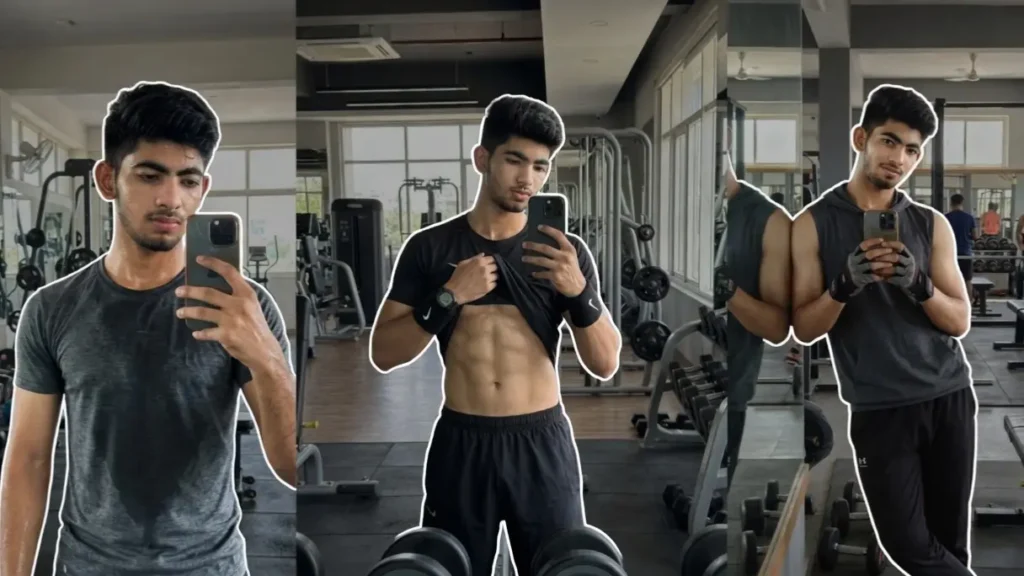
Join2. Gym Selfie with iPhone

Maintain the exact facial identity of the uploaded user photo and transform the user into a hyper-realistic daytime gym mirror selfie holding an iPhone 16 Pro Max. The user stands confidently in front of a gym mirror wearing a fitness outfit, slightly flexing or holding a relaxed pose. Natural gym lighting highlights muscle definition and facial structure while the phone is clearly visible with accurate reflections. The background includes gym equipment with subtle blur for depth. Sweat shine adds realism while the user looks toward the mirror confidently. Ultra-realistic textures, lighting, and reflections. Aspect ratio 9:16.
3. Luxury Café Iphone Portrait

Maintain the exact facial identity of the uploaded user photo and transform the user into a hyper-realistic daytime café selfie holding an iPhone 16 Pro Max. The user sits in a premium café environment with natural sunlight entering through large glass windows. The phone is clearly visible in the hand while the user takes a relaxed selfie. The user wears a casual luxury outfit, looking naturally toward the camera with a confident expression. Background includes blurred café interior, coffee table, and warm tones. Soft natural lighting enhances facial features and realism. Ultra-detailed skin texture and reflections. Aspect ratio 9:16.
4. Street Style Walking Selfie
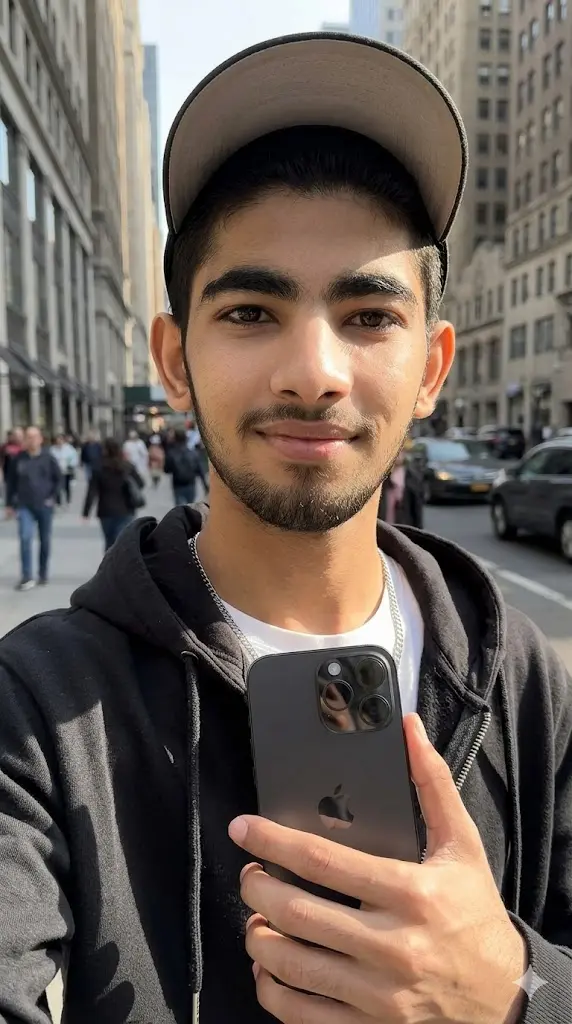
Maintain the exact facial identity of the uploaded user photo and transform the user into a hyper-realistic daytime walking selfie holding an iPhone 16 Pro Max on a city street. The user walks confidently while holding the phone in front, capturing a candid selfie moment. The user wears a modern streetwear outfit, with sunlight creating dynamic shadows across the face and clothes. The iPhone is clearly visible with reflections. Background includes blurred buildings, vehicles, and pedestrians for cinematic depth. Natural lighting and motion realism enhance the scene. Ultra-realistic textures and detail. Aspect ratio 9:16.
5. Calling Pose iPhone Close-Up
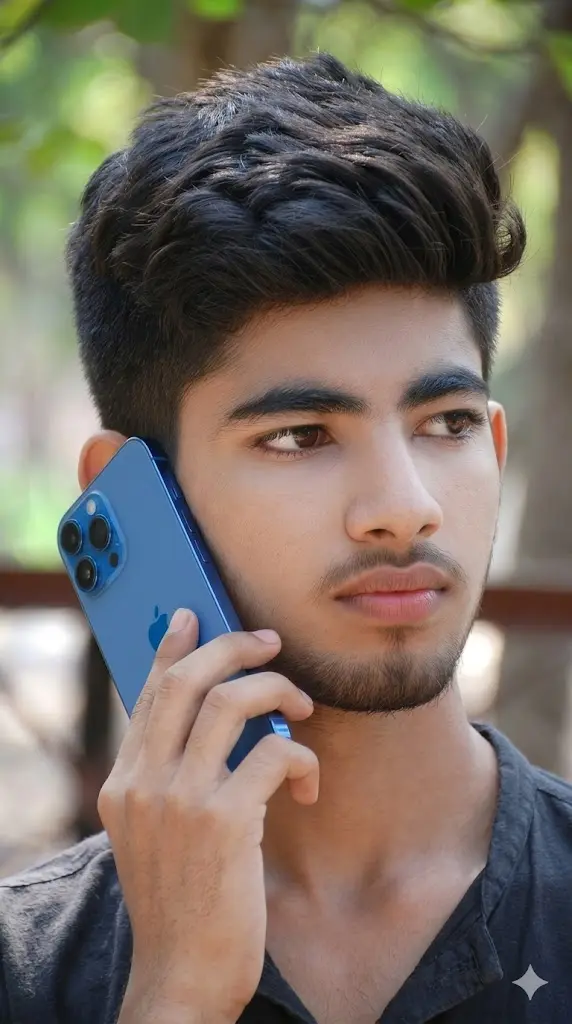
Maintain the exact facial identity of the uploaded user photo and transform the user into a hyper-realistic daytime close-up portrait holding a blue iPhone 16 Pro near the ear as if on a call. The phone is clearly visible with accurate design details and reflections. Make the logo clearly visible. The user wears a casual outfit, looking slightly away from the camera with a natural expression. Soft daylight illuminates the face, creating smooth shadows and highlights. Background remains softly blurred for focus. Ultra-realistic skin detail, lighting, and depth of field create a cinematic close-up effect. Aspect ratio 9:16.
6. Fashion Outfit iPhone Mirror Shot
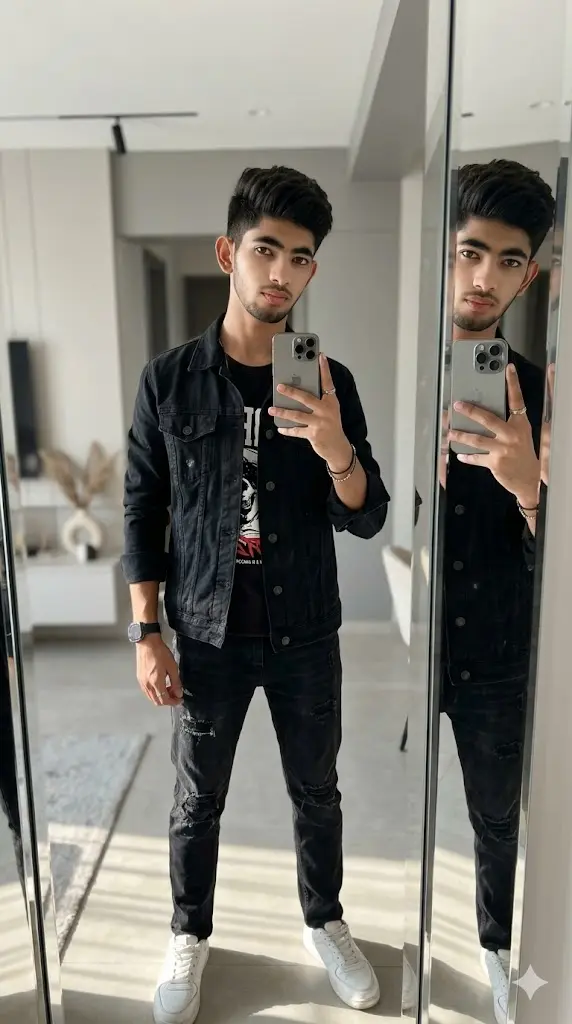
Maintain the exact facial identity of the uploaded user photo and transform the user into a hyper-realistic daytime fashion mirror selfie holding an iPhone 16 Pro Max. The user stands in a stylish interior space wearing a trendy outfit, capturing a full-body mirror shot. The phone is clearly visible with reflections. Natural daylight enhances clothing texture and facial features. Background includes minimal modern décor with cinematic blur. The user looks confident toward the mirror. Ultra-realistic lighting and depth. Aspect ratio 9:16.
7. Car Interior Selfie with iPhone

Maintain the exact facial identity of the uploaded user photo and transform the user into a hyper-realistic daytime car interior selfie holding a blue iPhone 16 Pro Max. The user sits inside a car with sunlight entering through the window, illuminating the face naturally. The phone is clearly visible while the user takes a selfie. The user wears a casual outfit with sunglasses, adding a stylish vibe. Background includes blurred car interior details with soft shadows. Natural lighting enhances realism and depth. Ultra-detailed textures and reflections. Aspect ratio 9:16.
8. Park Bench Relaxed Selfie
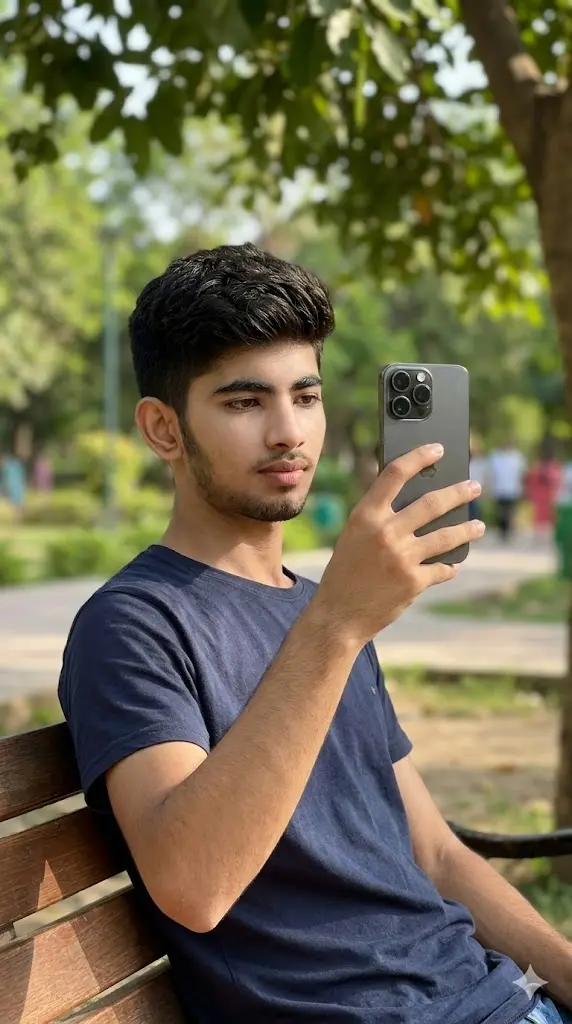
Maintain the exact facial identity of the uploaded user photo and transform the user into a hyper-realistic daytime relaxed selfie sitting on a park bench holding an iPhone 16 Pro Max. The user sits comfortably while holding the phone slightly above eye level. Natural sunlight filters through trees, creating soft shadows across the face. The user wears a casual relaxed outfit, looking calm and natural. Background includes greenery and soft blur for cinematic depth. Ultra-realistic textures and lighting enhance realism. Aspect ratio 9:16.
Can You Change the iPhone Model?
✔ Yes, easily.
Just replace:
- “iPhone 16 Pro Max” →
- “iPhone 15 Pro”
- “iPhone 14 Pro Max”
- “iPhone SE”
💡 Example:
“holding an iPhone 16 Pro Max” →
“holding a deep purple iPhone 14 Pro Max”
How to Change iPhone Color?
Simply add color before the model name:
Examples:
- “black titanium iPhone 16 Pro Max”
- “natural titanium iPhone 16 Pro Max”
- “white iPhone 16 Pro Max”
- “gold finish iPhone”
💡 Pro Tip:
Words like “matte”, “glossy”, “metallic”, “premium finish” make the phone look more realistic.
Can You Change the Scene (Mirror, Gym, Café, etc.)?
✔ Yes, this is the easiest customization.
Replace environment keywords:
- “bedroom mirror” → “luxury hotel mirror”
- “gym” → “premium fitness studio”
- “café” → “rooftop café with skyline view”
- “park” → “beachside daylight scene”
💡 This helps you create unlimited variations from one prompt.
What If I Don’t Own an iPhone?
No problem at all.
These prompts are designed so that:
✔ Gemini generates the iPhone automatically
✔ You don’t need to upload any phone image
💡 Optional:
If you want your real phone → upload it and mention in prompt.