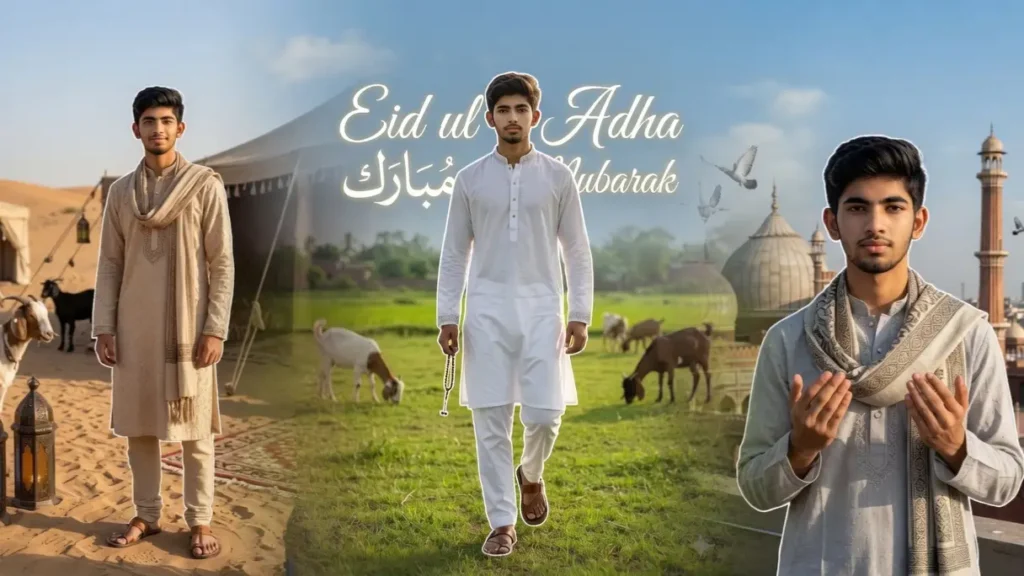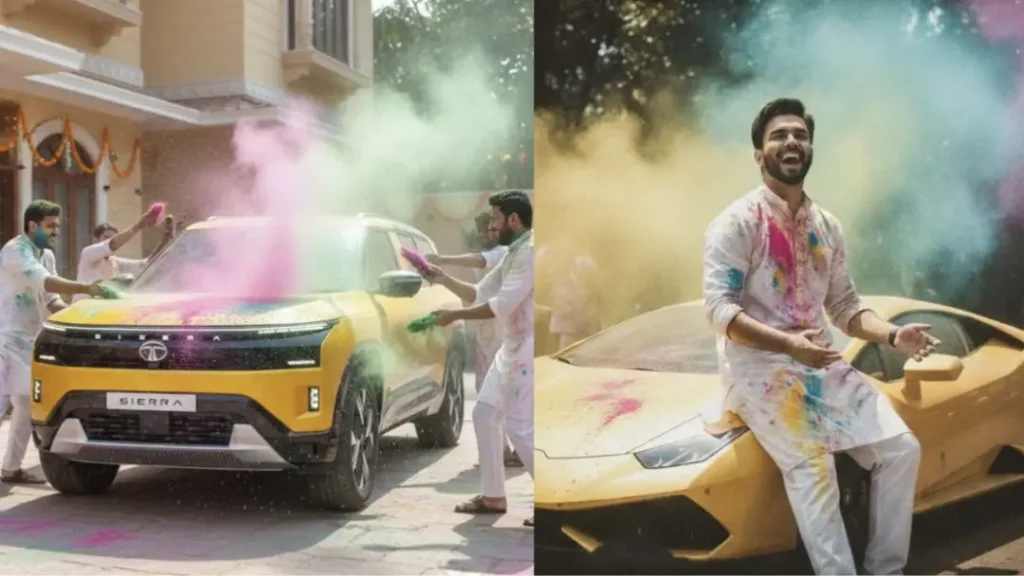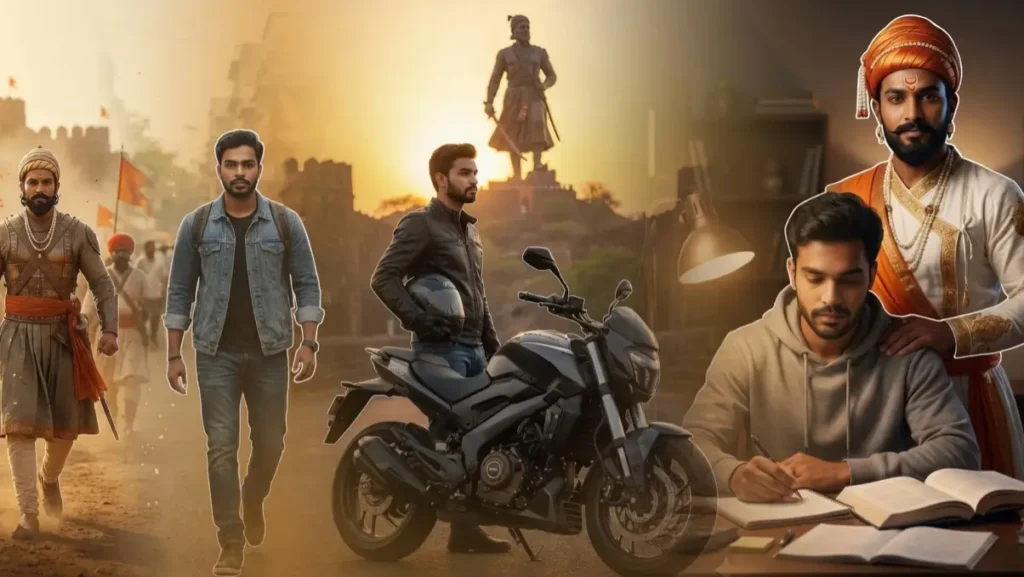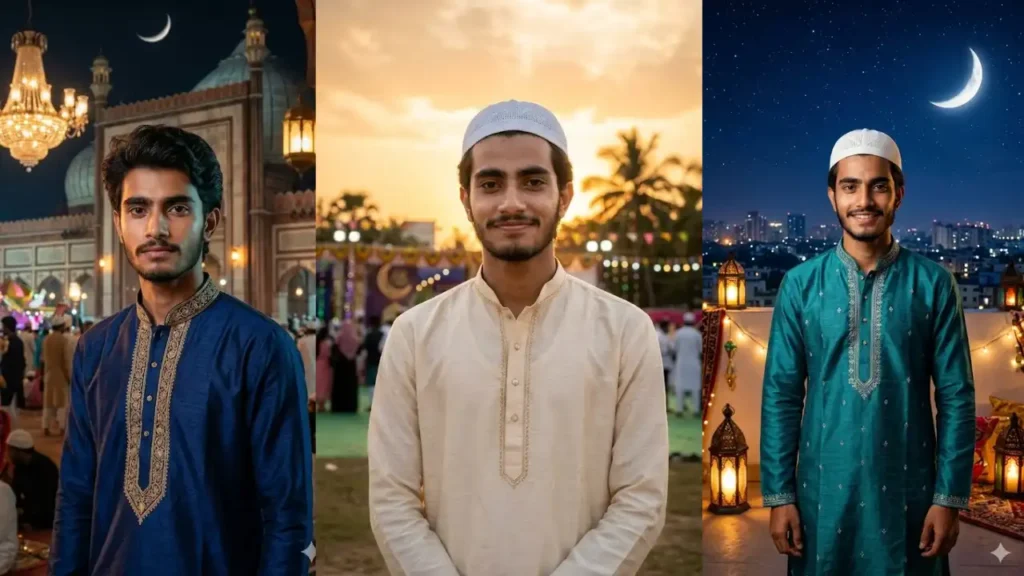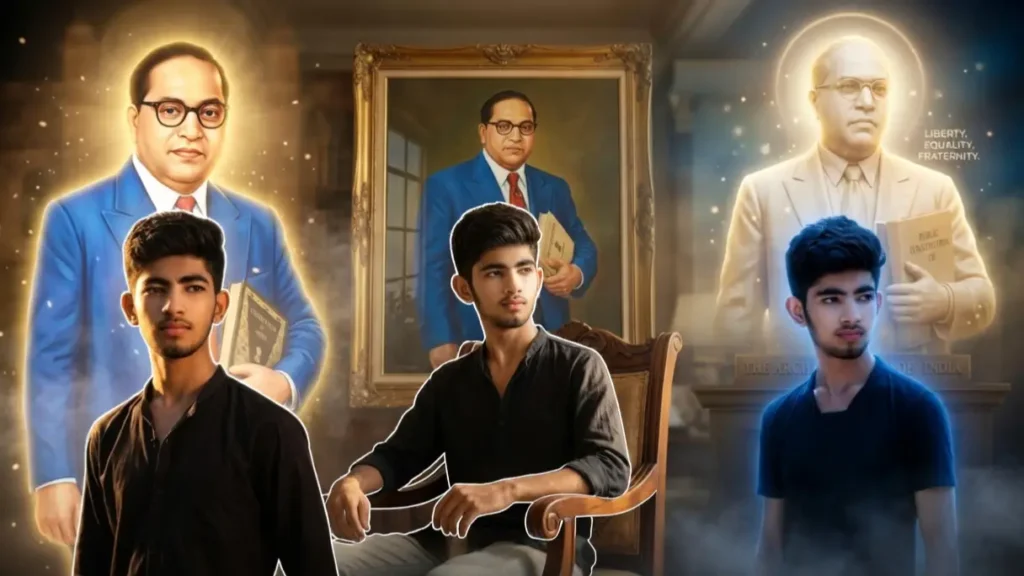
On the occasion of Ambedkar Jayanti, a new AI trend is going viral on Instagram where people are creating powerful cinematic tribute images.
These edits are not just simple photos, they combine emotion, respect, lighting, and storytelling into one frame.
But most people make a big mistake.
They either over-edit the image or change the person’s face too much, which ruins the authenticity.
1. BR Ambedkar Liberty Effect (Glowing Effects)
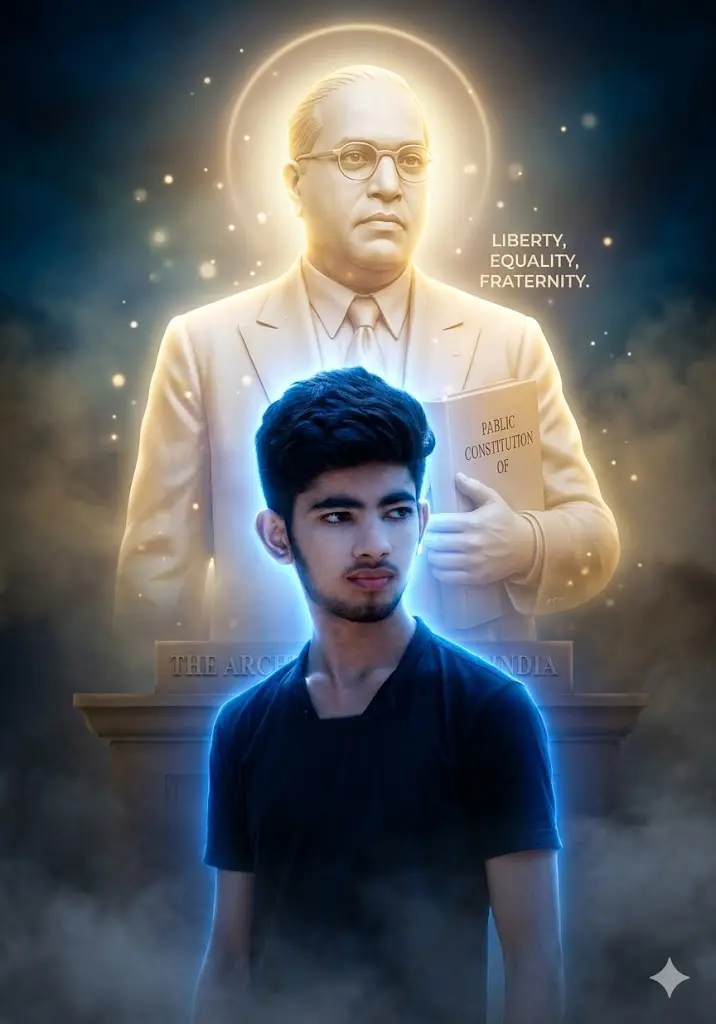
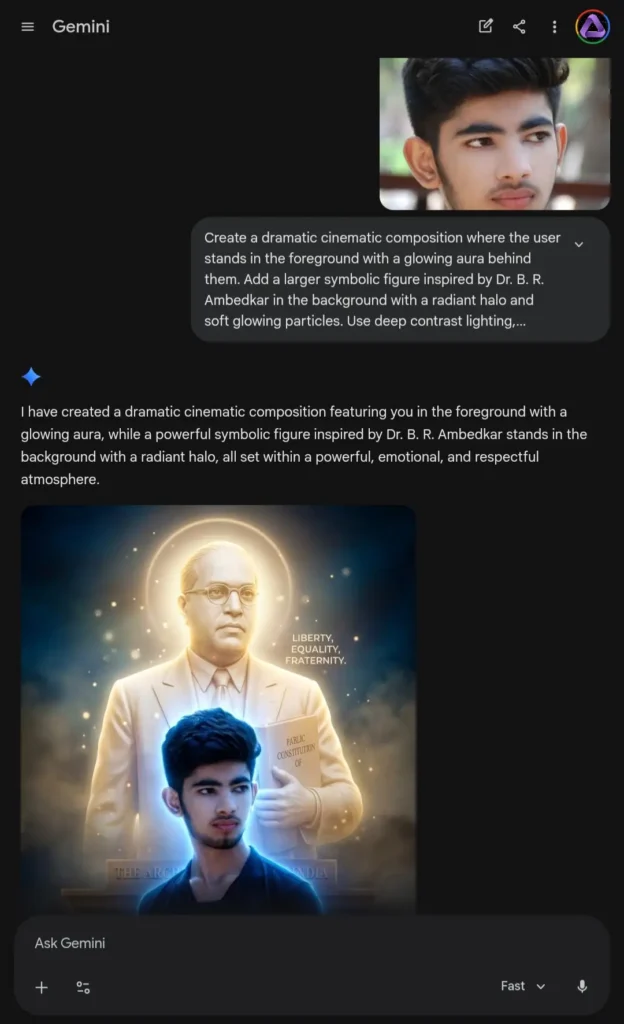
Create a dramatic cinematic composition where the user stands in the foreground with a glowing aura behind them. Add a larger symbolic figure inspired by Dr. B. R. Ambedkar in the background with a radiant halo and soft glowing particles. Use deep contrast lighting, cinematic color grading, and atmospheric effects like fog or smoke. Maintain realistic facial identity and proportions. The mood should feel epic, emotional, and respectful.
 Copy
Copy Join
Join2. BR Ambedkar Glowing Avatar (Glowing Effects)
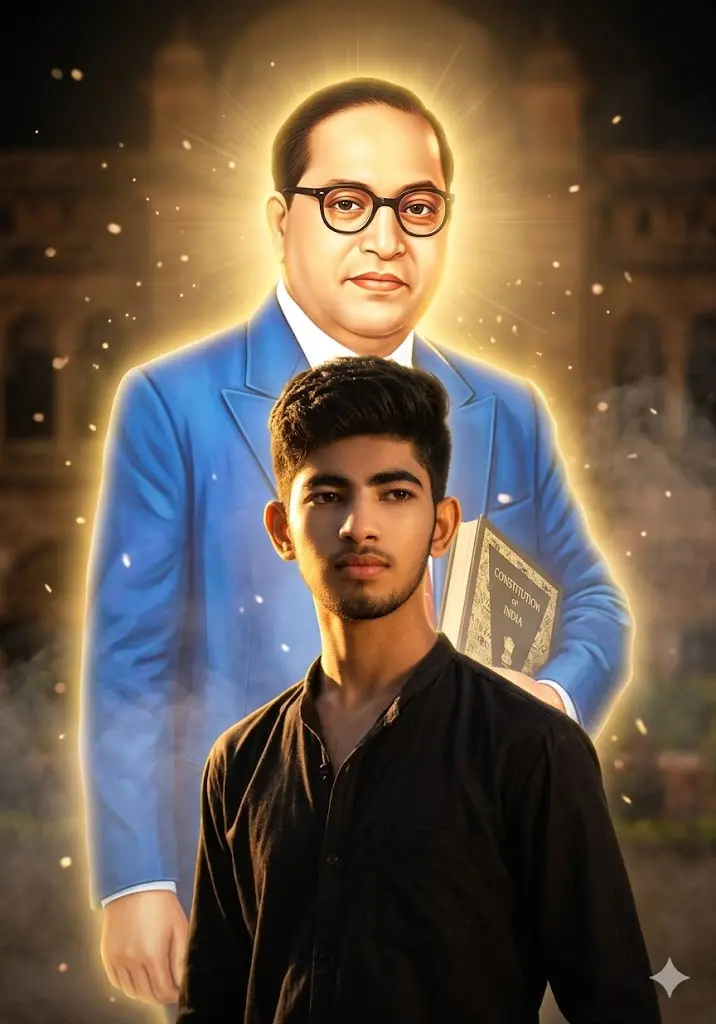
Create a cinematic portrait of the user standing confidently in the foreground, with a powerful and respectful presence. Behind them, a large, dignified figure inspired by Dr. B. R. Ambedkar appears with a glowing golden aura, symbolizing guidance and legacy. Add soft floating particles, light rays, and a subtle smoky atmosphere. Use warm cinematic lighting with strong highlights and shadows. Ensure the user’s face remains natural, sharp, and realistic. Maintain accurate facial identity without distortion. The overall mood should feel inspirational, powerful, and respectful, like a historical tribute poster.
3. Equality and Justice (Glowing Effects)
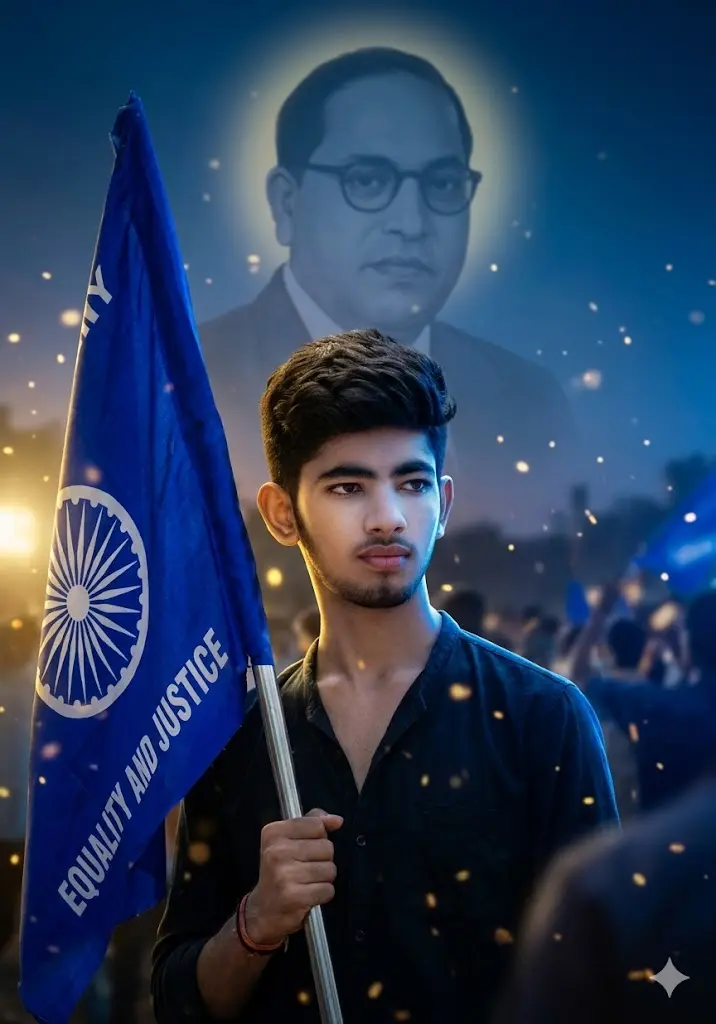
Create a cinematic scene where the user is standing confidently holding a blue flag symbolizing equality and justice. Add dynamic lighting with glowing highlights, soft particles, and a dramatic background with depth and atmosphere. Include a subtle, respectful presence inspired by Dr. B. R. Ambedkar in the background with a halo-like glow. Maintain the user’s real facial identity with no changes. The mood should feel proud, energetic, and inspirational.
4. Minimal Clean Tribute (Glowing Effects)
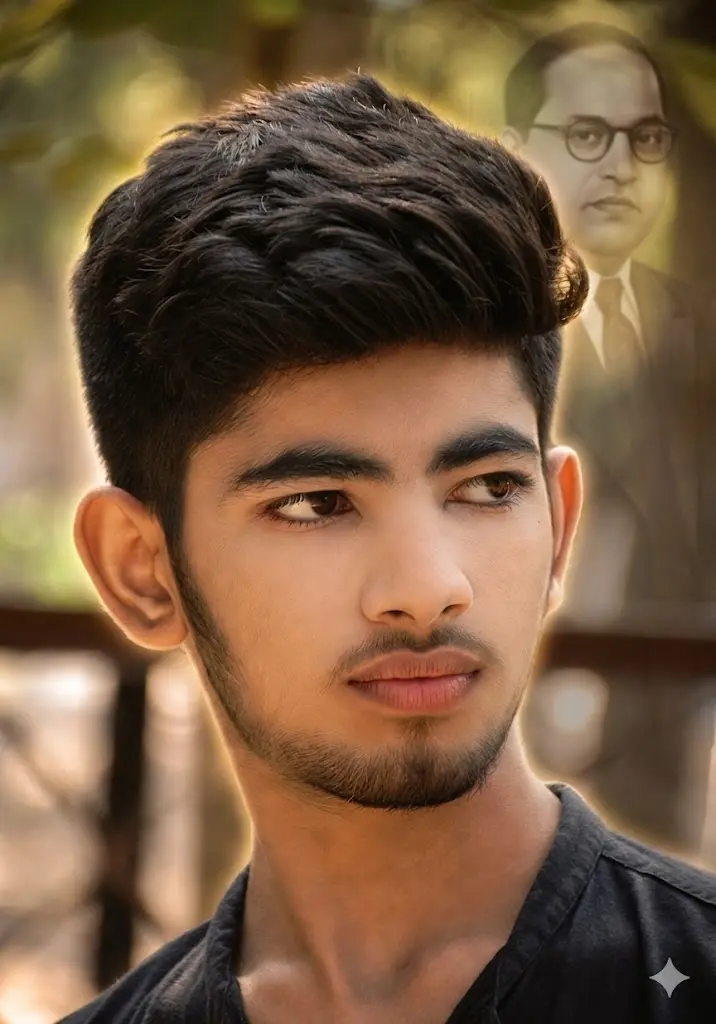
Create a clean and modern cinematic portrait of the user with soft background blur and warm lighting. Add a subtle glowing outline behind the user and a faded respectful silhouette inspired by Dr. B. R. Ambedkar in the background. Keep the composition minimal but powerful. Ensure the user’s face remains completely natural and unchanged. Focus on sharpness, lighting, and emotional impact.
5. Blue Theme Pride (Realistic)
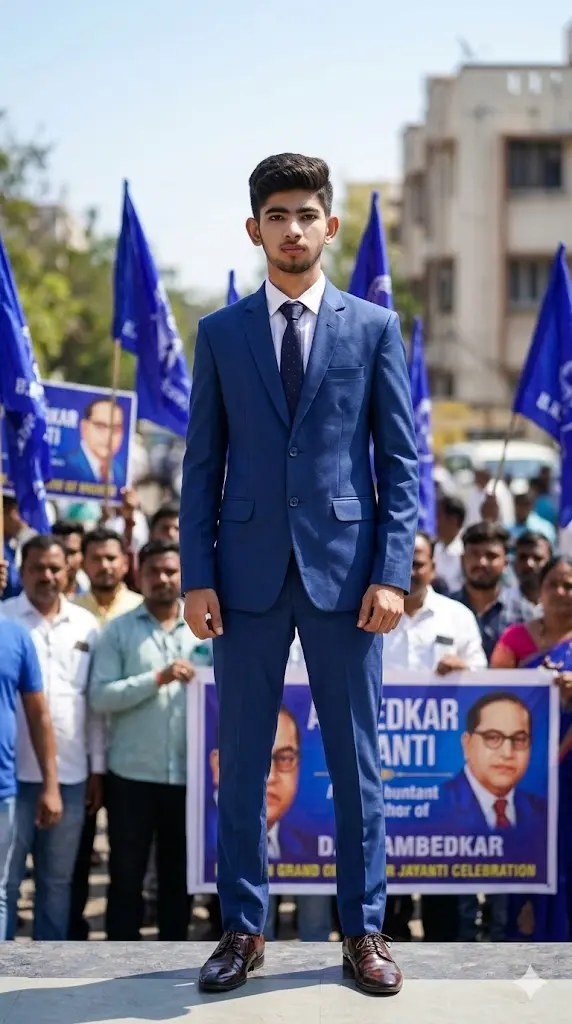
Maintain the exact facial identity of the uploaded user photo and transform the user into a hyper-realistic daytime portrait inspired by a leadership moment during Ambedkar Jayanti celebrations. The user wears a formal blue suit with tie and polished shoes, standing confidently among a softly blurred crowd holding blue flags. Bright daylight sunlight illuminates the scene, creating natural highlights on the face and clothing. The user looks directly at the camera with a strong, confident expression symbolizing leadership and pride. The background includes banners and sky elements with cinematic depth of field. Ultra-realistic textures and lighting. Aspect ratio 9:16.
6. Statue Respect Pose (Realistic)
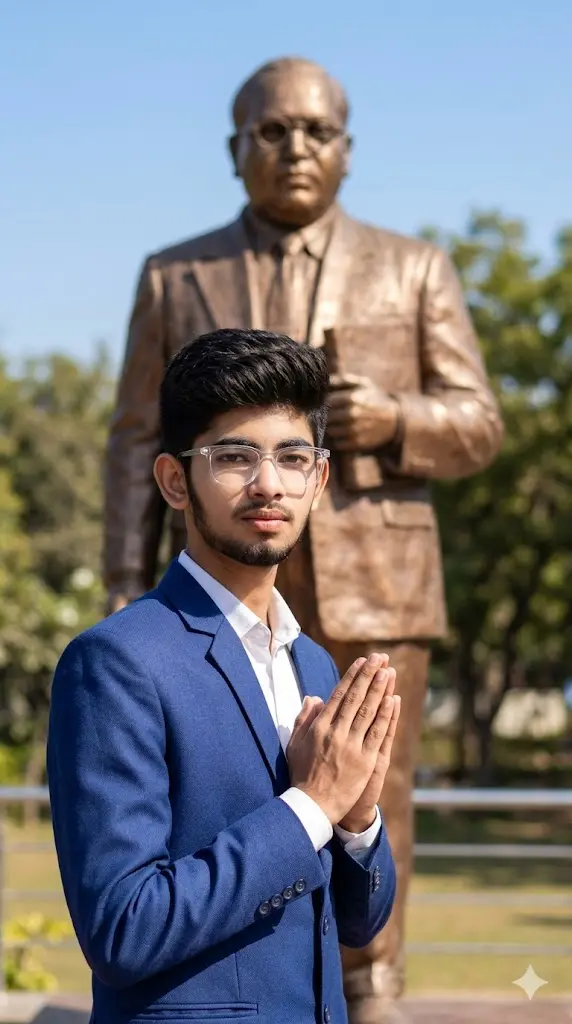
Maintain the exact facial identity of the uploaded user photo and transform the user into a hyper-realistic daytime portrait standing respectfully near a large Ambedkar statue. The user wears a formal blue blazer, white shirt, and spectacles, representing a dignified personality. The environment is outdoors with bright sunlight and clear sky, casting soft shadows and natural highlights on the face and clothing. The user stands with hands folded or respectfully posed, looking toward the camera with pride. The statue appears detailed in the background with subtle depth blur. Trees and open sky enhance realism. Ultra-realistic lighting and textures. Aspect ratio 9:16.
7. Modern Tribute (Realistic)
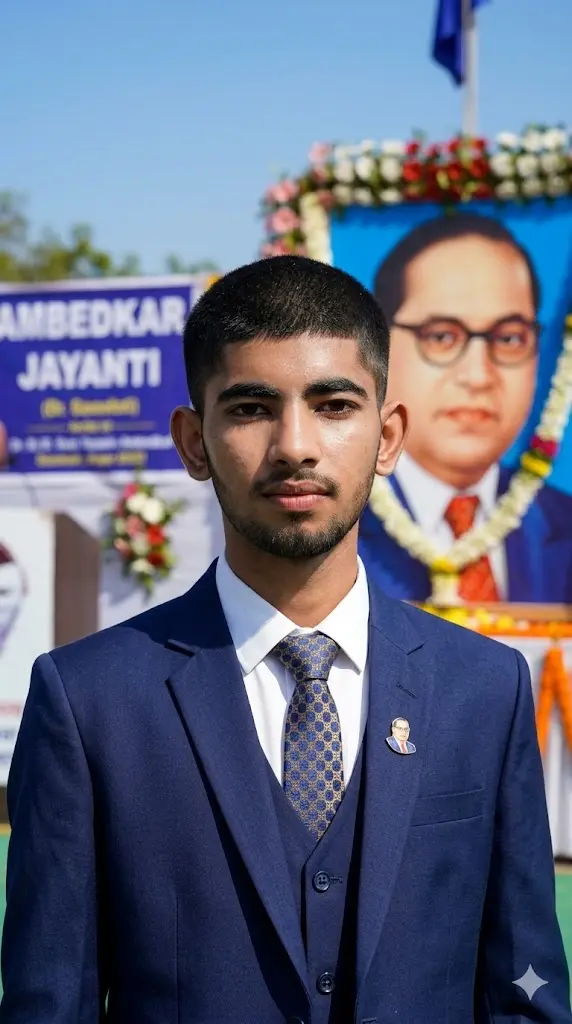
Maintain the exact facial identity of the uploaded user photo and transform the user into a hyper-realistic modern tribute portrait inspired by Ambedkar Jayanti. The user wears a modern blue suit with clean styling, standing outdoors under bright daylight with soft shadows. The environment includes open sky, subtle decorations, and natural surroundings. The user looks directly at the camera with a confident and calm expression. Sunlight enhances skin detail and clothing textures. Ultra-realistic cinematic style with natural lighting and depth. Aspect ratio 9:16.
8. A Tribute To The Architect
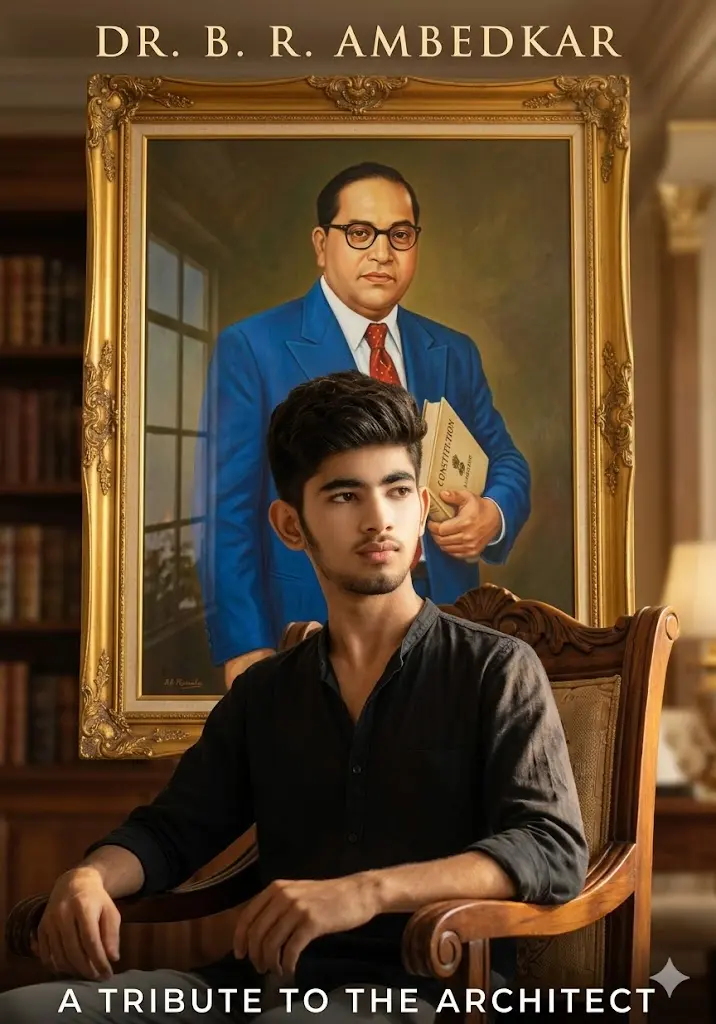
Create a cinematic indoor scene where the user is seated confidently in a royal-style setting. Behind them, place a large framed portrait inspired by Dr. B. R. Ambedkar on the wall. Use warm cinematic lighting with soft shadows, golden highlights, and realistic reflections. Add depth and a premium poster feel. Ensure the user’s face is completely natural and unchanged. The overall composition should look like a powerful tribute poster.
The prompts you now have are designed to fix that.
They follow one clear principle:
👉 Create a cinematic tribute without changing the user’s identity.
This means:
- Face stays real and natural
- Background becomes cinematic
- Lighting and effects add emotion
- Overall image looks like a movie poster
🎯 What Makes These Prompts Special?
These prompts are built for:
- Tribute-style visuals (not random edits)
- Cinematic lighting and depth
- Respectful representation
- Viral Instagram aesthetics
👉 Unlike normal AI prompts, these:
✔ Do not distort the face
✔ Do not over-beautify
✔ Do not change identity
🧠 How to Use These Prompts (Step-by-Step)
Step 1: Choose the Right Photo
Pick a photo where:
- Face is clearly visible
- Expression is natural or confident
- Lighting is decent (not too dark or overexposed)
👉 Front-facing or slight side angle works best.
Step 2: Upload Your Image
Use your photo as the base image in the AI tool.
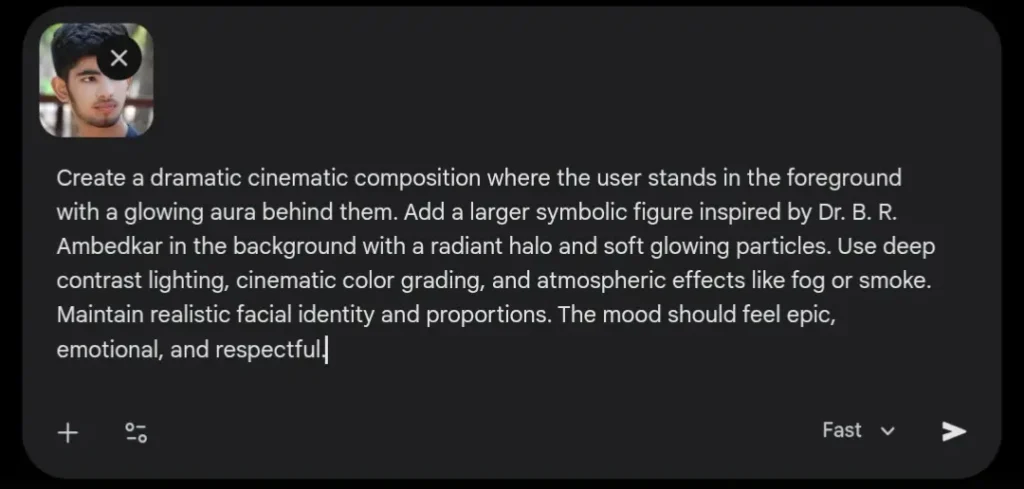
Step 3: Copy the Prompt
Select any one of the cinematic prompts and paste it.
👉 Do NOT mix multiple prompts at once.
Step 4: Add Identity Protection Line
Always include this line at the end:
“Maintain exact facial identity. Do not alter face structure, skin tone, or expression.”
Step 5: Generate & Adjust
If result is not perfect:
- Try a better image
- Improve lighting in original photo
- Use a simpler background
👉 Don’t change the prompt too much.
❓ Can I Use Any Photo?
Yes, but results depend on your input.
Best results come from:
✔ Clear face
✔ Neutral background
✔ Good lighting
Avoid:
❌ Heavy filters
❌ Blurry images
❌ Extreme angles
❓ Will My Face Change?
👉 No, if you use the prompt correctly.
These prompts are designed to:
✔ Keep your face real
✔ Preserve your identity
✔ Avoid AI distortion
❌ If you skip identity instructions → face may change
❓ Can I Change Clothes or Background?
👉 Background: Yes (cinematic style adds automatically)
👉 Clothes: yes, in the realistic prompts but not in the glowing effects prompt(unless you use a different prompt)
These prompts focus on:
- Lighting
- Effects
- Atmosphere
Not full character redesign.
⚡ Pro Tips (High Impact)
✔ Dark outfits look more cinematic
✔ Slight shadow on face = more depth
✔ Simple background = better results
✔ Use confident pose (standing/sitting straight)
✔ Avoid smiling too much (serious works better)
🔥 Final Thoughts
This trend is not just about editing —
it’s about creating a tribute with impact.
The difference between a normal edit and a viral one is: 👉 Emotion + lighting + control
If you follow these prompts properly, your image will look like:
- A cinematic tribute poster
- A powerful Instagram reel visual
- Not an AI-generated random edit