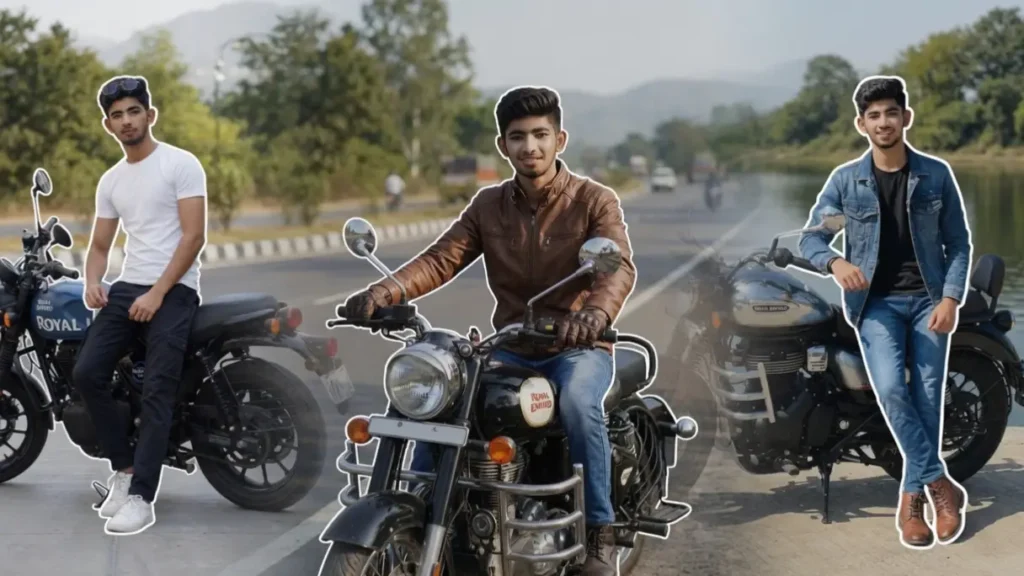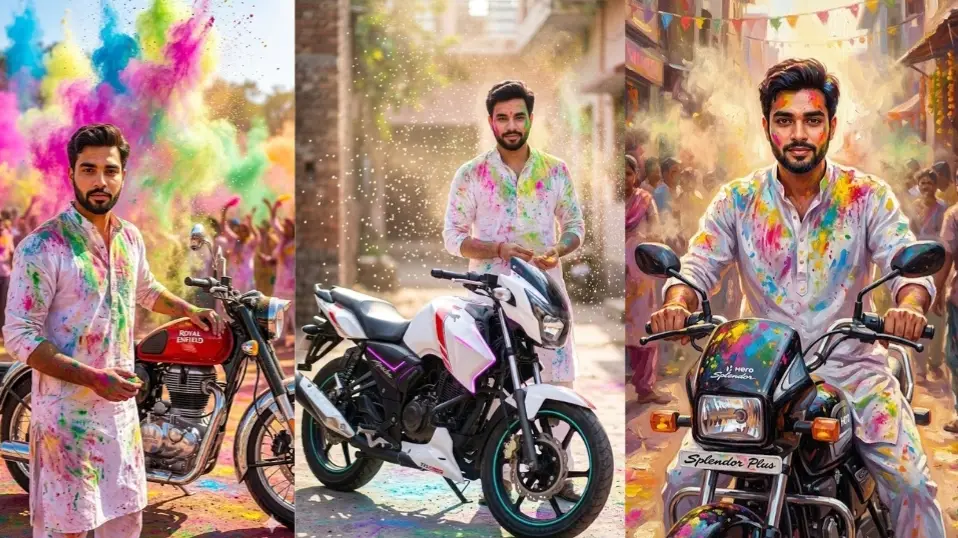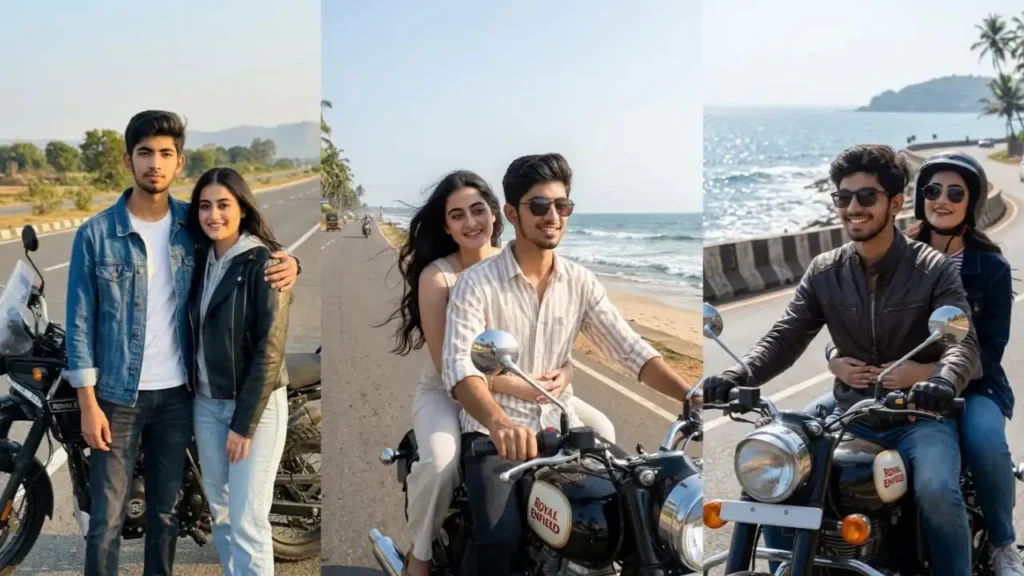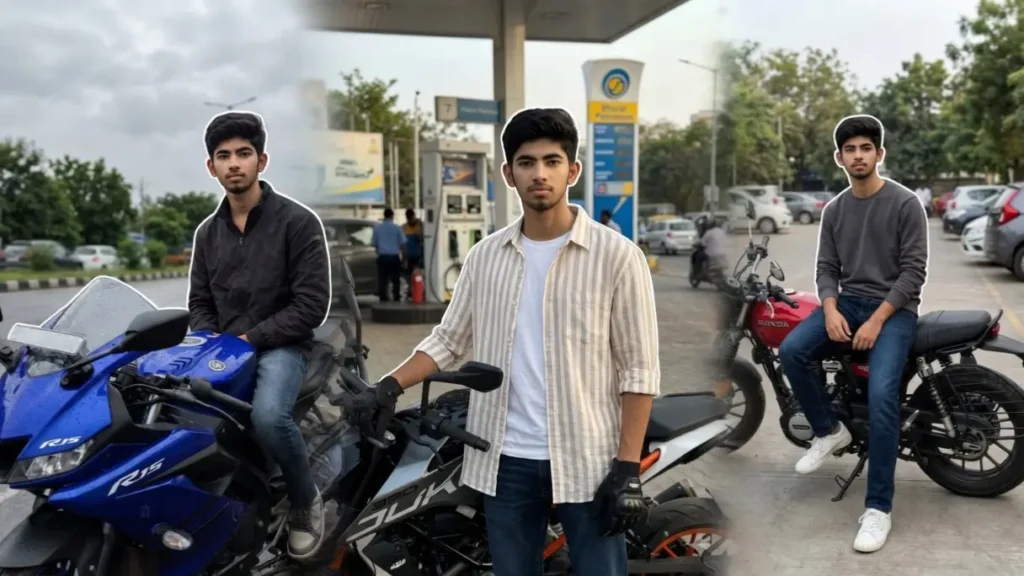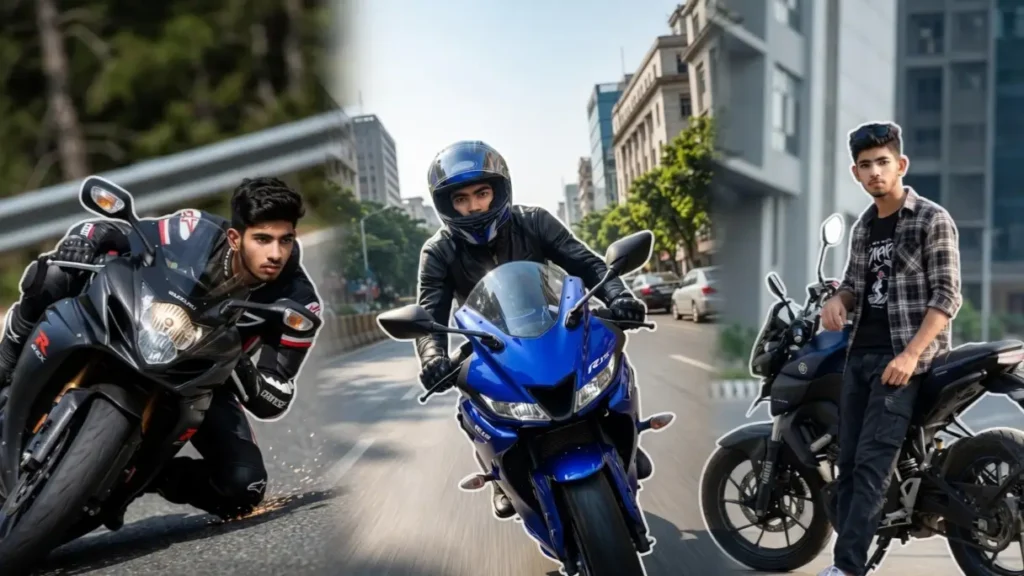
Superbikes represent speed, attitude, and personality. Whether it’s the aggressive stance of a street bike or the thrill of riding on open roads, everyone wants that powerful biker look. But not everyone has access to expensive bikes or professional photoshoots.
That’s where Gemini AI prompts completely change the game. With just a single photo, you can transform yourself into a rider standing beside or riding a superbike in ultra-realistic daylight scenes.
From highway rides to stunt shots, these prompts give you full control over how your image looks. And the best part? You can easily customize them to match your exact style.
Prompt 1: Bike Lean Corner Shot

Maintain the exact facial identity of the uploaded user photo and transform the user into a hyper-realistic action shot leaning a superbike while taking a sharp turn on a road during daytime. The user wears a riding suit and the face clearly visible, maintaining identity. The angle is captured from a low front corner perspective, enhancing the dynamic 3D effect. Sunlight reflects off the road and bike with realistic highlights. The user shows intense focus and control. Add white calligraphy keyword “Precision”. Ultra-realistic textures with no blur. Clear Sharp face. Quality: 8K. Aspect ratio 3:4. Add a 8px watermark text ‘geminiaiprompt.online’ on bottom left side of image in cursive writing.
 Copy
Copy Join
JoinPrompt 2: Street King R15 Ride

Maintain the exact facial identity of the uploaded user photo and transform the user into a hyper-realistic cinematic portrait riding a Yamaha R15 superbike on a bright city road in daylight. The user wears a stylish biker jacket, gloves, and helmet partially revealing the face, maintaining clear identity. The bike is captured from a low front angle, giving a powerful 3D perspective as it moves forward. Sunlight reflects naturally on the bike’s body and road surface with sharp shadows. The user looks confident and focused while riding. Add a clean white calligraphy text “Ride Bold” subtly in the frame. Ultra-realistic textures, no blur, sharp environment detail. Clear Sharp face. Quality: 8K. Aspect ratio 3:4. Add a 8px watermark text ‘geminiaiprompt.online’ on bottom left side of image in cursive writing
Prompt 3: MT-15 Urban Attitude Pose

Maintain the exact facial identity of the uploaded user photo and transform the user into a hyper-realistic portrait standing beside a Yamaha MT-15, leaning slightly on the bike in a modern city street during daylight. The user wears streetwear outfit with sunglasses and sneakers, showing bold attitude. The camera captures a side angle with slight depth from behind the bike, giving a cinematic 3D feel. Sunlight creates natural highlights on the bike and face. The user looks directly at the camera with confidence. Add elegant white calligraphy text “Urban Beast” in the frame. No blur, all details crisp and realistic. Clear Sharp face. Quality: 8K. Aspect ratio 3:4. Add a 8px watermark text ‘geminiaiprompt.online’ on bottom left side of image in cursive writing.
Prompt 4: Duke 390 Power Stance

Maintain the exact facial identity of the uploaded user photo and transform the user into a hyper-realistic cinematic portrait standing confidently beside a KTM Duke 390 on an open highway in bright sunlight. The user wears a rider jacket with gloves, standing in a power stance with one hand on the handle. The angle is captured from slightly behind the user showing both bike and road stretching forward, creating depth. The sunlight casts strong shadows and reflections on the bike’s orange frame. The user looks forward with a fearless expression. Add white calligraphy keyword “No Fear”. Ultra-sharp details, no blur. Clear Sharp face. Quality: 8K. Aspect ratio 3:4. Add a 8px watermark text ‘geminiaiprompt.online’ on bottom left side of image in cursive writing
Prompt 5: Mountain Rider Adventure

Maintain the exact facial identity of the uploaded user photo and transform the user into a hyper-realistic cinematic portrait riding a superbike on a scenic mountain road in daylight. The user wears a riding jacket and gloves, with wind naturally affecting clothing. The camera captures a side tracking angle, showing the bike and vast mountains behind, creating a strong depth effect. Sunlight illuminates the face and bike naturally. The user looks focused while riding through curves. Add white calligraphy keyword “Explore”. No blur, full sharpness and detail. Clear Sharp face. Quality: 8K. Aspect ratio 3:4. Add a 8px watermark text ‘geminiaiprompt.online’ on bottom left side of image in cursive writing.
Prompt 6: Highway Rider Motion Shot

Maintain the exact facial identity of the uploaded user photo and transform the user into a hyper-realistic cinematic riding scene on a superbike during daytime highway travel. The user rides forward with a focused expression, wearing a helmet partially open to show the face clearly. The bike is viewed from a rear tracking angle, giving depth as the road extends ahead. Sunlight reflects naturally on the helmet and bike body. The environment is fully sharp with no blur. Add white calligraphy keyword “Freedom” in the sky area. Ultra-realistic lighting and textures. Clear Sharp face. Quality: 8K. Aspect ratio 3:4. Add a 8px watermark text ‘geminiaiprompt.online’ on bottom left side of image in cursive writing.
Can I Remove the Text (Calligraphy Words) from the Image?
Yes, absolutely 👍
If you don’t want the white calligraphy words like “Ride Bold” or “Unstoppable”, simply remove that line from the prompt before pasting it into Gemini.
Example:
Remove this part:
- Add white calligraphy keyword “Ride Bold”
💡 Tip:
You can also replace it with your own text like:
- your name
- Instagram username
- custom quote
Can I Change the Bike Model?
Yes, very easily 👇
Wherever the bike name is written, just replace it:
Example:
- “Yamaha R15” → “Kawasaki Ninja ZX-10R”
- “MT-15” → “Royal Enfield Continental GT”
- “Duke 390” → “BMW S1000RR”
Can I Change Outfit or Style?
Yes, fully customizable.
Just replace the outfit section in the prompt:
Examples:
- “biker jacket” → “formal suit”
- “casual outfit” → “gym wear”
- “helmet” → “no helmet, visible face”
Can I Remove Helmet to Show Face Clearly?
Yes 👍
Just edit the prompt line:
- “wearing helmet” → “no helmet, face clearly visible”
OR
- “helmet partially open” (best option for realism)
💡 Bonus Tip — How to Get BEST Results
For the most realistic output:
- Use clear, front-facing photo
- Avoid blur or filters
- Keep full prompt intact
- Don’t remove FACE LOCK
- Try 2–3 variations of same prompt